Unit 1 - Year 2 Lessons
Overview
Students will complete Unit 1 Year 2 activities using digital art workflows.
Target skills:
- Visual Communication
- Digital Illustration
- Creative Problem Solving
Tools:
- Pixilart
Outputs:
- Student-created digital artifact(s) saved to class folder.
Week 1 - Digital Art
Lesson 1 - Drawing Faces
Canvas: 64 × 64 (Pixilart)
Goal: Draw self and friends’ faces.
Tip — Mirroring: When the pencil is selected, the two dotted toggles at the bottom enable mirroring.

Steps:
-
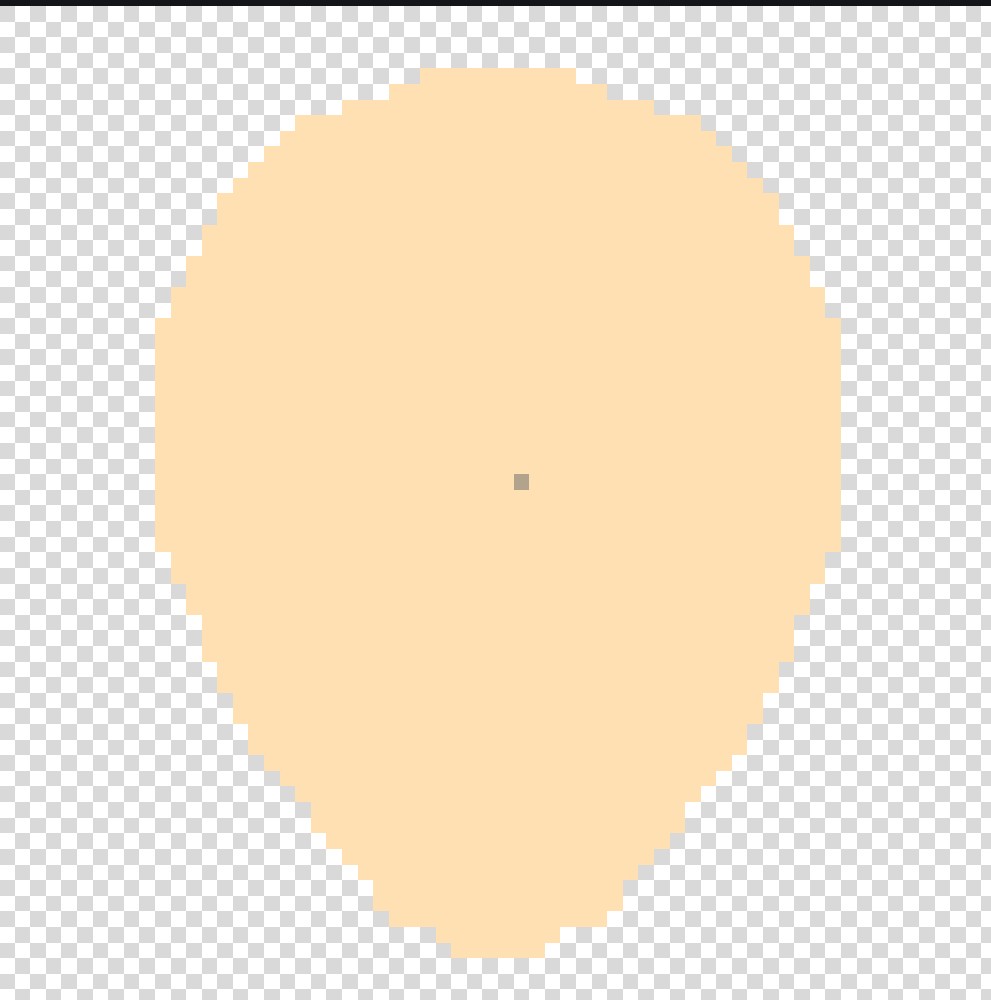
Draw the base of the face.
-
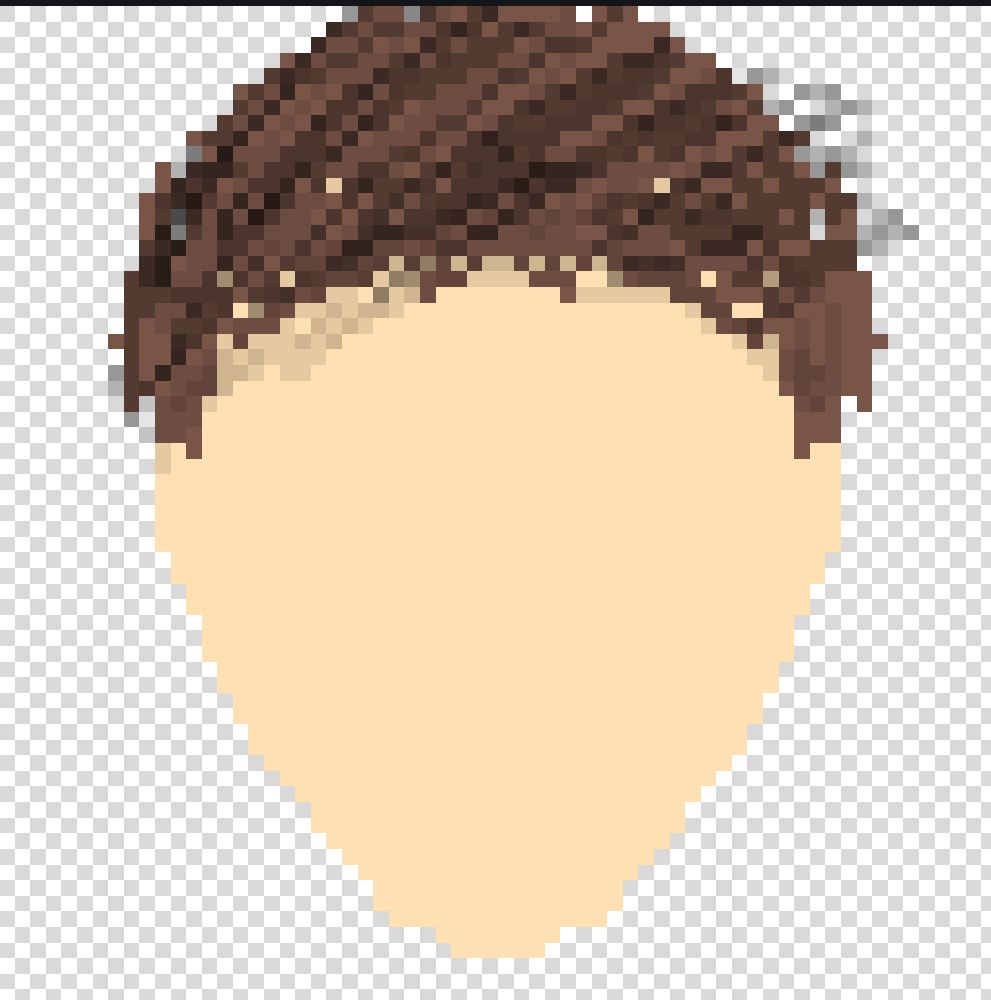
Draw hair.
-
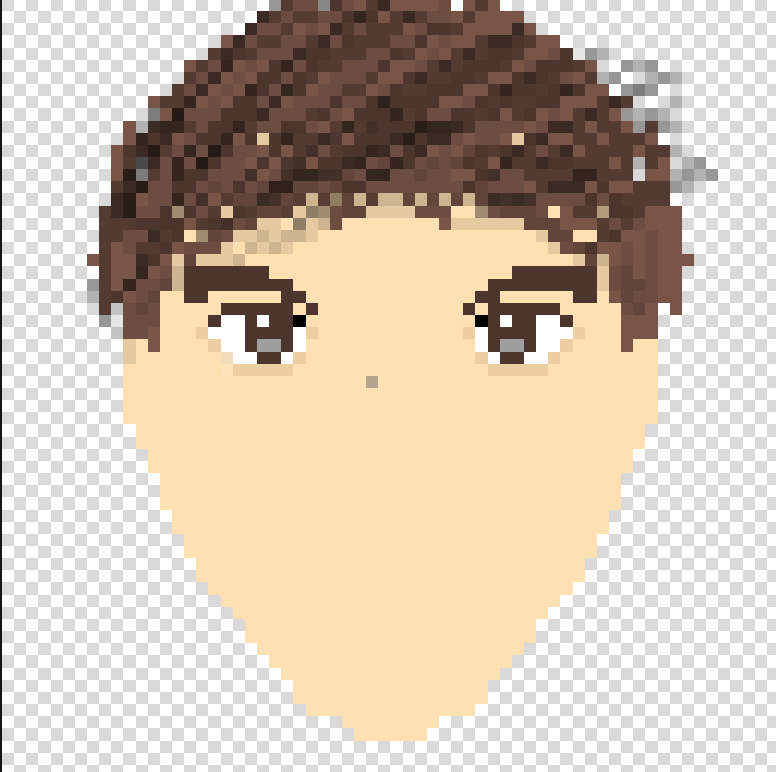
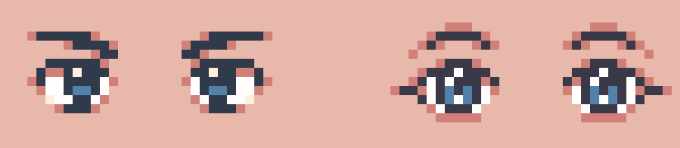
Draw eyes.
-
Draw nose.
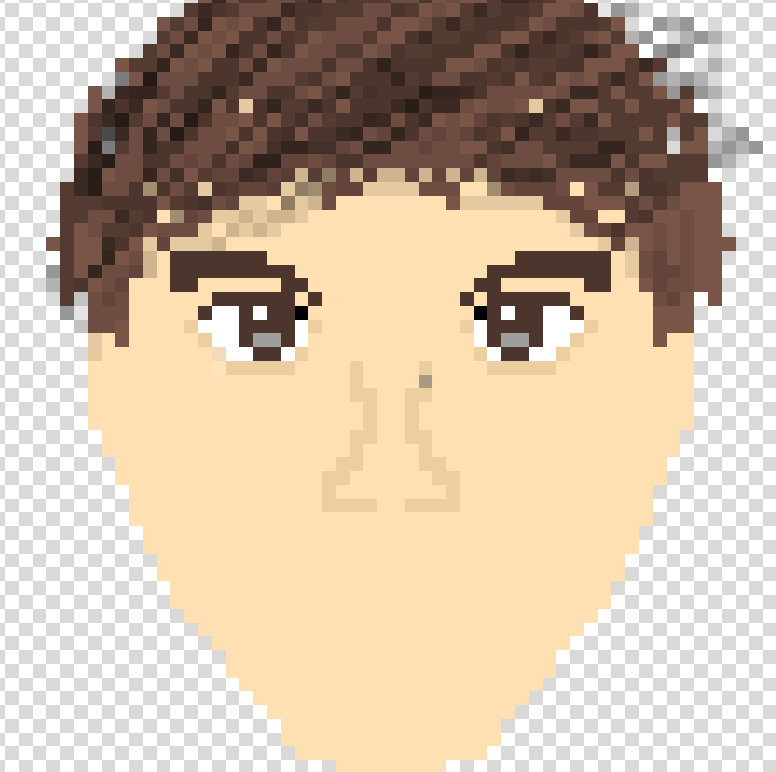
-
Mouth.
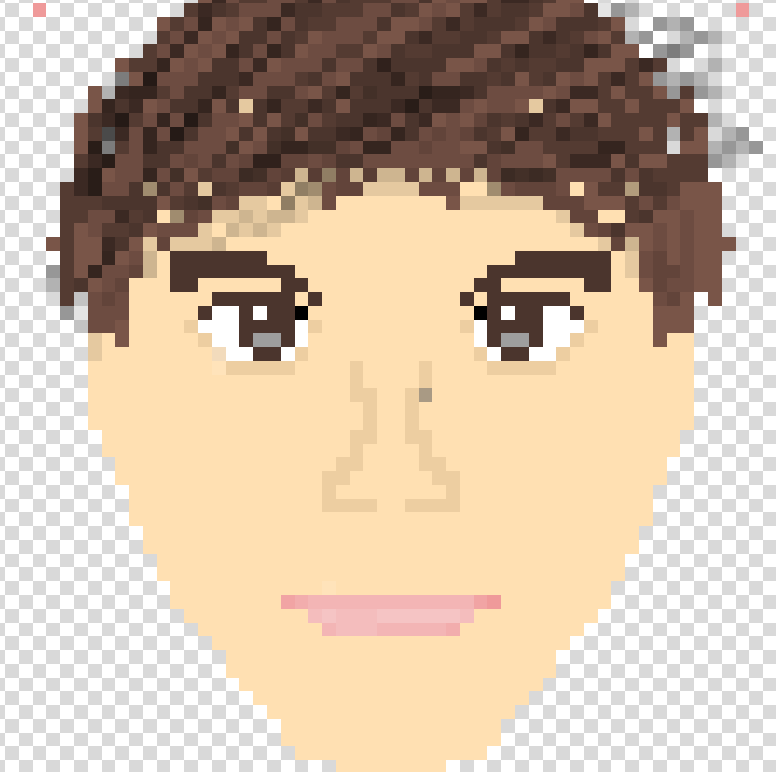
-
Save.
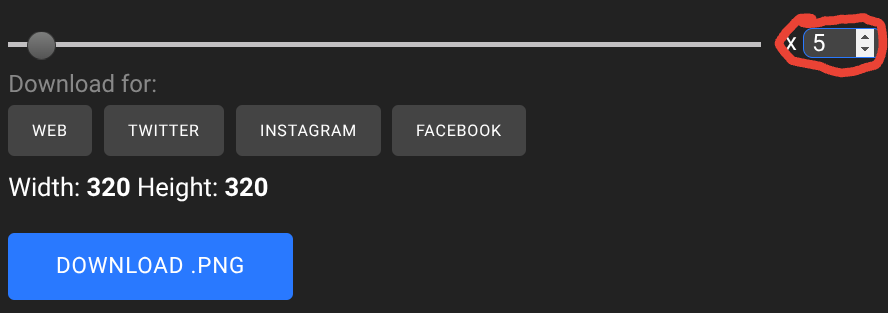
Google Drive > Students > NAME >NAME_FACE.png
Lesson 2 - Iterate
Continue as before: draw a friend/teacher/self again with a different hairstyle or accessories.
Week 2 - Digital Art
Lesson 1 - 2D House
-
Type in the size. Canvas: 50 × 50
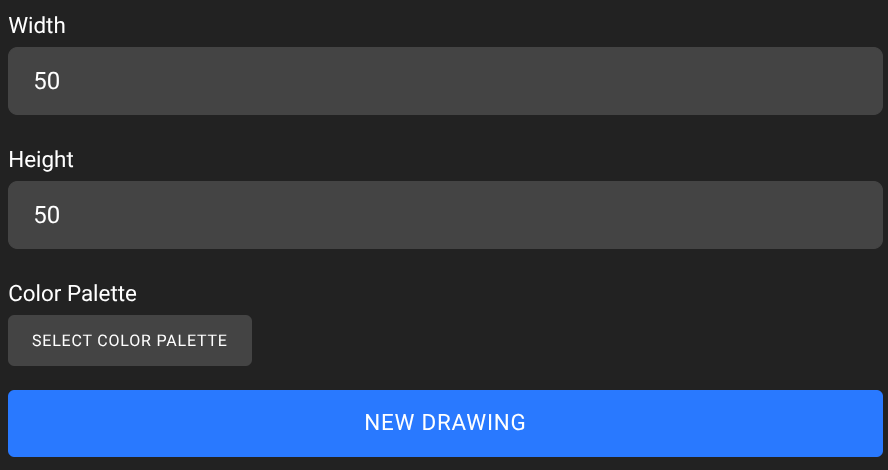
-
Use the reference guide to block a 2D house. Focus on shadows and light (show a “sun” direction).
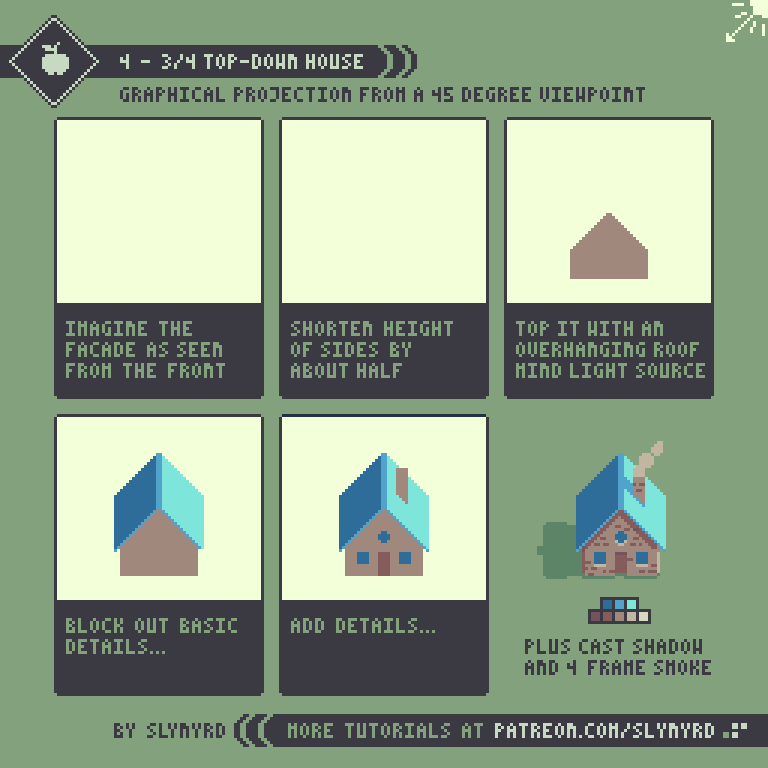
(larger guide may be shown if available) -
Save when finished.
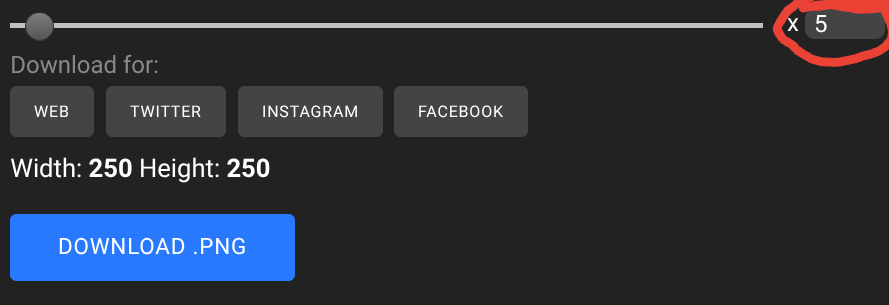
-
Google Drive > Students > NAME >
NAME_house2D.png
After finishing: Typing Club or ClassDojo if time allows. Give feedback on lighting, shadows, colors, and areas to improve.
Lesson 2 - 3D House
Repeat the steps using a 3D house as the base. Students do not need to follow the same color scheme.
-
Canvas: 50 × 50
-
Draw 3D house using previous 3D example as a base.
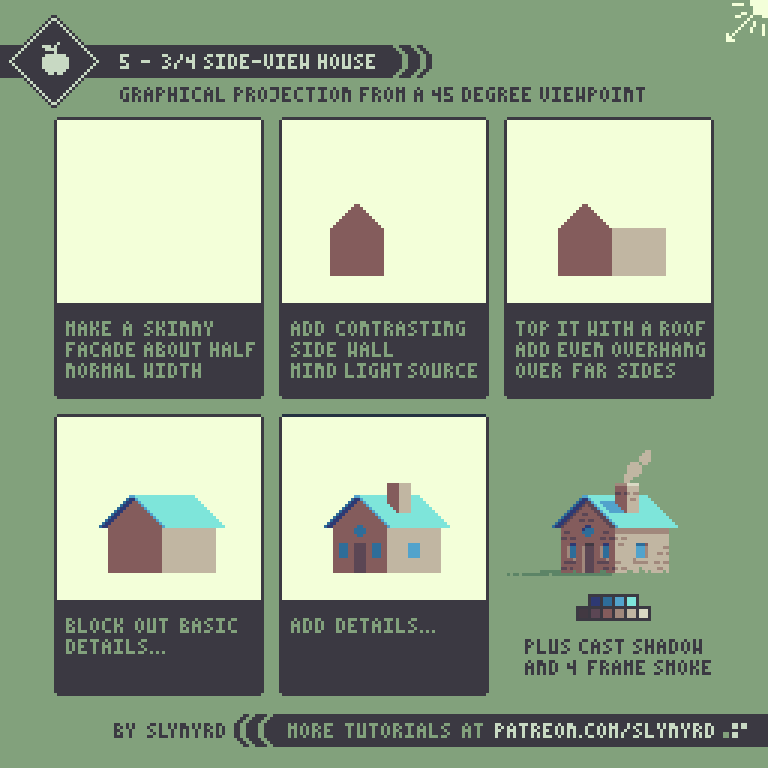
-
Save when finished.
Google Drive > Students > NAME >NAME_house3D.png