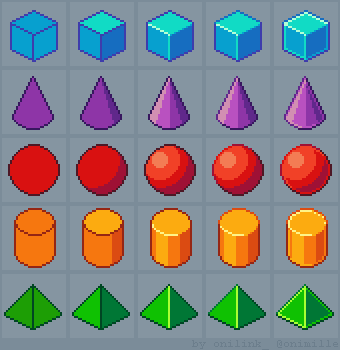
Unit 5 - Year 1 Lessons
Overview
Students will complete Unit 5 Year 1 activities using digital art workflows.
Target skills:
- Visual Communication
- Digital Illustration
- Creative Problem Solving
Tools:
- Pixilart
Outputs:
- Student-created digital artifact(s) saved to class folder.
Week 1 - Shadows on Fruit (Pixilart)
Lesson 1 - Apple with Shadow
Goal: Understand light direction and place cast shadows opposite the light.
- Talk about what shadows are. Demo with a phone torch.
- Pixilart > File > New > 64×64.
- Draw an apple base.
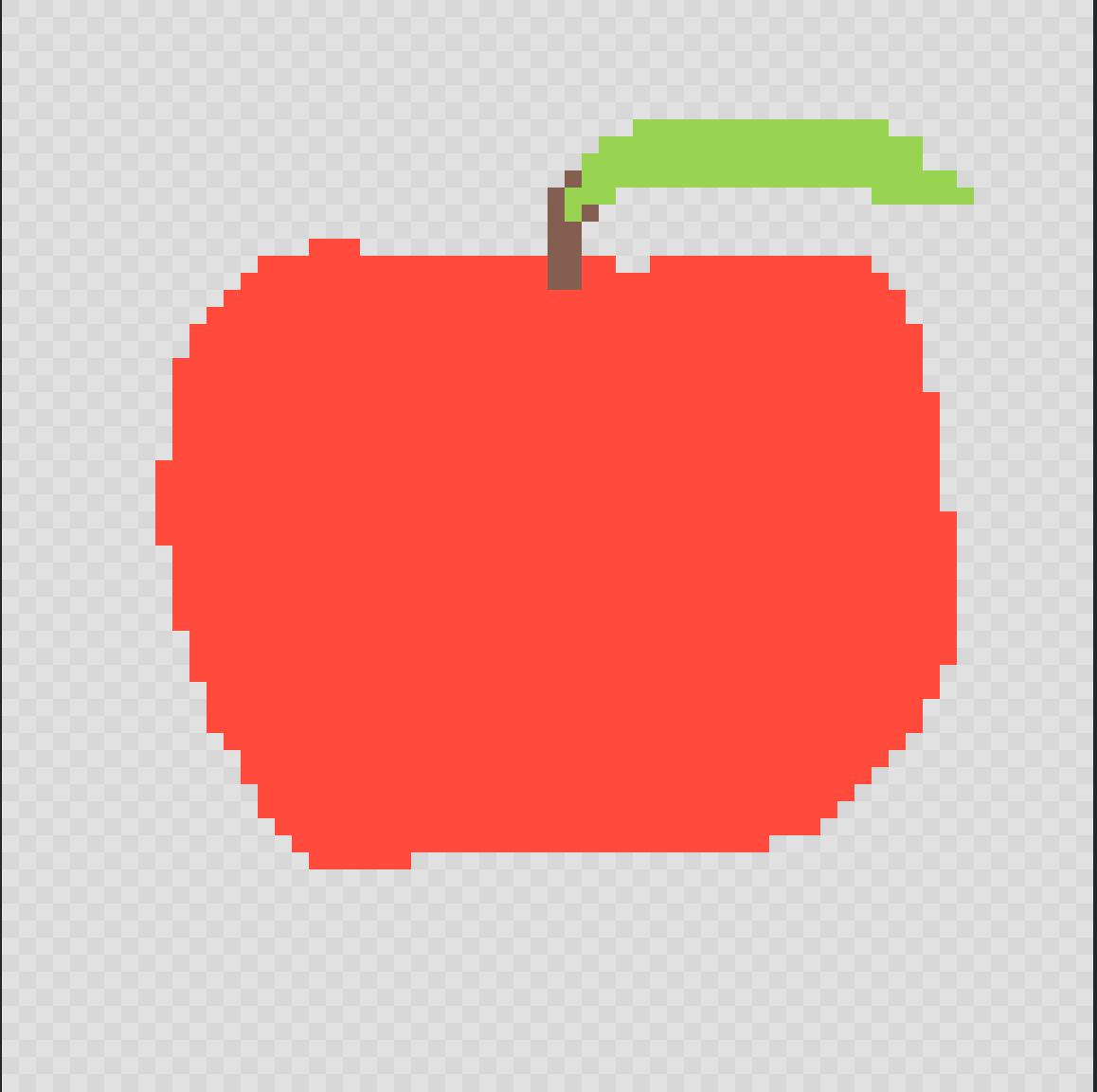
- Add shading using darker variations of the same color to round the form.

- Add a cast shadow below.

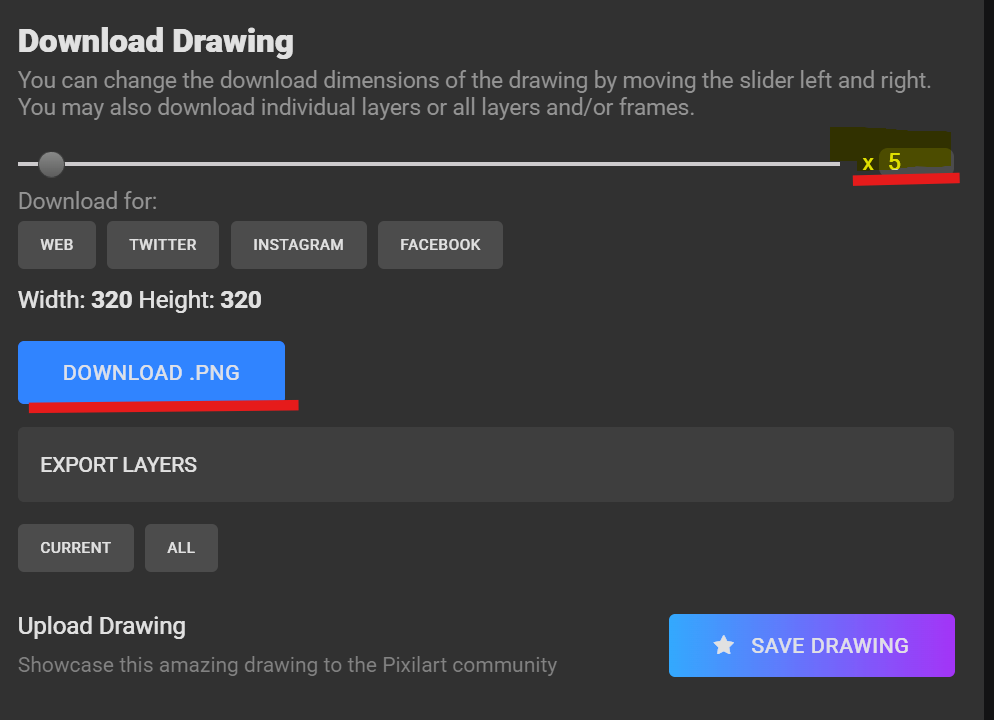
- Export > PNG > Drive > Students > “NAME” >
appleshadow.png.
Lesson 2 - More Objects
Repeat Lesson 1 with other fruits/objects for practice.
Week 2 - Shadowed Box & 3D Shapes (Pixilart)
Lesson 1 - Shadow Box
Goal: Build a 3D box, shade faces, add ground shadow.
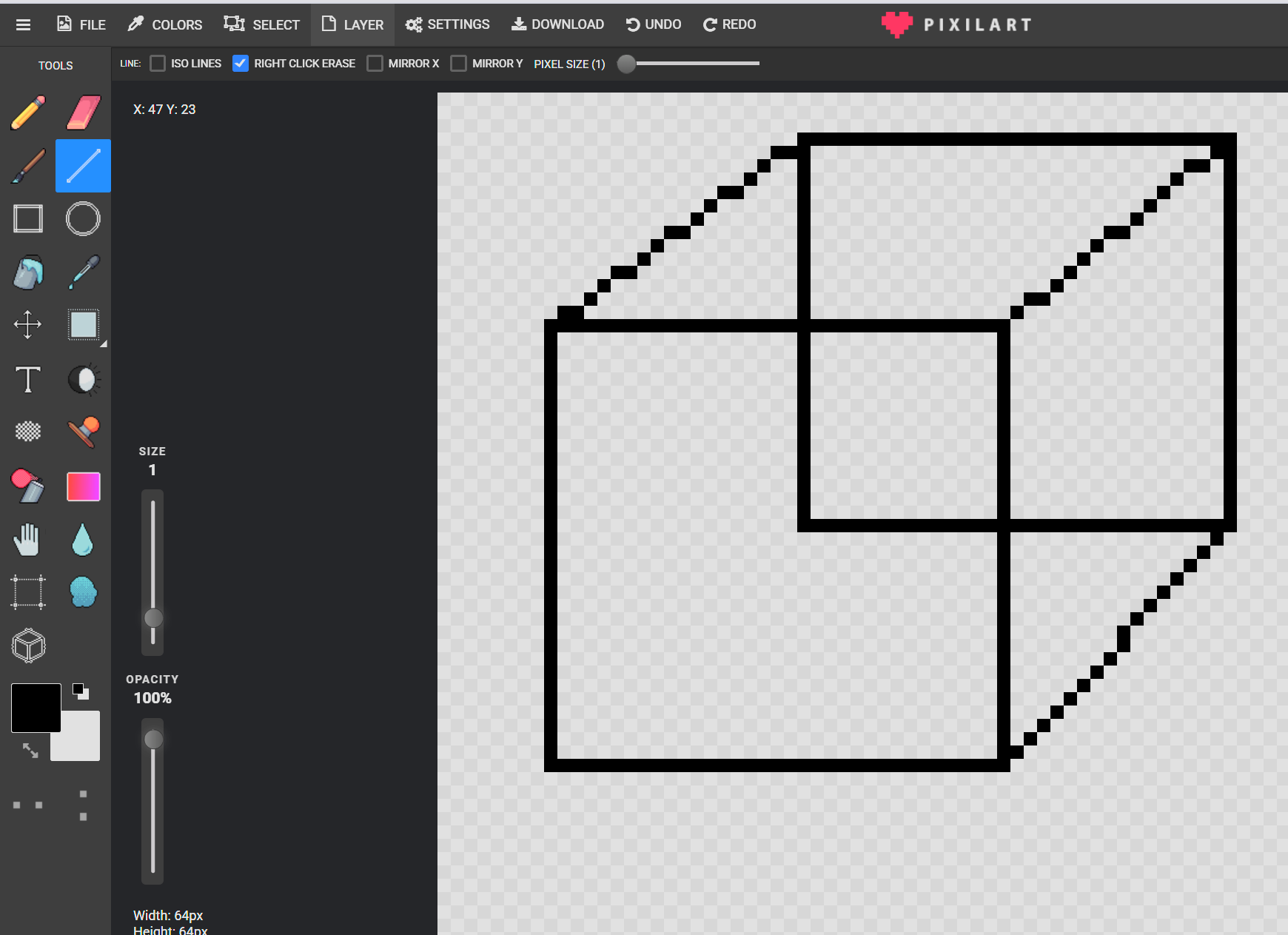
- Make two overlapping squares.
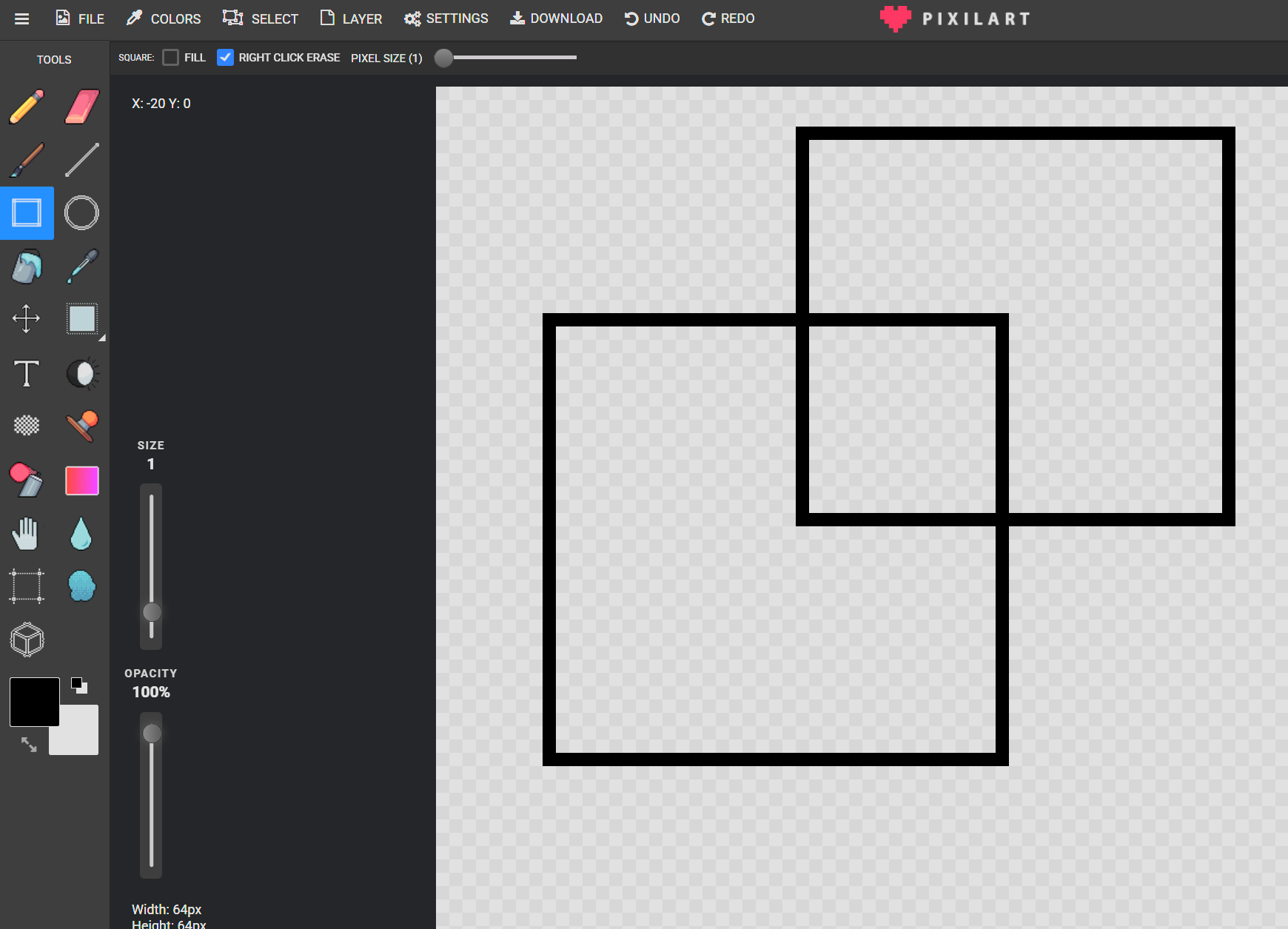
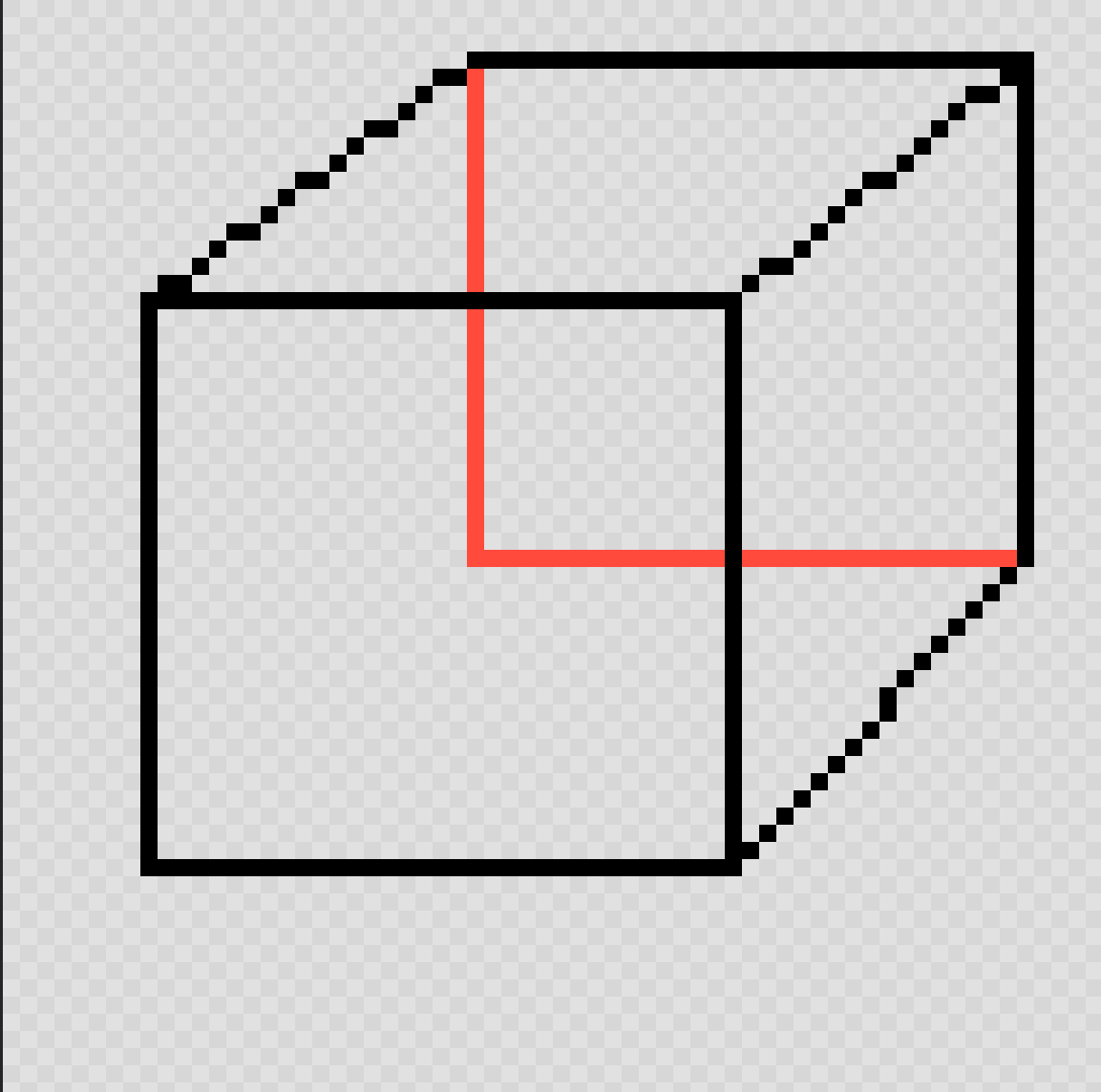
- Line tool > connect corners (3D edges).
- Erase helpers.
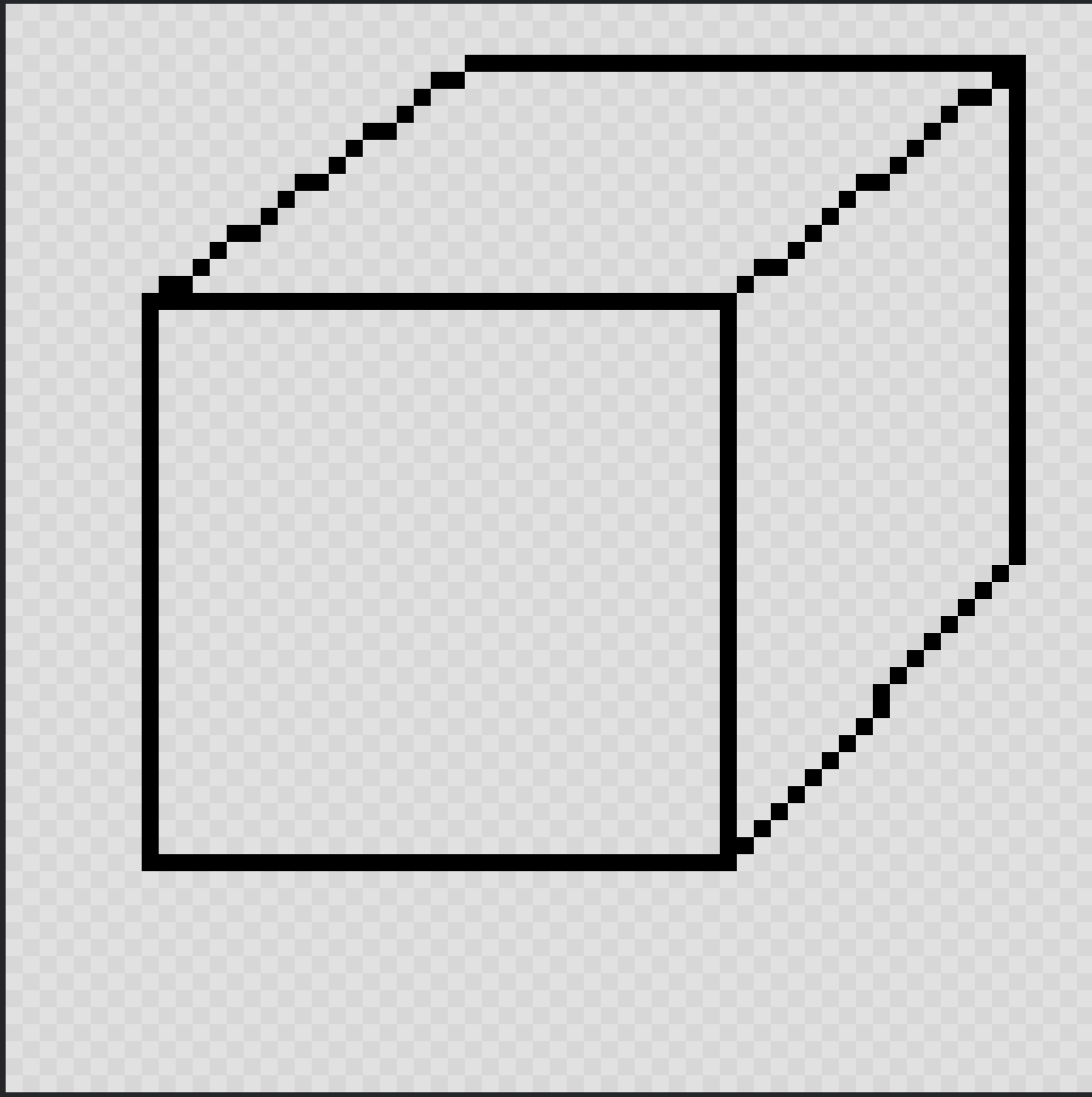
- Fill faces; use darker tints for front/side.

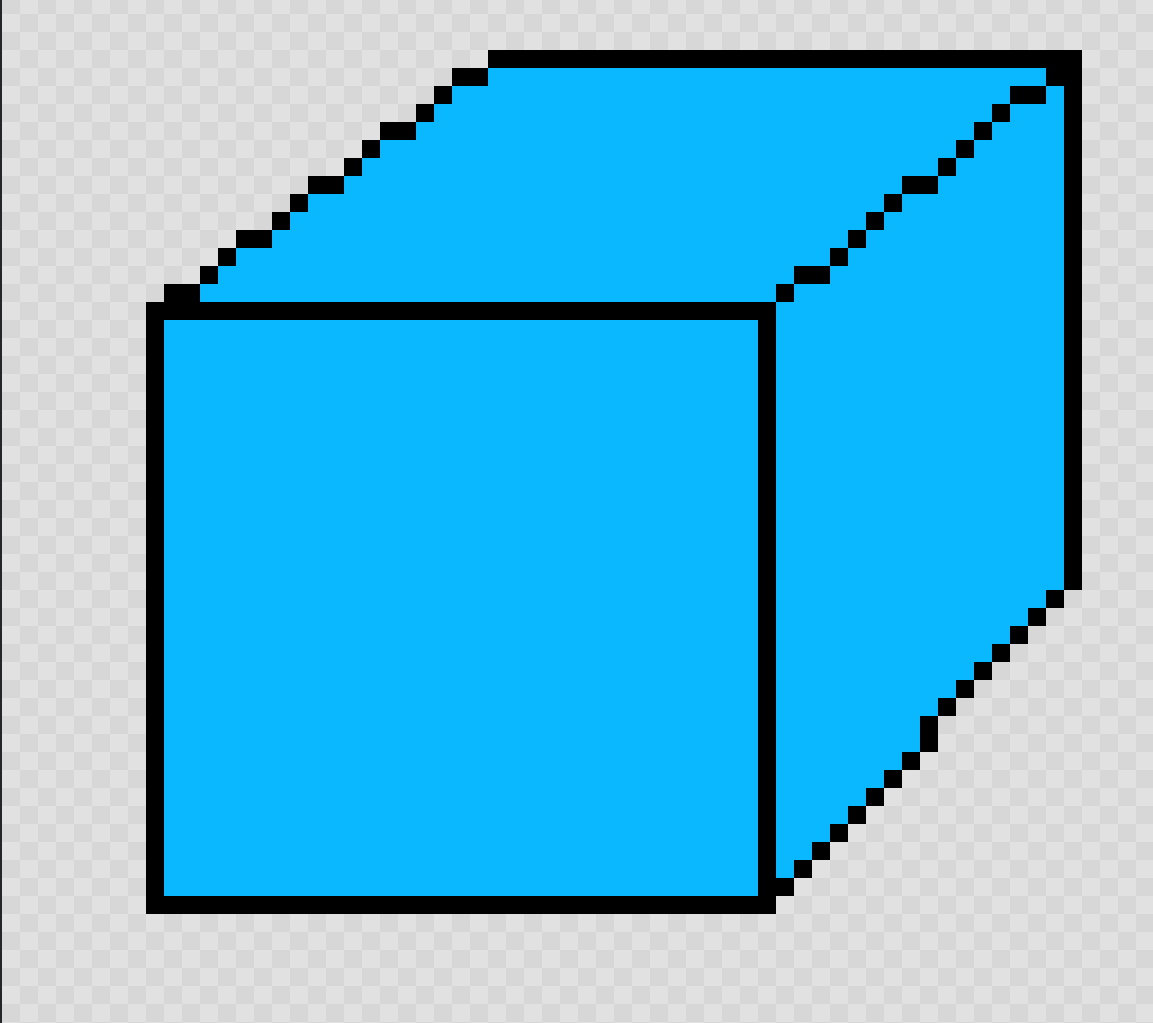

- Add a cast shadow.

Lesson 2 - New Shapes & Shades
Try triangle prism, cylinder, custom shapes using the same workflow.