Unit 17 - Year 3 Lessons
Overview
Students will create an isometric landscape tile and a layered underwater scene using Pixilart.
Target skills:
- Visual Communication
- Digital Illustration
- Creative Problem Solving
Tools:
- Pixilart
Outputs:
- Isometric landscape design
- Underwater scene PNG
Week 1 - Isometric Landscape
Lesson 1 - Isometric Tile Scene
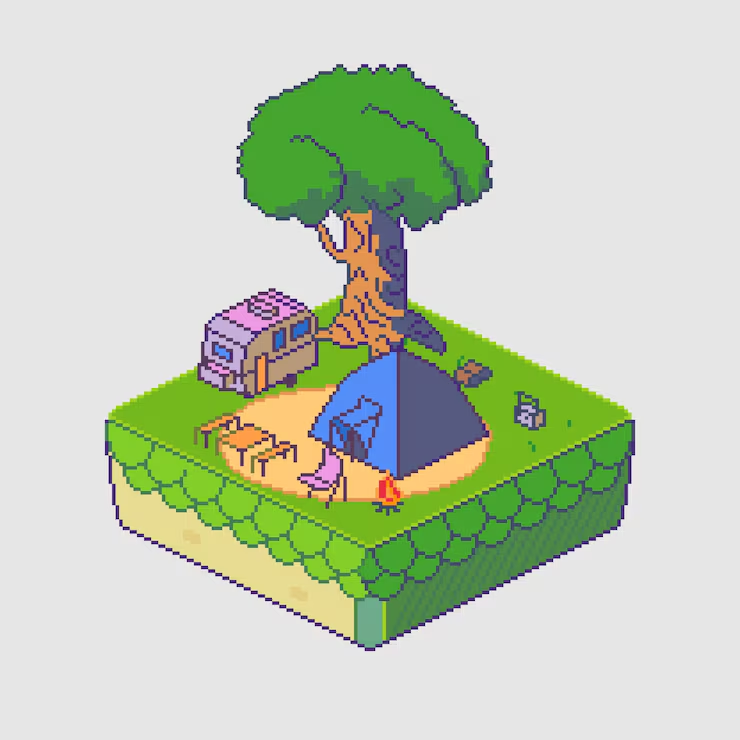
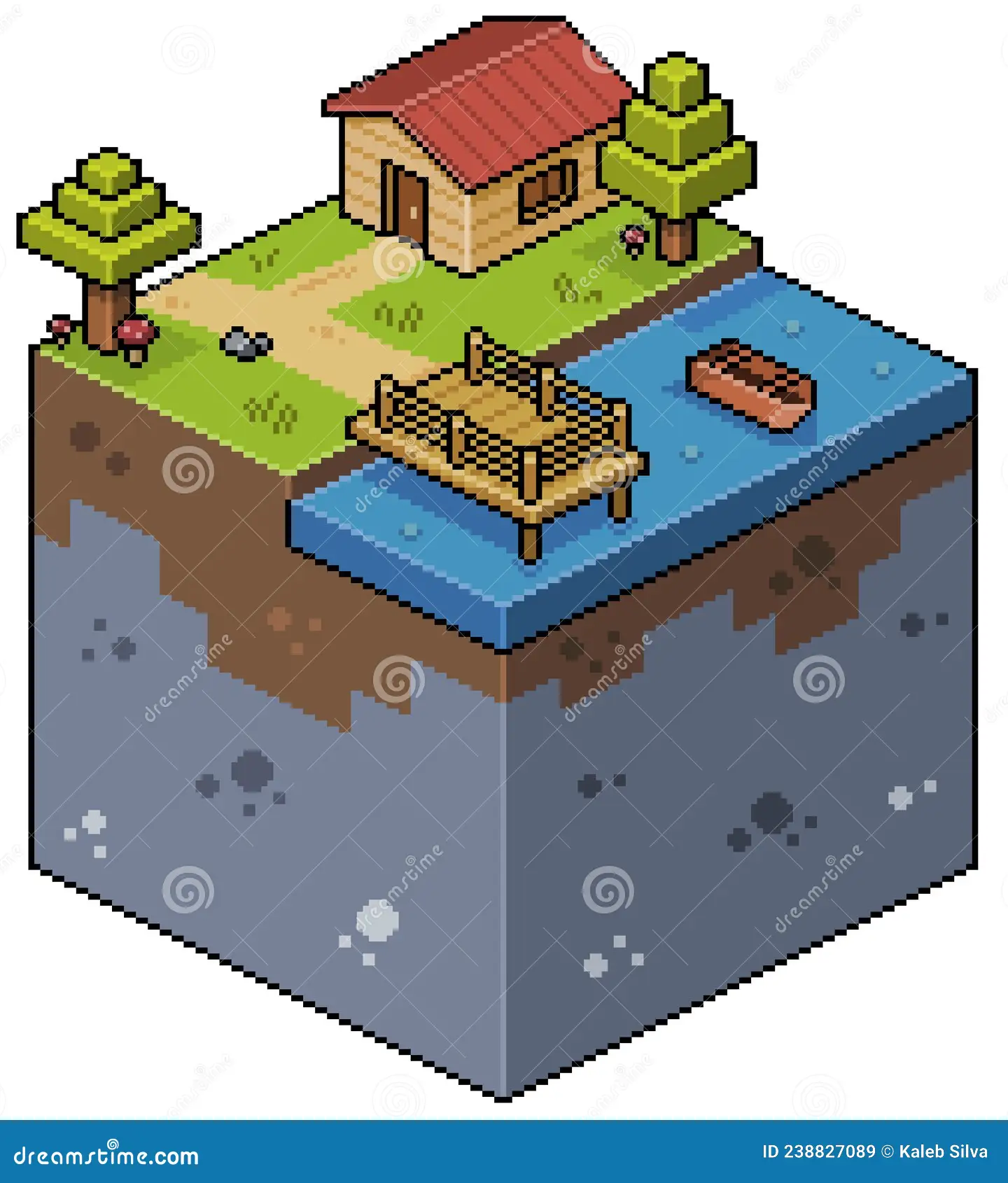
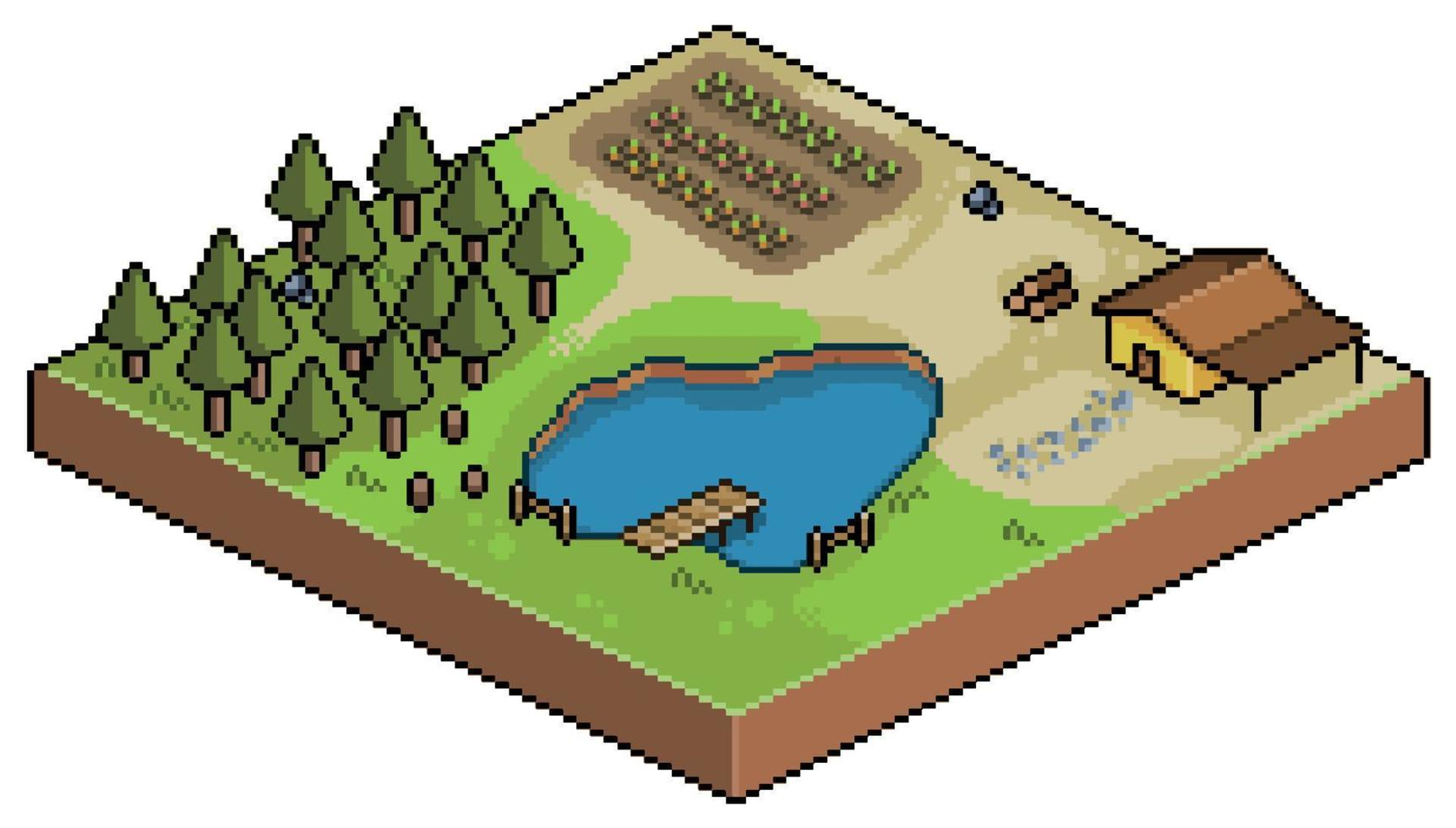
Goal: create an isometric block and then build a small landscape on top of it.
Teacher prep:
- Review isometric basics and where
ISOandMirror Xare found
Steps:
- Draw the isometric brick first, then add a new layer for the landscape.
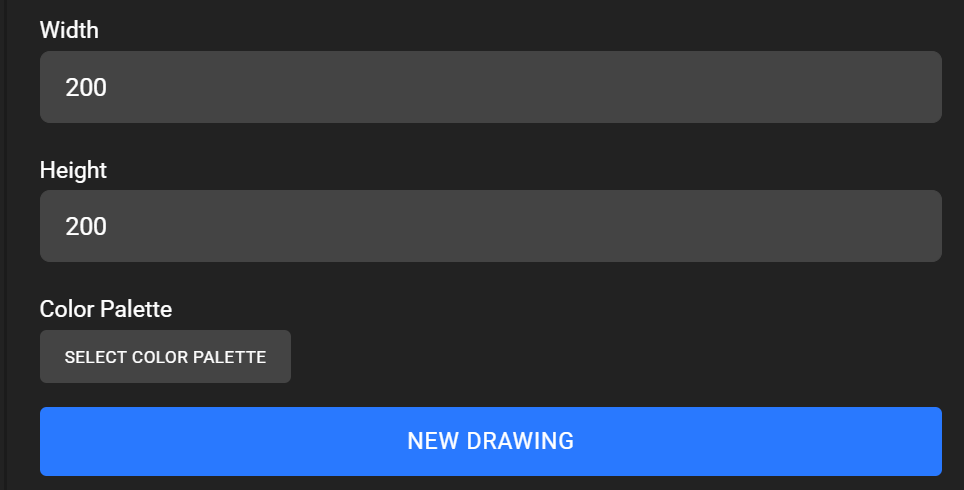
- Open a
200 x 200canvas.
- Use the line tool with
ISO ONandMirror X ONto draw the box.
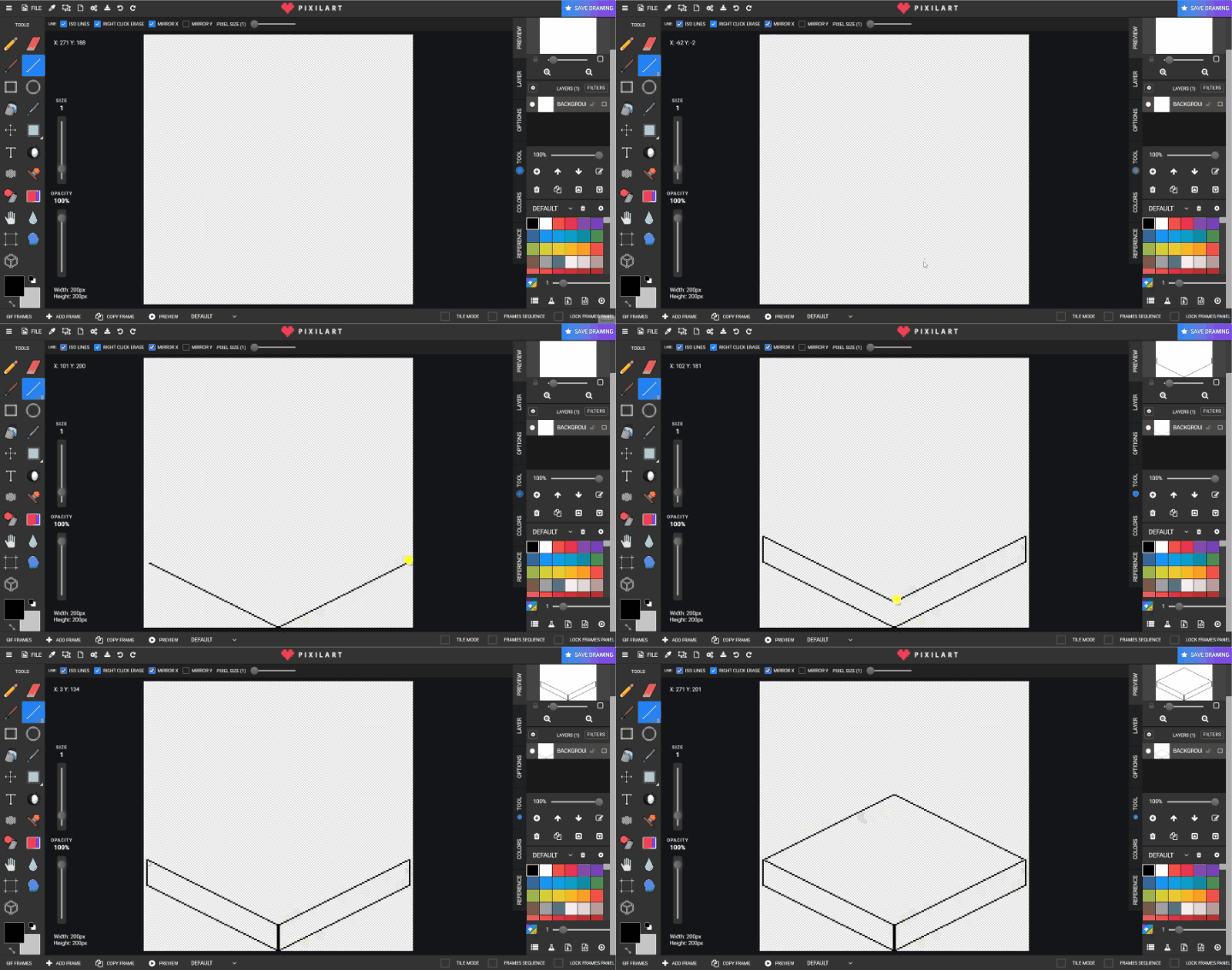
- Color in the box sections.
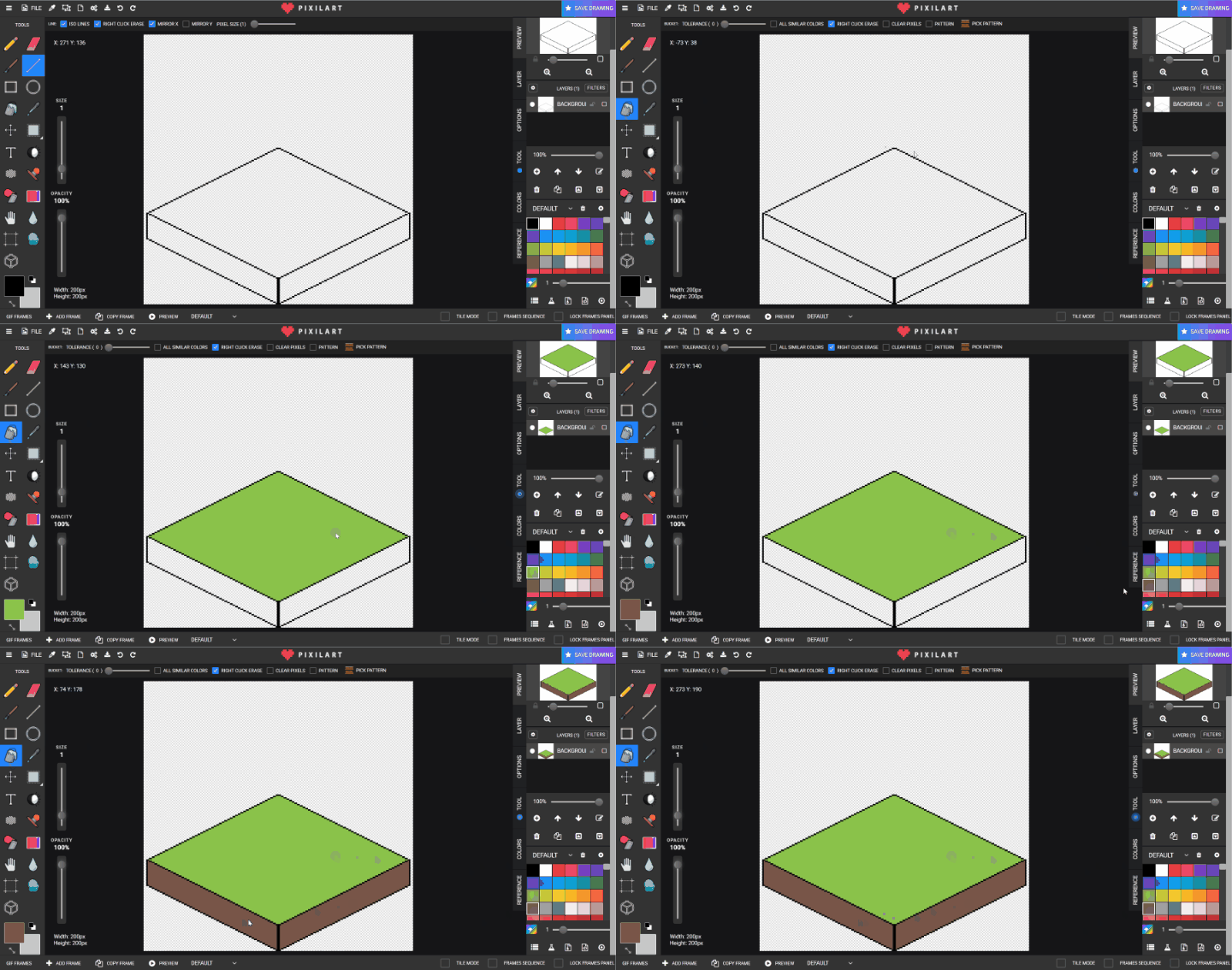
- Create a new layer and draw the landscape objects with no stamps.
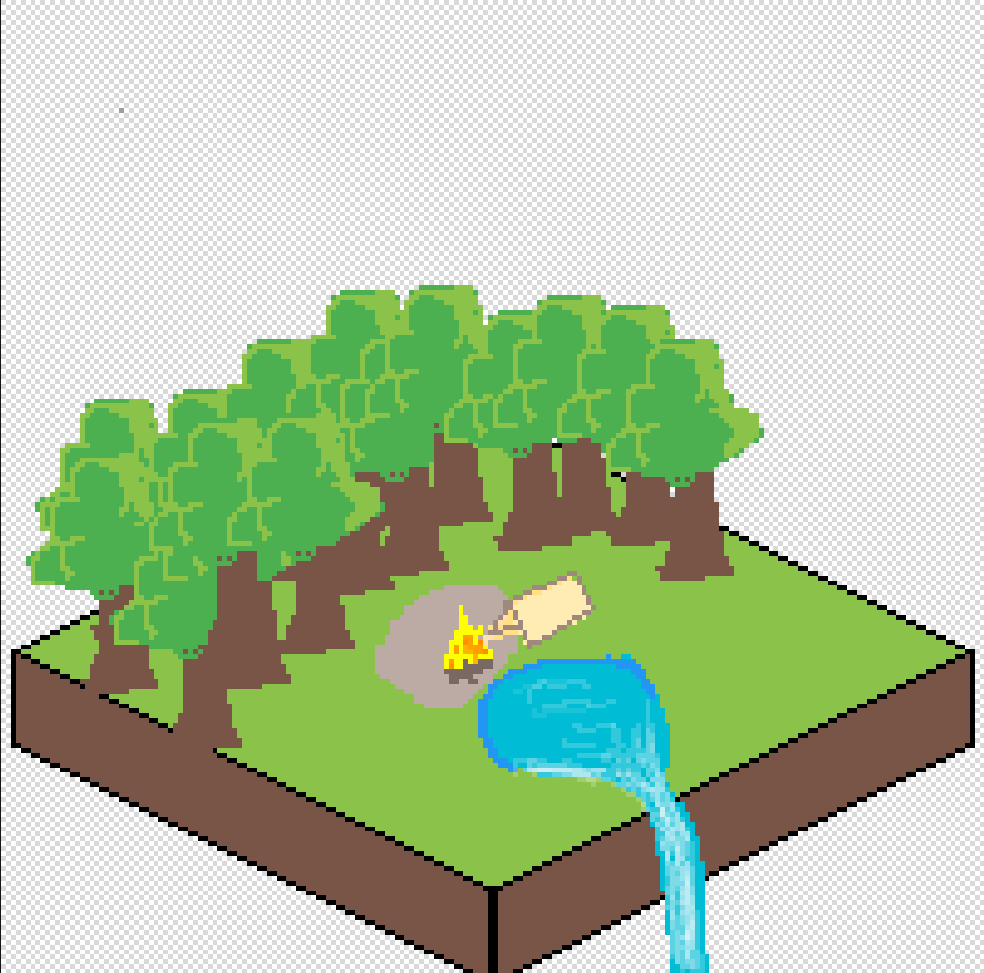
- Save to Google Drive.
- If there is time, delete the object layer and try a second design.
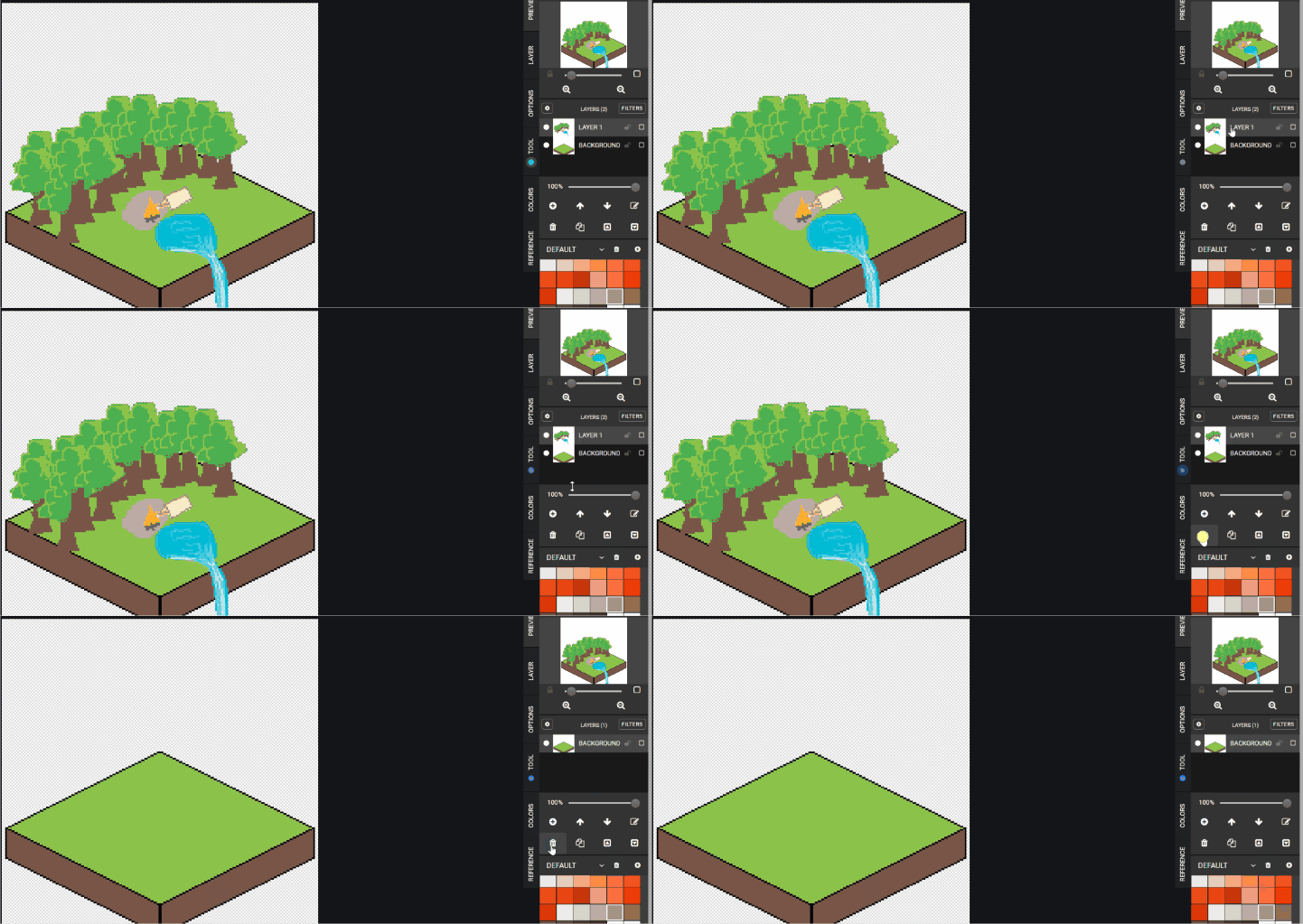
Check for understanding:
- Students create a readable isometric block.
- Students place custom objects on a separate layer.
Extension:
- Try waterfalls, tents, or a small village.
Lesson 2 - Continue the Isometric Design
Goal: improve or remake the landscape with a new idea.
Teacher prep:
- Encourage students to vary the object mix on top of the tile
Steps:
- Reopen the first isometric design.
- Continue improving the object layer or start a new composition.
- Save the updated design.
Check for understanding:
- Students can explain what makes the scene isometric.
- The second version shows a new arrangement or idea.
Extension:
- Build multiple tiles with different themes.
Week 2 - Underwater Scene
Lesson 1 - Layered Underwater Art
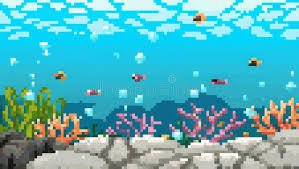
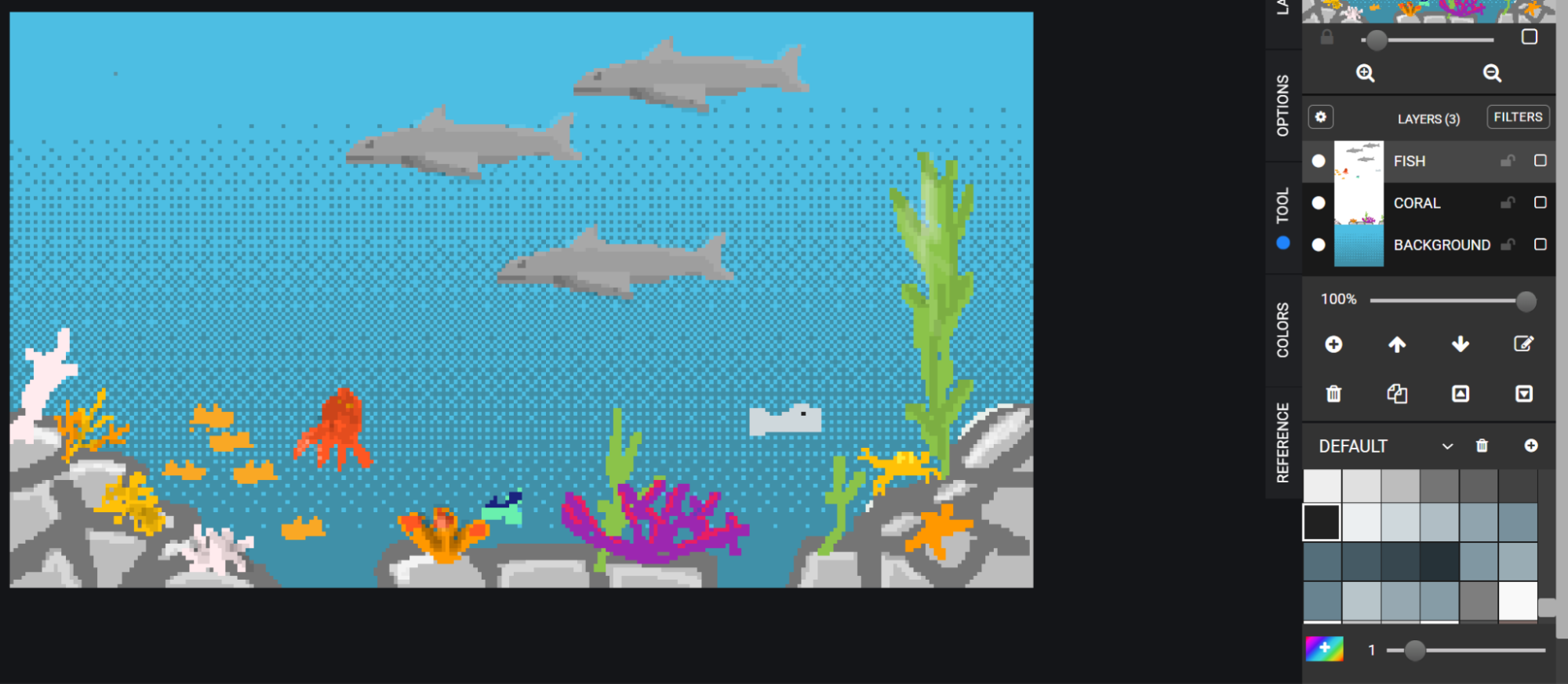
Goal: build an underwater scene using separate layers for water, coral, and fish.
Teacher prep:
- Review layer order before students begin
Steps:
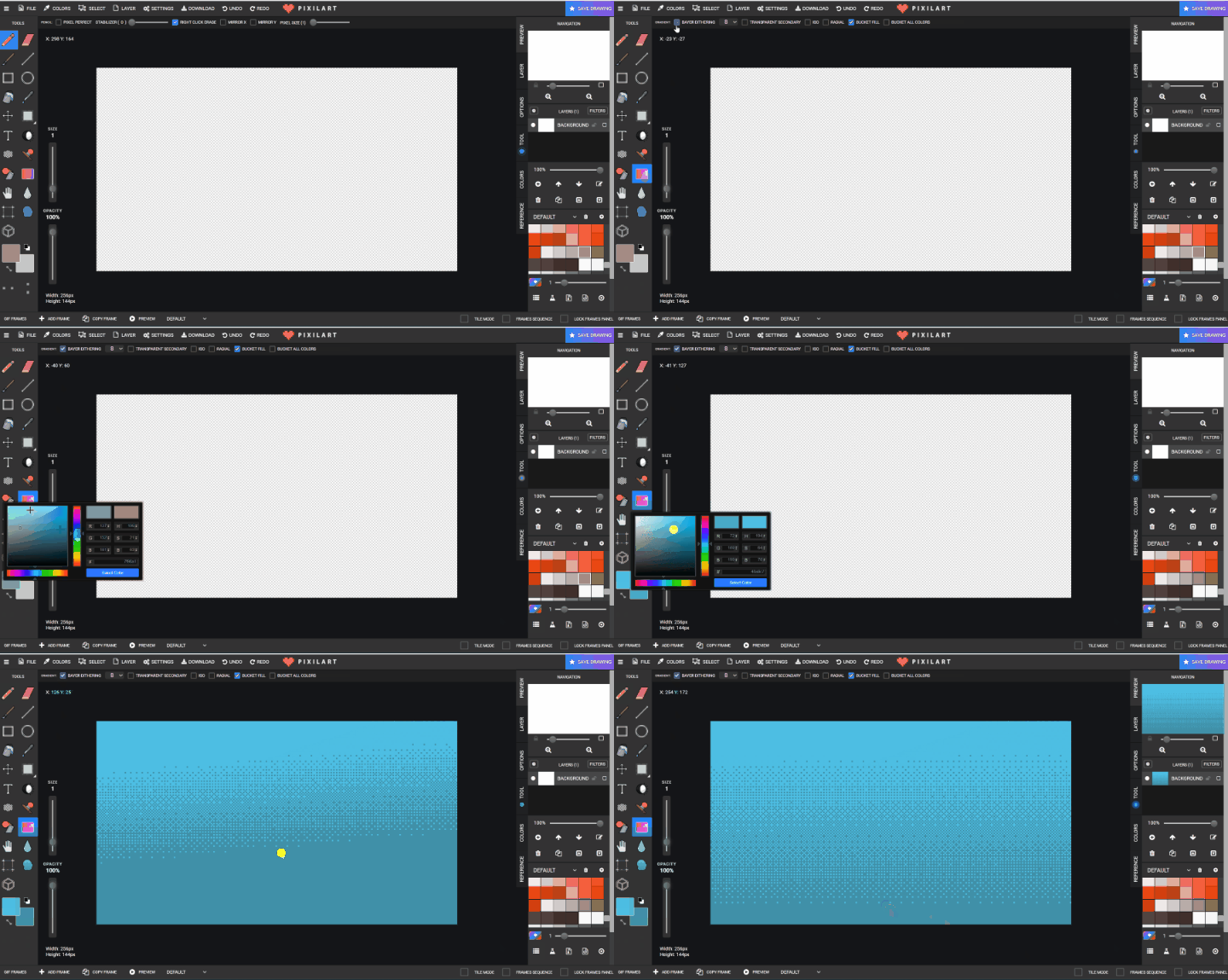
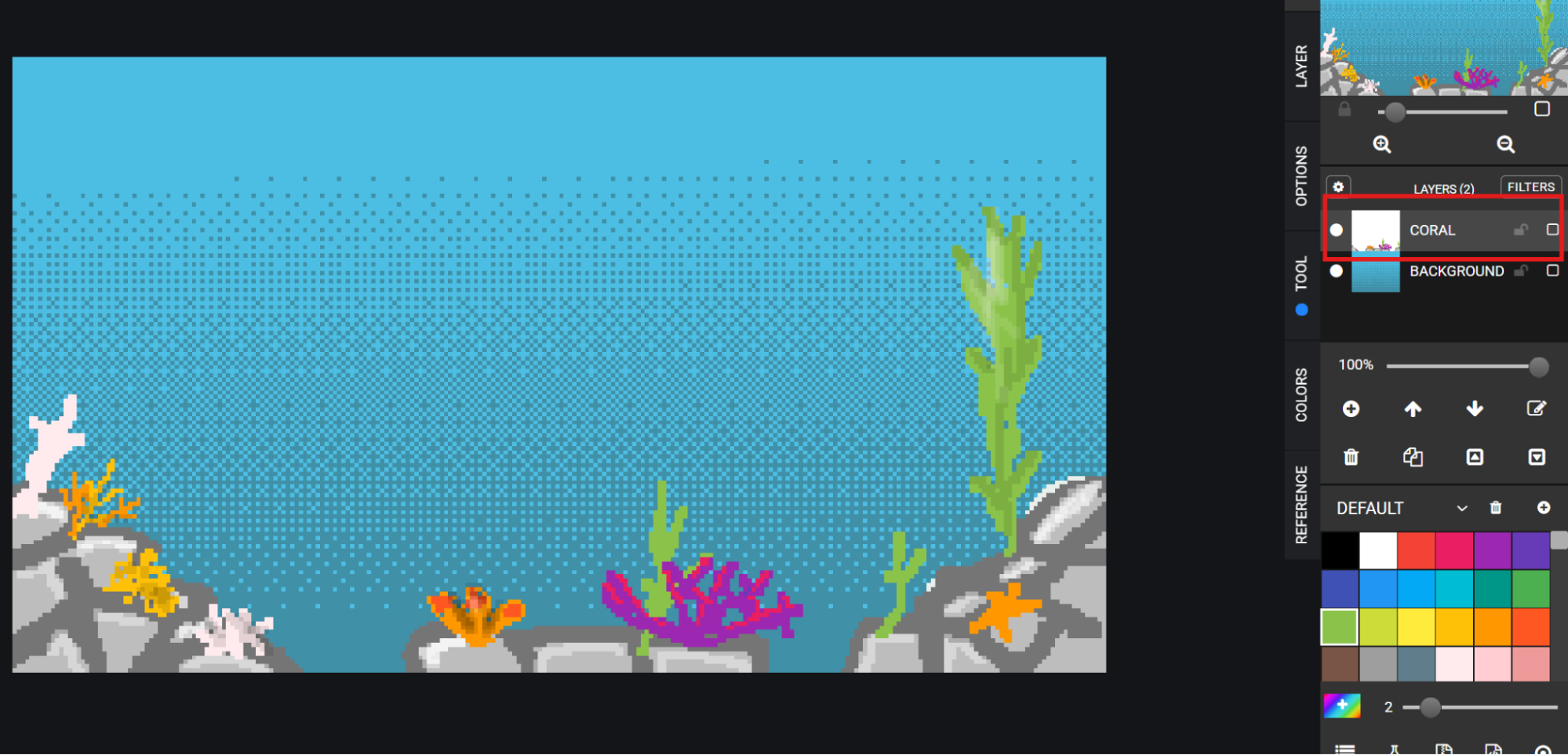
- Set the background water color, then plan layer order: coral and rocks, fish, and surface gradient.
- Use a
256 x 144canvas. - Use the gradient tool with Bayer dithering for the water background.
- Create a
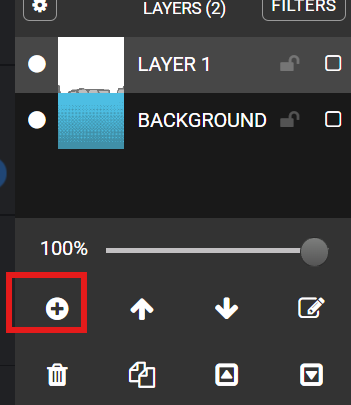
CORALlayer and draw coral, rocks, and foliage.
- Create a
FISHlayer and draw fish.
- Save to Google Drive in the student folder.
Check for understanding:
- Students use separate layers for environment and animals.
- The scene reads clearly as underwater.
Extension:
- Add bubbles, treasure, or a large sea creature.
Lesson 2 - Repeat the Underwater Scene
Goal: continue the underwater illustration or create a second variation.
Teacher prep:
- Encourage students to try different color palettes or sea life
Steps:
- Reopen the previous file.
- Add more fish or coral, or begin a new underwater design.
- Save the updated or new scene.
Check for understanding:
- Students continue with clear layer separation.
- The scene shows new details or a new composition.
Extension:
- Try a deep-sea or reef version.