Unit 2 - Year 2 Lessons
Overview
Students will complete Unit 2 Year 2 activities using digital art workflows.
Target skills:
- Visual Communication
- Digital Illustration
- Creative Problem Solving
Tools:
- Pixilart
Outputs:
- Student-created digital artifact(s) saved to class folder.
Week 1 - Animate a Fire (Pixilart)
Lesson 1 - Fire (6-8 Frames)
Goal: Animate a small flame using frame-by-frame changes to simulate realistic movement.
-
Talk about fire
Ask: “What does fire look like when it moves?” > It flickers and changes shape constantly.
Show short examples (campfire/candle).


-
Start a new drawing
File > New > Canvas: 64 × 64 px > Create
-
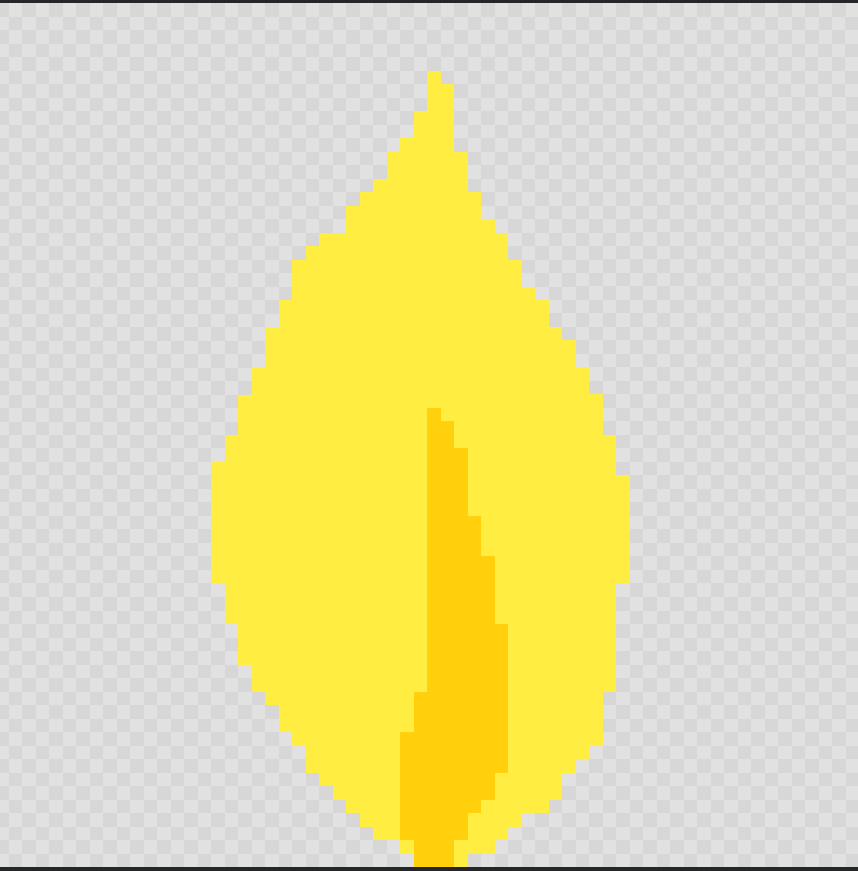
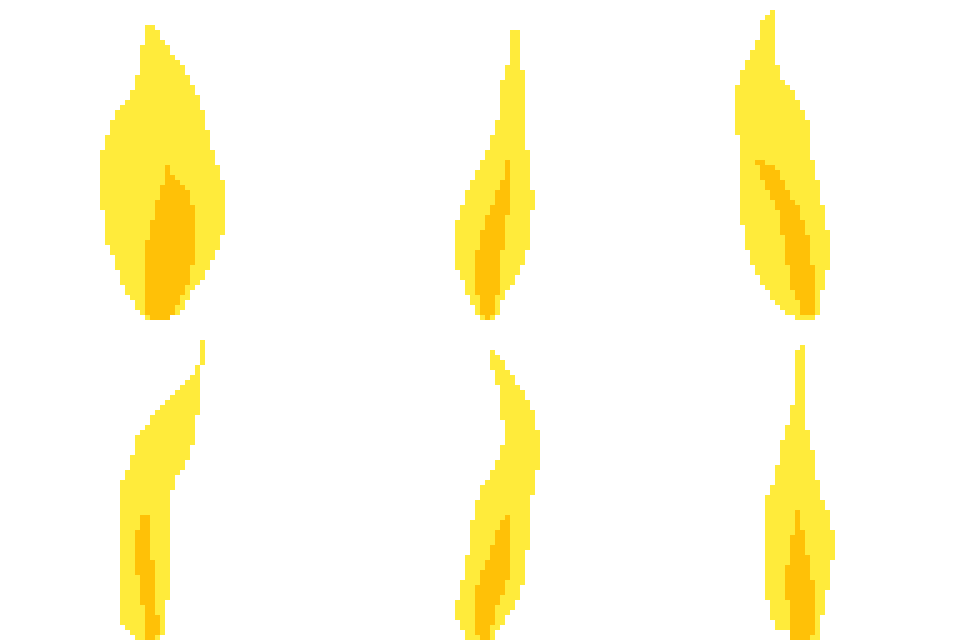
Draw Frame 1
Use pencil to sketch a basic flame silhouette. Put yellow/orange in the middle.

-
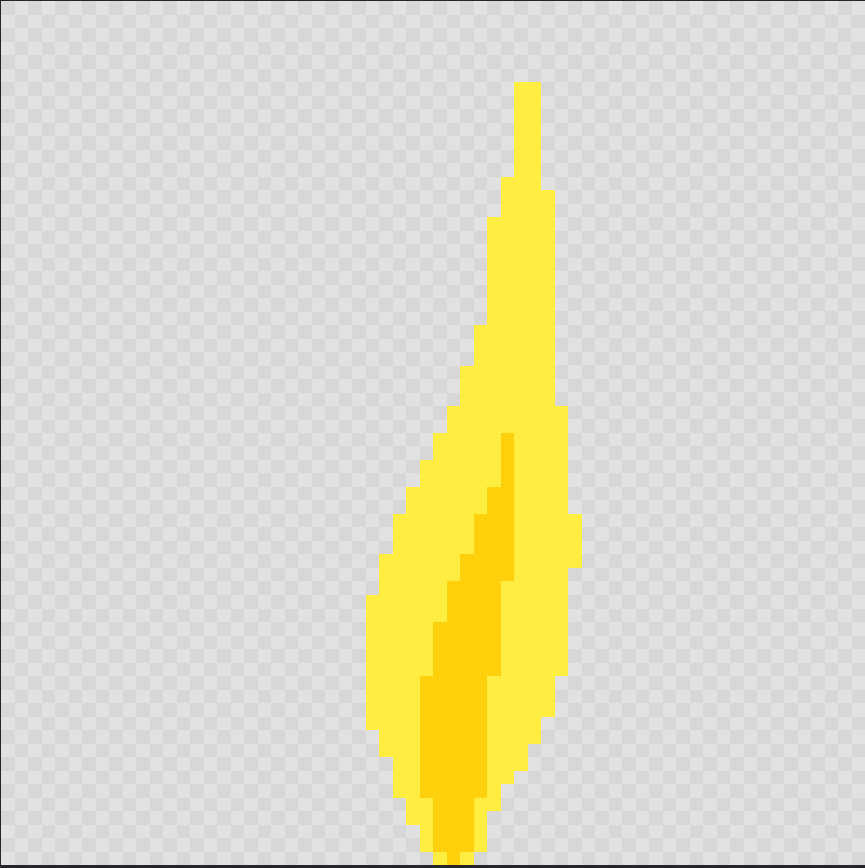
Add Frame 2
Click + Add Frame. Slightly change shape (taller/shorter/tilt).

-
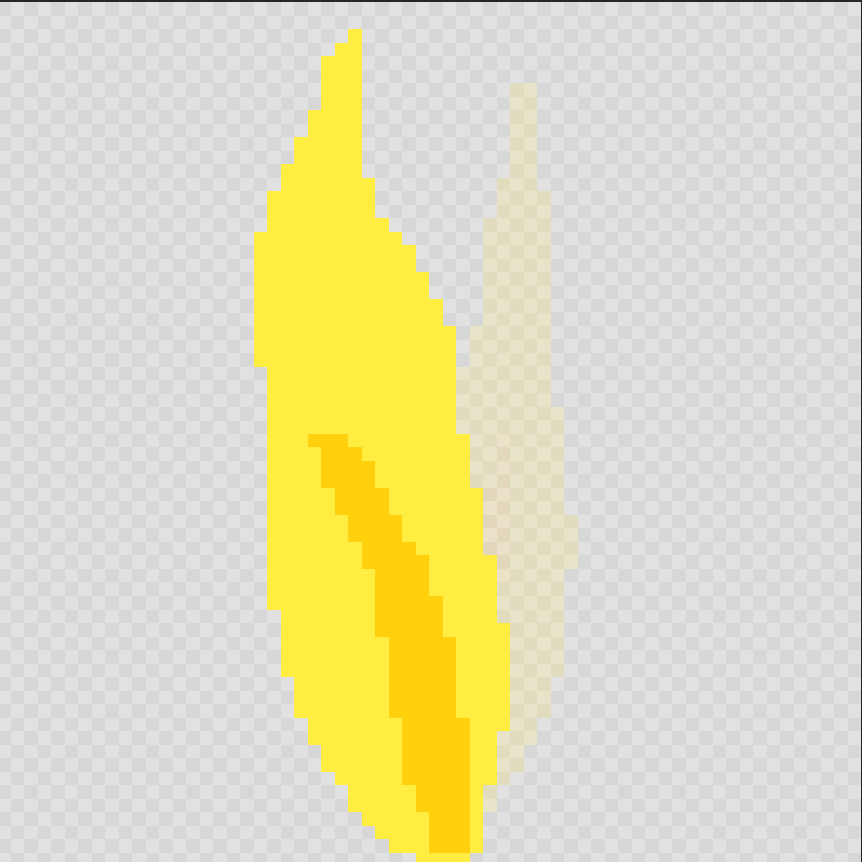
Add Frame 3 … 6–8
Continue subtle shape changes to create flicker.
-
Preview
Press Play to watch. Adjust speed slider until it looks natural.

-
Export
Download > Export as GIF > Save to Google Drive > Students > NAME >Fire.gif
Lesson 2 - Fire with a Base (Match/Candle)
Extend Lesson 1 by adding a base (matchstick/candle) that shrinks as it burns.
-
Draw the match/candle first; plan how it shortens each frame.

-
Lock the frame when selecting/erasing to make edits easier.


-
Re-draw flame on top using the flicker method from Lesson 1.

-
Export:
Firestick.gif> Google Drive > Students > NAME
Week 2 - Animate an Explosion (Pixilart)
Lesson 1 - Explosion Grow, Fade, and Disappear
Goal: Create a convincing explosion by growing, color-filling, then erasing to fade.
-
Talk about explosions
Ask: “What happens during an explosion?” > Expands quickly, then fades away. -
Start a new drawing
File > New > Canvas: 64 × 64 px > Create -
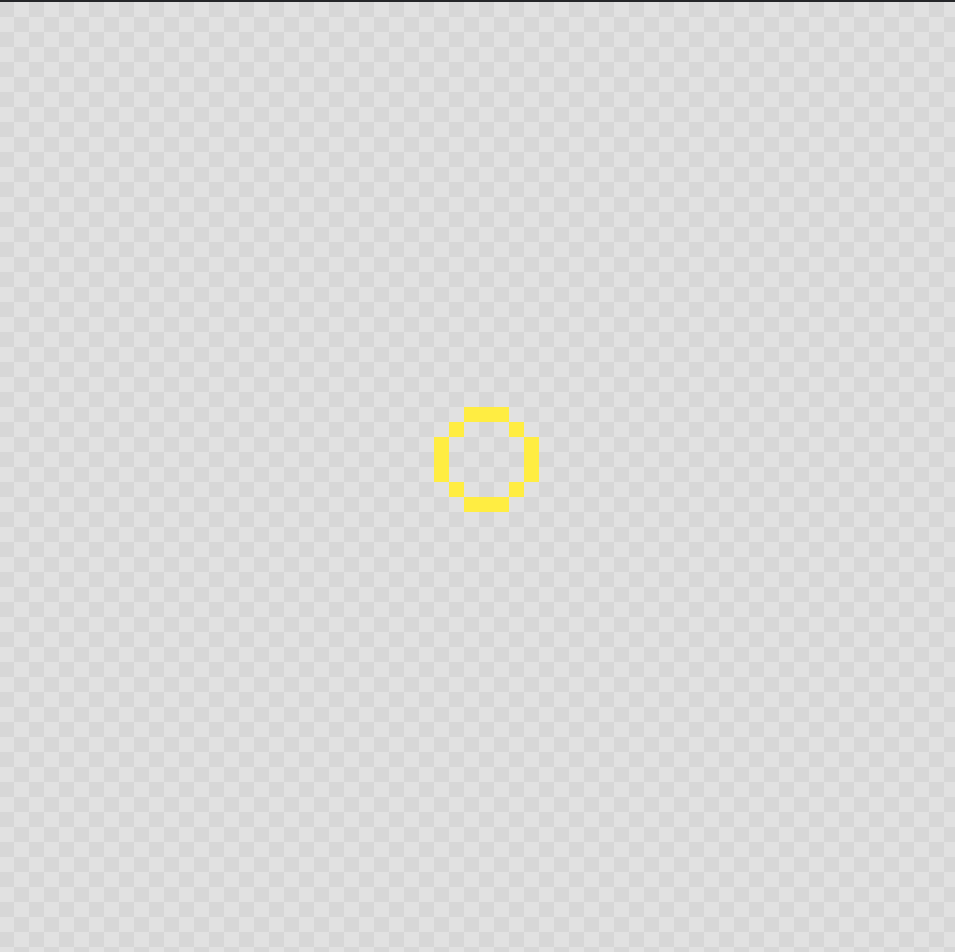
Frame 1 — Start (small center)
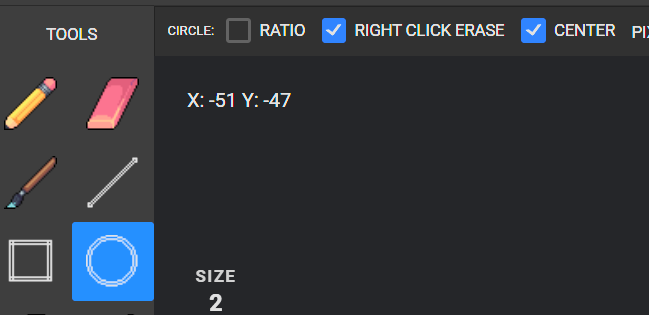
Use circle tool and an orange color. Turn on Center in top toolbar.
-
Frames 2–5/6 — Grow
Click + Add Frame, make the circle bigger each frame. -
Fill color
Go back to Frame 1, pick center color and use Fill across frames.


-
Final frames — Disappear
Copy the last frame, use eraser to open a hole in the middle > then swirl > then mostly erase.


-
Preview & Save
Press Play and fine-tune speed. Export GIF.

Optional: Add smoke on the last 3–4 frames (starts heavy > almost none).

Lesson 2 - Variations
Repeat with different colors and shapes (e.g., cloud-like billows). Emphasize readable silhouettes and consistent center.