Unit 6 - Year 1 Lessons
Overview
Students will complete Unit 6 Year 1 activities using digital art workflows.
Target skills:
- Visual Communication
- Digital Illustration
- Creative Problem Solving
Tools:
- Pixilart
Outputs:
- Student-created digital artifact(s) saved to class folder.
Week 1 - Making Shadows Move
Lesson 1 - Sun, Object, and Shadow
Goal: Practice layer switching and frame copying by animating a shadow as the light moves.
- Open Pixilart.
- File > New. Set canvas to
32 x 32. - Create two layers:
SHADOWandSUN.
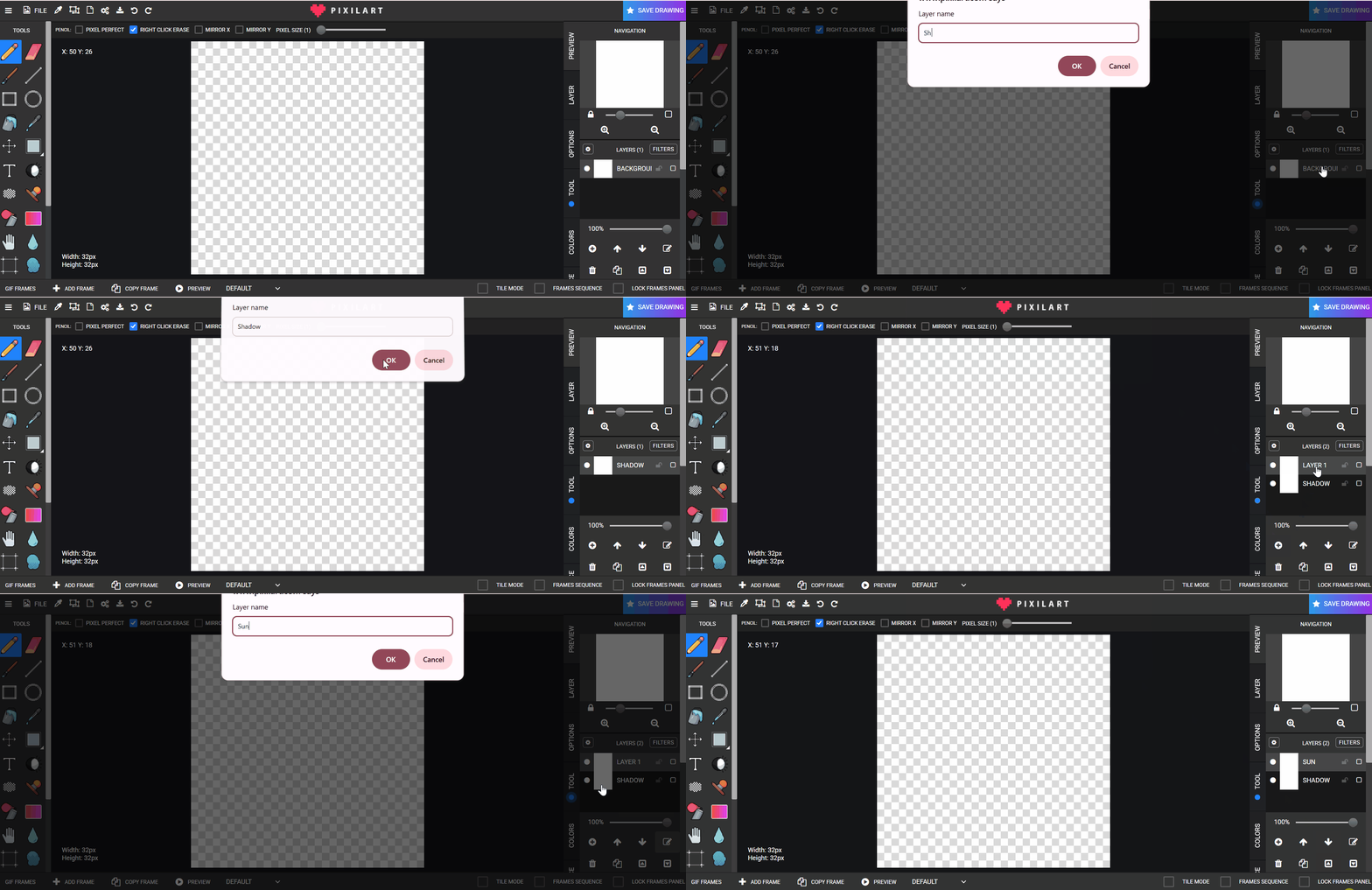
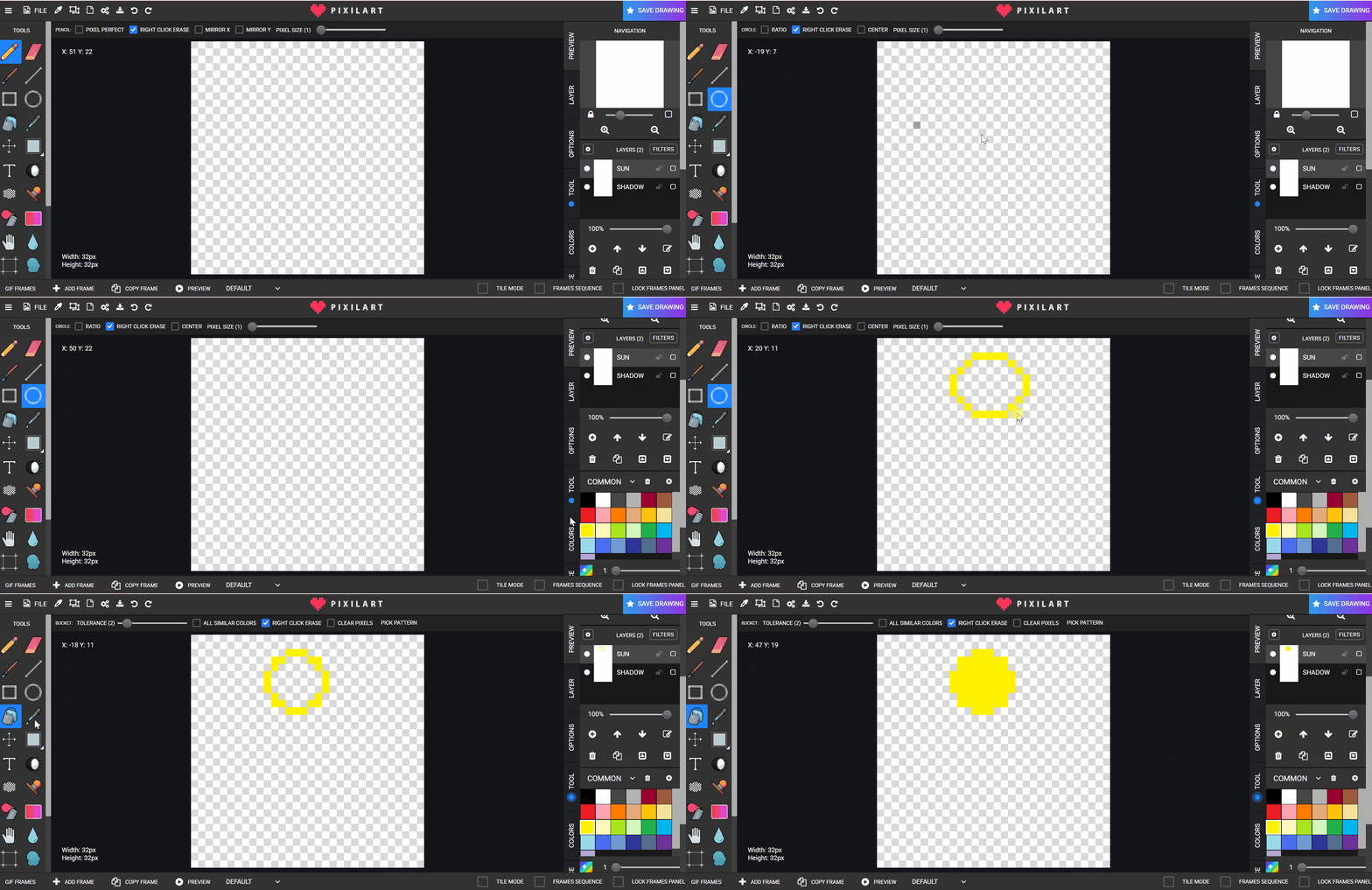
- On layer
SUN, use the circle tool to draw the sun.
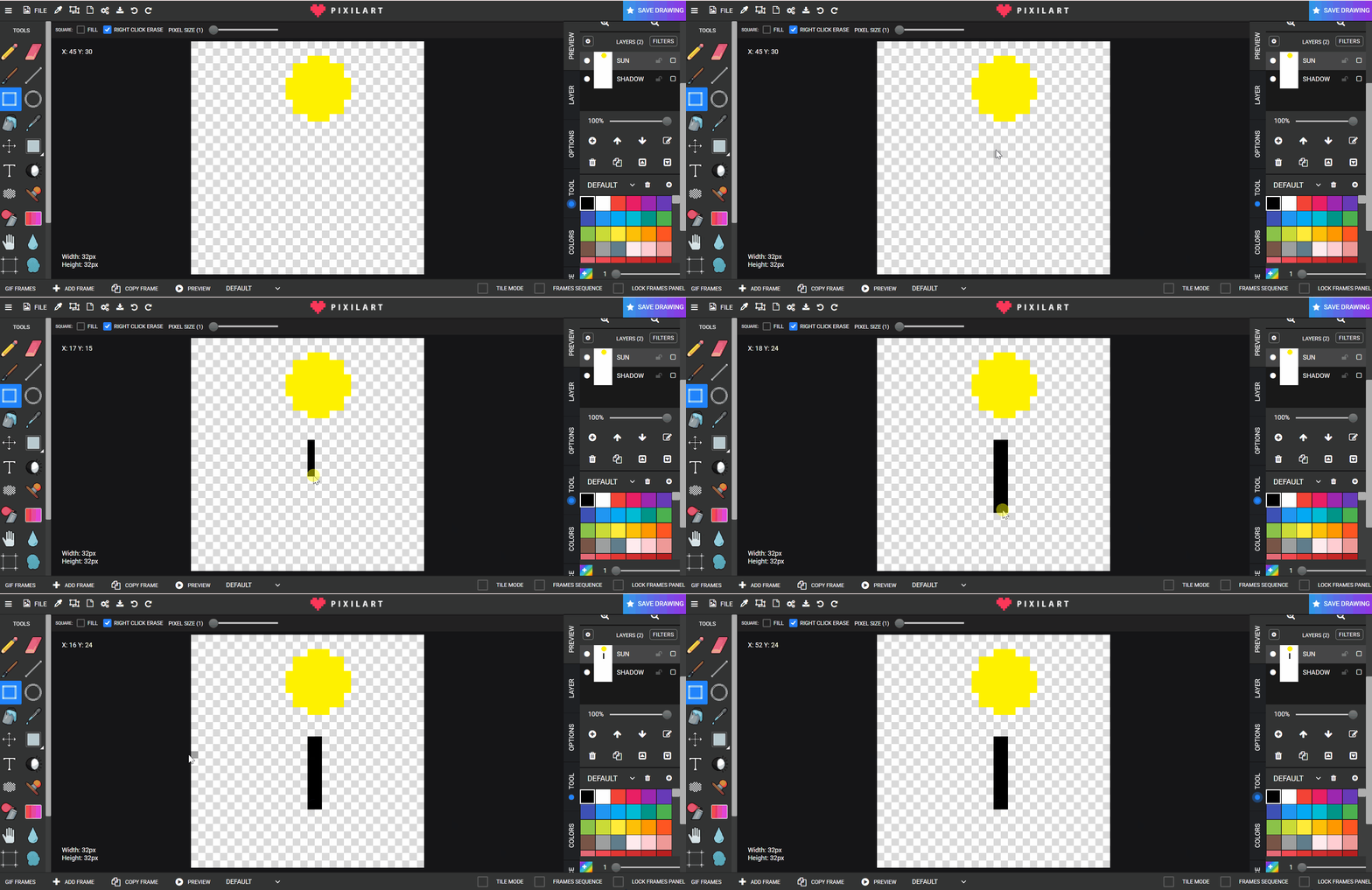
- On the same
SUNlayer, draw a pillar/object.
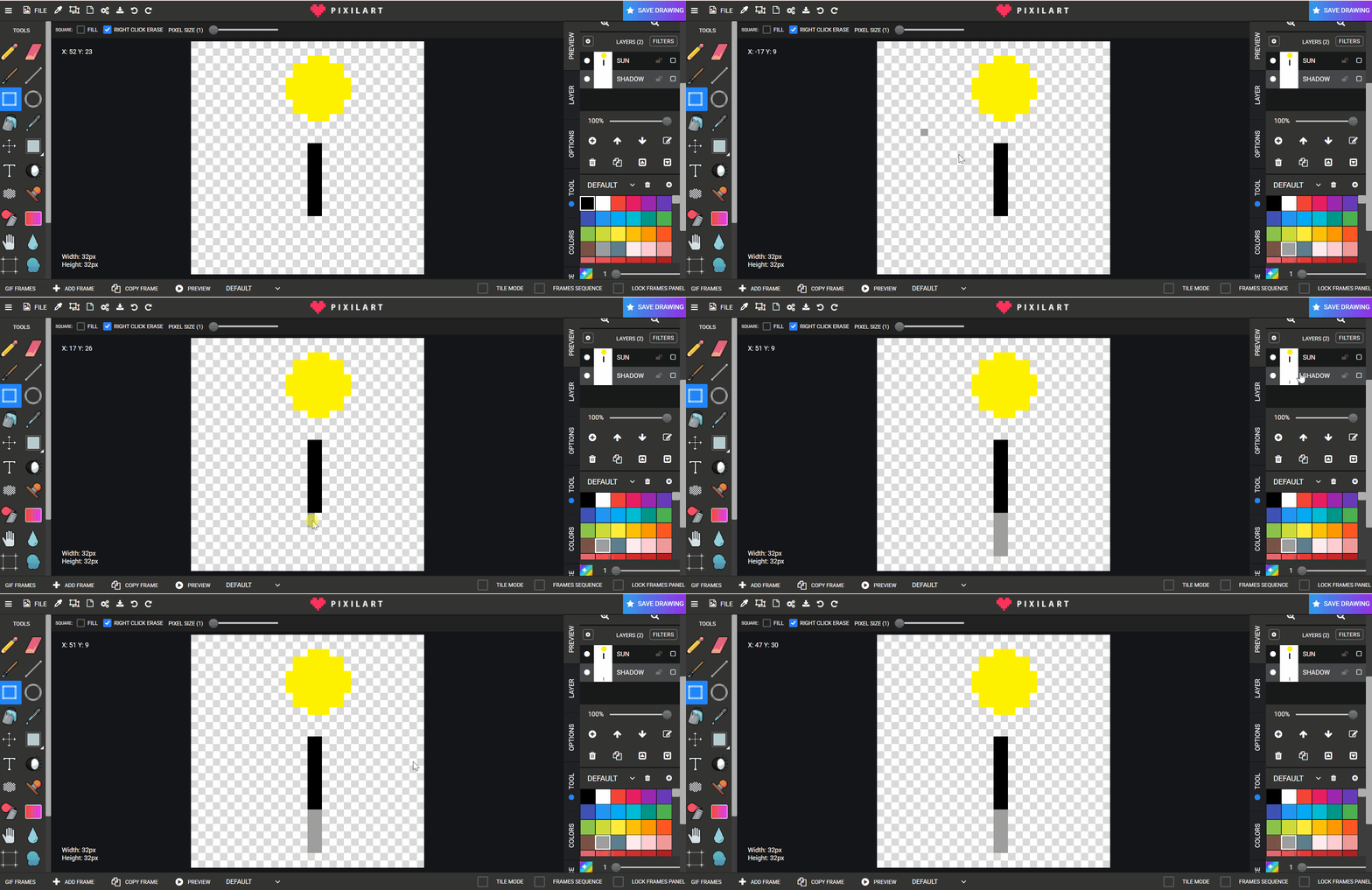
- Switch to
SHADOWand draw a grey shadow shape.
- Copy frames and adjust sun + shadow each frame.
Lesson 2 - Tree Variation
Use the same process with a tree.

Week 2 - Moving Object With Following Shadow
Lesson 1 - Plane and Shadow
Goal: Move an object across frames while independently moving its shadow.
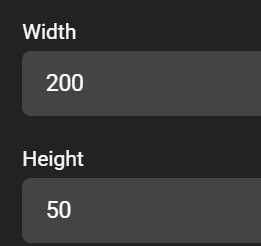
- Create a
200 x 50canvas.
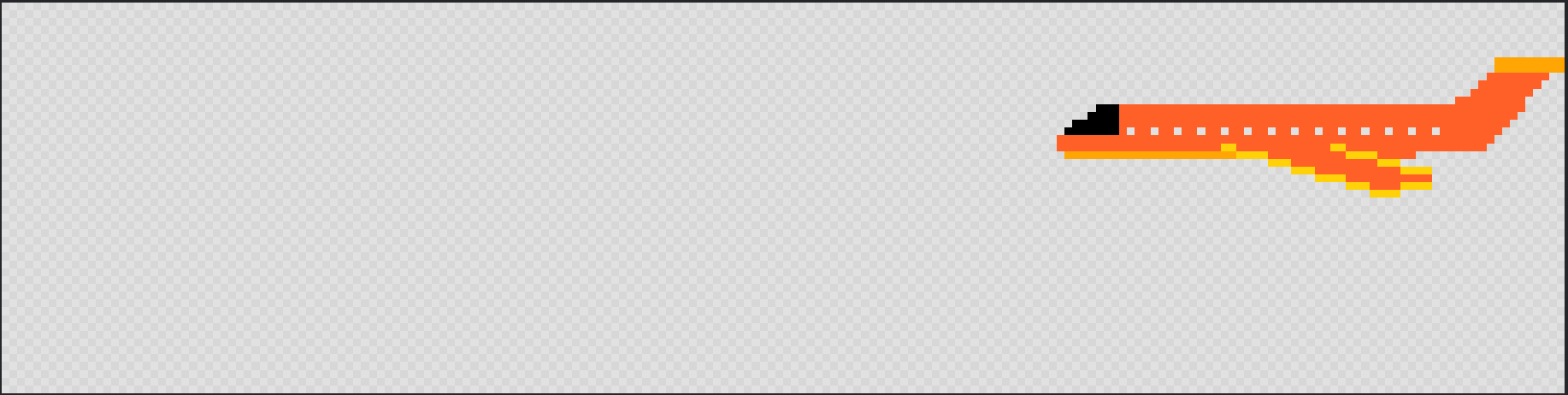
- Draw a plane.
- Create/rename a layer to
Plane.

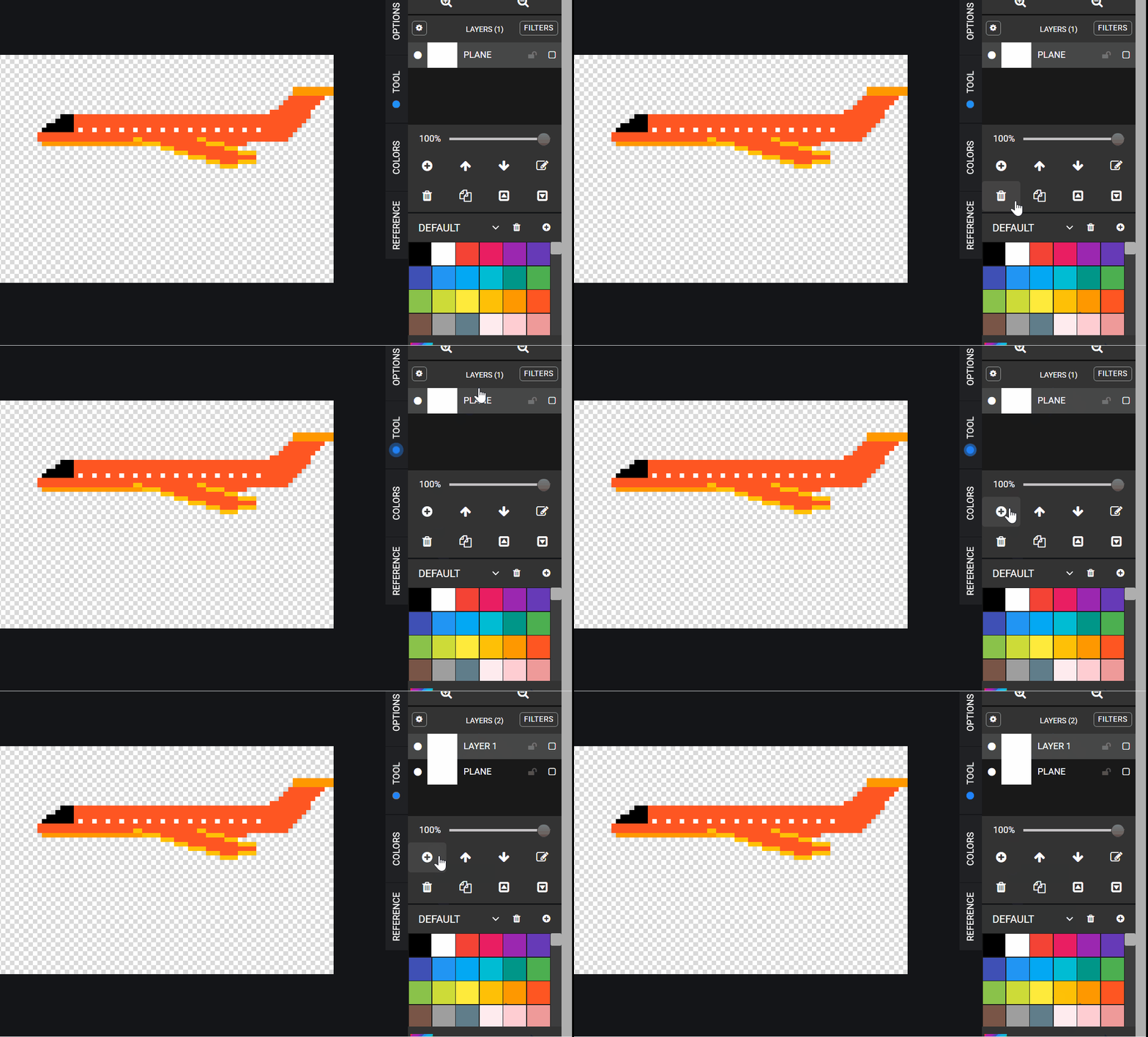
- Create/rename another layer to
Shadow.
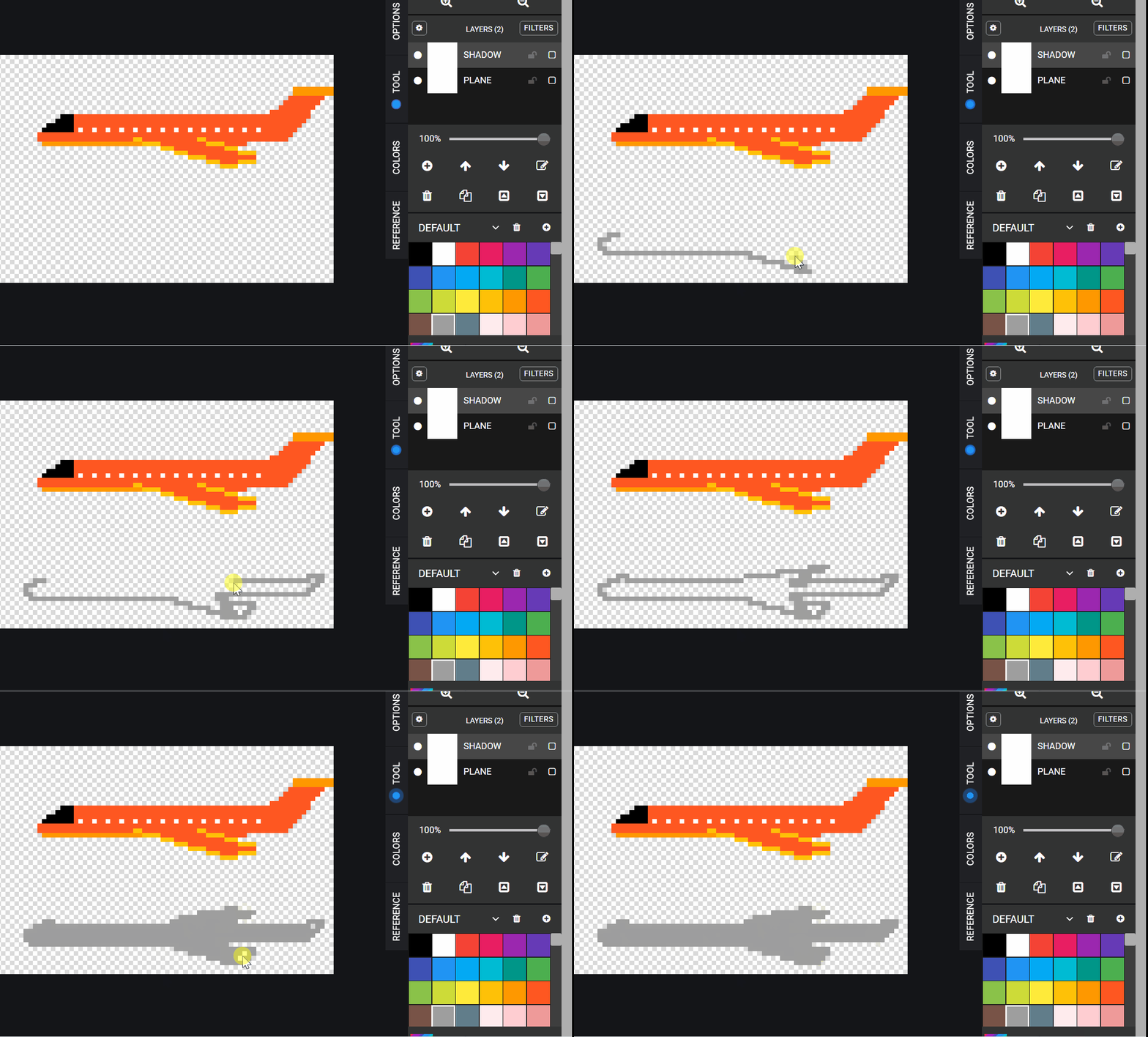
- Draw the shadow to match the plane shape.
- Lock frame panel when needed and move layers one by one.

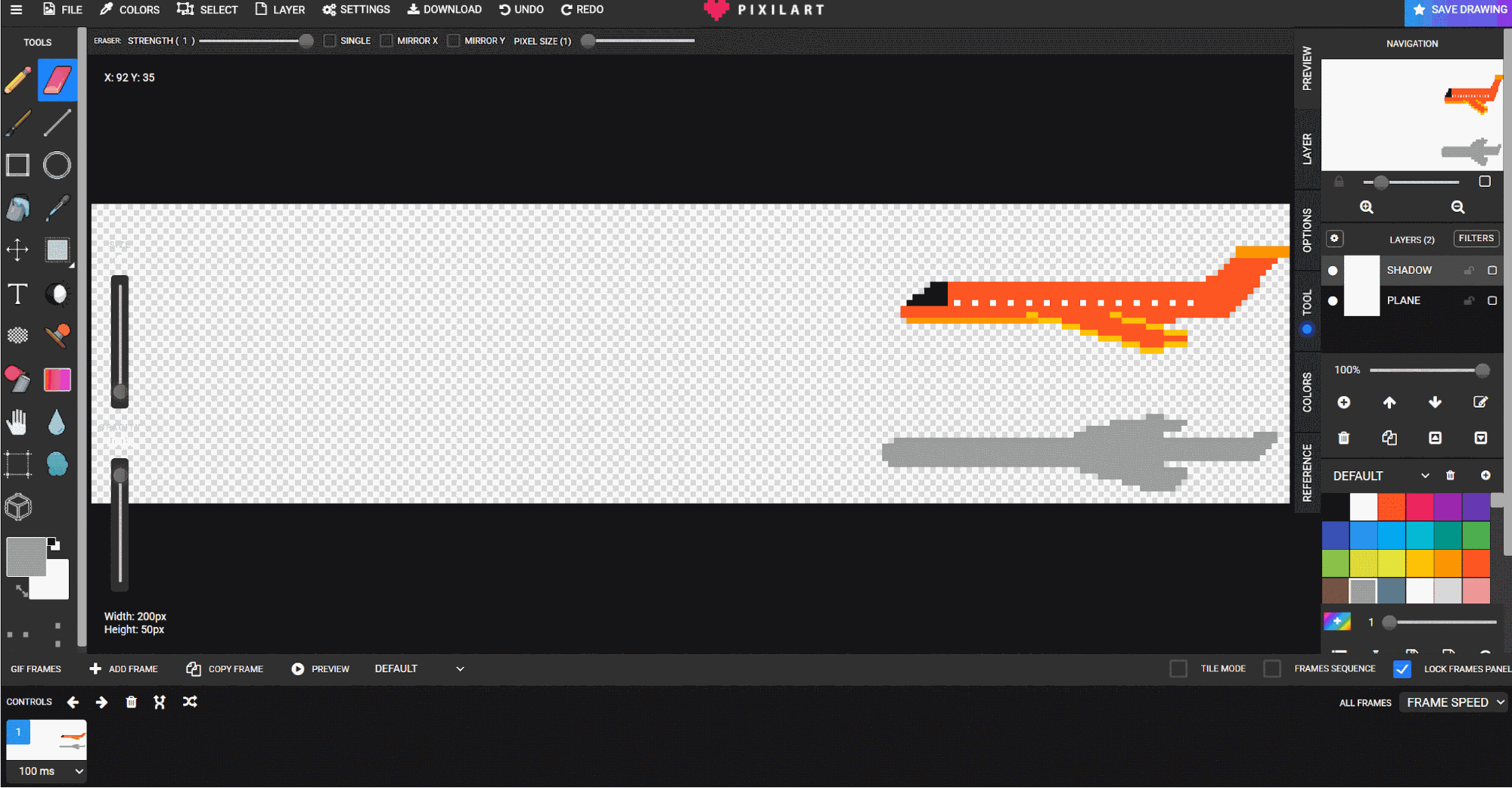
- Copy frames after each small movement.

- Continue until the plane exits the screen.
Examples: bird, cloud, bug.
Lesson 2 - Cloud Extension
If finished early, repeat with a cloud using the same steps.