Unit 10 - Year 2 Lessons
Overview
Students will complete Unit 10 Year 2 activities using digital art workflows.
Target skills:
- Visual Communication
- Digital Illustration
- Creative Problem Solving
Tools:
- Pixilart
Outputs:
- Student-created digital artifact(s) saved to class folder.
Week 1 - Stop Motion Lego
Lesson 1 - Stop Motion Lego Introduction
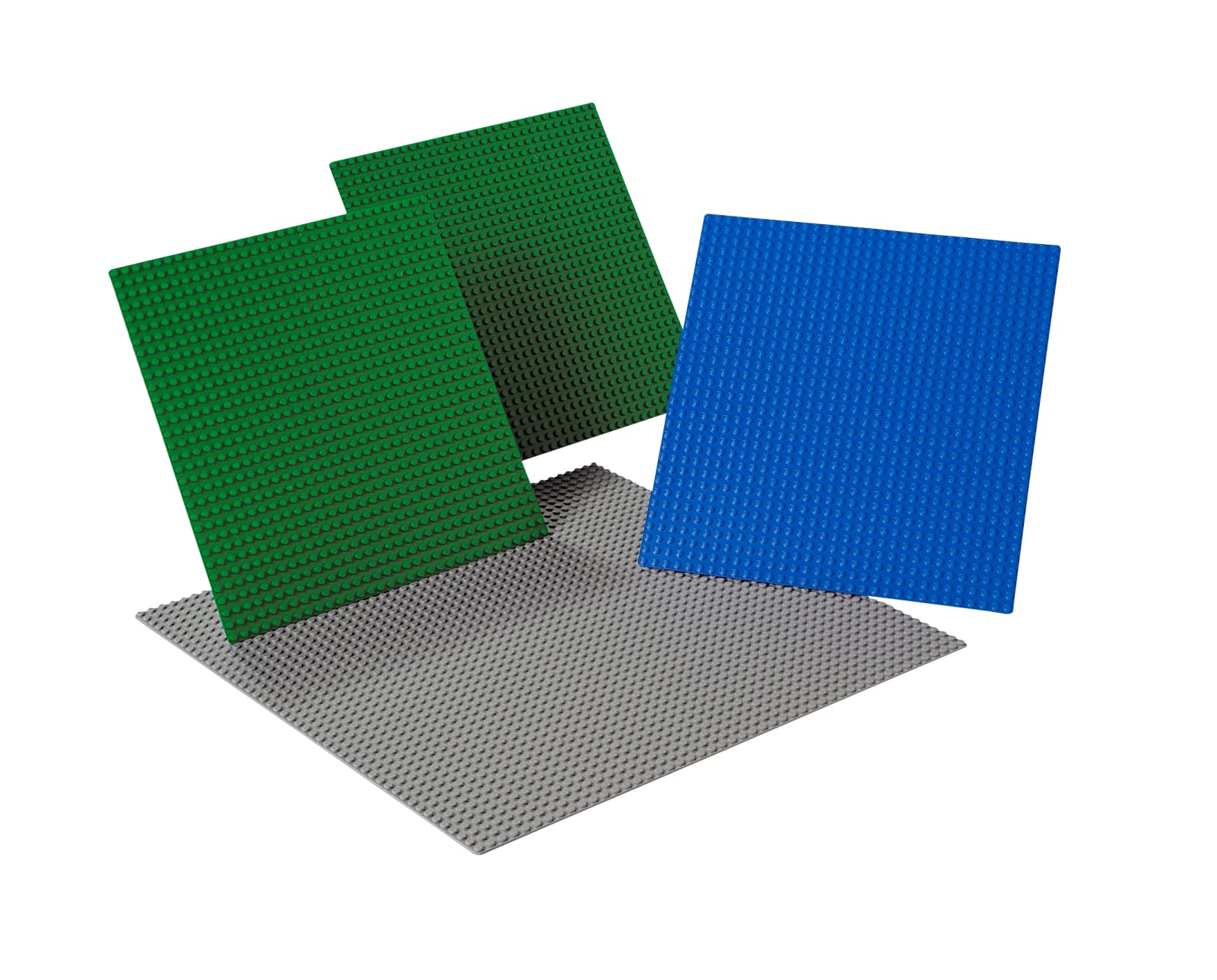
Tape the corners so it does not move Open the STOP STUDIO MOTION application

Show students how to use the application, how to take pictures and how to delete. Fold the computer so it is in tablet mode and the camera is on the bottom looking at the lego platform. Like upside down V shape on the table. TIP, place the laptop right up against the lego board so if the students do move the laptop they can move it back to place. ALSO. tell them to press the button ONLY when they are out of the camera frame. Show them how to use it. Placing one block down at the top and each block is one picture. Build the idea and continue until finished. If the first idea is finished, reset and begin a new design.