Unit 1 - Year 3 Lessons
Overview
Students will complete Unit 1 Year 3 activities using digital art workflows.
Target skills:
- Visual Communication
- Digital Illustration
- Creative Problem Solving
Tools:
- Pixilart
Outputs:
- Student-created digital artifact(s) saved to class folder.
Week 1 - Book Cover Copy
Lesson 1 - If the Dinosaurs Came Back
Goal: Recreate the cover layout focusing on foreground/background layering (dinosaurs + buildings).
-
Start a new canvas in Pixilart — 100 × 100 px
-
Study the reference
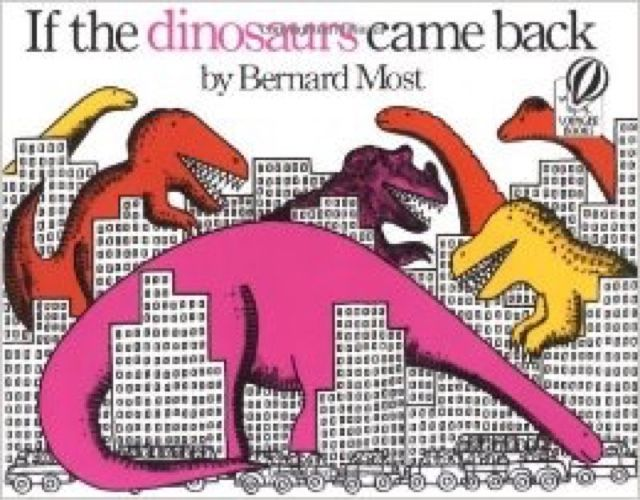
- Identify big shapes first (dinosaur silhouette, building blocks).
- Keep elements centered and readable at small size.
- Block in order
- Dinosaurs first (major forms and color blocks).
- Buildings next, some in front and some behind to suggest depth.
- Export & Save
- Download > PNG
- Save to Google Drive > Students > NAME >
bookcover.png
Lesson 2 - New Book Cover
- Repeat Lesson 1 with a different, simple school-library book cover.
- Same canvas: 100 × 100 px.
- Save as
bookcover2.pngto the same Drive folder.
Week 2 - Famous Art Copy
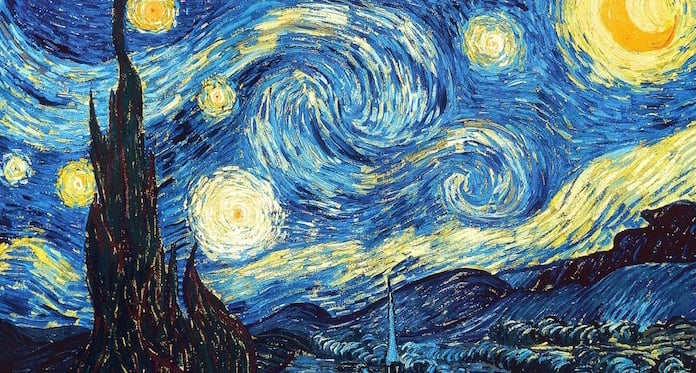
Lesson 1 - The Starry Night or Similar
Goal: Recreate a famous painting at low resolution, focusing on color fields and iconic shapes.
-
New canvas > choose an appropriate size (e.g., 128 × 128 px).
-
Pick a target (examples below) and analyze shapes before details.
-
Block > Refine
- Lay down large color areas first (sky, land, cypress).
- Add strokes/texture last to hint at the original style.
- Export & Save
- Download > PNG >
nightsky.png(or appropriate name). - Save to Google Drive > Students > NAME.
Lesson 2 - Alternate Masterwork
-
Choose another famous painting and repeat the process.
-
Use the same canvas dialog as above.
-
Example references provided:
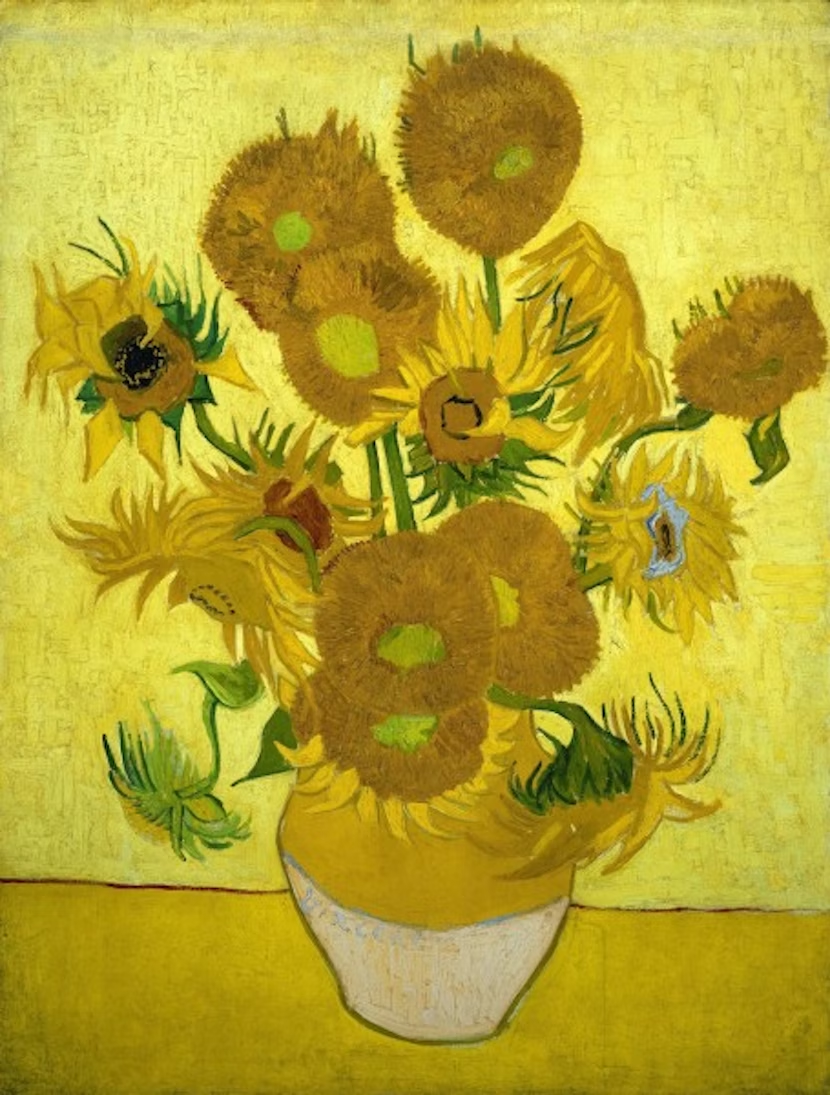
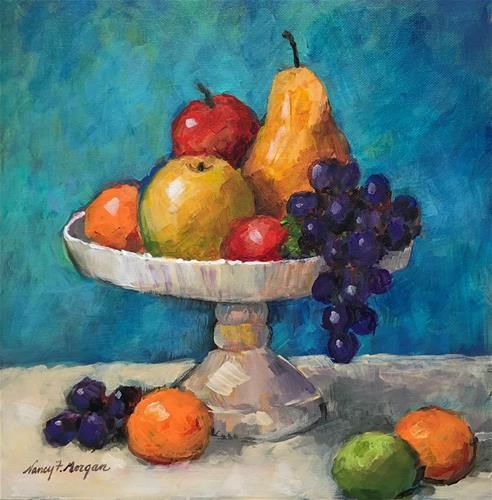
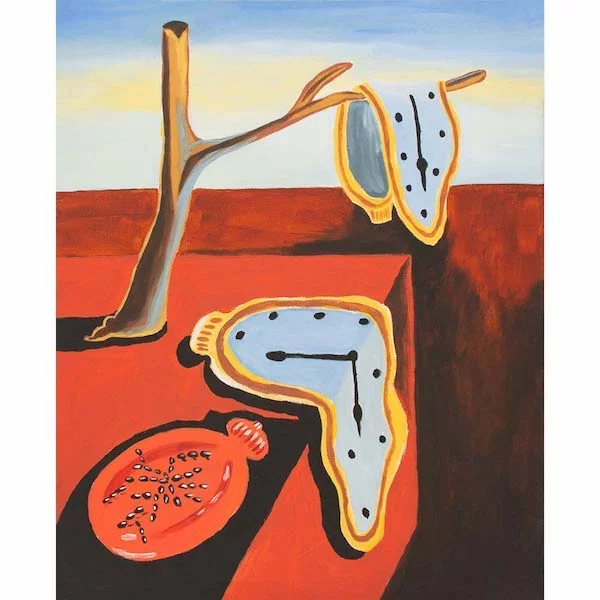
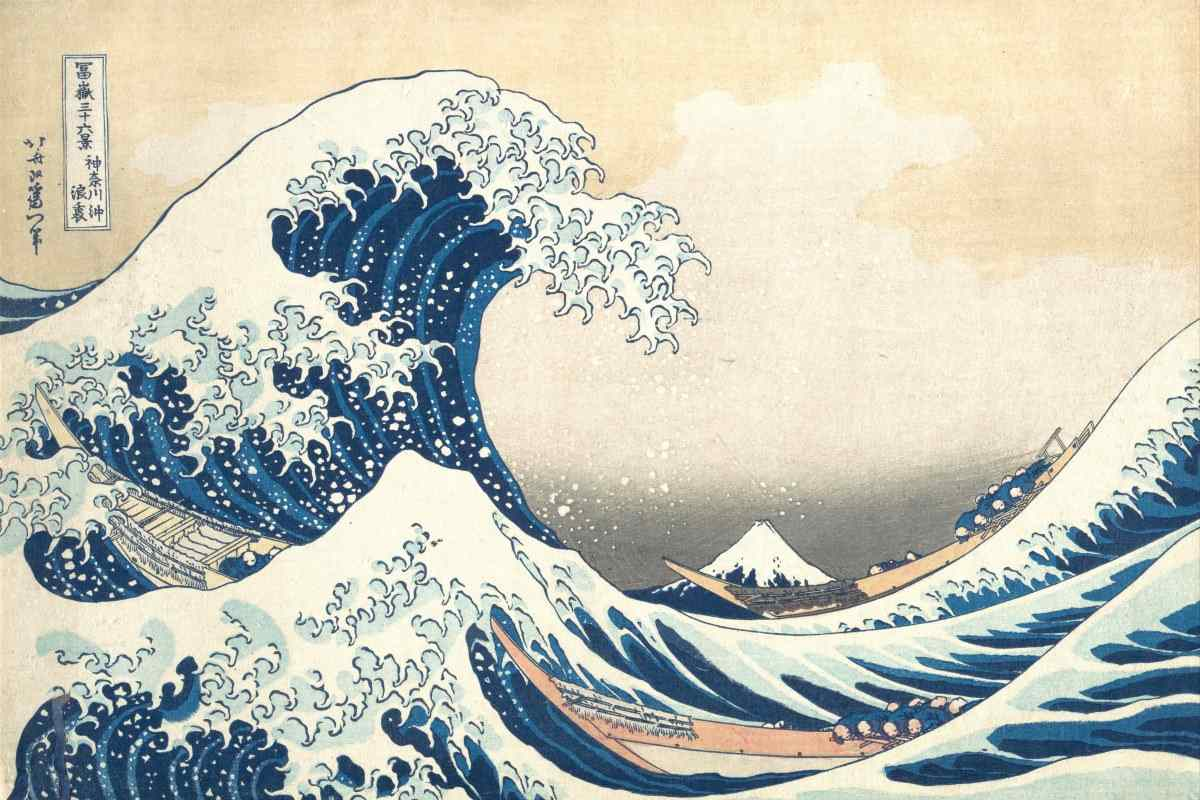
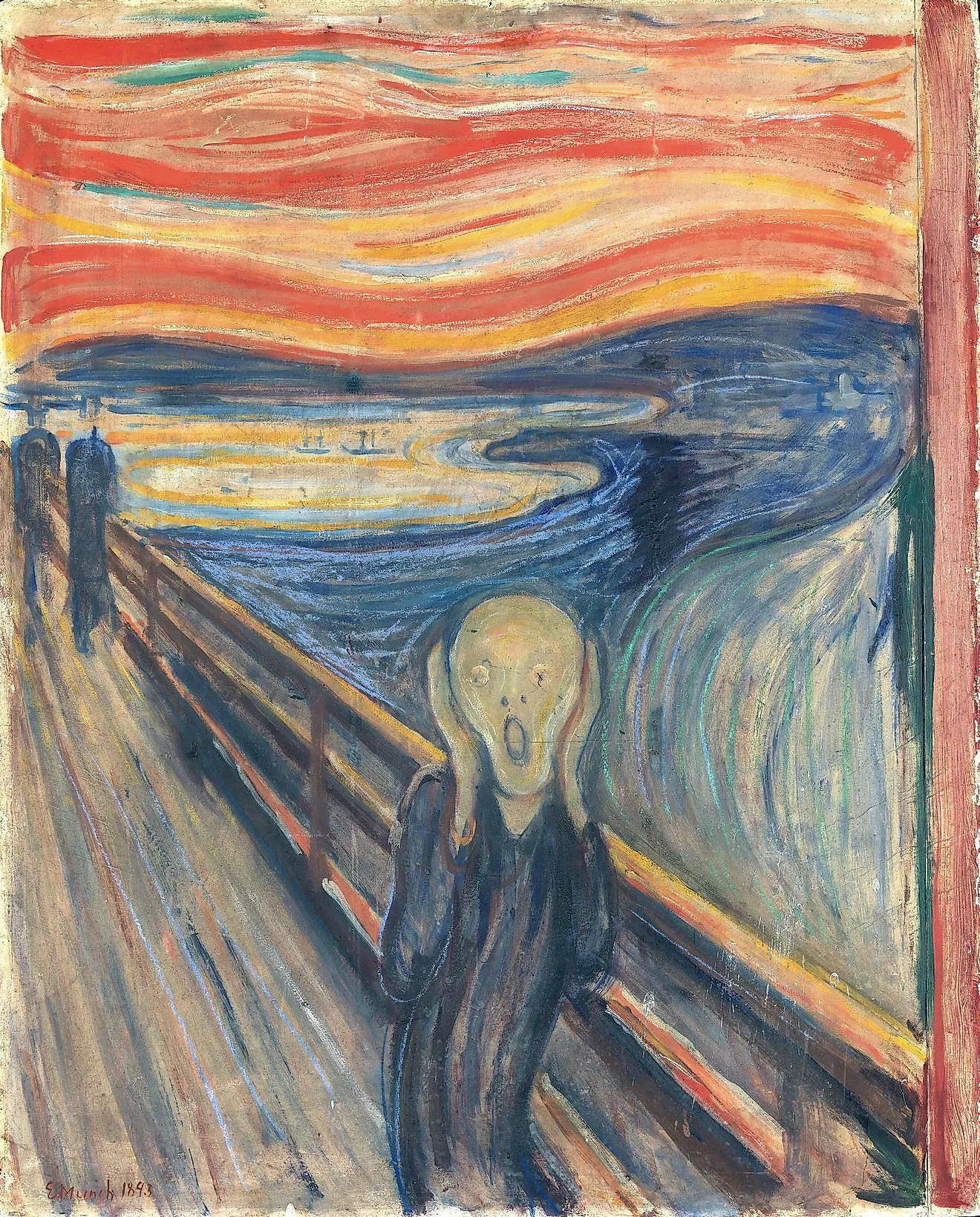
-
Export and save as
painting.png.