Unit 21 - Year 1 Lessons
Overview
Students will create a pixel mountain scene and design a printable sticker with a clear character or object concept.
Target skills:
- Observation Drawing
- Visual Communication
- Creative Iteration
Tools:
- Google Drive
Outputs:
- Mountain pixel artwork
- Printable sticker design
Week 1 - Mountain Pixel Art
Lesson 1 - Draw a Pixel Mountain Scene
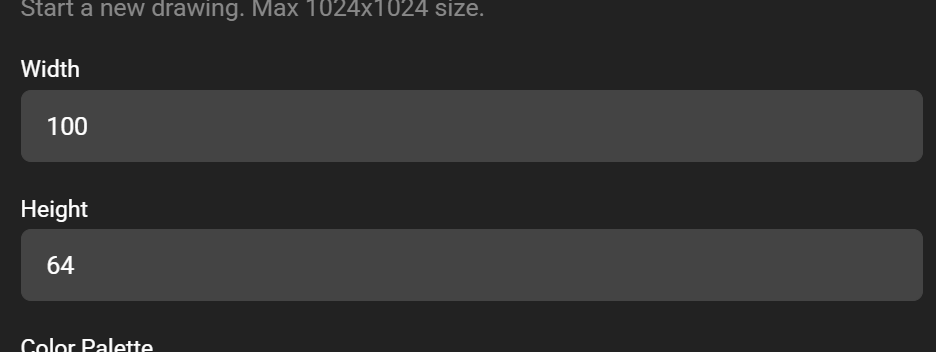
Goal: 100X64 canvas.
Teacher prep:
- Prepare access to Google Drive and any sample files needed for demonstration.
Steps:
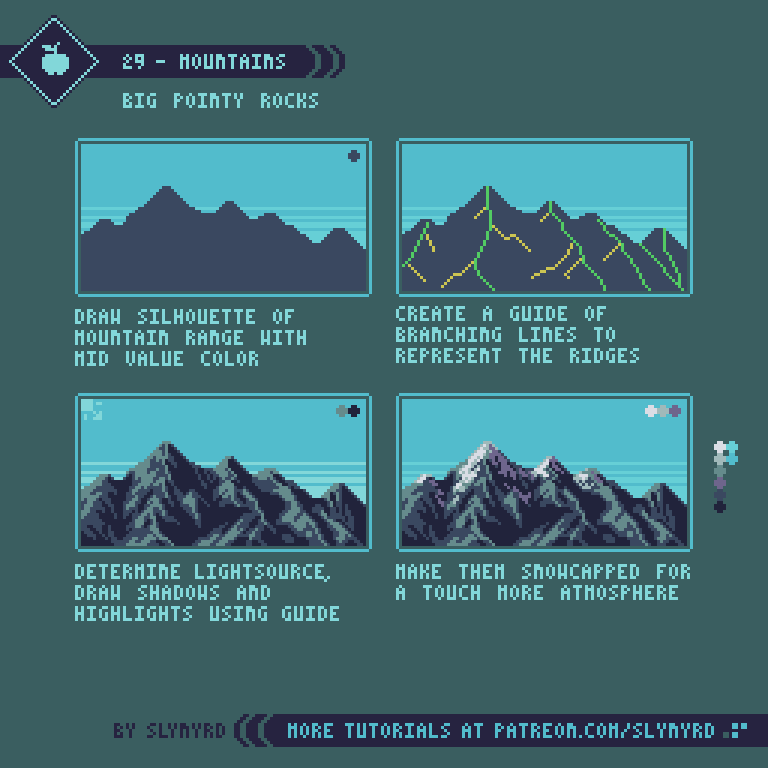
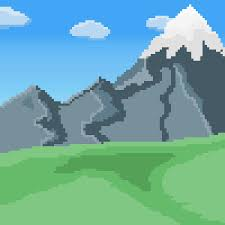
- Refer to the image example for this step.
- 100X64 canvas
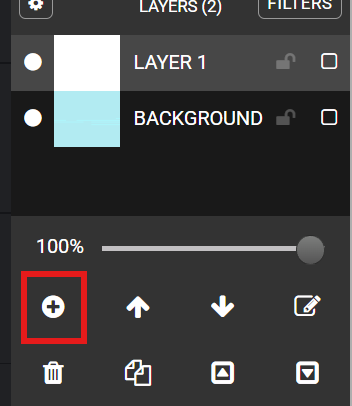
- Back ground bucket fill for sky

- NEW LAYER(+) Draw in the mountain basic shape
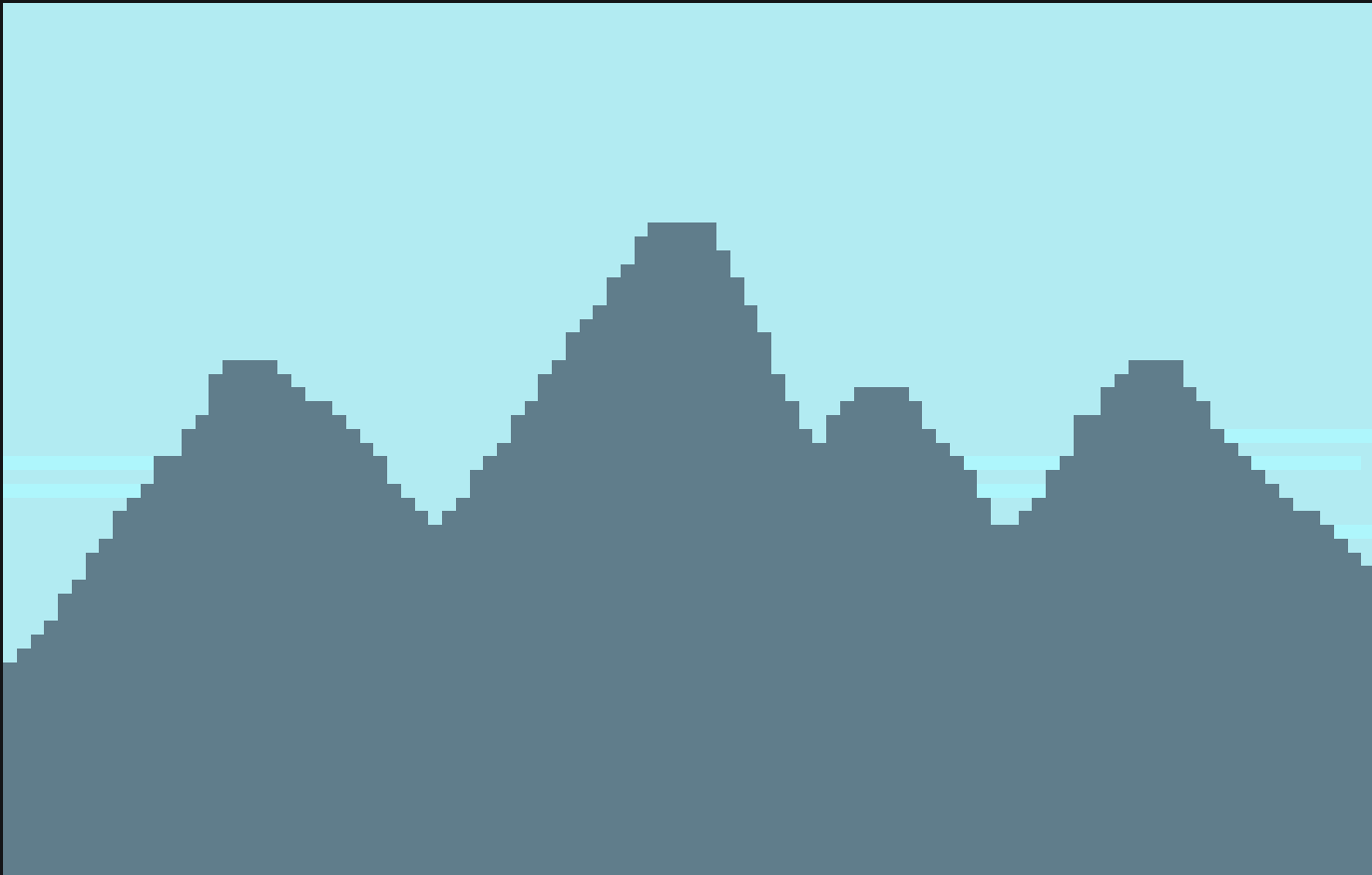
- Using a darker color of the mountain< draw in lines to make the “ridges” of the mountain.
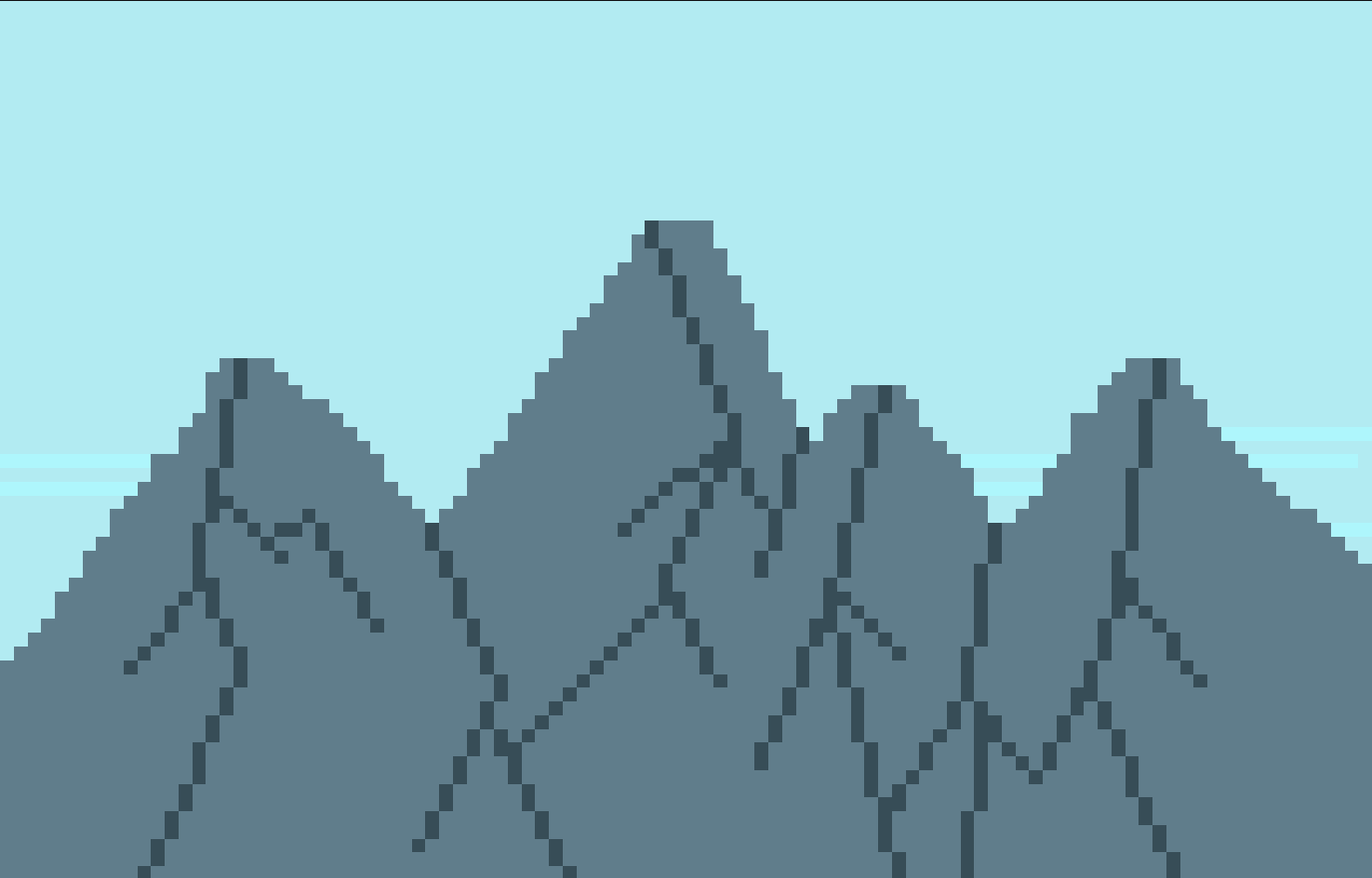
- Using the lines we made as a guide to color in the shadows of the mountain
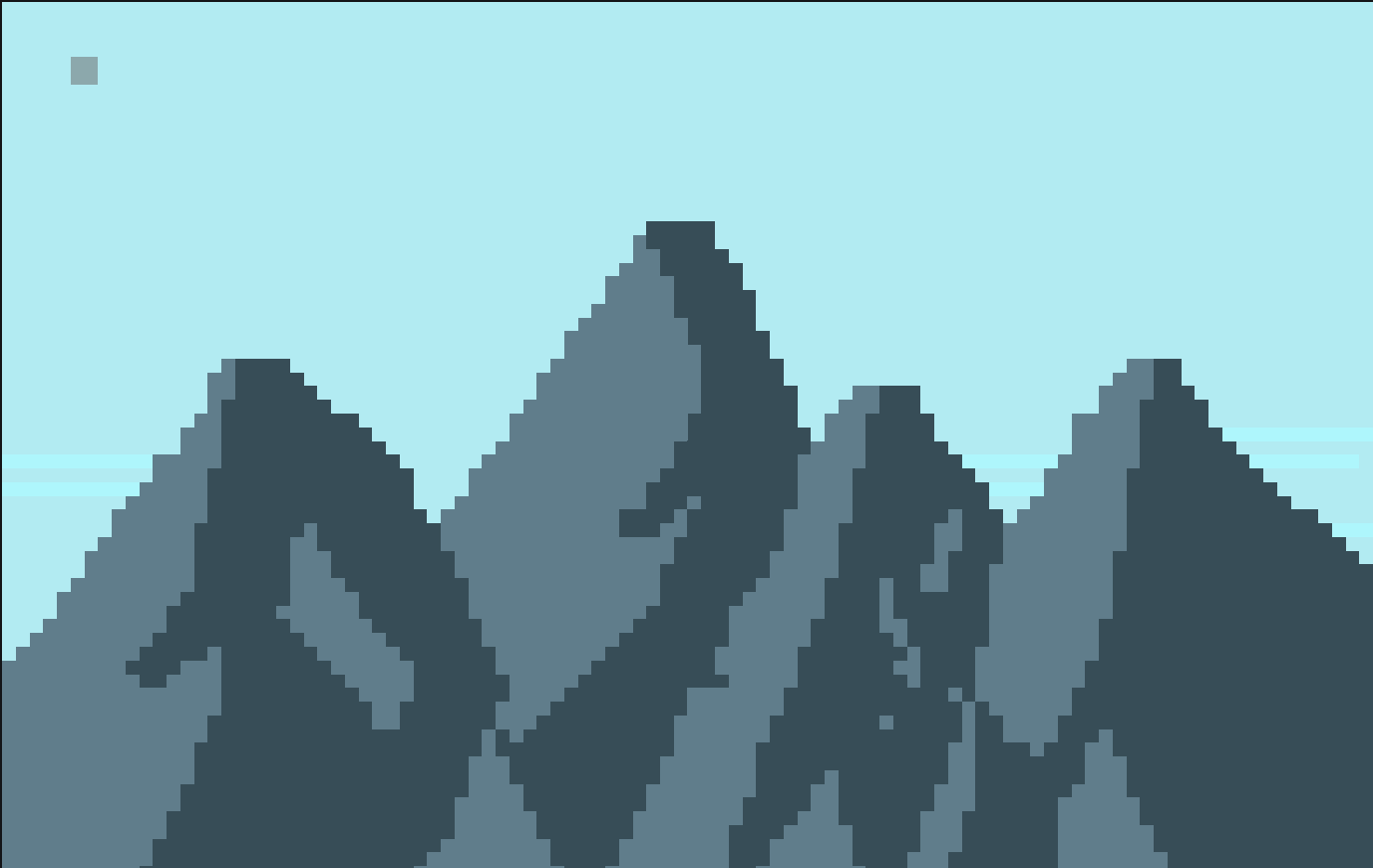
- Using a more darker color to color in more darker shadows
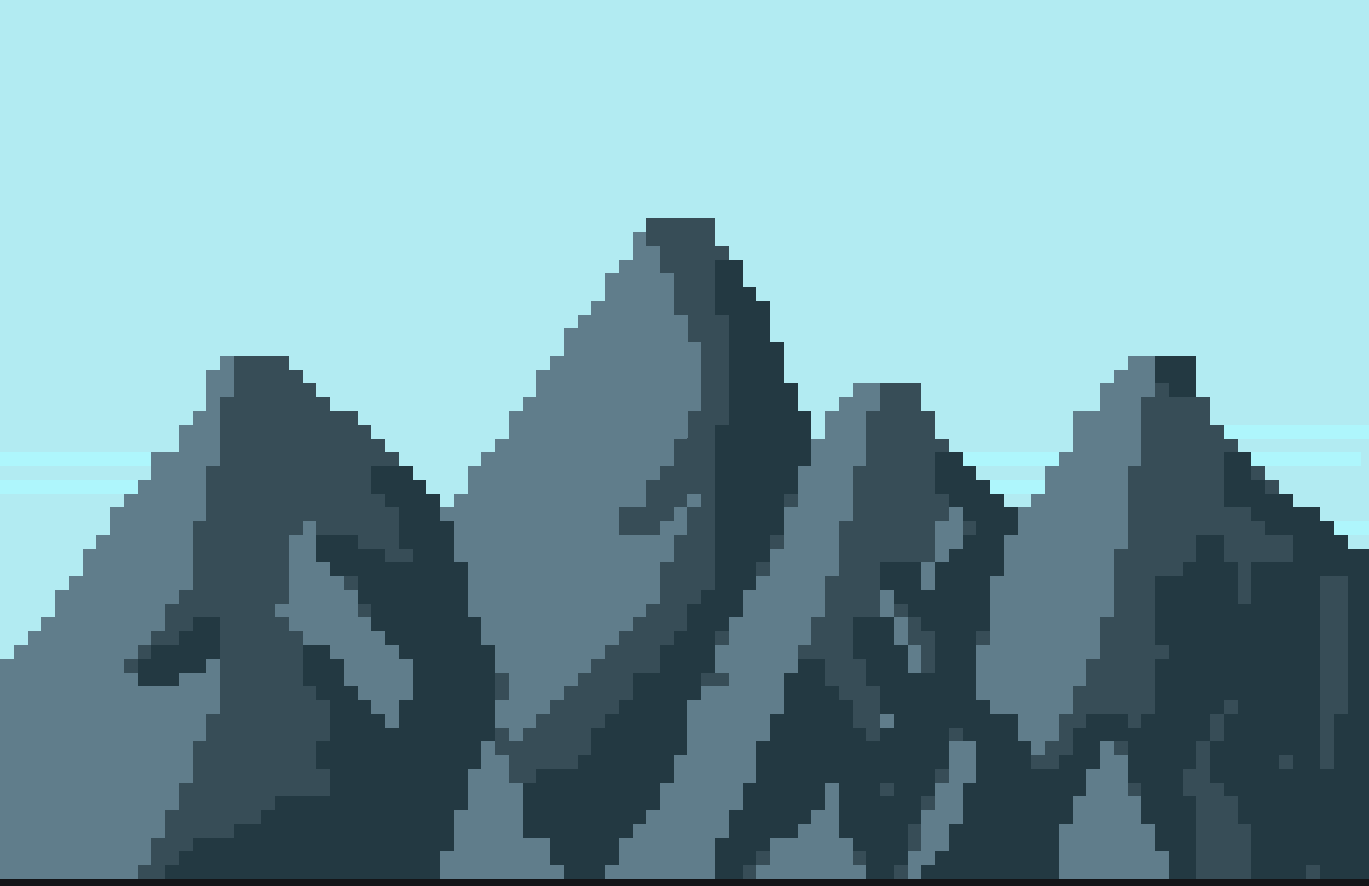
- Using a lighter color to add in color to the side with light/sun
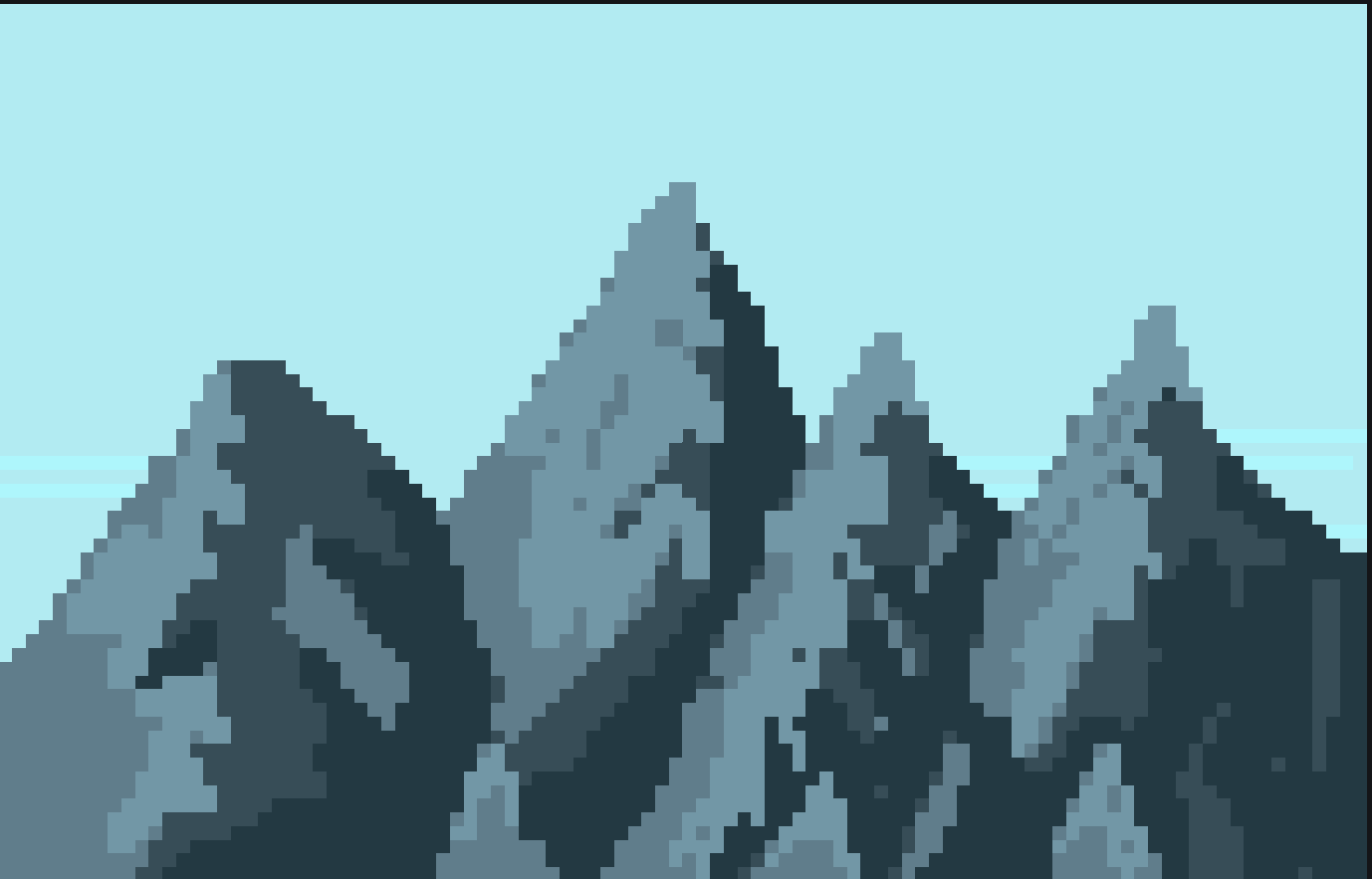
- Again a brighter color, close to white or can be white.
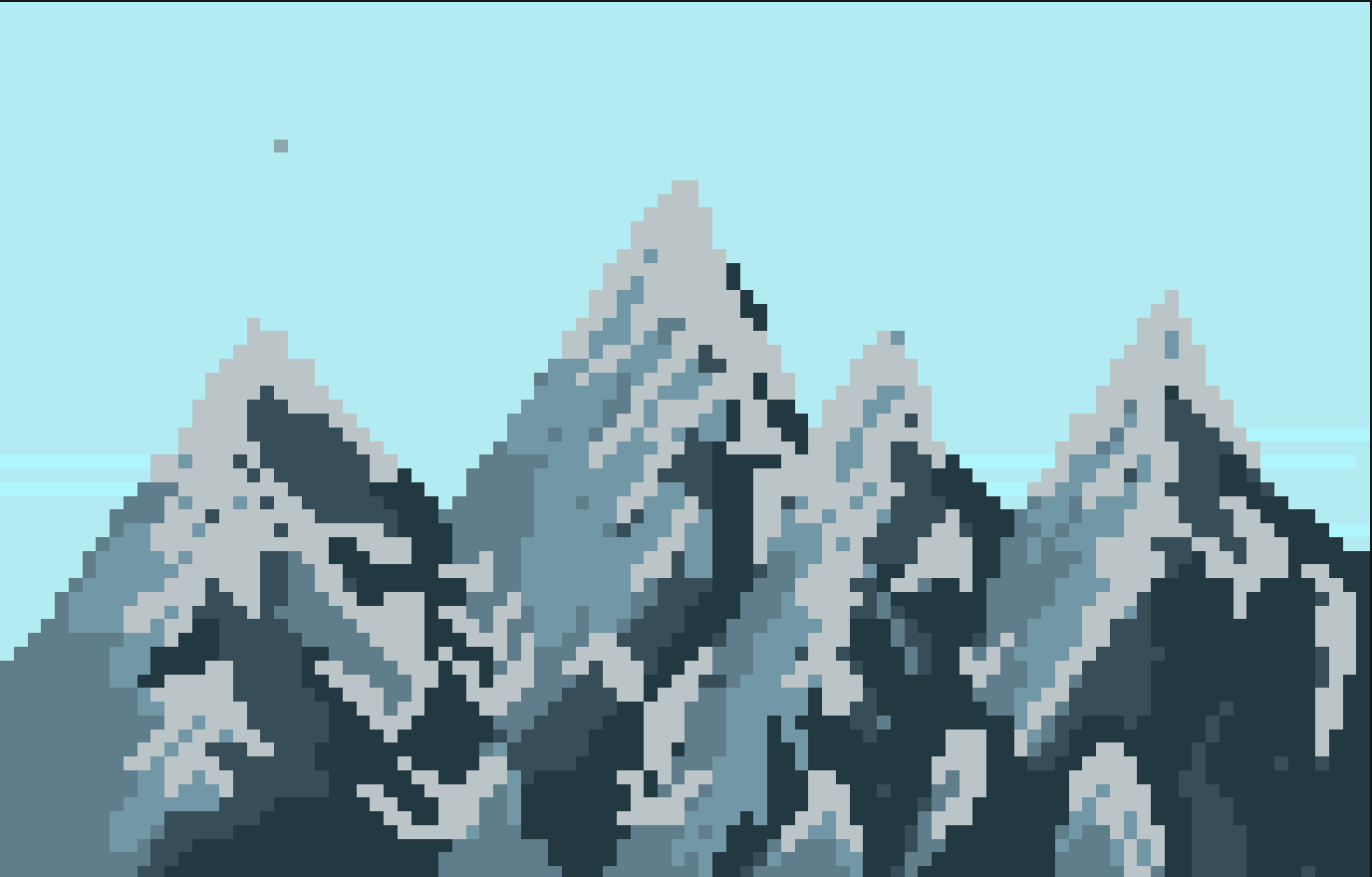
- Again just white
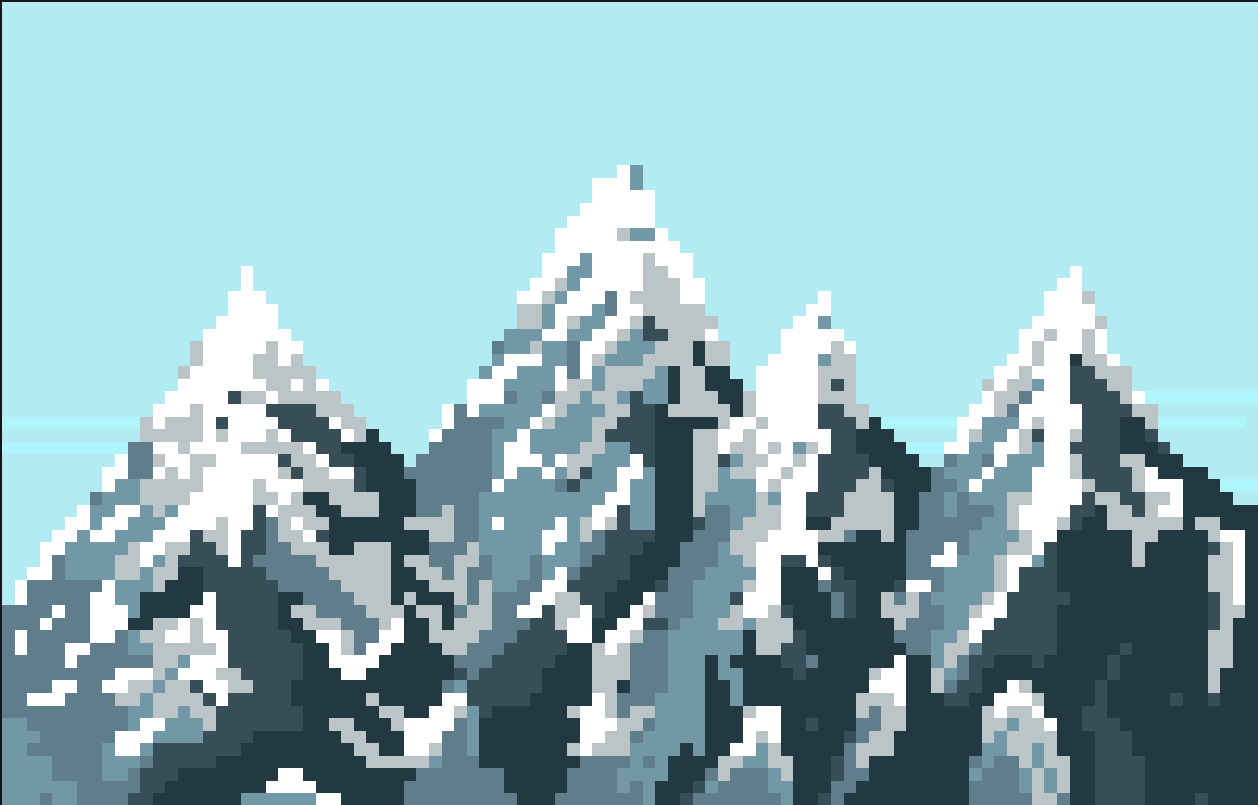
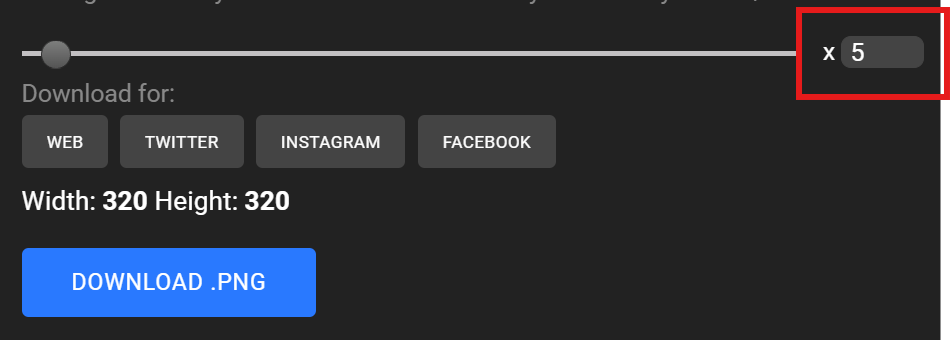
- SAVE Download x5 Download PNG Google drive >students > students folder
Check for understanding:
- Students complete the core workflow for the lesson.
- Students can explain at least one design choice or animation decision.
Extension: Create a second variation or extend the project with extra details if time allows.
Lesson 2 - Try a New Mountain Variation
Goal: Try different mountains . Grass, stone, red stone etc search on computer to find.
Teacher prep:
- Prepare access to Google Drive and any sample files needed for demonstration.
Steps:
- Try different mountains . Grass, stone, red stone etc search on computer to find
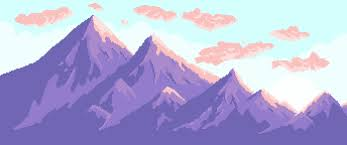
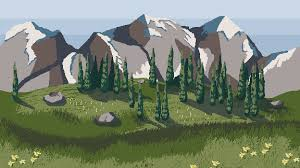
- Refer to the image example for this step.
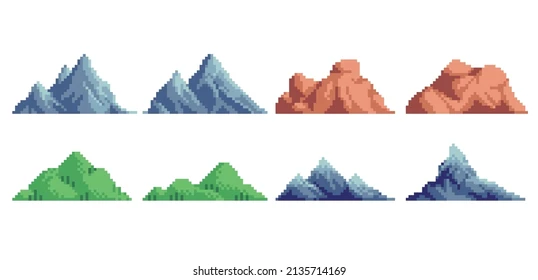
- Refer to the image example for this step.
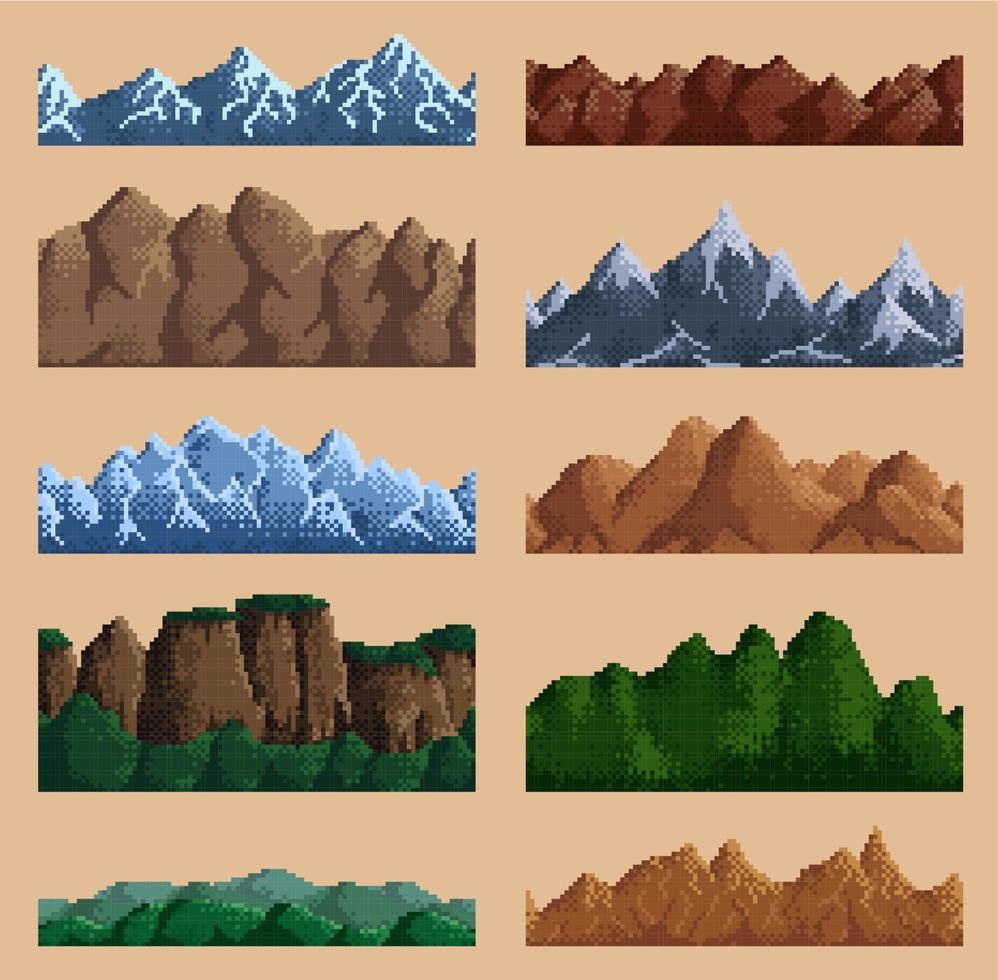
Check for understanding:
- Students complete the core workflow for the lesson.
- Students can explain at least one design choice or animation decision.
Extension: Create a second variation or extend the project with extra details if time allows.
Week 2 - Sticker Design
Lesson 1 - Design a Printable Sticker
Goal: Make sticker * The teacher needs to ask the office for sticker copy paper.
Teacher prep:
- Make sticker * The teacher needs to ask the office for sticker copy paper.
Steps:
- Make sticker * The teacher needs to ask the office for sticker copy paper.
- 3 or 4 so sticker total
- Discuss what they would have as a sticker. Drawings within reason Draw and design a character or something they want NO STAMPS And make sure students are not trying to draw too fast to finish. No messy drawings (within reason)
- 64x64canvas
- File - New
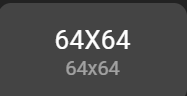
- Download the works to students google file X5 size or it'll be too small and blurred.
Check for understanding:
- Students complete the core workflow for the lesson.
- Students can explain at least one design choice or animation decision.
Extension: Create a second variation or extend the project with extra details if time allows.
Lesson 2 - Extend Into Character Design
Goal: *can extend lesson to character creation class for older students 2D & 3D.
Teacher prep:
- Prepare access to Google Drive and any sample files needed for demonstration.
Steps:
- *can extend lesson to character creation class for older students 2D & 3D
Check for understanding:
- Students complete the core workflow for the lesson.
- Students can explain at least one design choice or animation decision.
Extension: Create a second variation or extend the project with extra details if time allows.