Unit 13 - Year 2 Lessons
Overview
Students will complete Unit 13 Year 2 activities using digital art workflows.
Target skills:
- Visual Communication
- Digital Illustration
- Creative Problem Solving
Tools:
- Pixilart
Outputs:
- Student-created digital artifact(s) saved to class folder.
Week 1 - Clouds
Lesson 1 - Activity
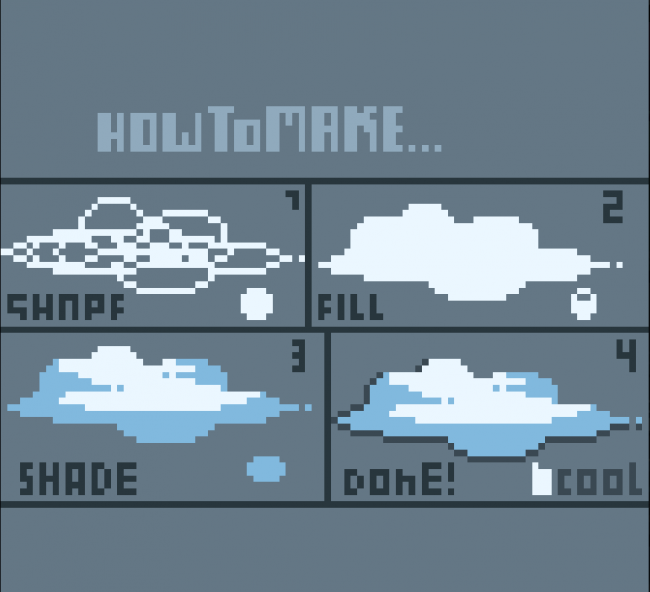
Trying to draw up close clouds *Can use pictures for reference, Use tools -Opacity -Using big picture w250 H144 or smaller size 64x64


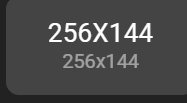
canvas

Choose sky color Choose cloud color First style) Using Pencil to draw the rough shape of cloud DONT DRAW TO BIG it would be good to make many different types of clouds
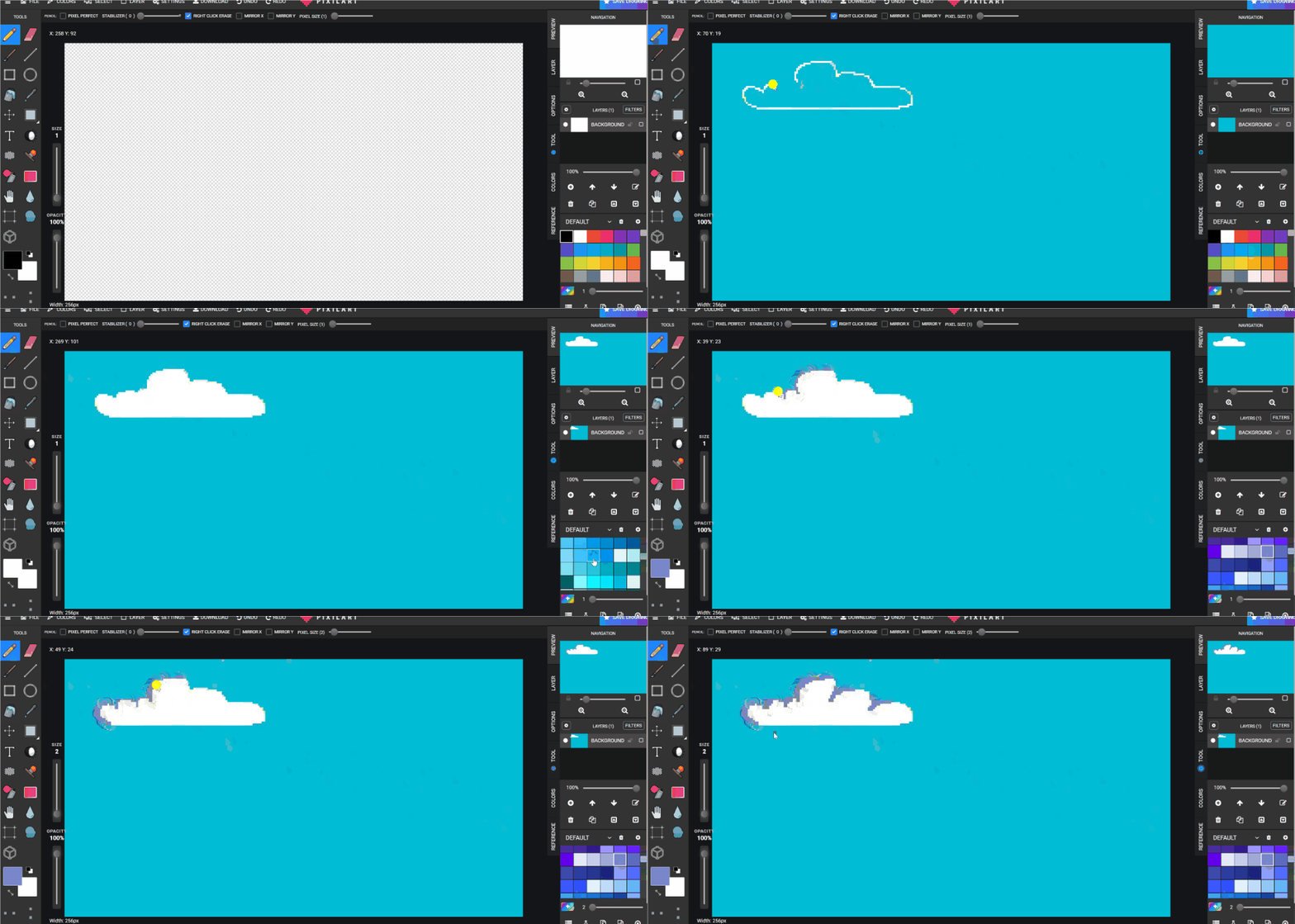
Second style using

and turning down OPACITY and BRUSH Size

Slowing using mouse of finger to go LEFT and RIGHT to slowly color in a brush trying to make a cloud shape
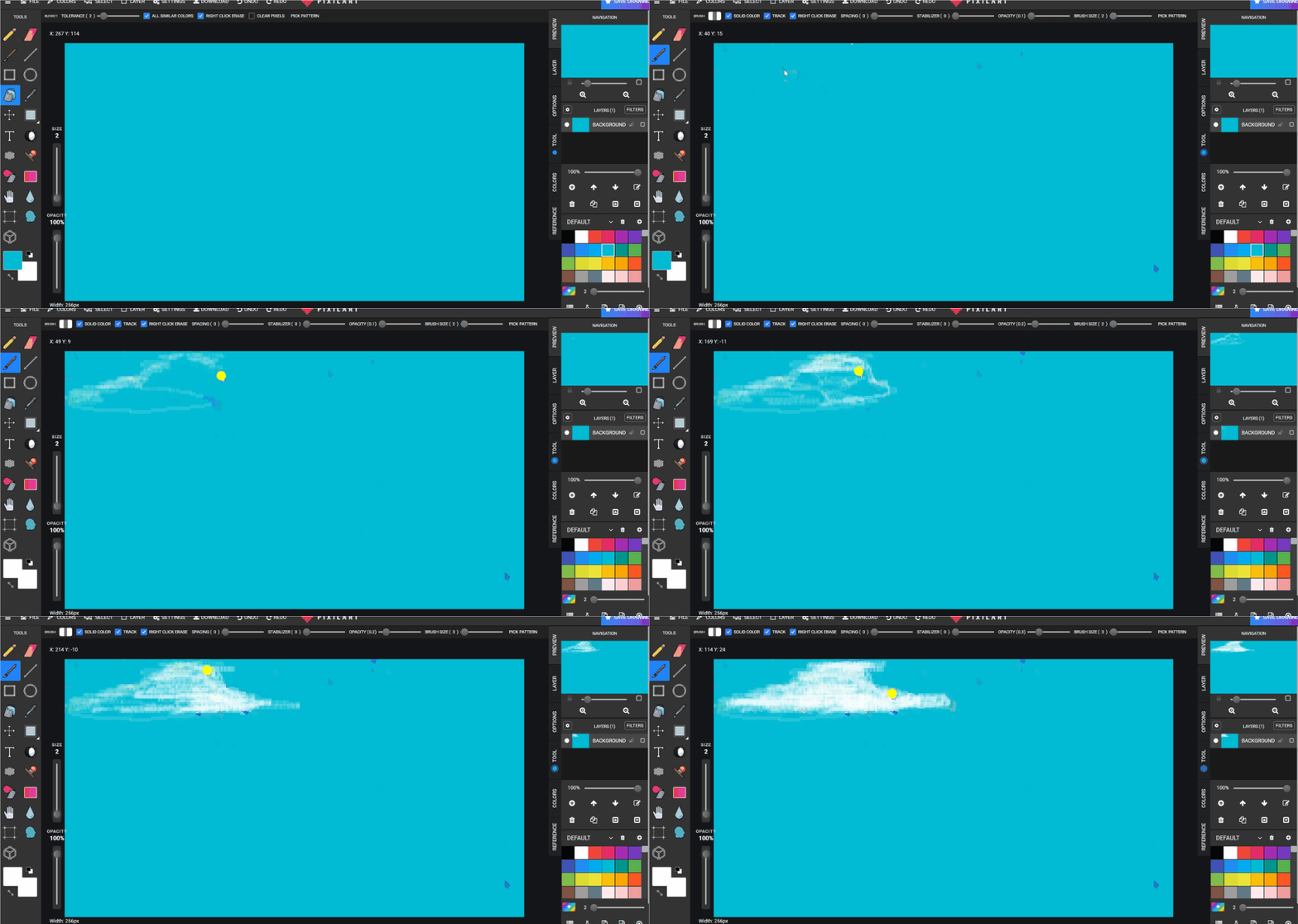
Download pixil
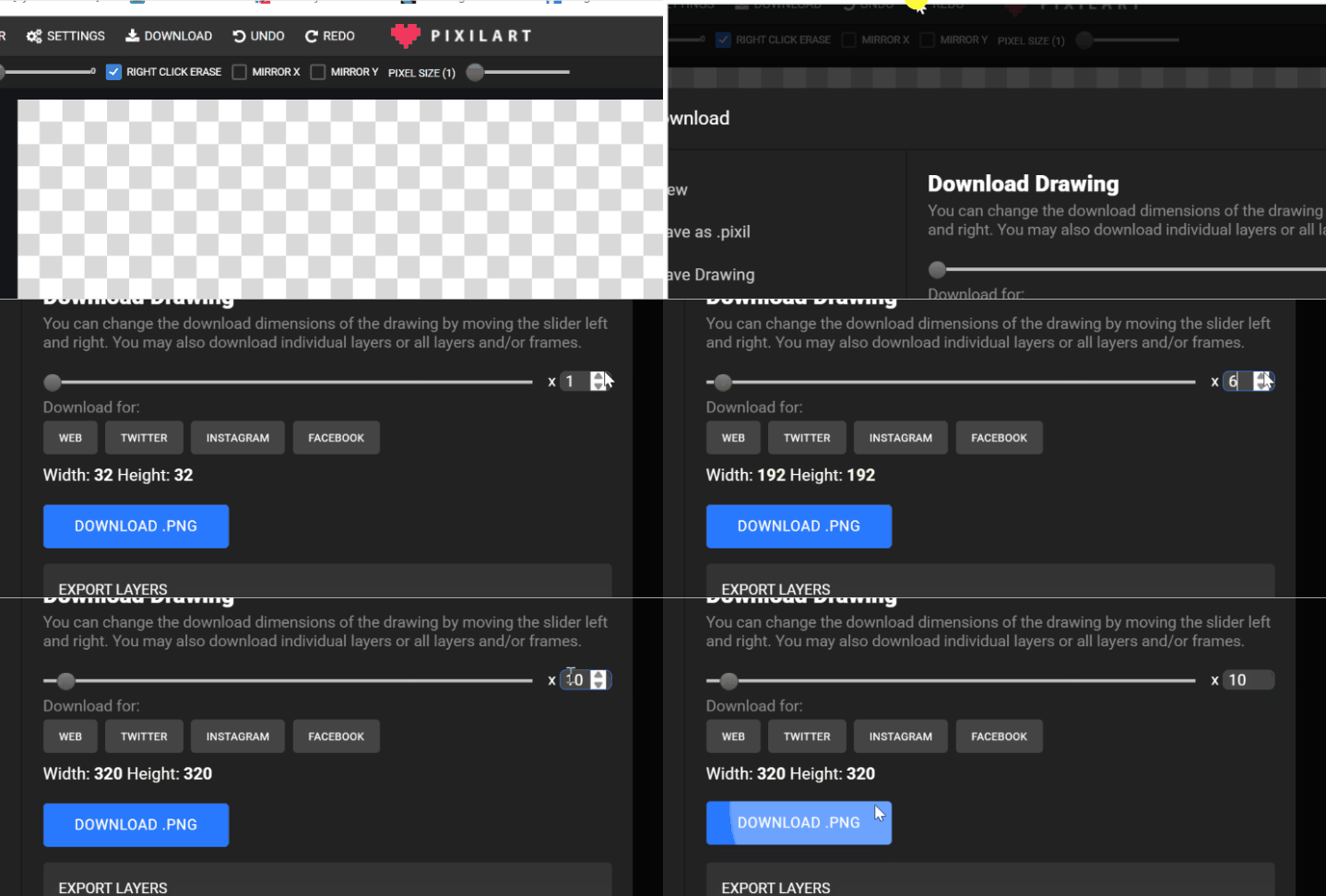
Save to GOOGLE DRIVE > STUDENTS> STUDENTS FILE> CLOUDS.png Every other save add a number afterwards CLOUDS2.png to make sure it does not overwrite the first drawing of clouds.png
Lesson 2 - continue
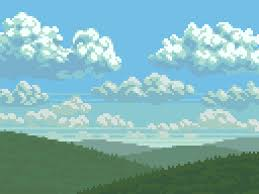
may try adding a landscape to the scene now but clouds being the main focus
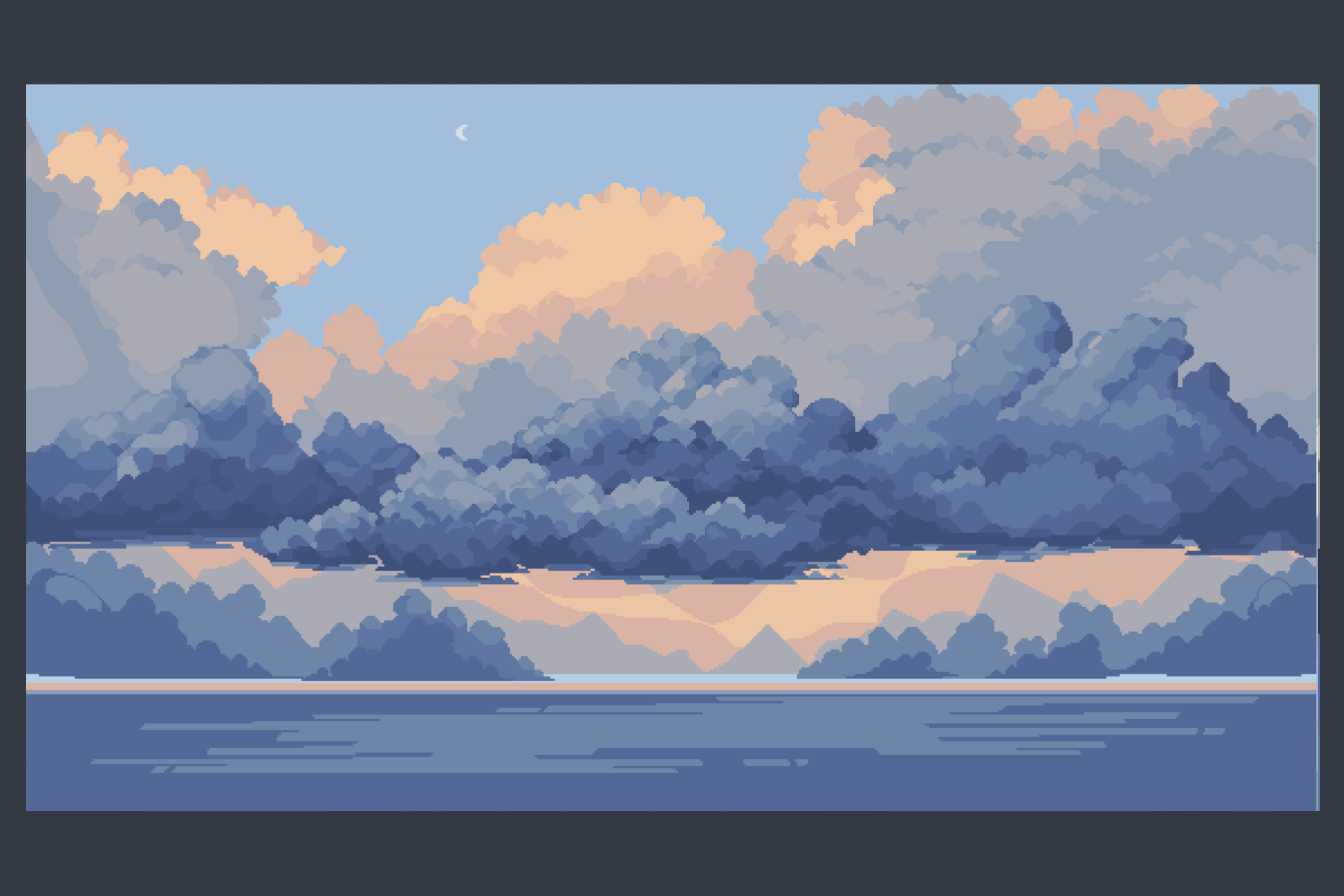
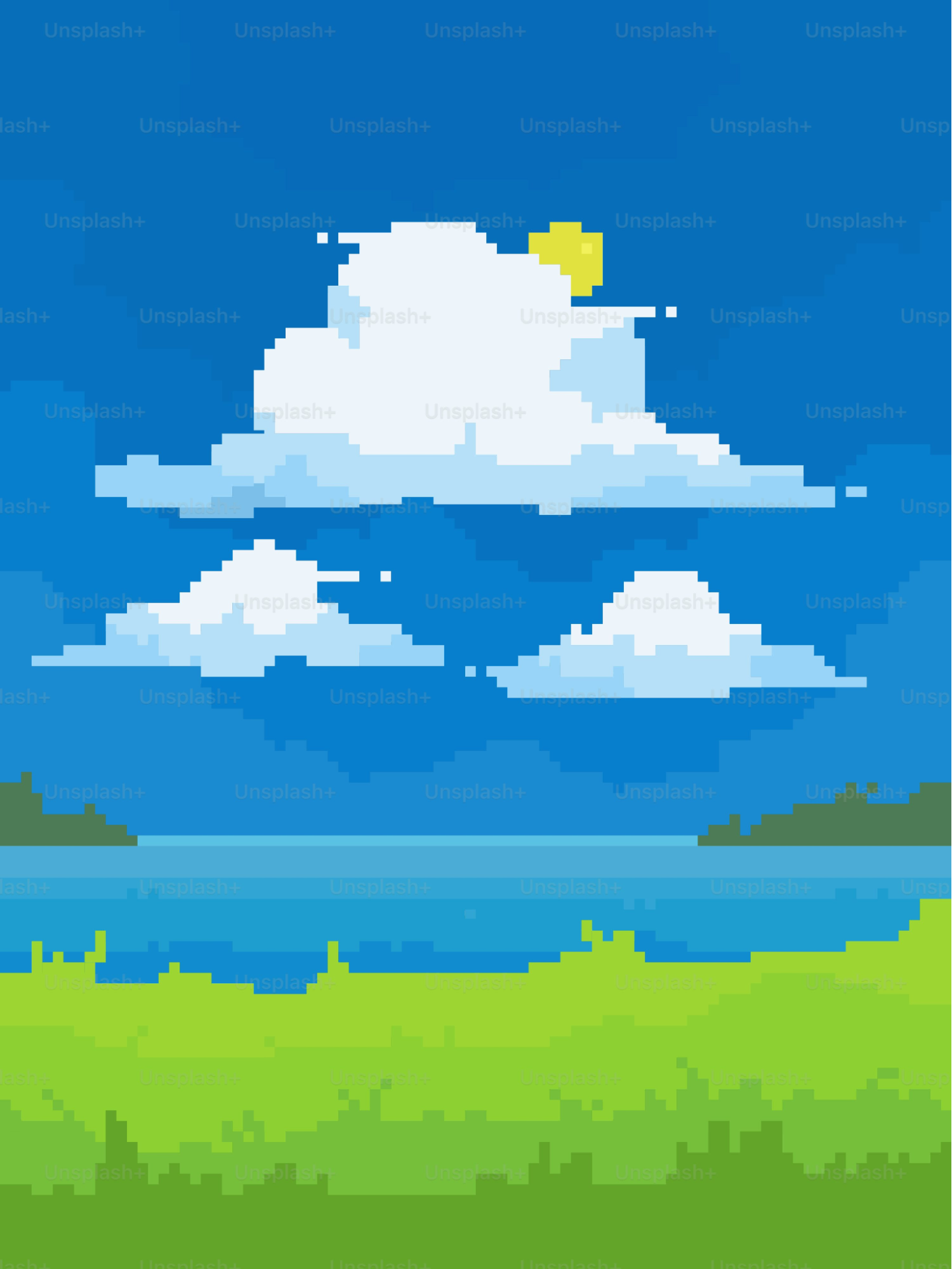
Week 2 - Landscapes
Lesson 1 - Search: landscape pixel art easy 32x32 - 64x64
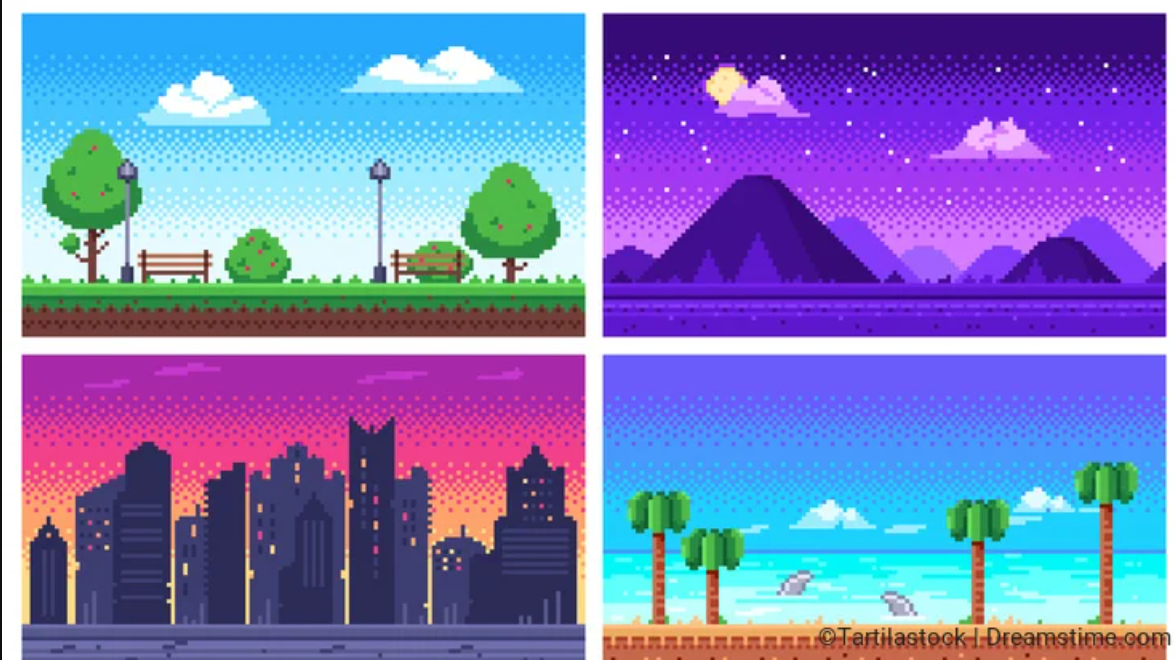
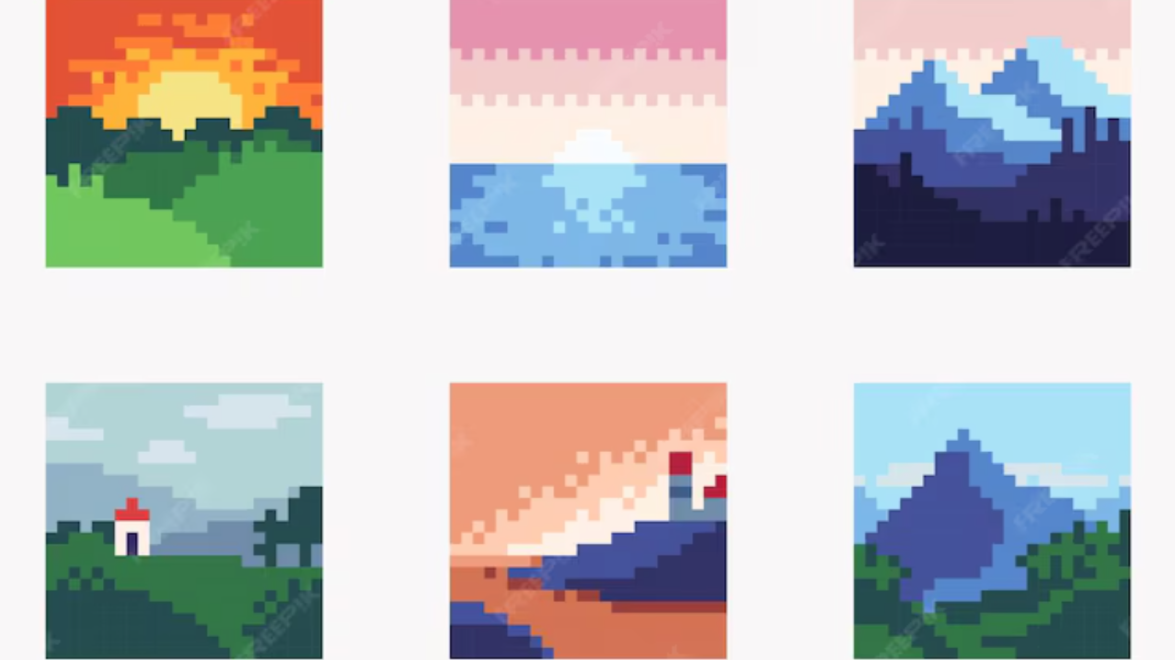
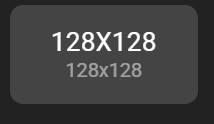
Canvas:
Can pick any idea above but using these same method of processes. Fill in canvas with sky color
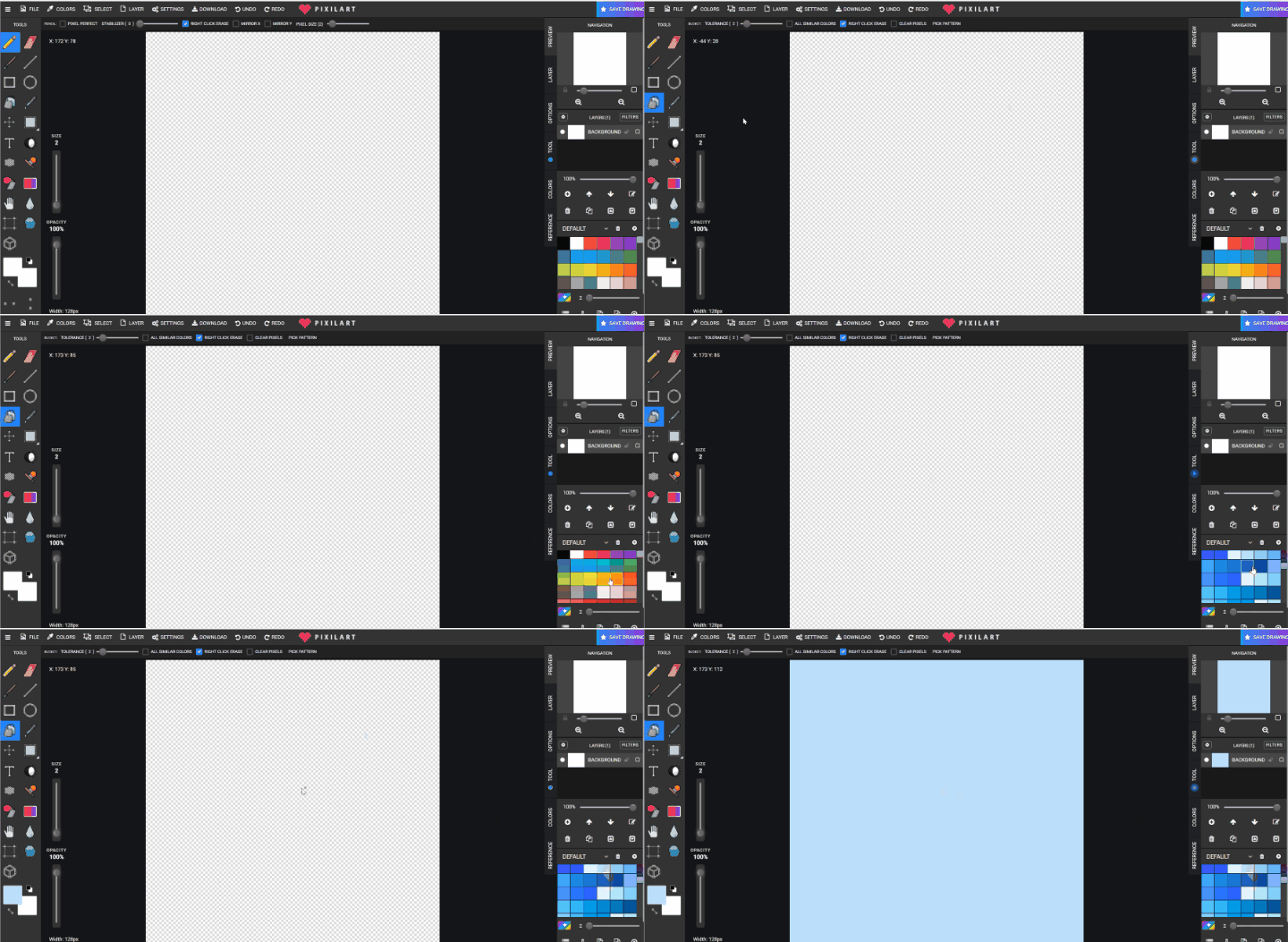
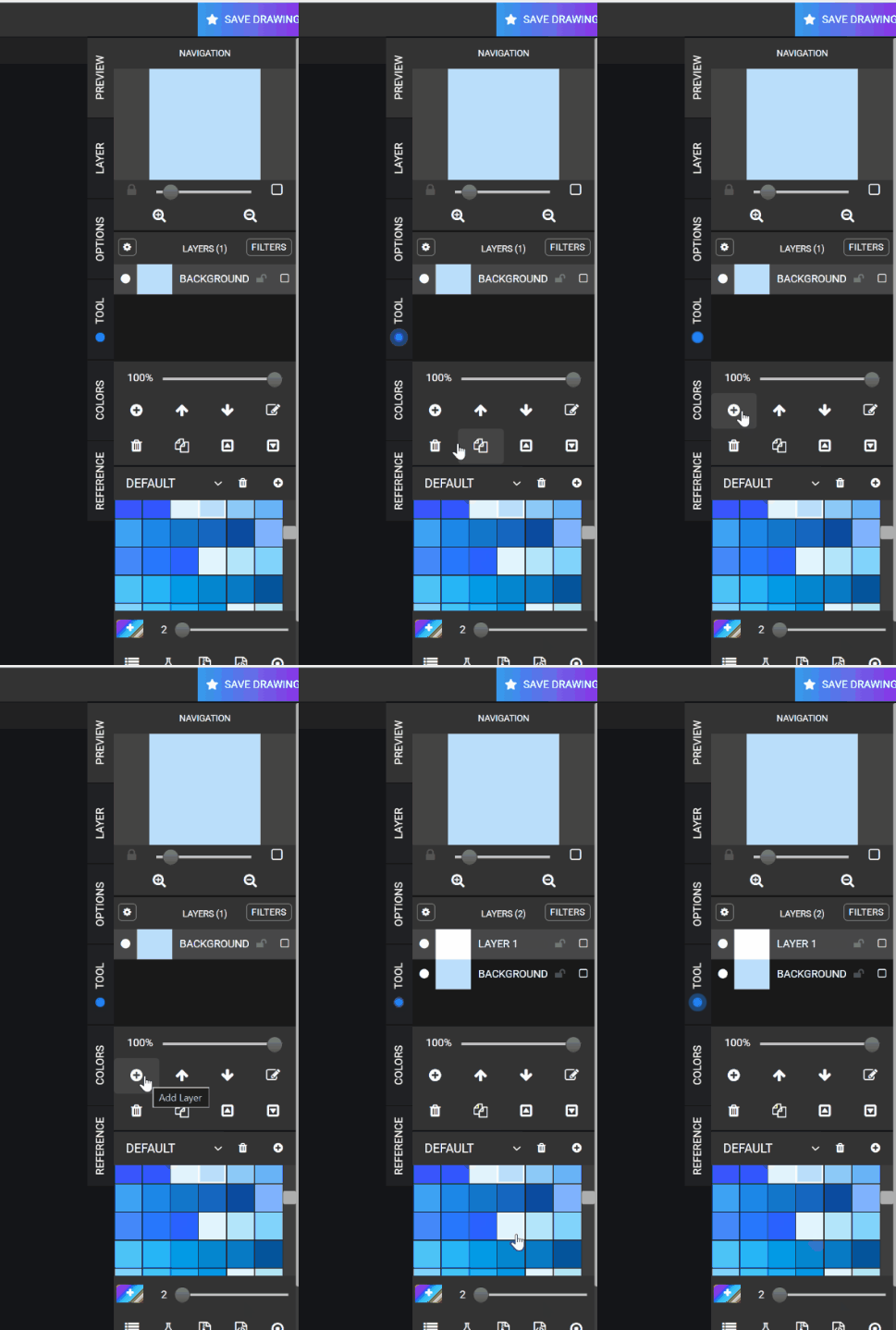
Make a new layer (+)
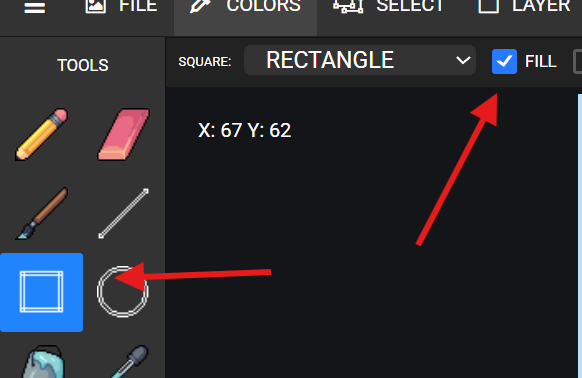
Using SQUARE TOOL with FILL to help draw the land if need or just pencil if thinking of another idea like pencil
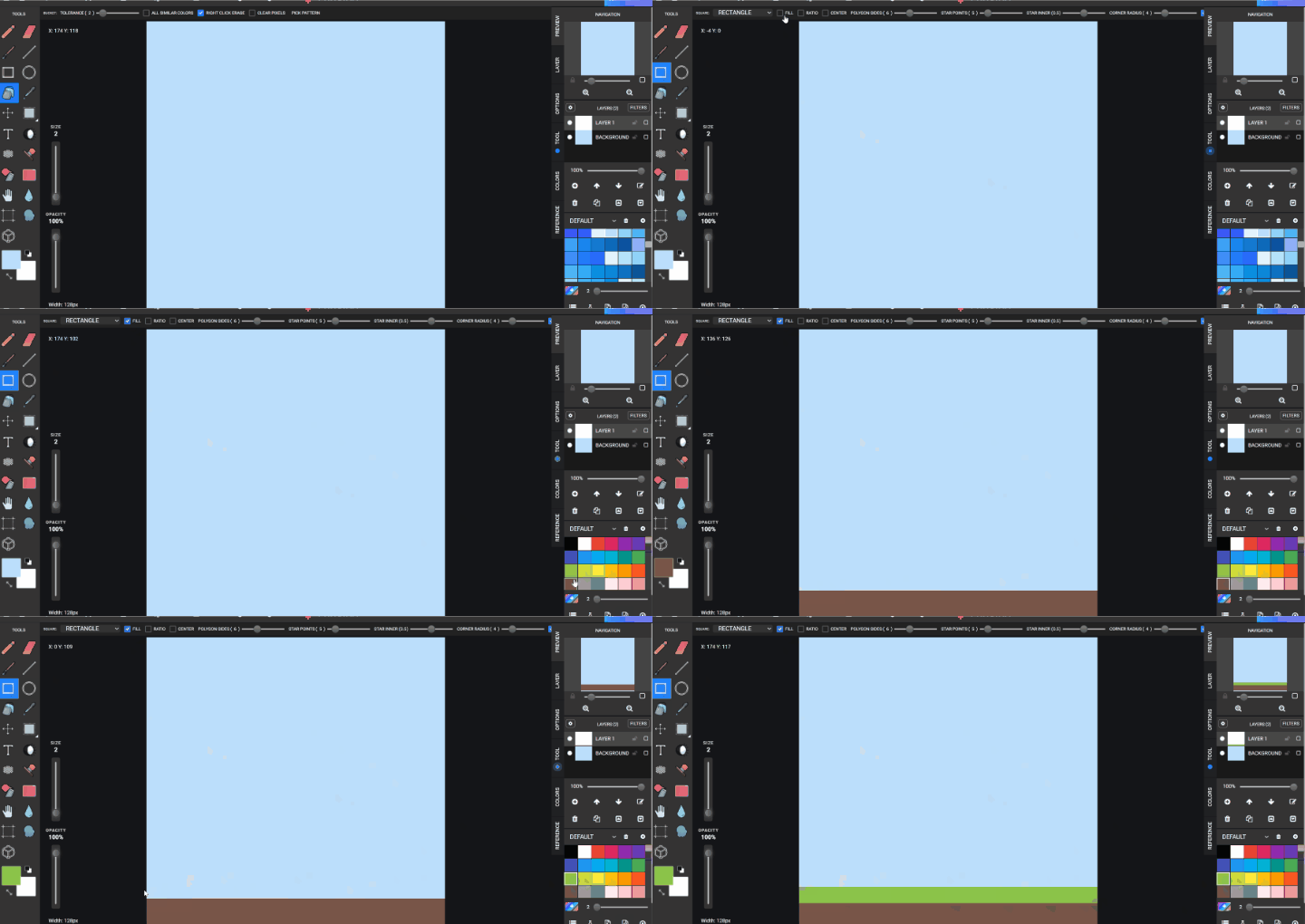
After this draw in object in the scene you are thinking of. Lighthouse House Chairs Trees Buildings Trains Etc .. Download pixil
Save to GOOGLE DRIVE > STUDENTS> STUDENTS FILE> Landscape.gif
Lesson 2 - Repeat and continue the previous landscape topic. Download pixil
Save to GOOGLE DRIVE > STUDENTS> STUDENTS FILE> Landscape.gif