Unit 5 - Year 3 Lessons
Overview
Students will complete Unit 5 Year 3 activities using digital art workflows.
Target skills:
- Visual Communication
- Digital Illustration
- Creative Problem Solving
Tools:
- Pixilart
Outputs:
- Student-created digital artifact(s) saved to class folder.
Week 1 - Draw the Layers (Pixilart)
Lesson 1 - Background > Foreground
Goal: Design 4+ layers that stack (sky, boat, waves 1-3).
- Canvas 500×500 (prints slightly larger than the box; fold tabs for gluing).
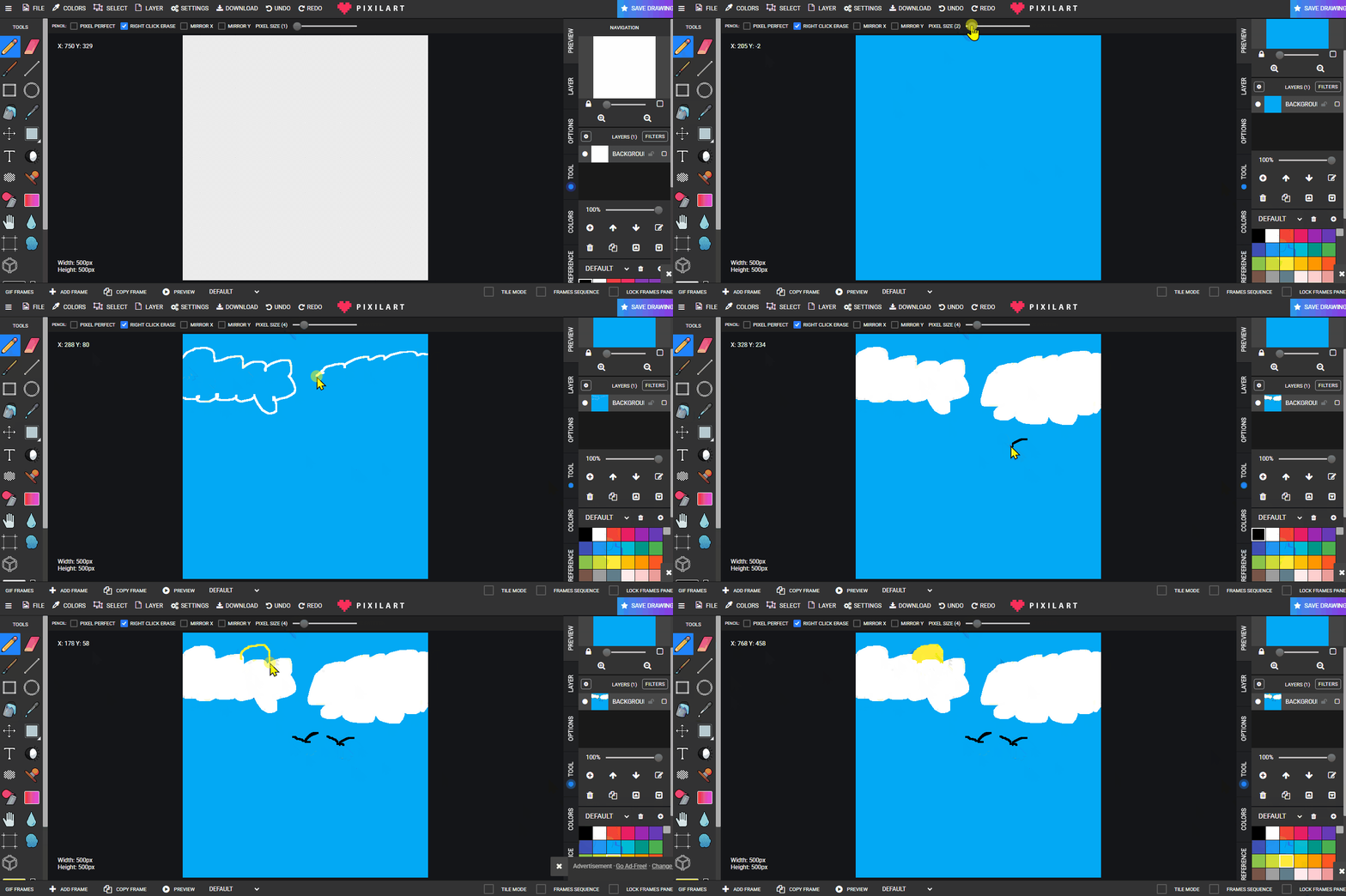
- Layer 1 - Sky (clouds/sun/birds). Save:
skylayer.png.
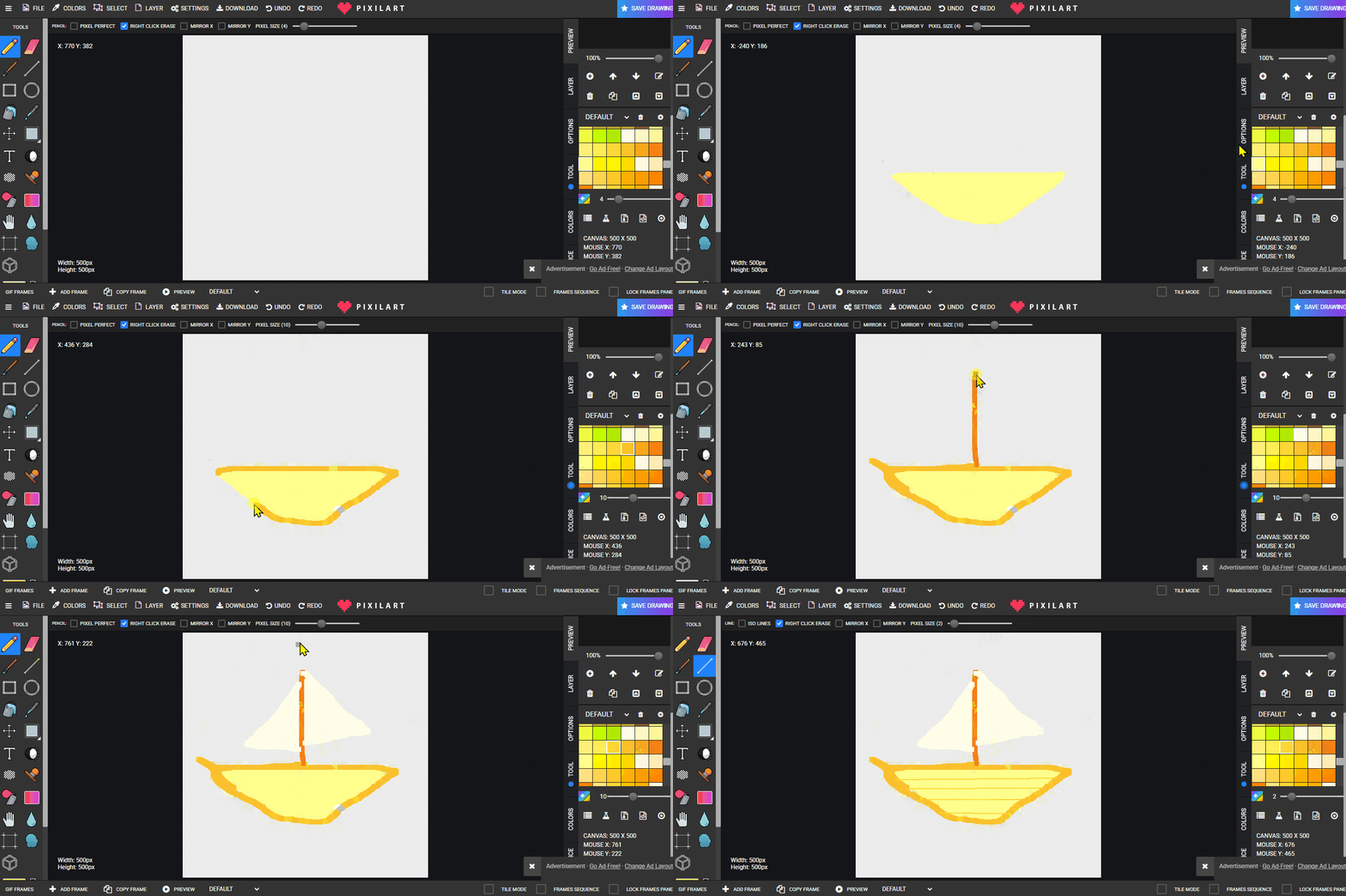
- Layer 2 - Boat. Save:
boatlayer.png.
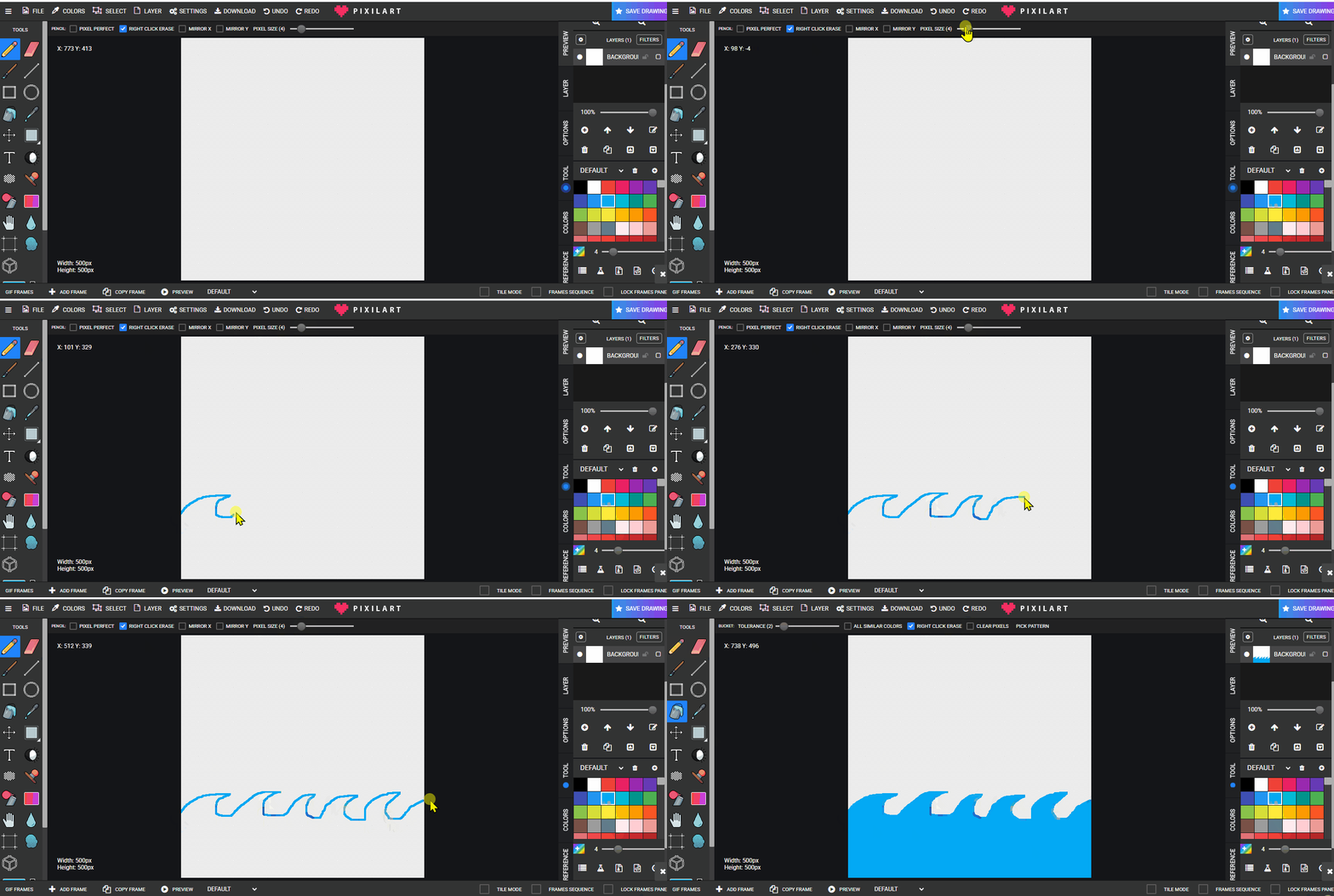
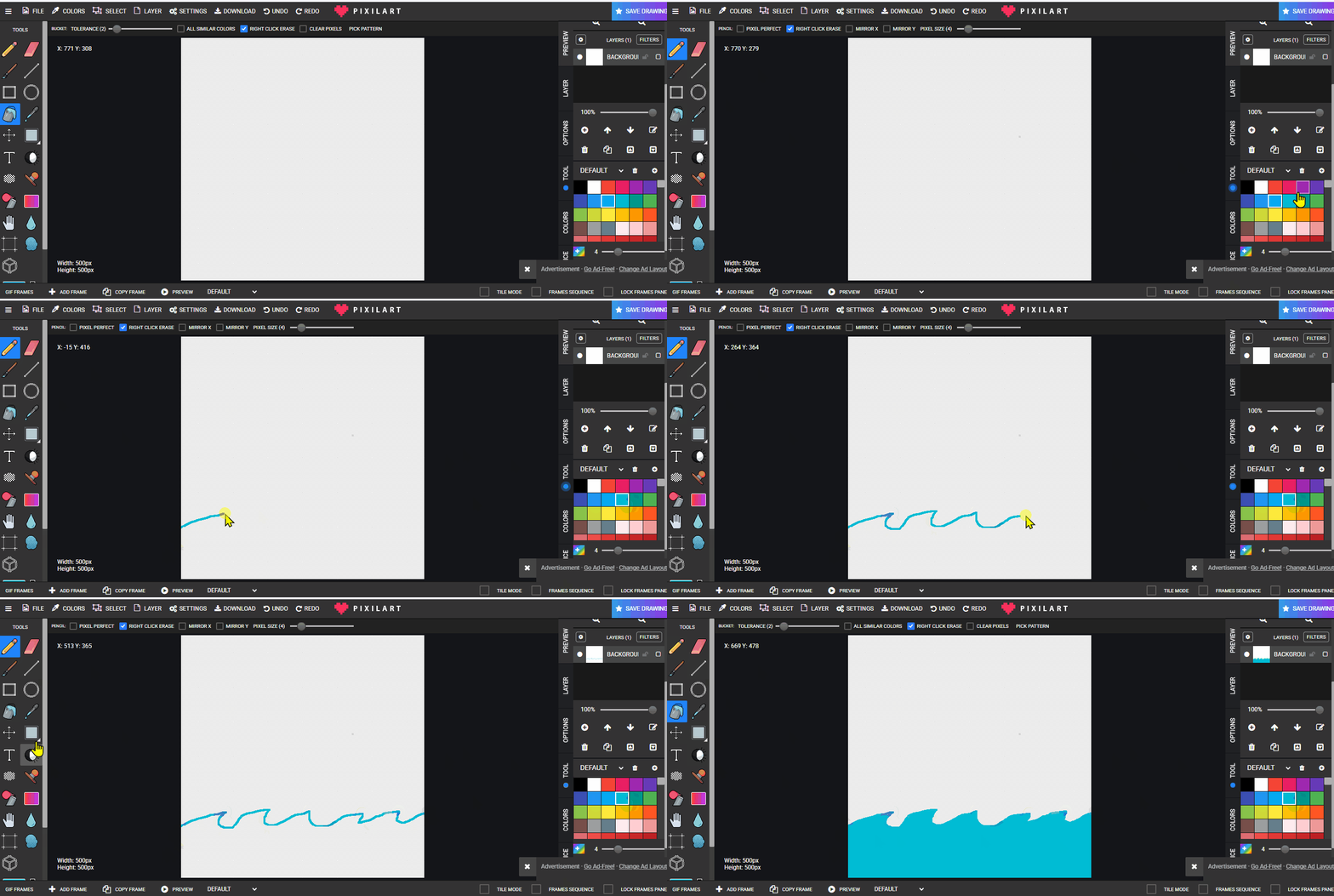
- Layers 3-5 - Waves (each smaller/closer than the previous).
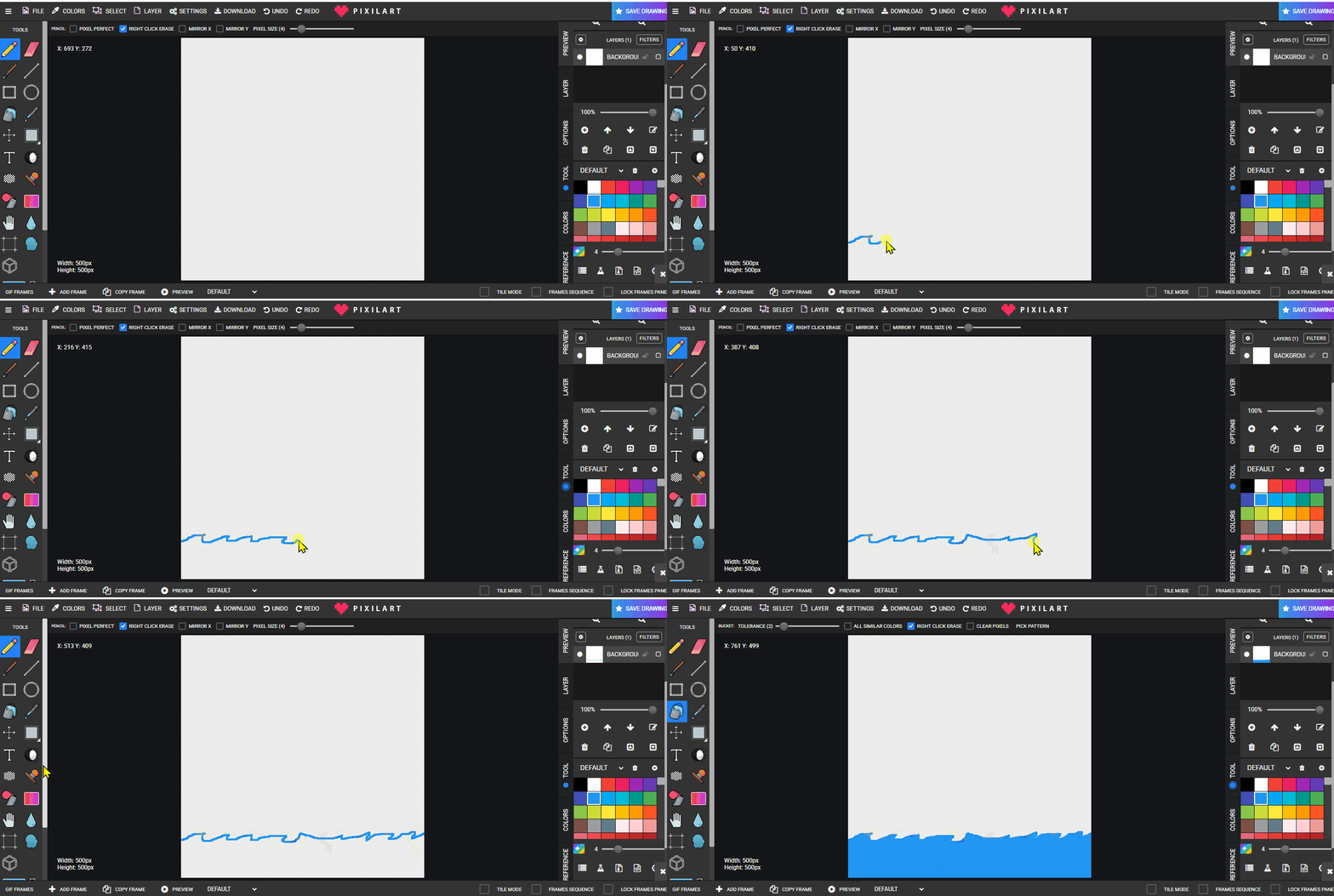
Lesson 2 - Continue Drawing
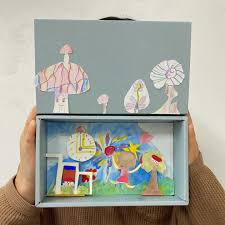
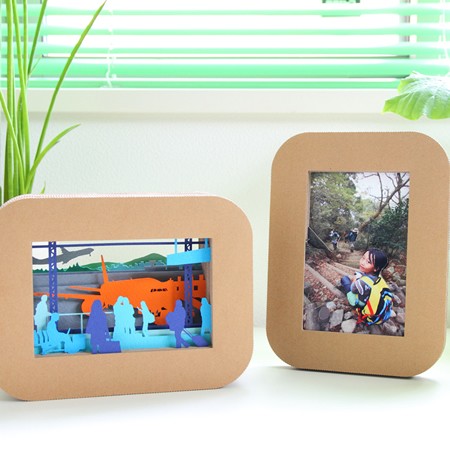
Finish all layers. Store files in Students > NAME. Reference build:
Week 2 - Print & Assemble
Lesson 1 - Google Docs Print Sheet
- Open Google Docs in the student folder.
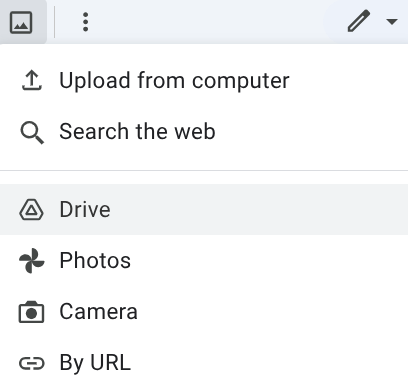
- Insert each exported PNG layer onto the page(s).
- Print single-sided. Cut out layers, fold glue tabs, and assemble in the half tissue-box.


Lesson 2 - Finish & Optional Additions
Glue all layers front to back; add extra elements if time allows. Students may create new layers and repeat the print/assemble process.