Unit 10 - Year 1 Lessons
Overview
Students will complete Unit 10 Year 1 activities using digital art workflows.
Target skills:
- Visual Communication
- Digital Illustration
- Creative Problem Solving
Tools:
- Pixilart
Outputs:
- Student-created digital artifact(s) saved to class folder.
Week 1 - Fireworks Animation
Lesson 1 - Fireworks in Pixilart
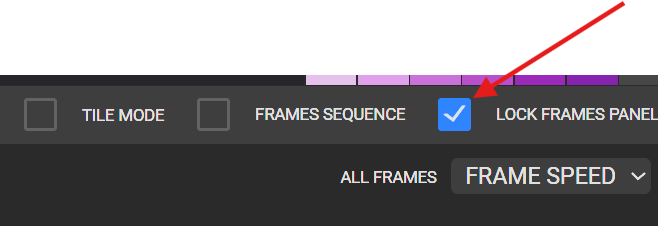
Before drawing turn this button on, makes it easier to add frames later.
Using pencil

to draw the beginning of the fireworks. Keep adding frames and moving up until high enough, and can do this slowly with many frames if wanted to. Try and keep the fireworks going up straight.
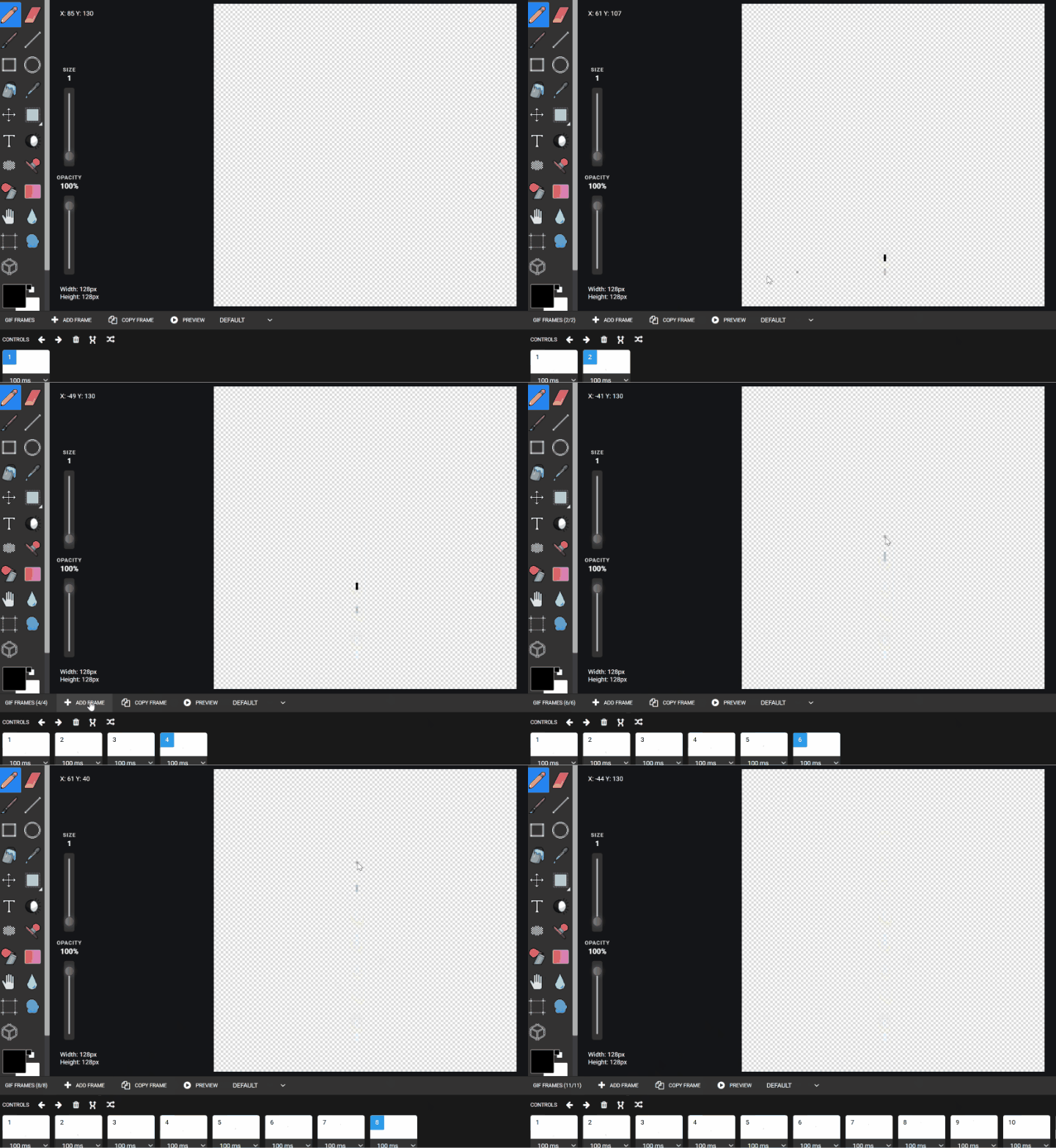
Using color or mix of color and starting the firework small and getting bigger each following frame.


After one and if time try making a special firework after the first one, like a heart shape or smile firework. If no time DOWNLOAD and save to google drive - students - Fireworks.gif
Lesson 2 - Continuing the previous lesson try making a special firework after the first one, like a heart shape or smile firework.
Week 2 - Bouncing Ball Animation
Lesson 1 - Bouncing Ball Without Squash

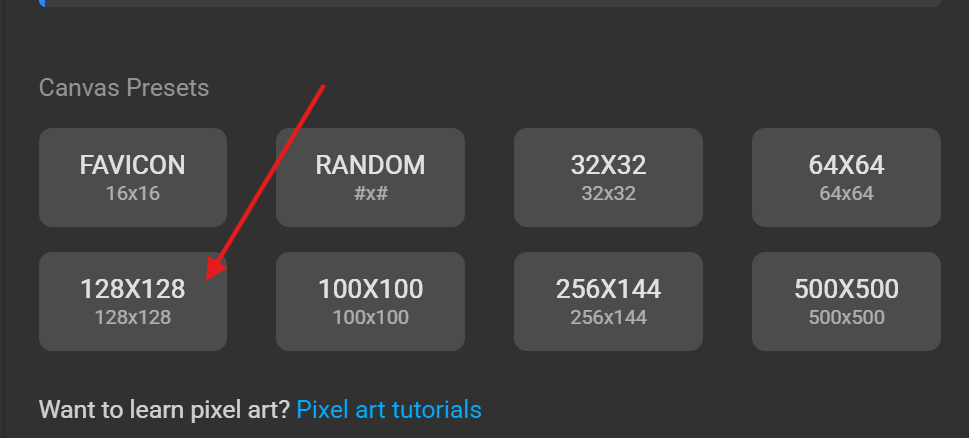
Trying to understand the idea of the squish and squashing to make the animation more animated. Open pixil art and using canvas size 16x16


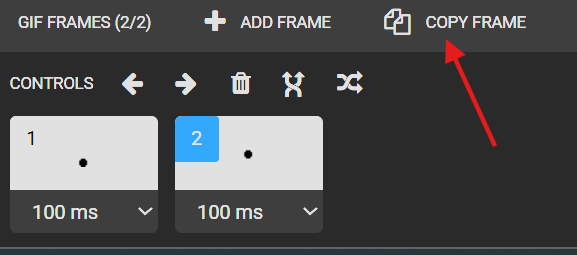

move the ball up

Following the drawing paper we started with.

Download
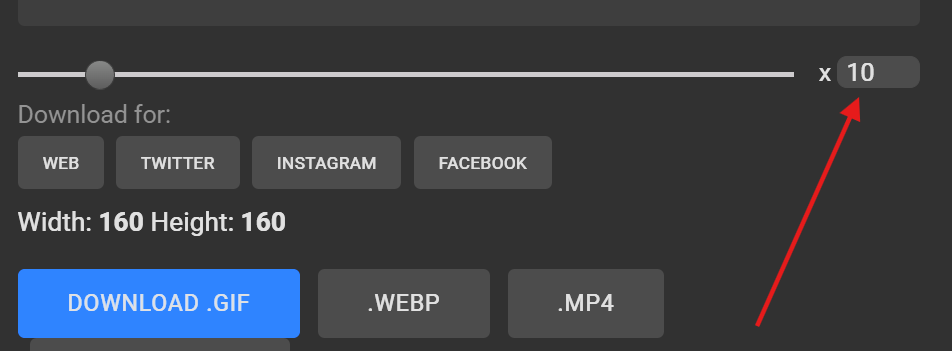
Save to google drive - students - students name - bouncing bal1.gif BACK TO THE PAPER The second set of frames, don't have to use all of them. But use as many as possible. Like this picture but start the drawing off with the ball normal on the bottom Talk about the idea when a ball drops fast it will squish and bounce back up.
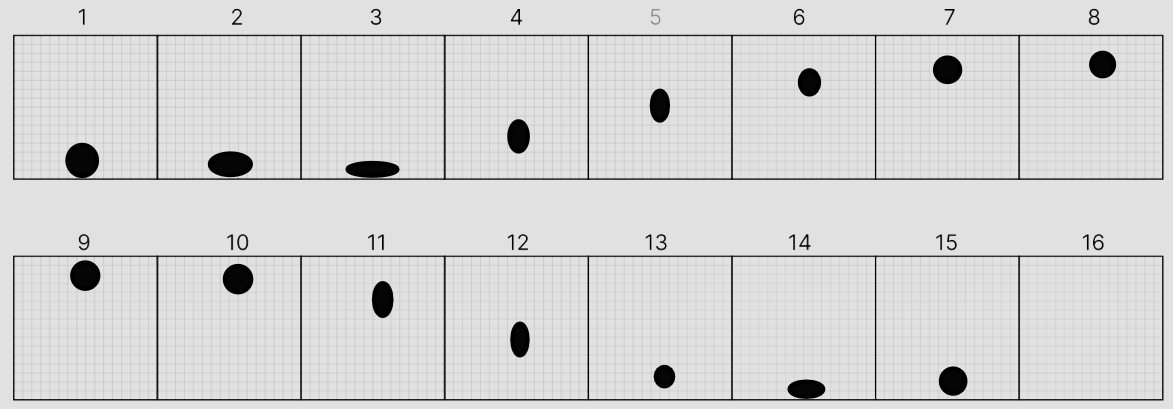
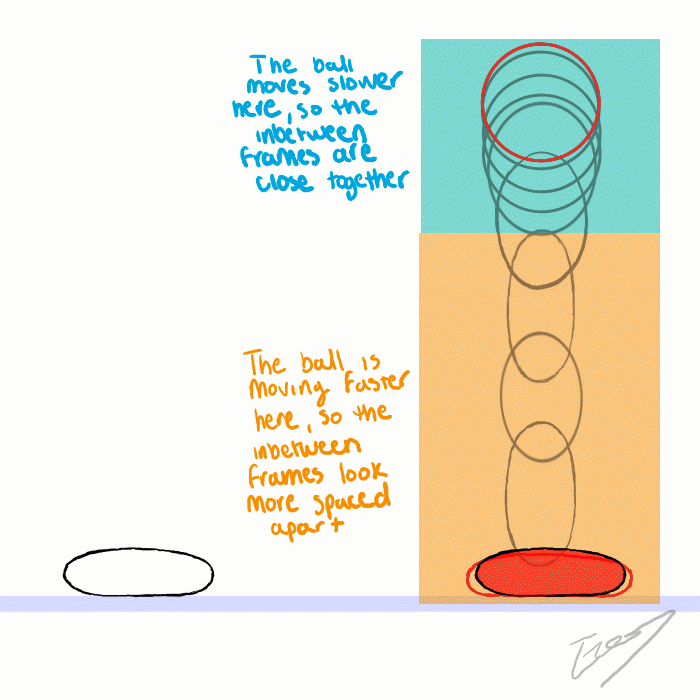
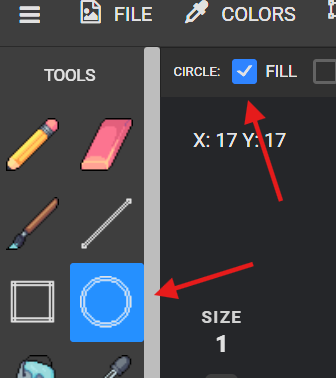
Using the paper as a guide go back into pixil art and using 16x16 canvas size follow the same method but use

instead of copy so that you can draw the ball over and over again with the squish or squash.


Download
Save to google drive - students - students name - bouncing ball2.gif