Unit 12 - Year 3 Lessons
Overview
Students will complete Unit 12 Year 3 activities using Google Workspace workflows.
Target skills:
- Digital Literacy & Confidence
- Visual Communication
- Storytelling
Tools:
- Google Slides / Google Docs / Google Drive
Outputs:
- Student-created digital artifact(s) saved to class folder.
Week 1 - Famous Artist Showcase
Lesson 1 - Activity
Refer to HERE for how to set up google slides EXAMPLE HERE Discuss about painting and drawings and talking about famous people if they know any Kiddle --search famous artist , history --- make slides Choose one together first Such as yayoi kusama van gogh Pablo picasso Frida Kahlo Andy warhol Claude Monet rene magritte salvador dali Open google slides Name the top title
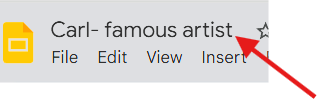
First slide - name and title, Famous Artist
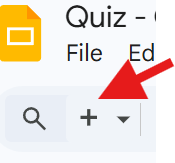
adding a new slide

With the picture .RIGHT SIDE on slide Thinking about name Age Location What they did (famous works) A art work each slide Teach how to Copy pictures from the internet search and paste into slides Make sure to get the name of the art works also Repeat exercise with a new artist
Lesson 2 - *can try google docs (more challenging)-- can printout and display
Week 2 - Occupation Slides
Lesson 1 - Refer to HERE for how to set up Example : Here Slide print - can print in book style Think about occupations together: Firefighter Game designer Make up artist Airplane Pilot Doctor Baker / patisserie Police officer Athlete Name Making slides about the occupation they choose And reasons why per slide Keep making slides on more occupations after the first
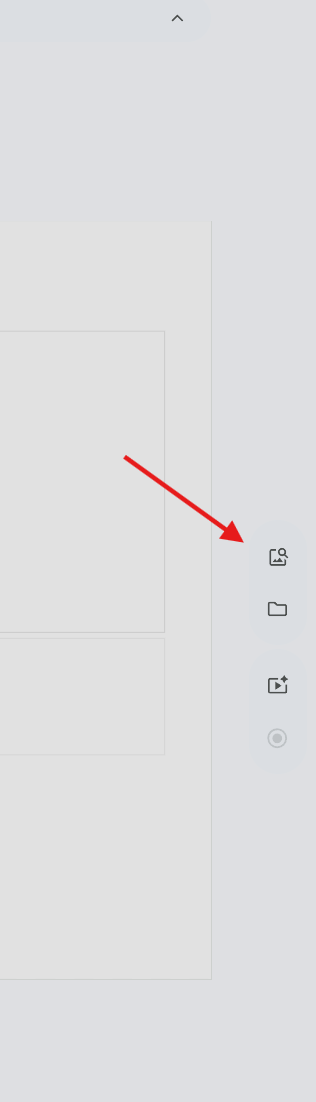
Can add pictures of the occupations via
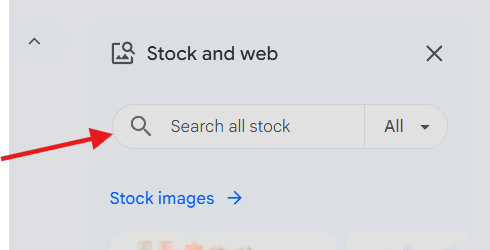
Type in occupation Click on picture and move around into place resizing with the circles on the edge of selected picture.