Unit 4 - Year 1 Lessons
Overview
Students will complete Unit 4 Year 1 activities using digital literacy workflows.
Target skills:
- Digital Literacy & Confidence
- Visual Communication
- Systems Thinking
Tools:
- Google Slides
Outputs:
- Student-created digital artifact(s) saved to class folder.
Week 1 - Google Slides About Me
Lesson 1 - Build Your First Slides
Goal: Create a Google Slides deck with simple “About Me” pages.
-
Open Google Drive (in the browser) > Dots (Google apps) > Drive. Ensure you’re signed into KEA Digi.
-
Go to Students > open your NAME folder.
-
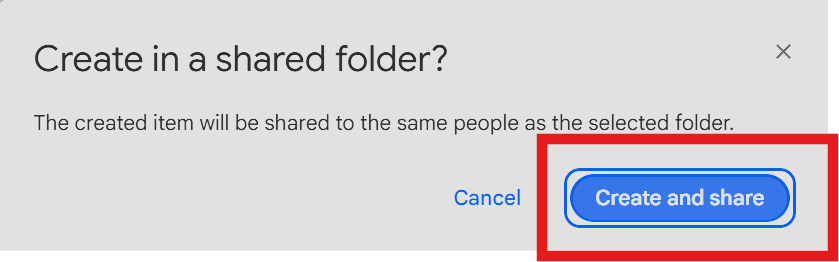
Click + New > Google Slides to create a new deck.

-
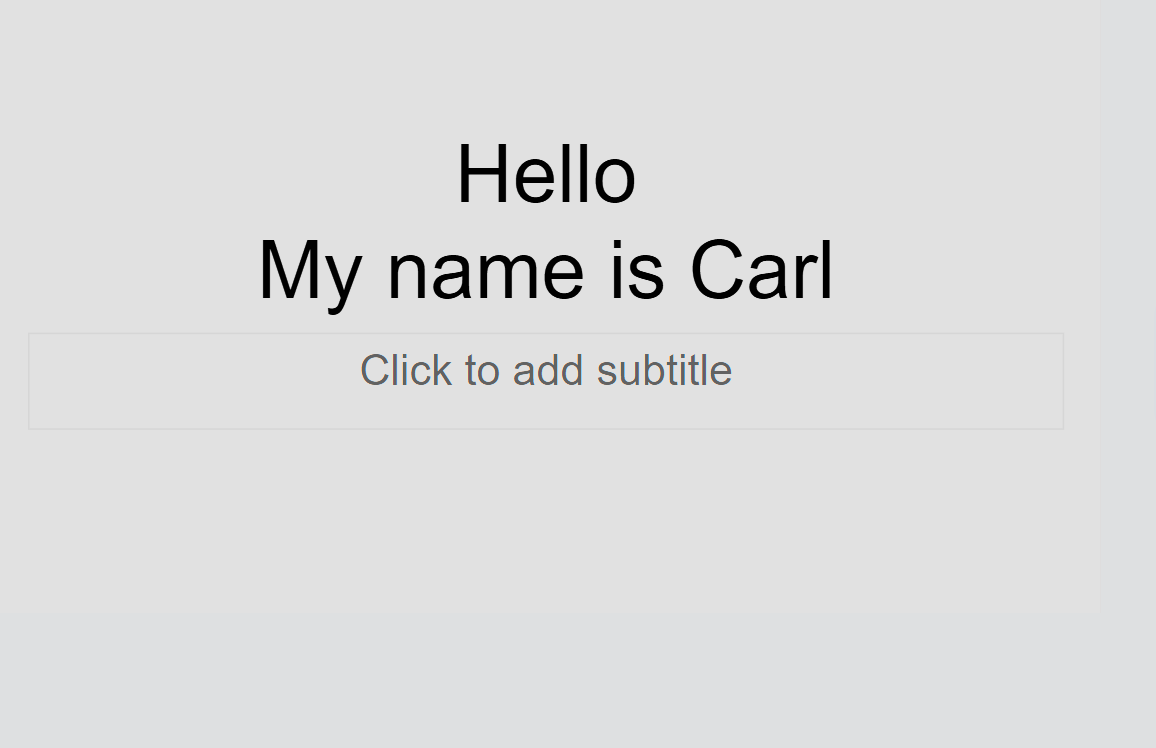
On the first slide, click in the text box and type: “My name is ___.”
-
Click + to add a new slide.
On the second slide, type: “I am __ years old.” -
Undo mistakes with the Undo button (top left).
Suggested Slides
- “I am from ___.”
- “I like to eat ___.”
- “My favourite ice cream is ___.”
- “My favourite game is ___.”
Lesson 2 - Add Pictures
Goal: Insert pictures/GIFs into your slides.
-
Re-open your About Me deck from Google Drive.
-
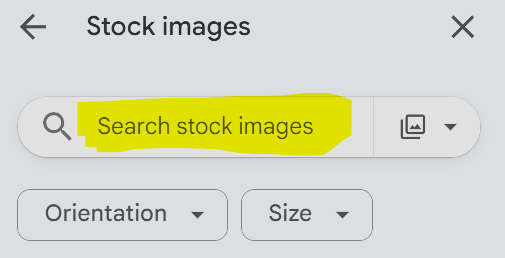
On the right panel, click the image button > insert pictures.
-
Search for topics: Japan, ice cream, games, etc., and place images on the correct slides.
Week 2 - Typography & Slide Transitions
Lesson 1 - Animate Words (Typography)
Goal: Add animations to words and understand slide transitions.
-
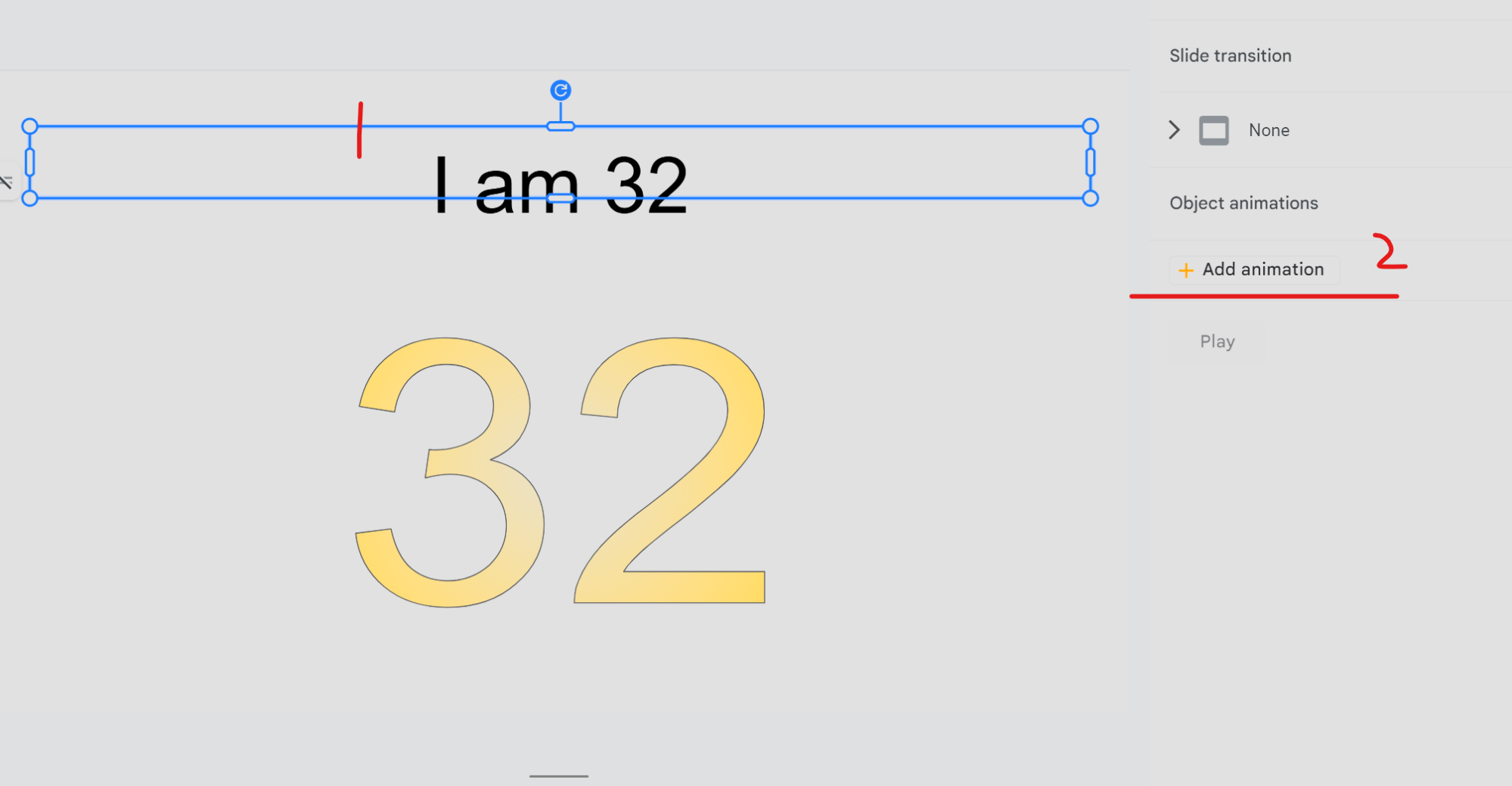
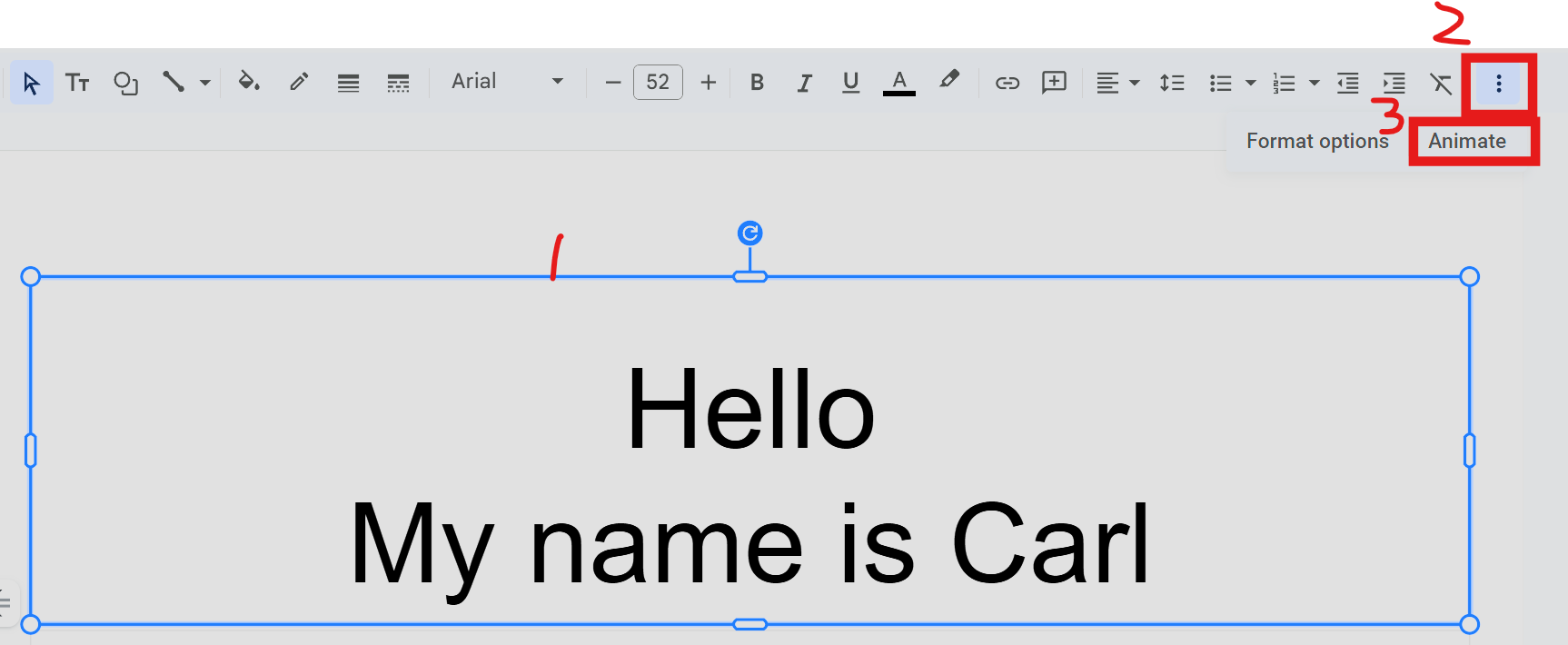
Click a text box > More (three dots) > Animate.
-
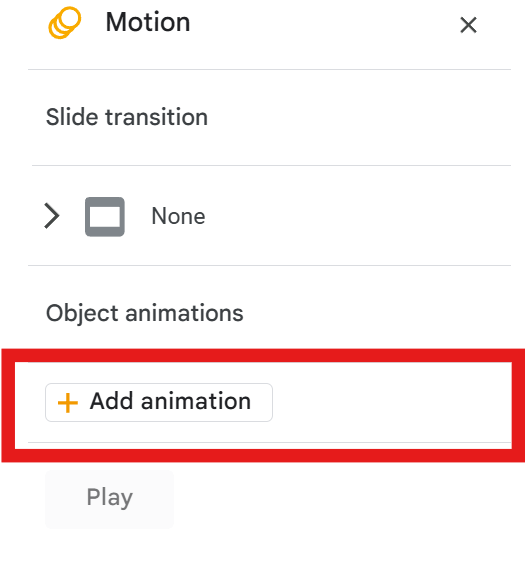
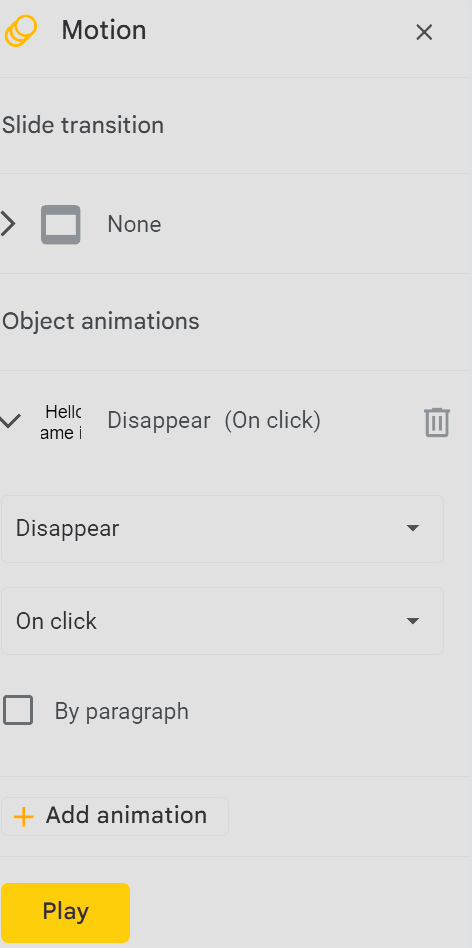
In the Motion panel, adjust: On click / With previous, Fade in / Fly in, speed, etc.
-
Click + Add animation to animate other words or images.
-
Slide transition: choose how the whole slide enters/exits. Try a few and Play to test.
Lesson 2 - Finish & Extend
-
Continue animating remaining slides (words + pictures/GIFs).
-
If finished: Add new slides (“I like… / My favourite…”) and animate them too.