Unit 12 - Year 1 Lessons
Overview
Students will complete Unit 12 Year 1 activities using Google Workspace workflows.
Target skills:
- Digital Literacy & Confidence
- Visual Communication
- Storytelling
Tools:
- Google Slides / Google Docs / Google Drive
Outputs:
- Student-created digital artifact(s) saved to class folder.
Week 1 - Google Slides: Animal Facts
Lesson 1 - Animal Facts Slide Deck

Go to students Open their NAME file
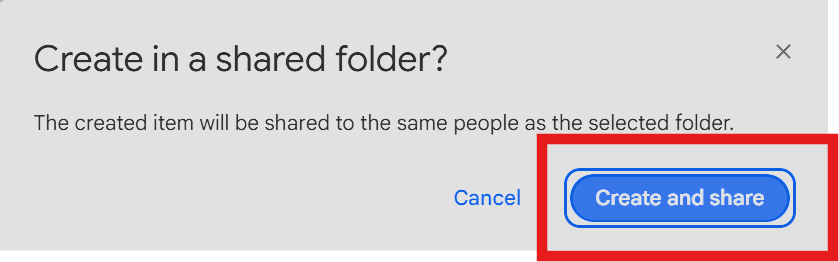
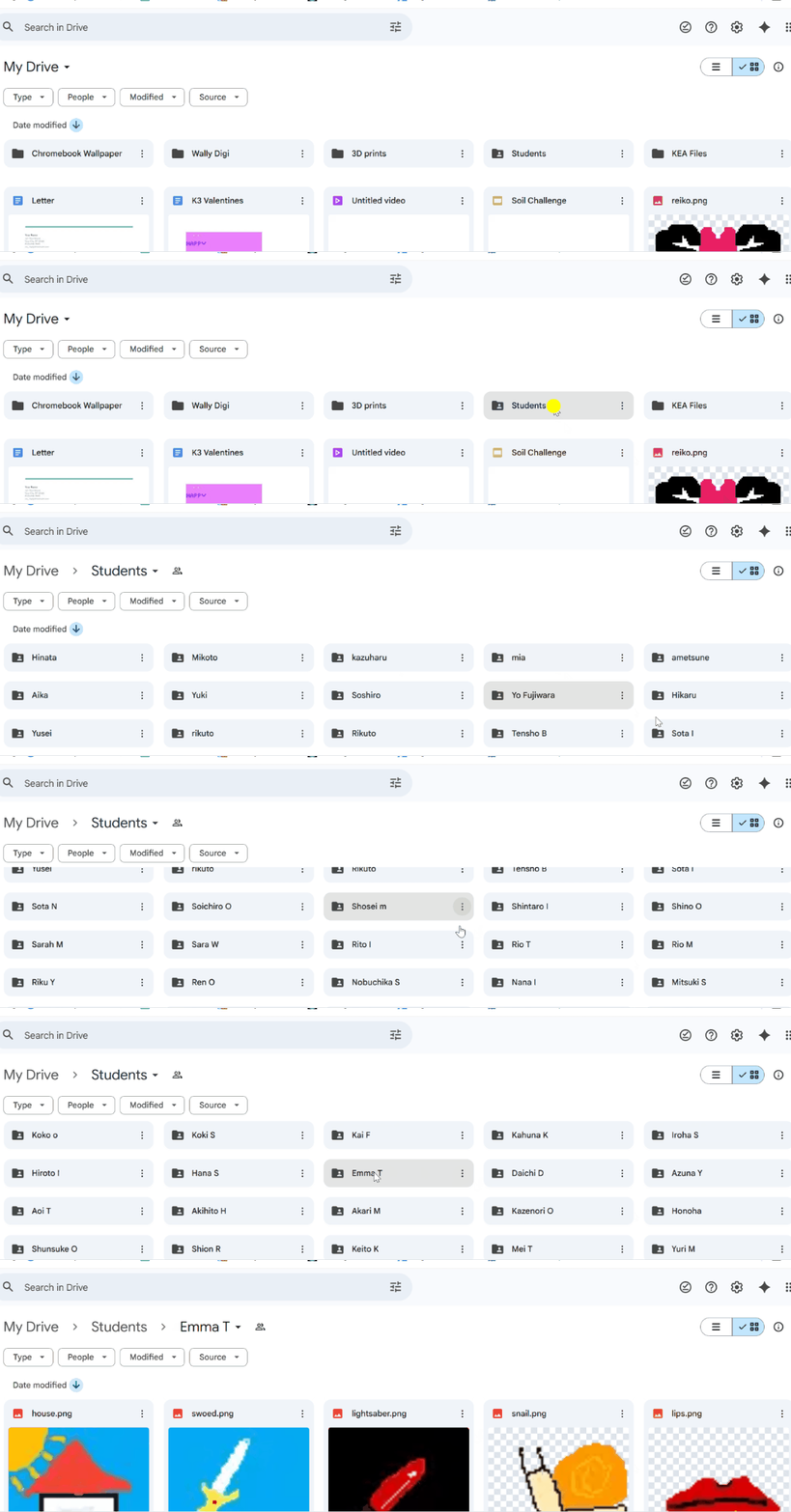
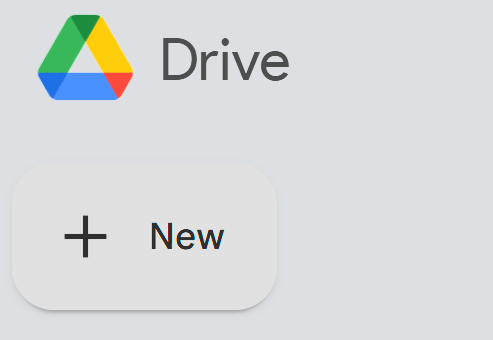

Click the (+NEW) on the left side to make a GOOGLE Slide SLIDE EXAMPLE: Here Use nat geo kids animals Talk about animals and think of animals they know maybe some facts like diet, location, weight Choose an animal together first before students pick their own - using wheel of name to pick an animal the students are thinking of from the net geo kids.
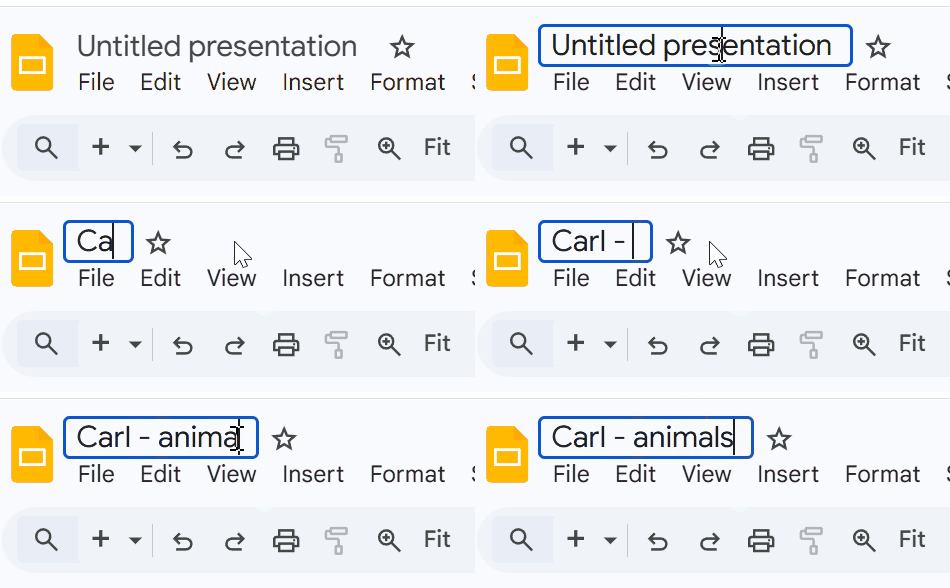
Change the name on the top left to [ name - animals ]
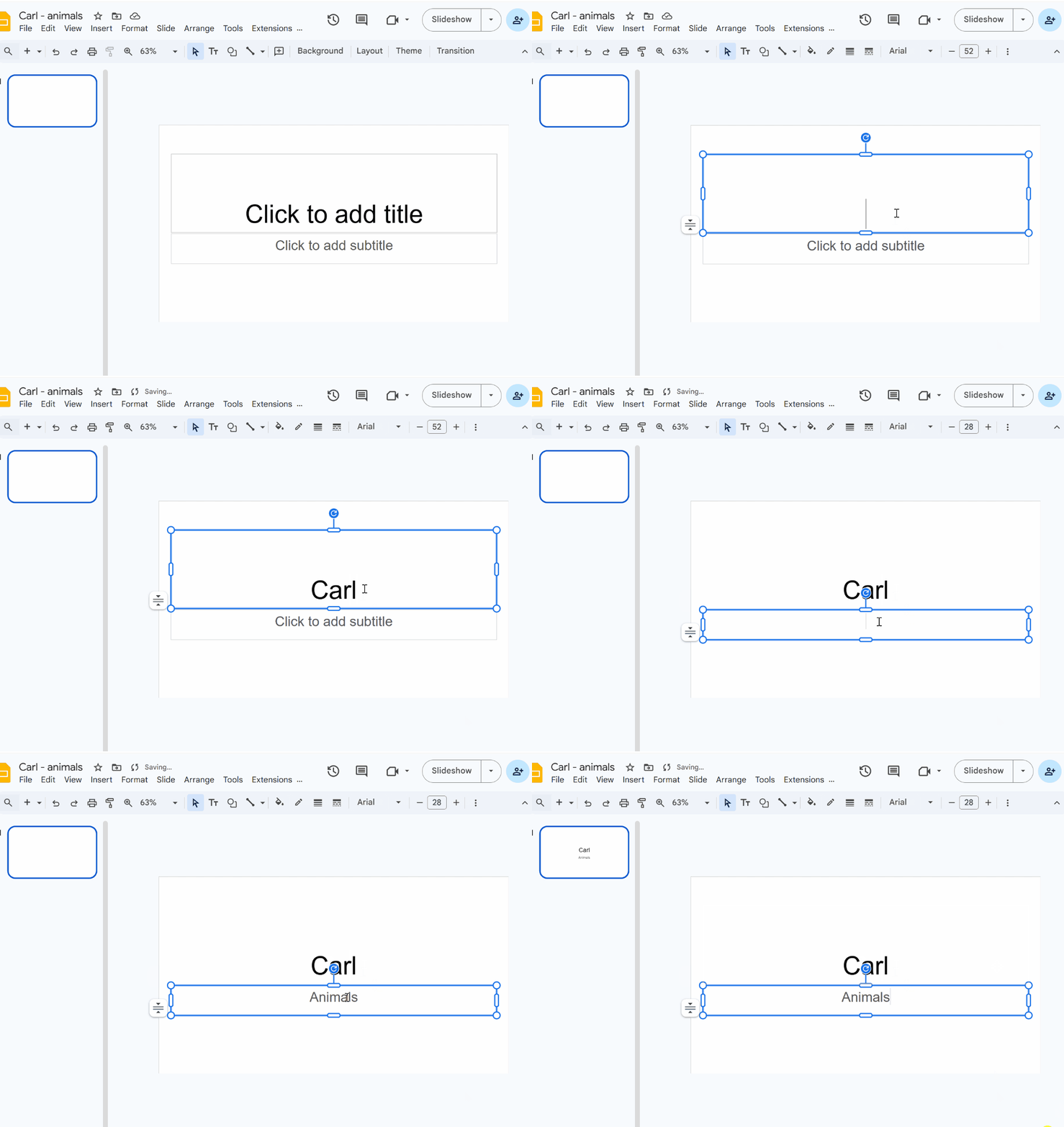
Name and title
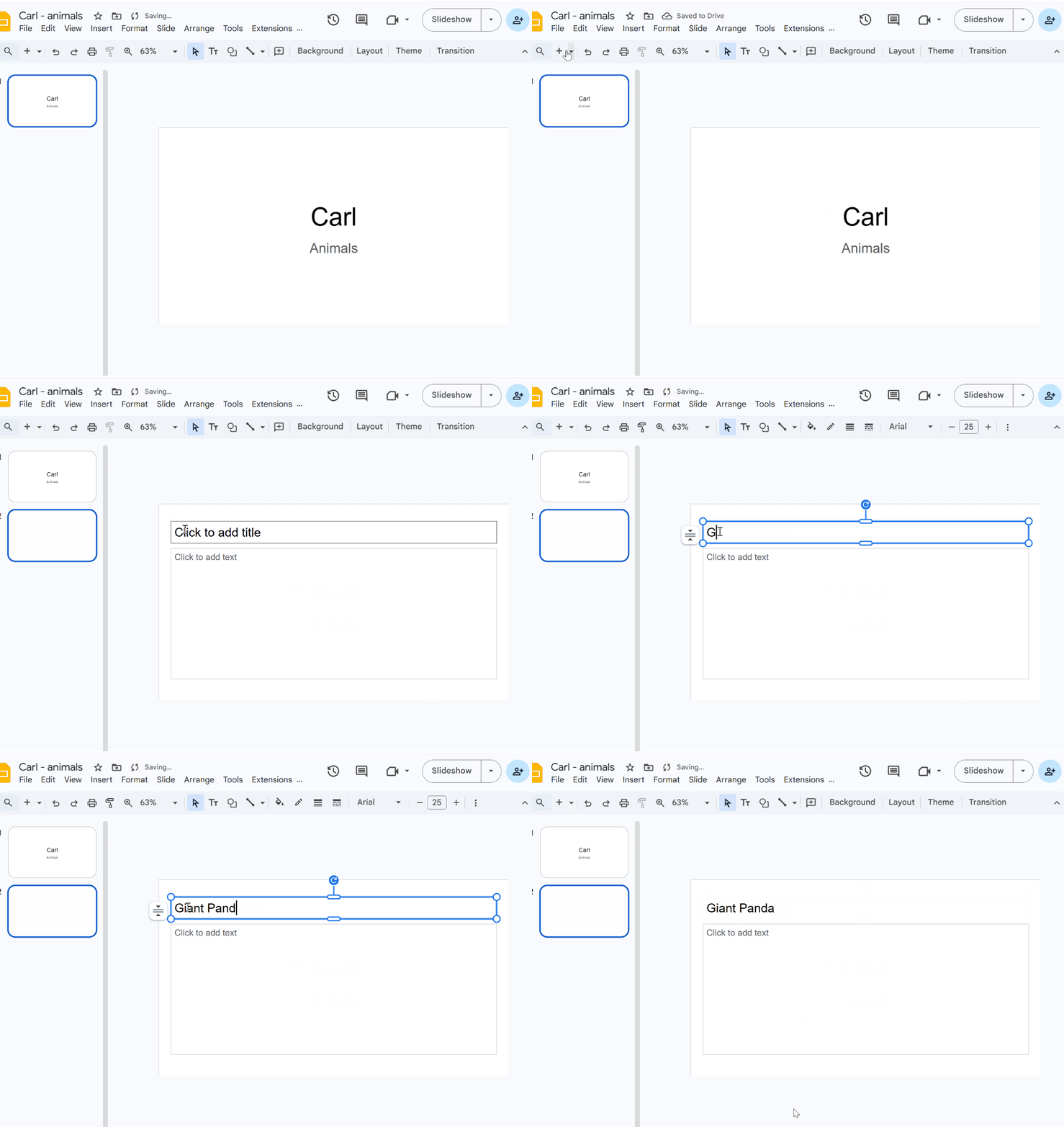
animal name,
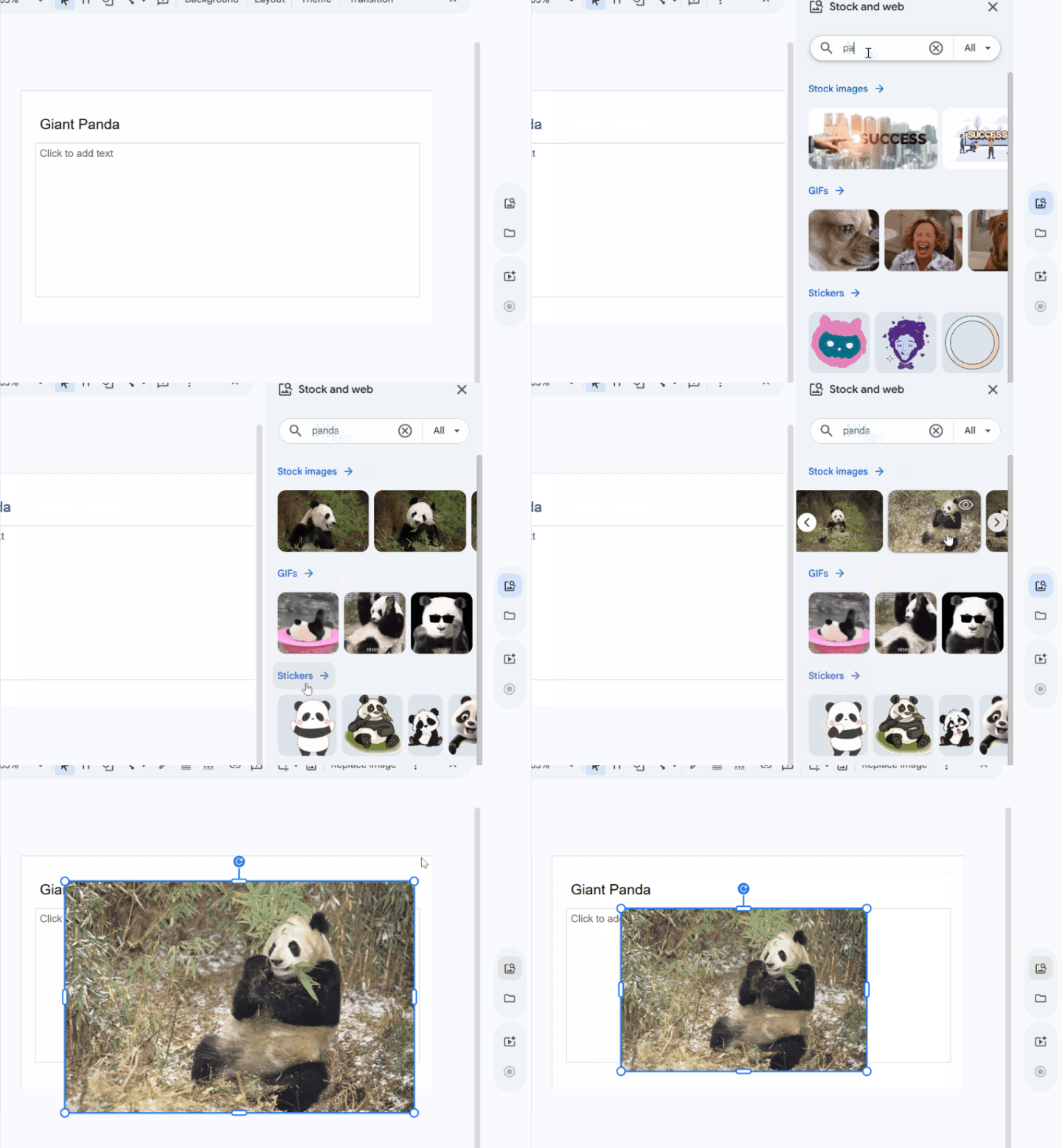
add a picture of a panda Location
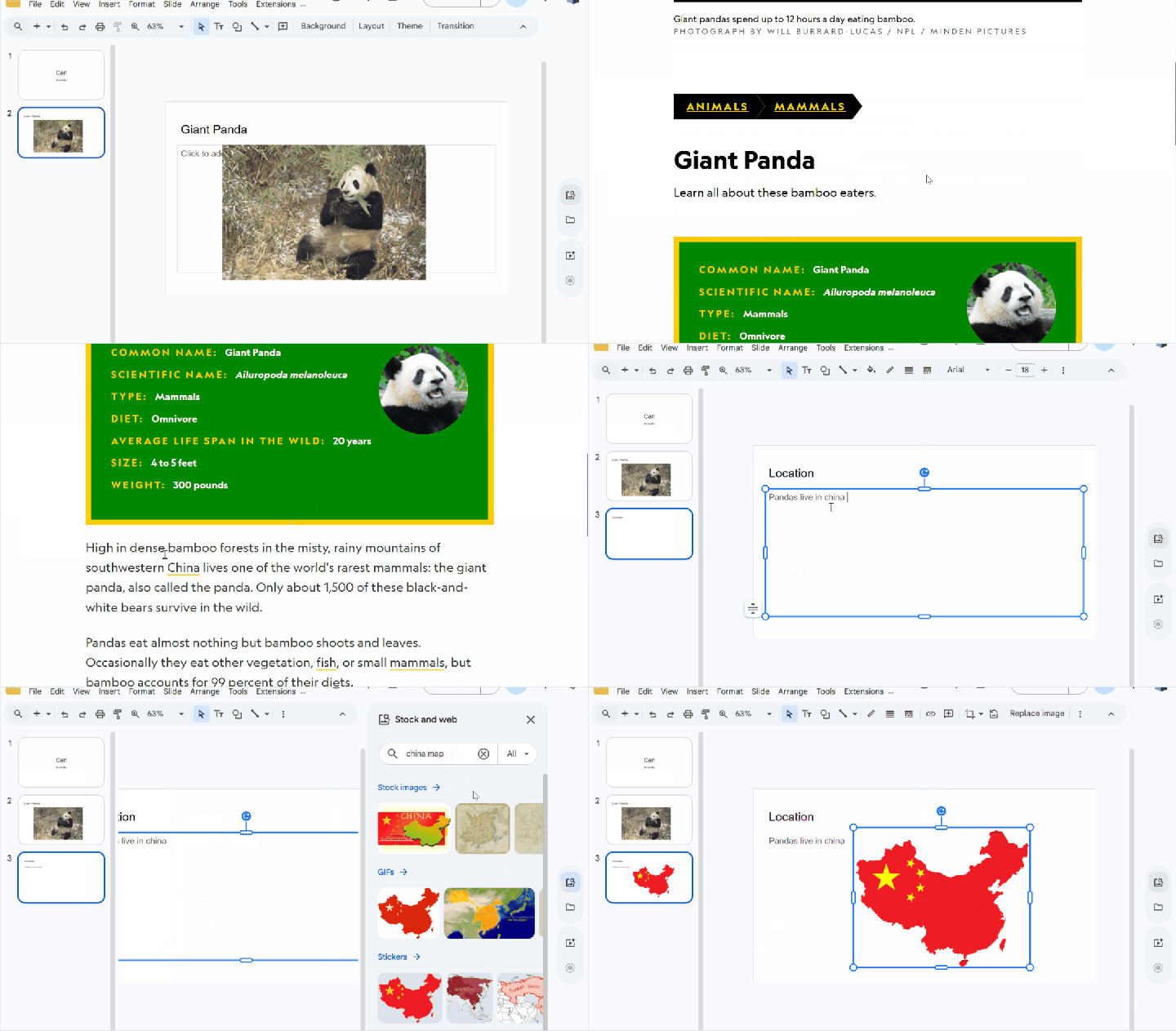
New slide: look in NAT geo kids giant panda and find where they live. Also get a picture of the location (china) fact 1 - diet
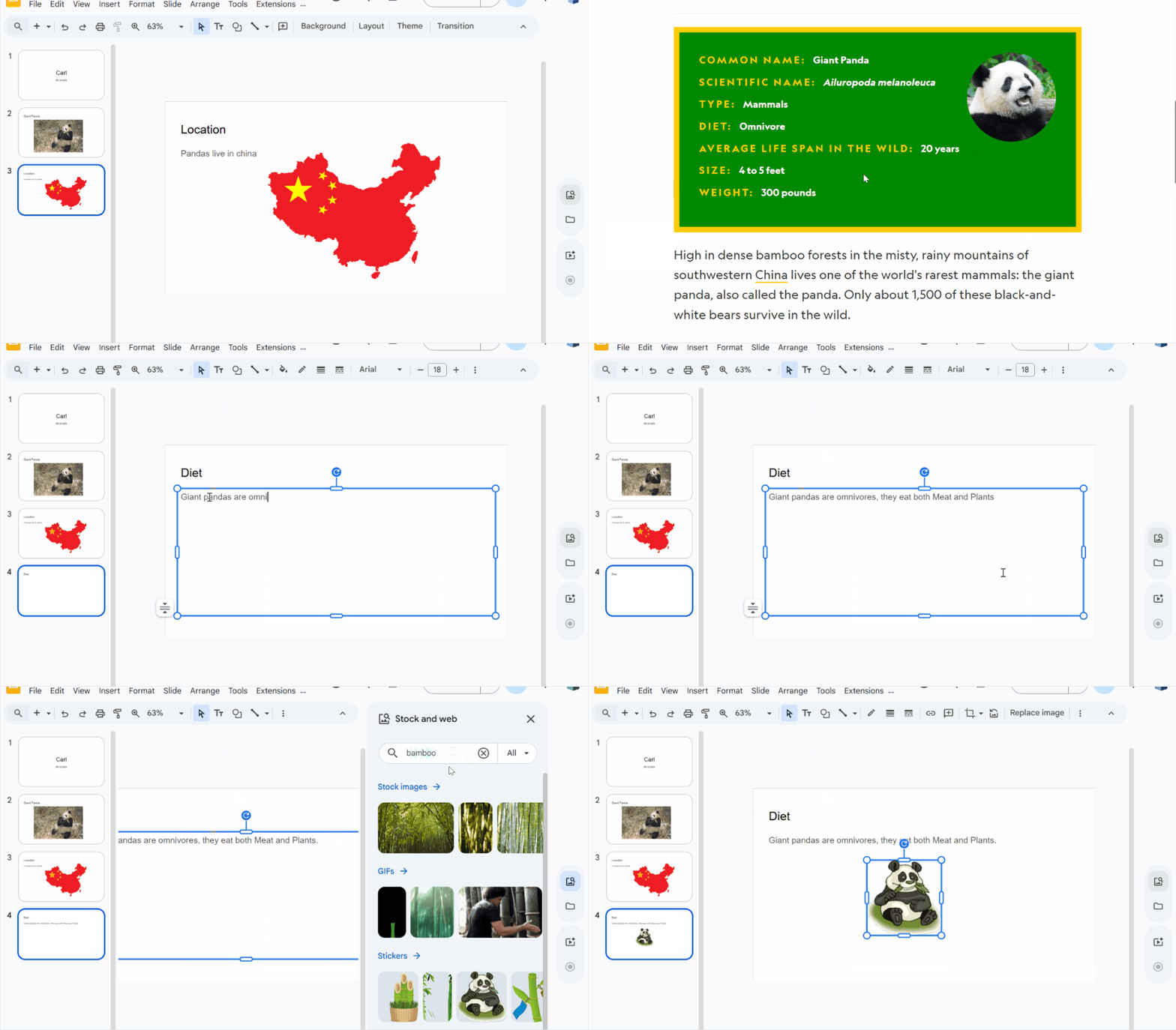
New slide: Diet And find what they eat either meat or plants and maybe something we know they eat. fact 2 - weight
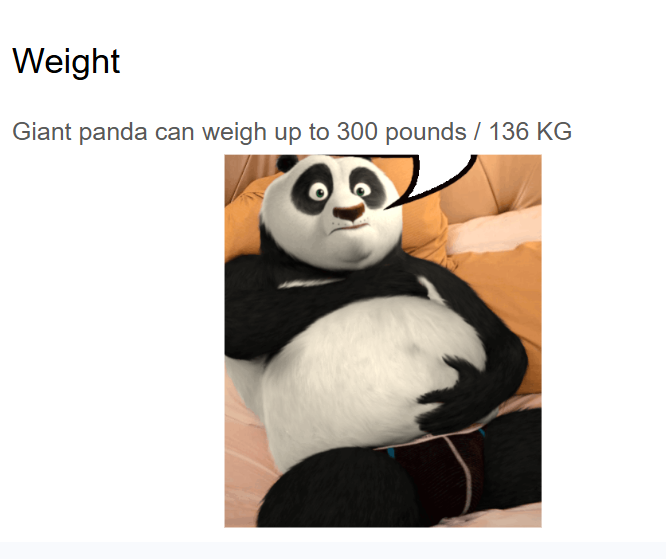
new slide: Weight " Giant pandas can weigh up to ~~~ Fact 3 - age
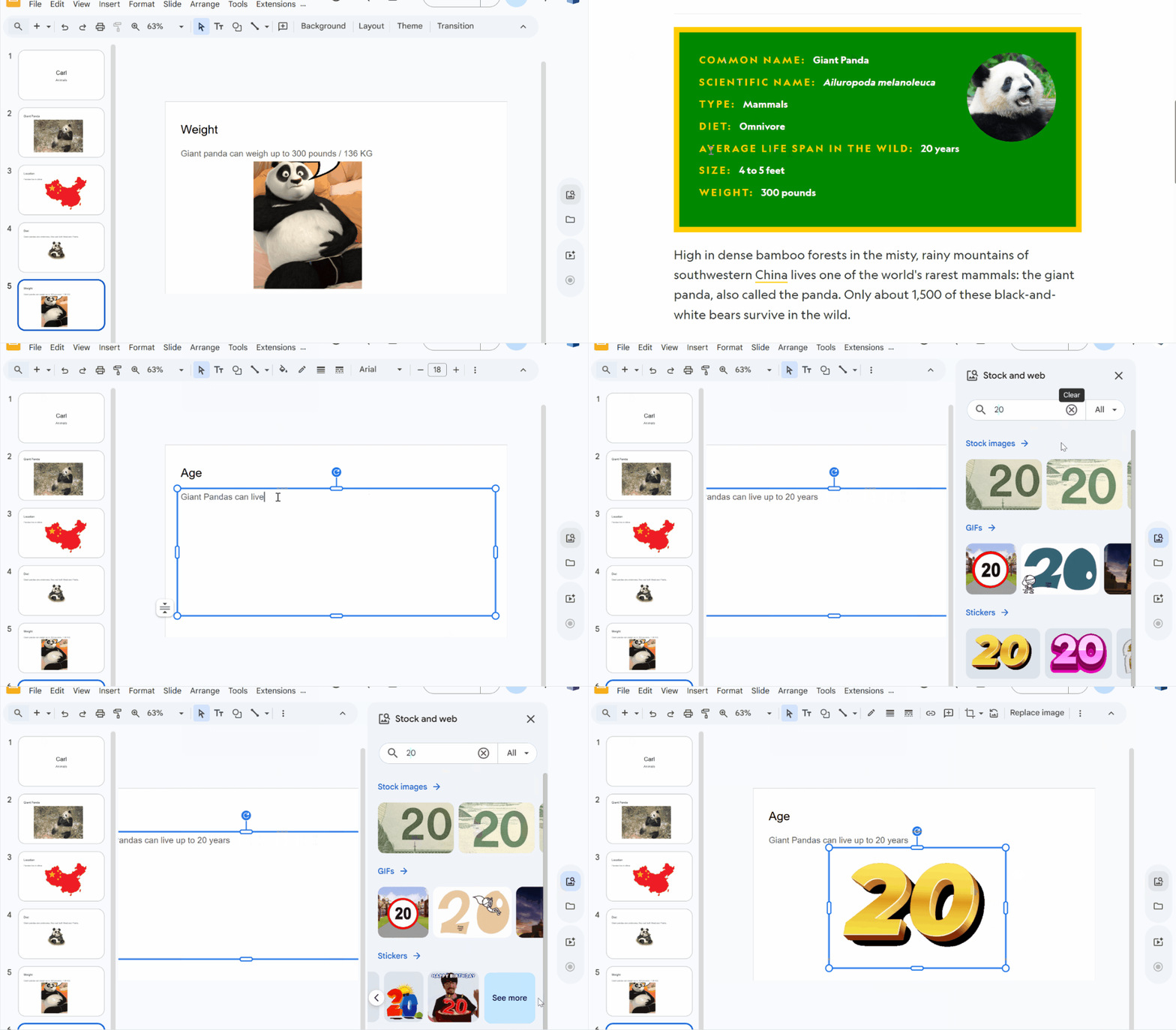
*Giant Pandas can live up to or more than ~~~ Continue with a new ANIMAL
Lesson 2 - Repeat previous lesson My go to students name and open the same file again Or make a new one
Week 2 - Google Slides: Japan
Lesson 1 - Japan Slide Deck
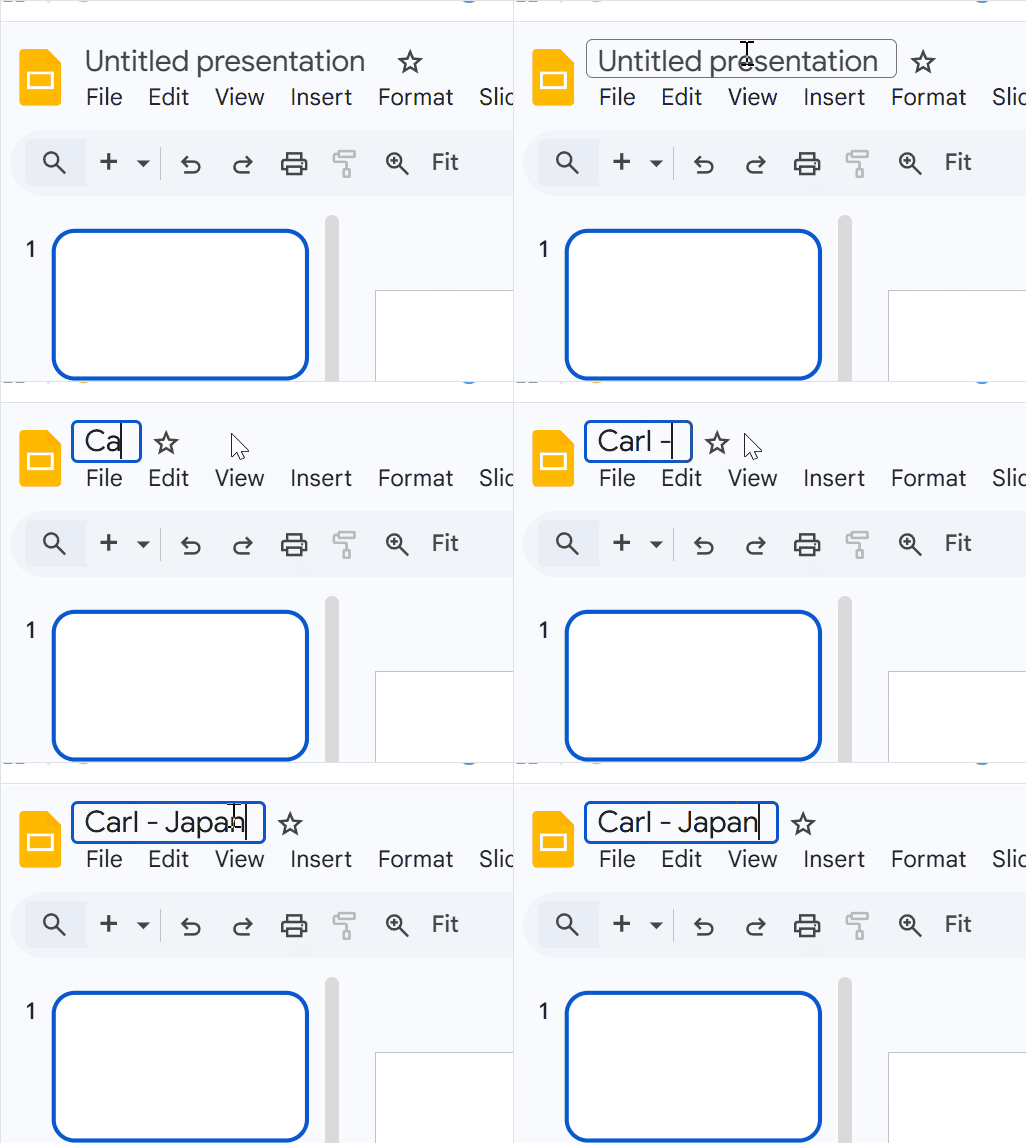
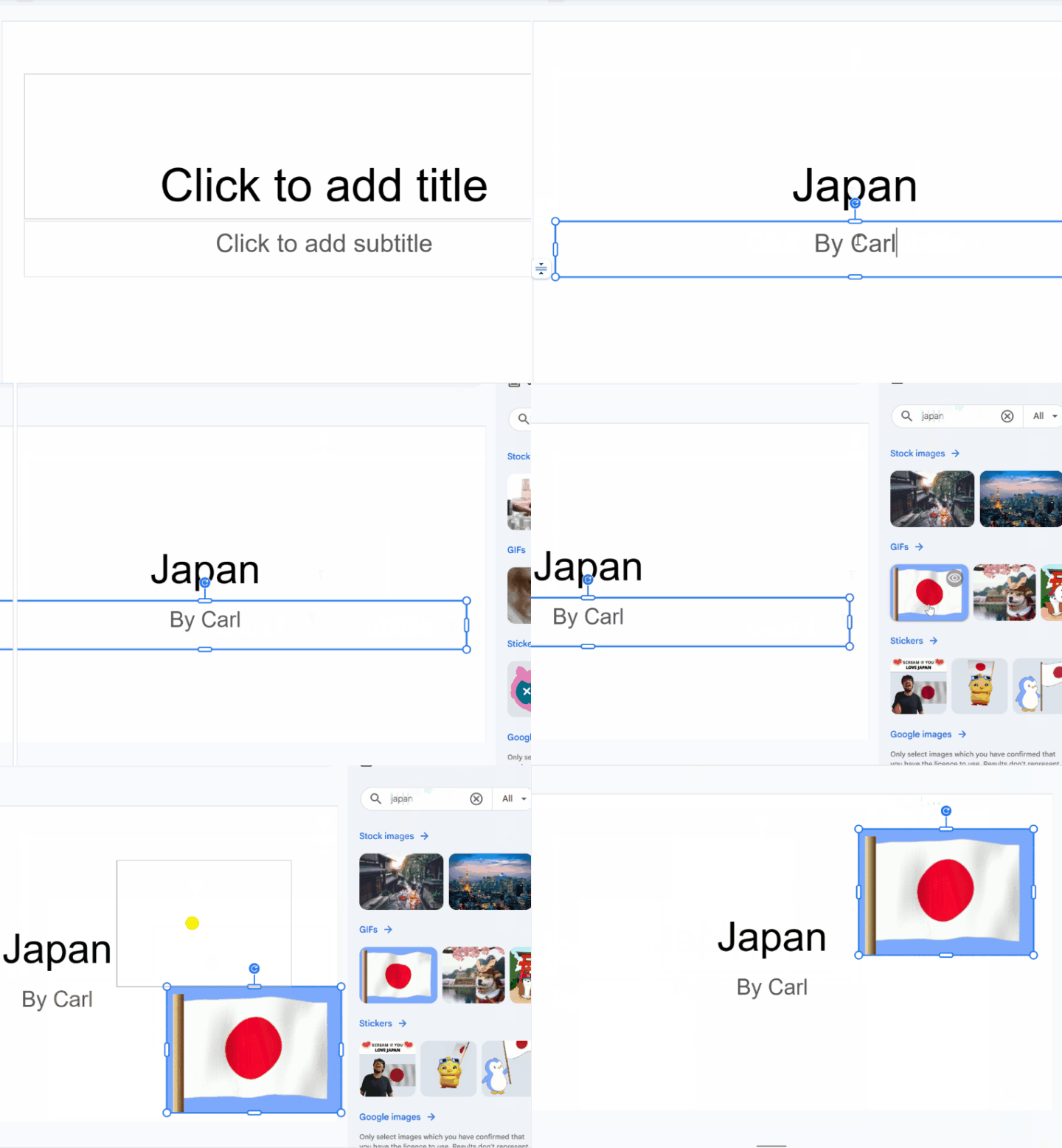
First slide JAPAN and By ~~~
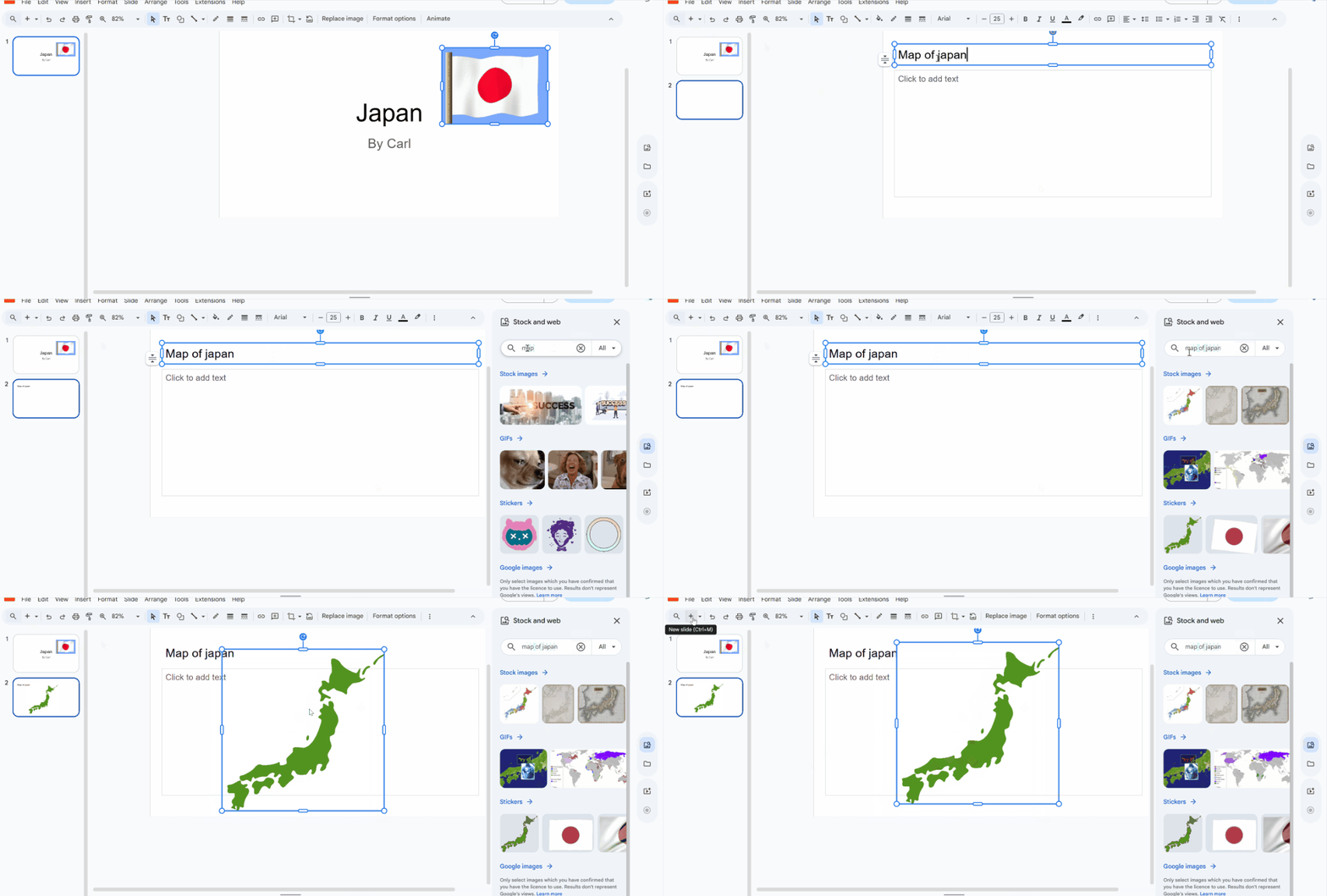
Map of japan
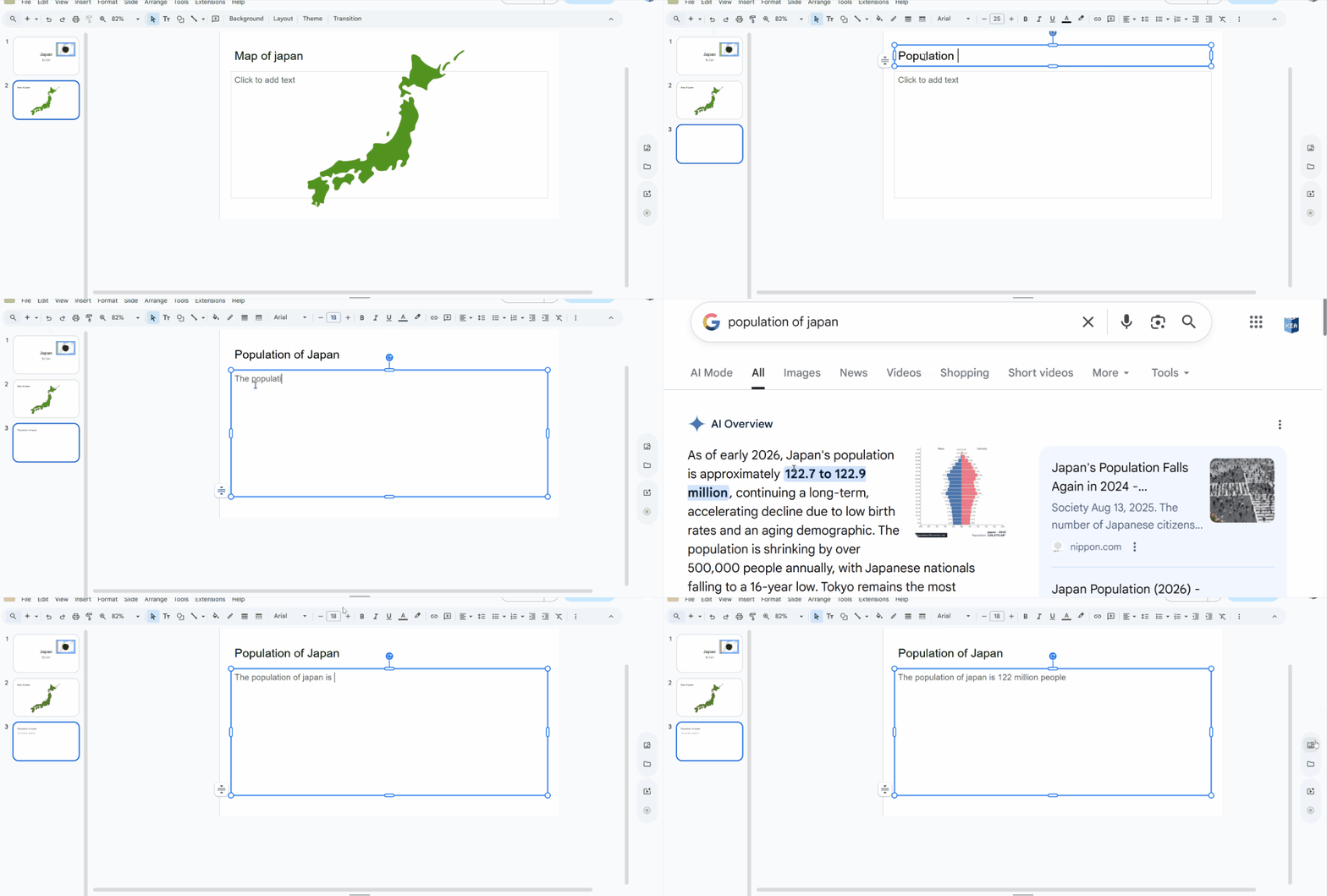
With the teacher help search the population of japan
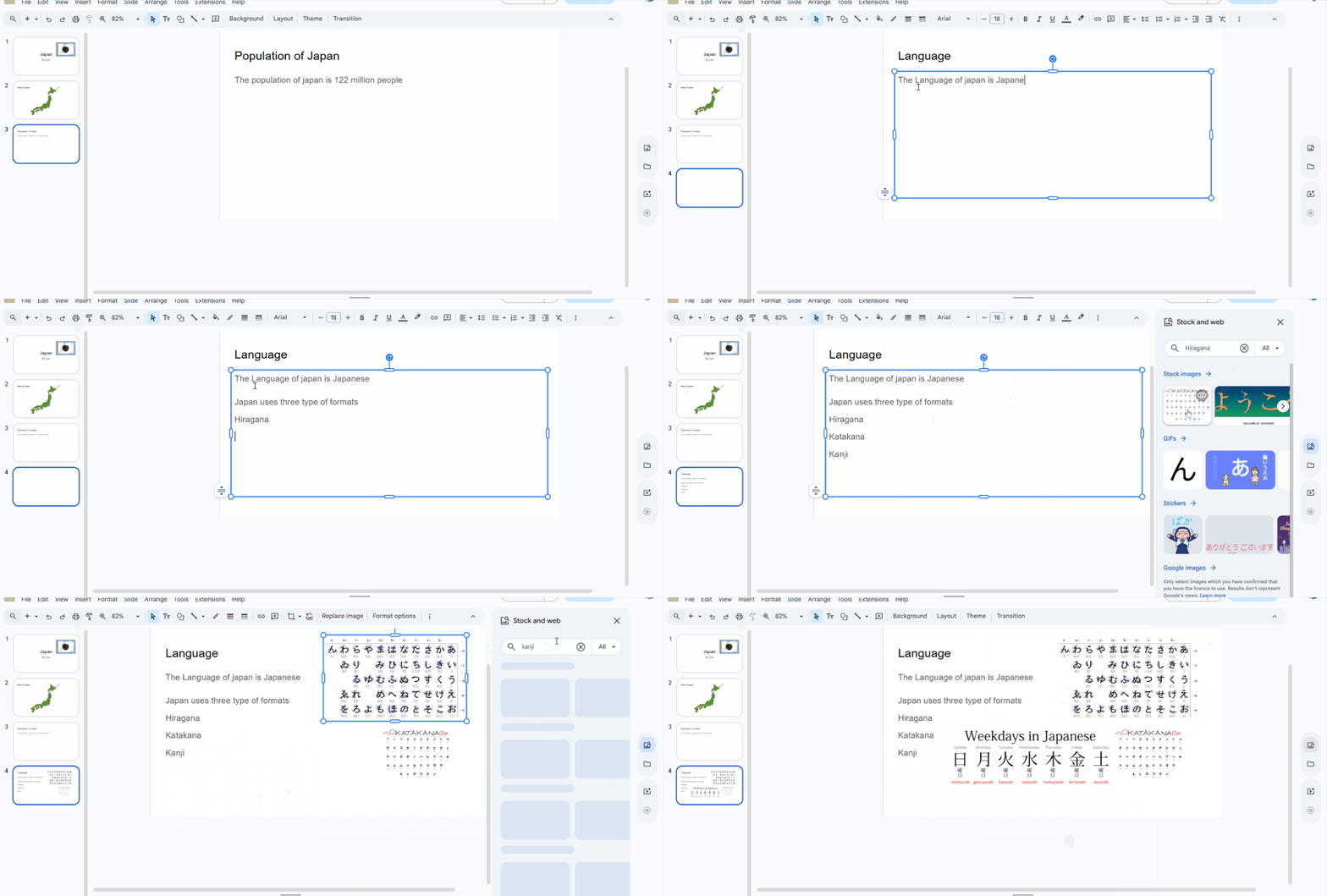
Language Search for the different formats of japanese
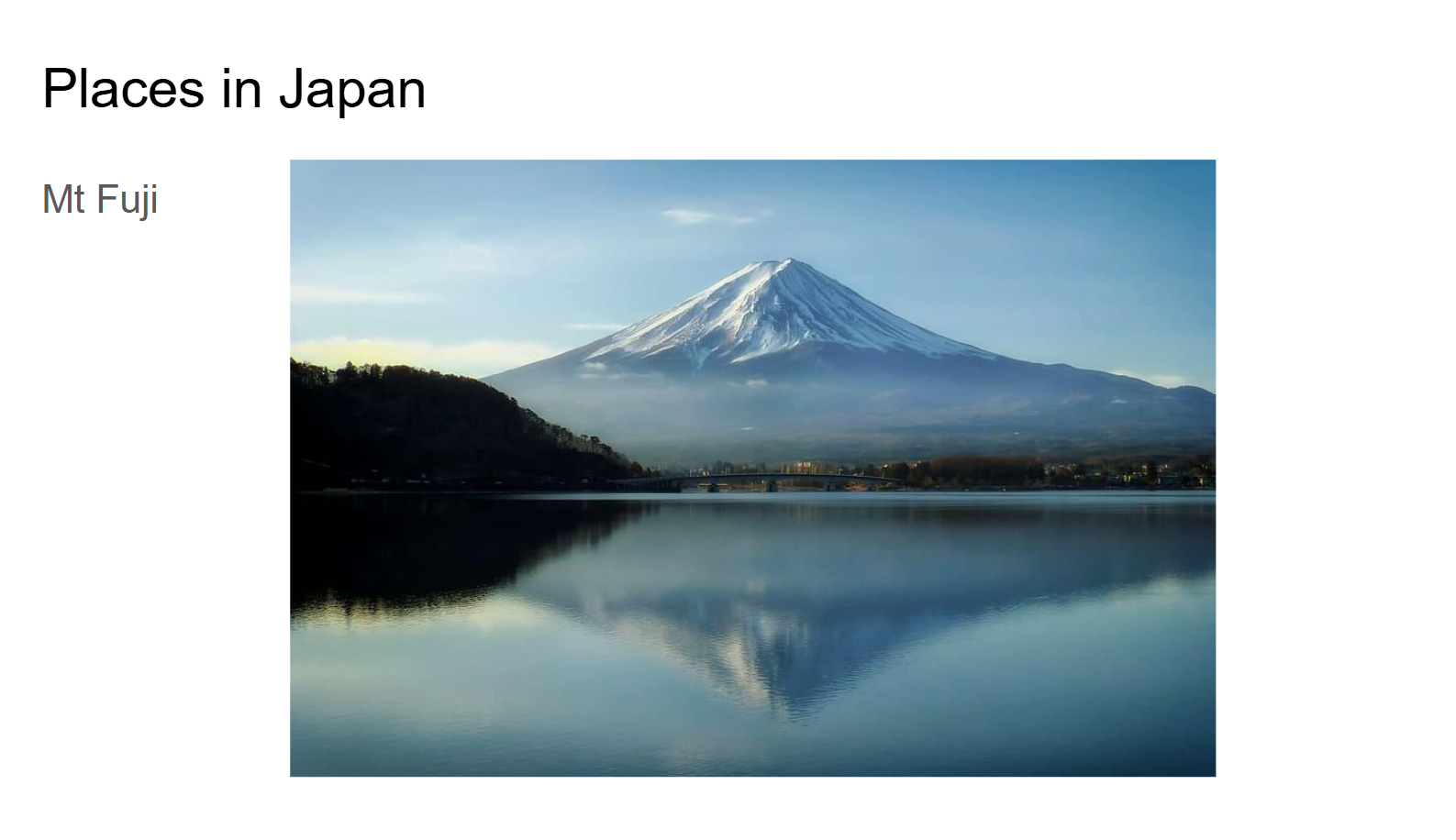
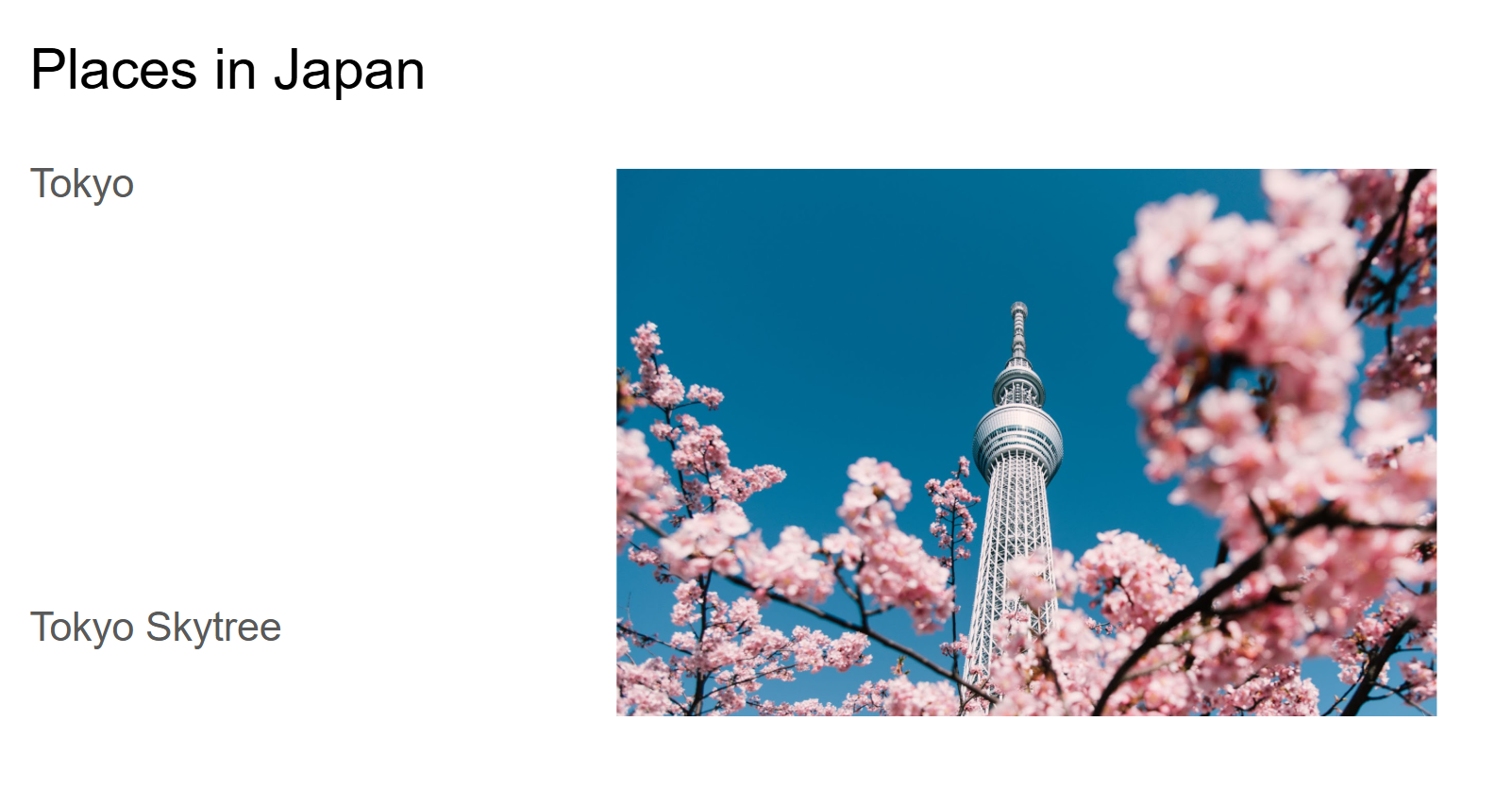
Places in Japan can do many of these slides one place per slide Adding a picture of the locations
Japanese food