Unit 6 - Year 2 Lessons
Overview
Students will complete Unit 6 Year 2 activities using digital art workflows.
Target skills:
- Visual Communication
- Digital Illustration
- Creative Problem Solving
Tools:
- Pixilart
Outputs:
- Student-created digital artifact(s) saved to class folder.
Week 1 - Bird (Pixilart to Wick Editor)
Lesson 1 - Bird Sprite and Motion
Wick Editor: https://www.wickeditor.com/editor/
Goal: Create a two-frame bird flap GIF and animate it moving across the canvas in Wick Editor.
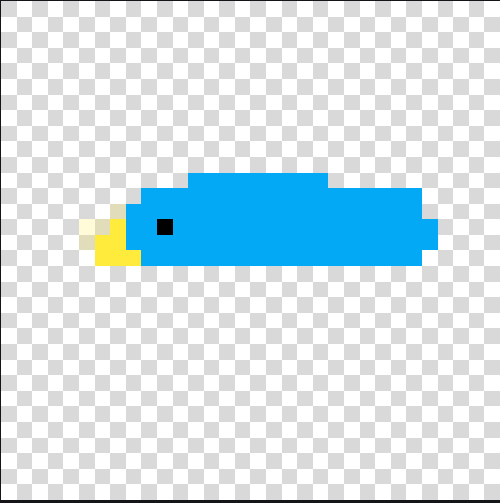
- In Pixilart, create a
32 x 32canvas and draw bird body.
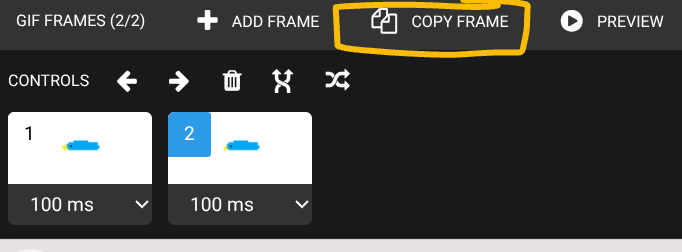
- Copy frame so you have 2 frames.
- On frame 1, draw wings up.
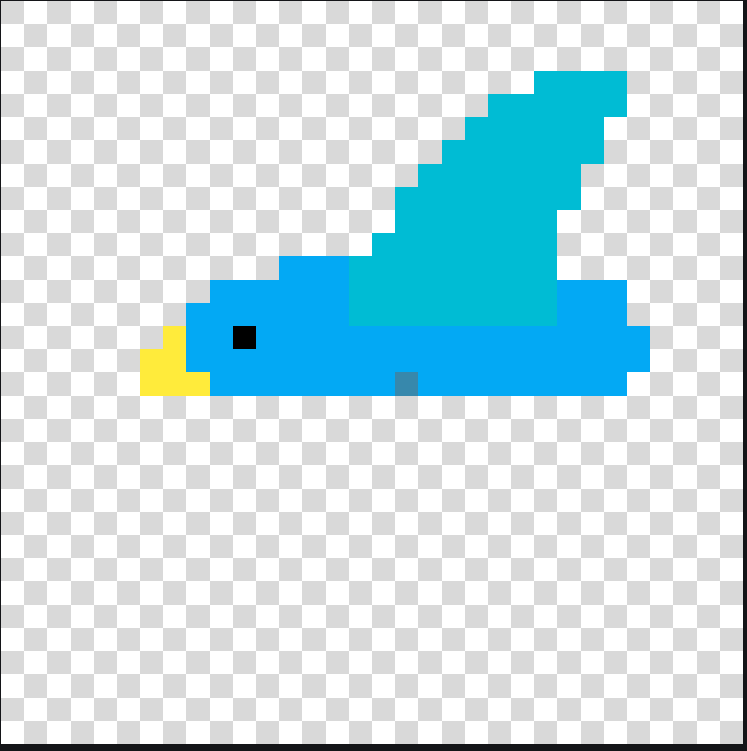
- On frame 2, draw wings down.
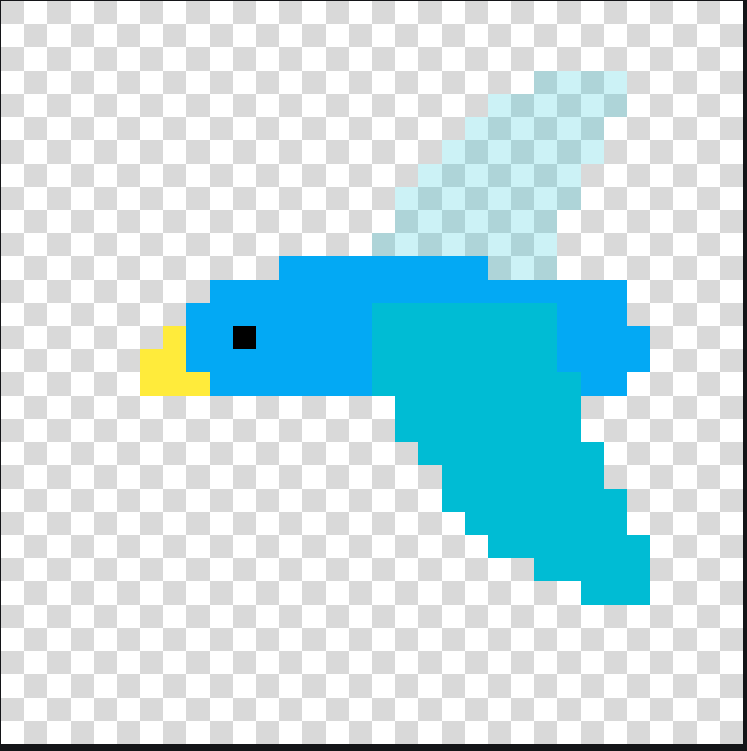
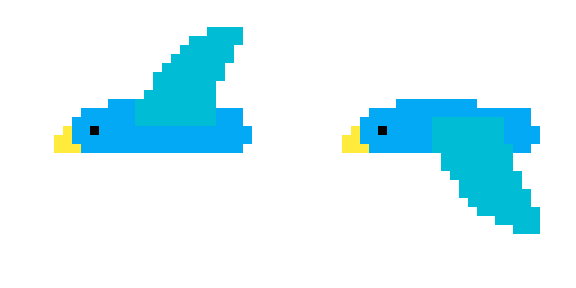
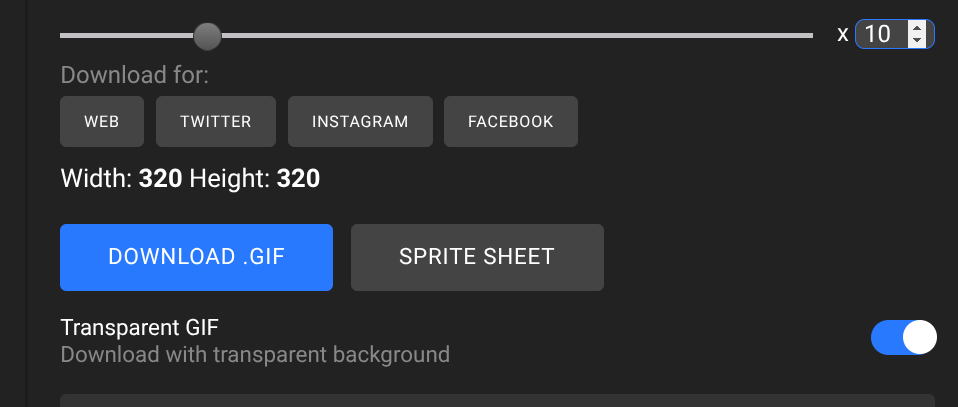
- Save/export as
bird.gif(transparent) in student files.

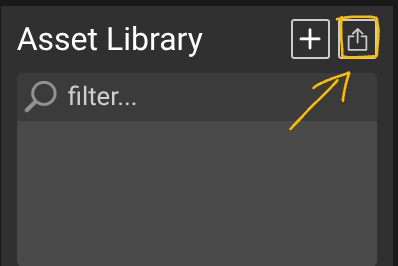
Import and animate in Wick Editor:
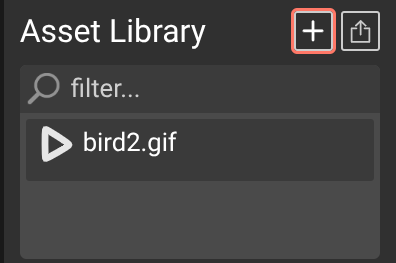
- Open Wick Editor and upload
bird.gifas an asset.
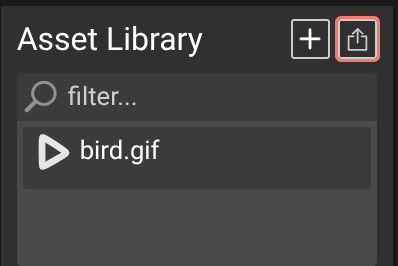
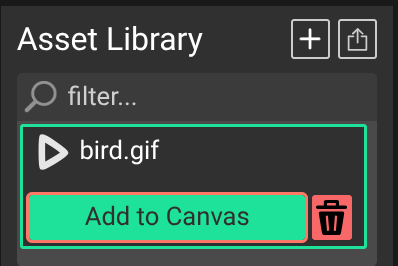
- Click
bird.gifasset and add to canvas.
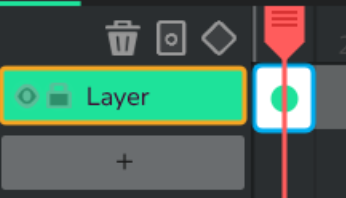
- Select the green dotted frame.
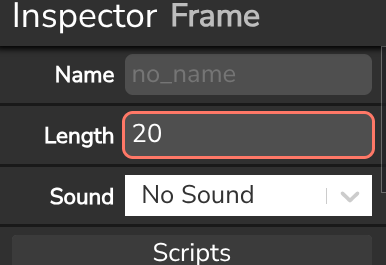
- Set length to
20.
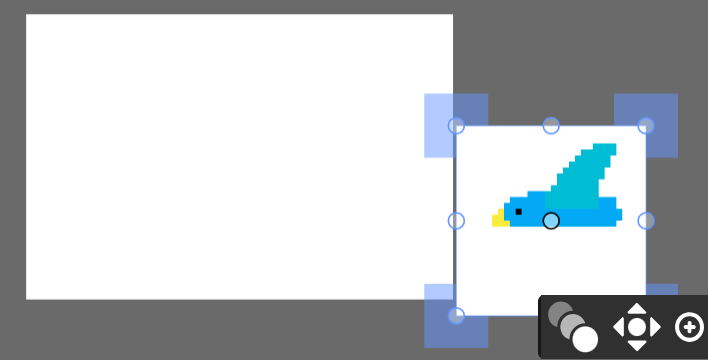
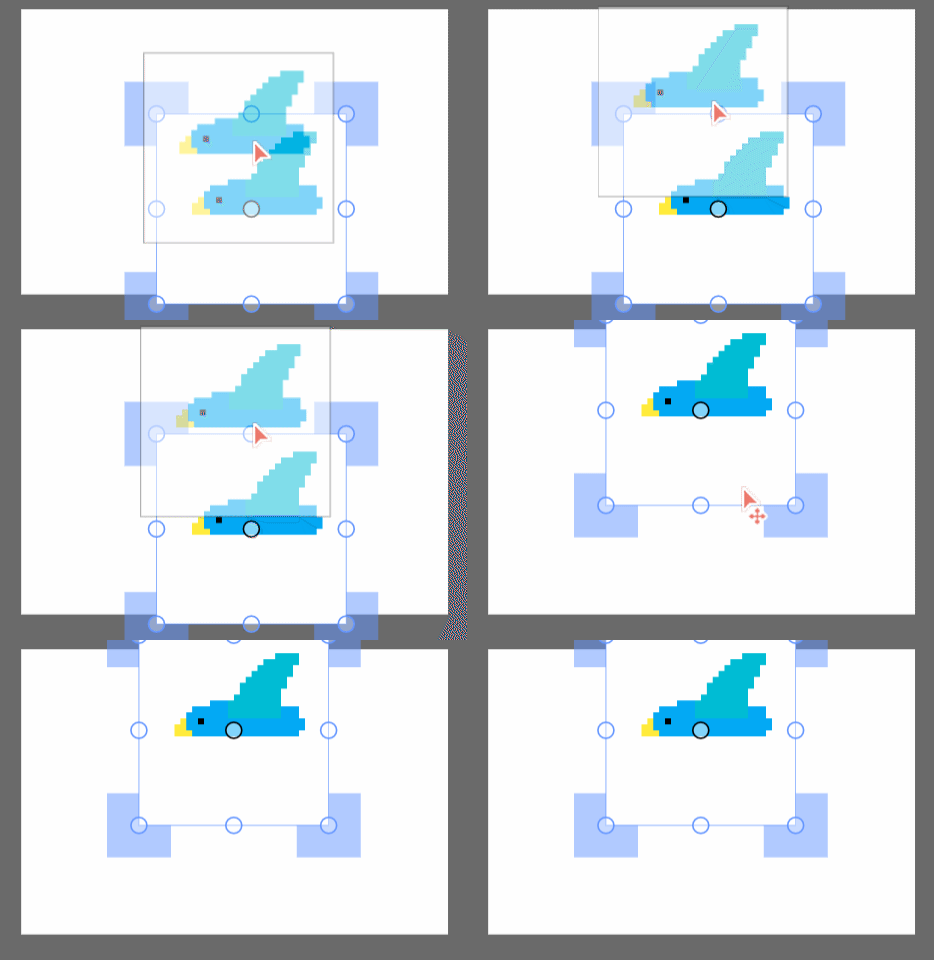
- Place bird at one side of canvas and resize if needed.
- Click Tween.
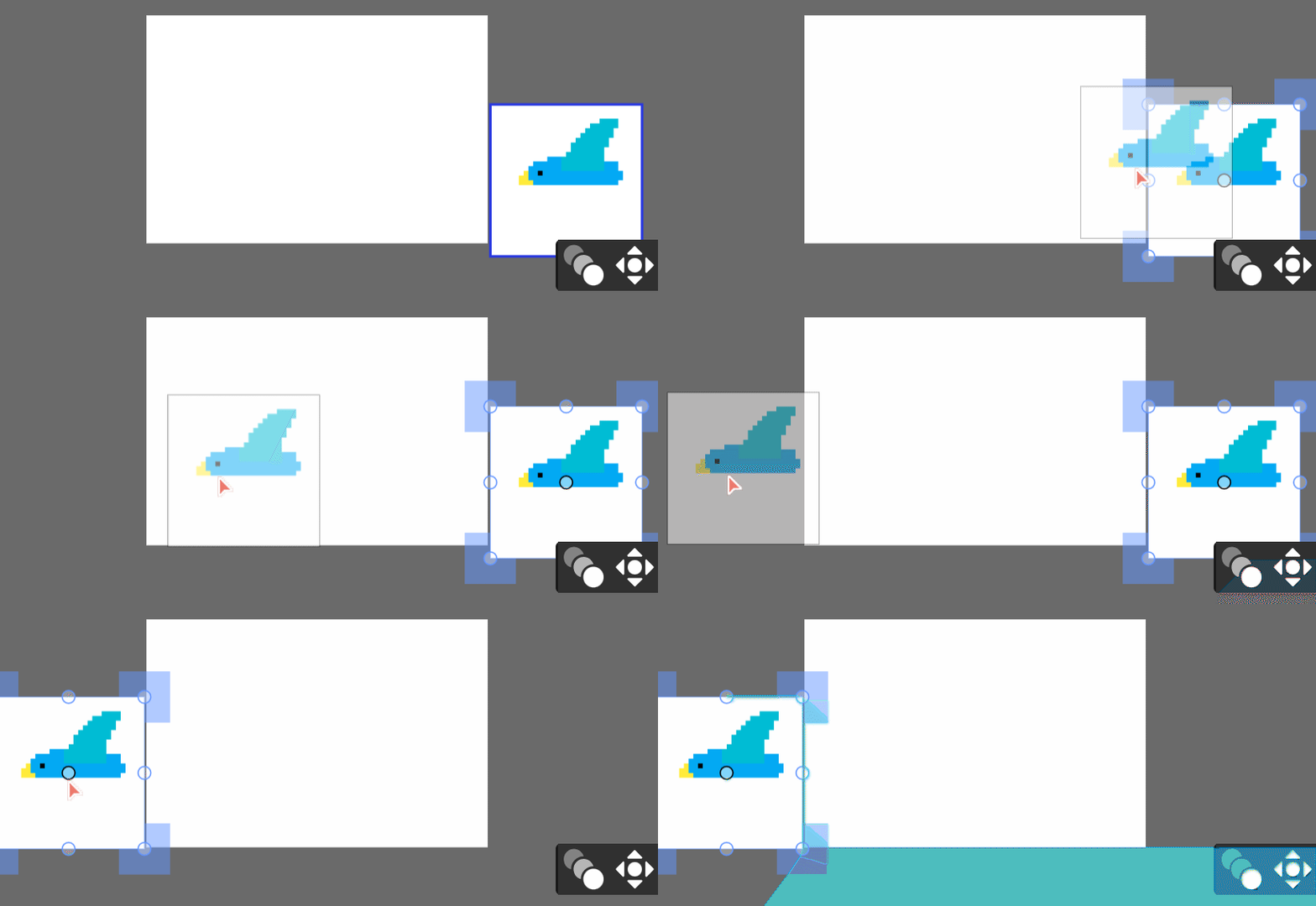
- Move red playhead to frame 20.

- Move bird to opposite side.
- Play and adjust as needed.

- Save as
bird.wick.
Lesson 2 - Add Bird Sound
Goal: Add timed sound frames to the bird animation.
- Open
bird.wickfrom student files.

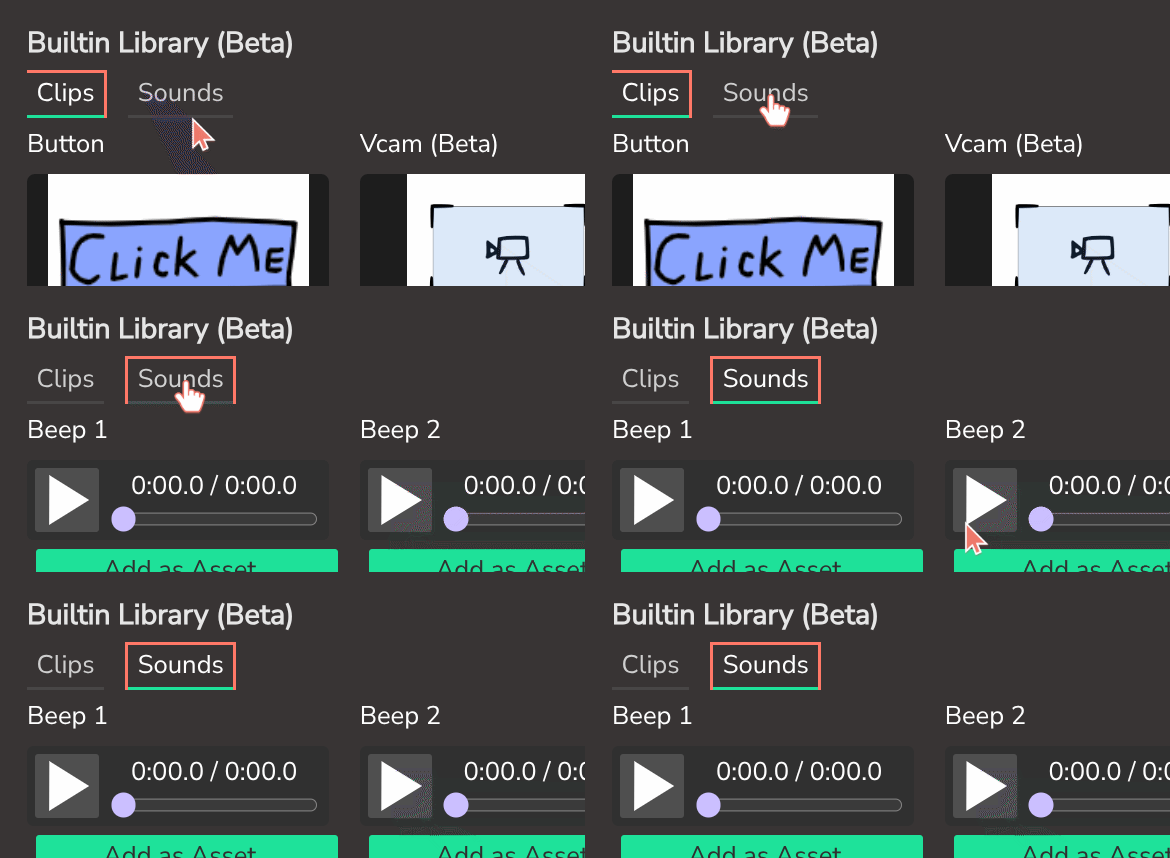
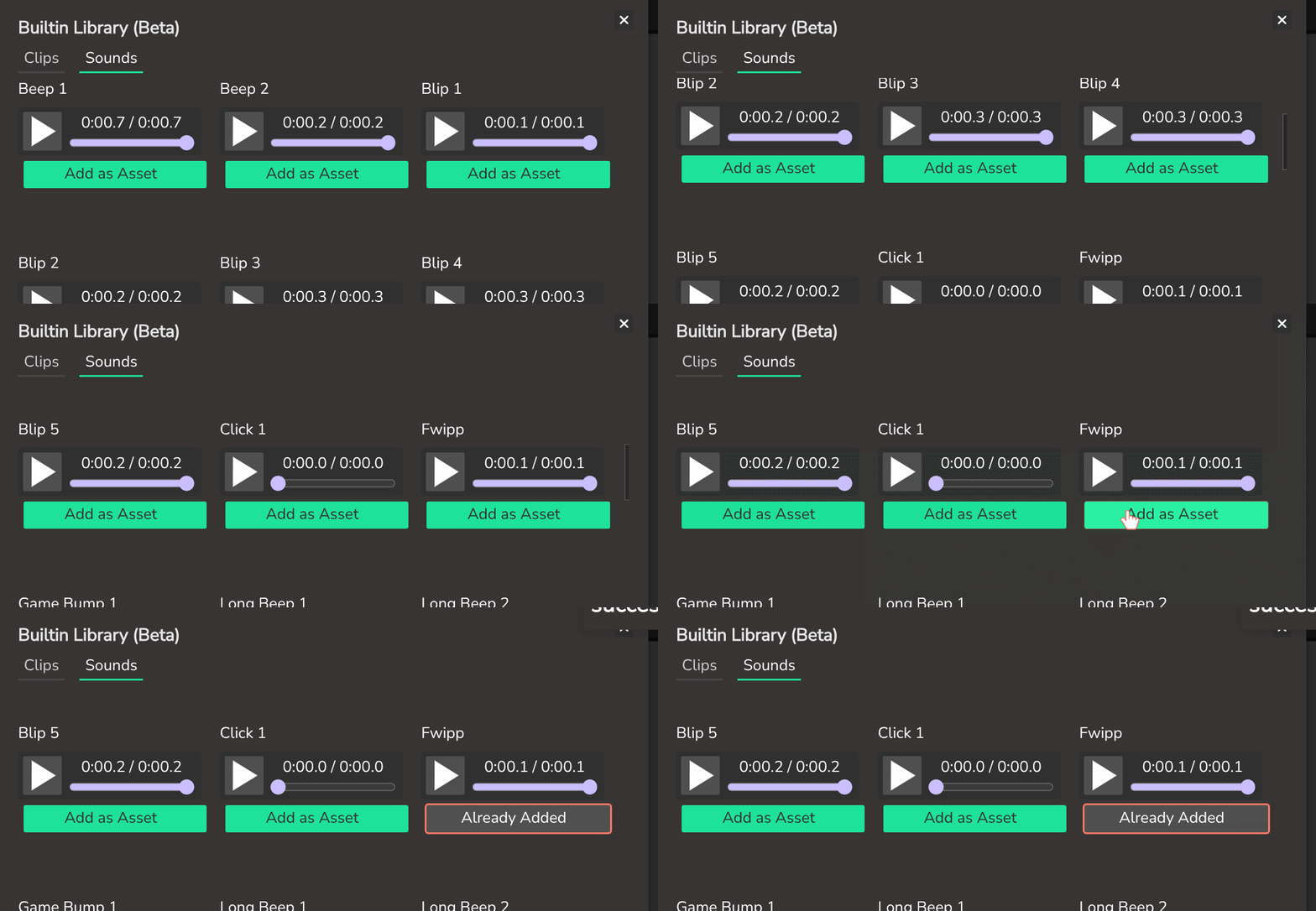
- Open Sounds and choose a bird-like sound. Add as asset.
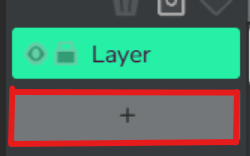
- Add sound frames by clicking
+.
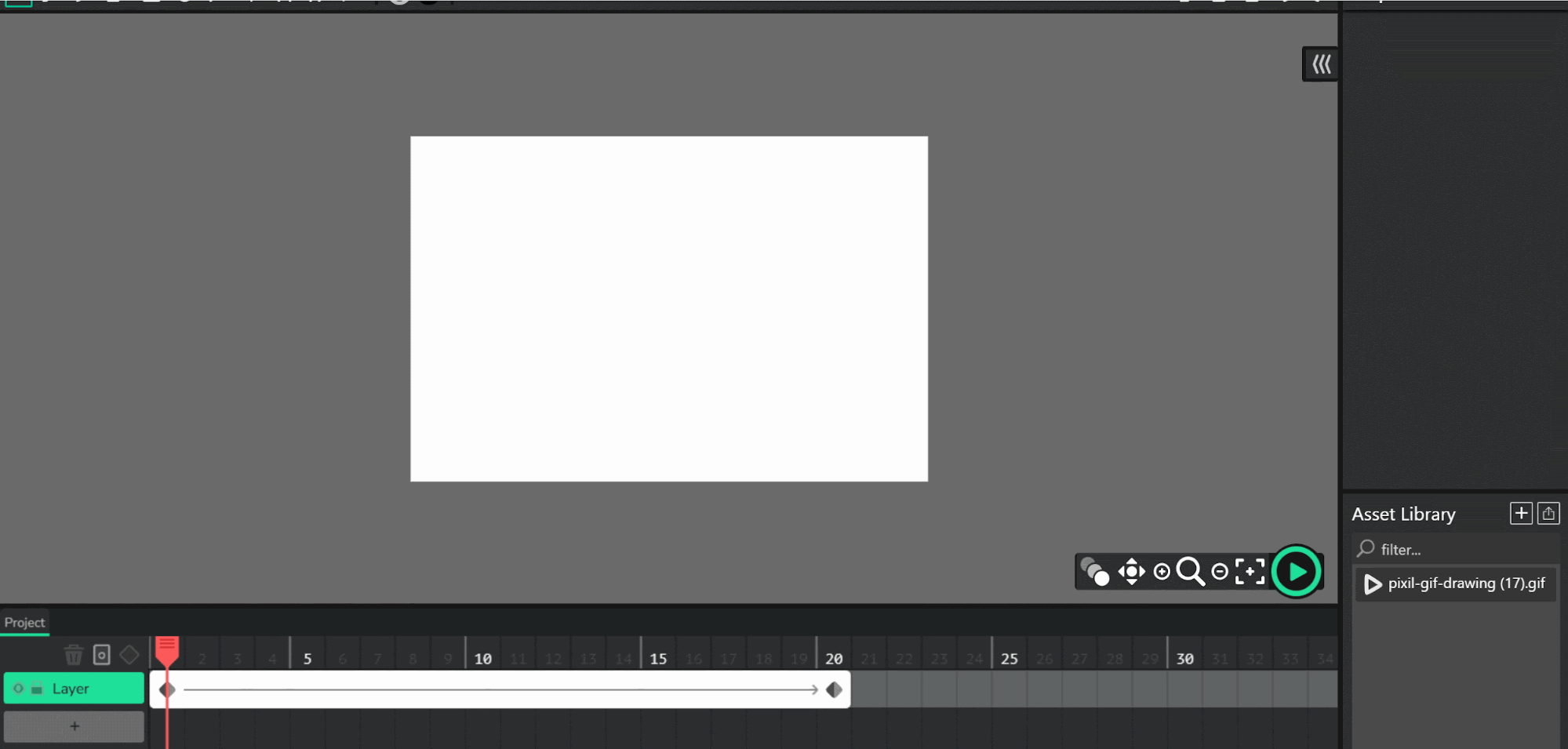
- Place sound on frame 1, then again around frame 11 (length 10 each).

- Preview. If needed, replace sound and reapply.
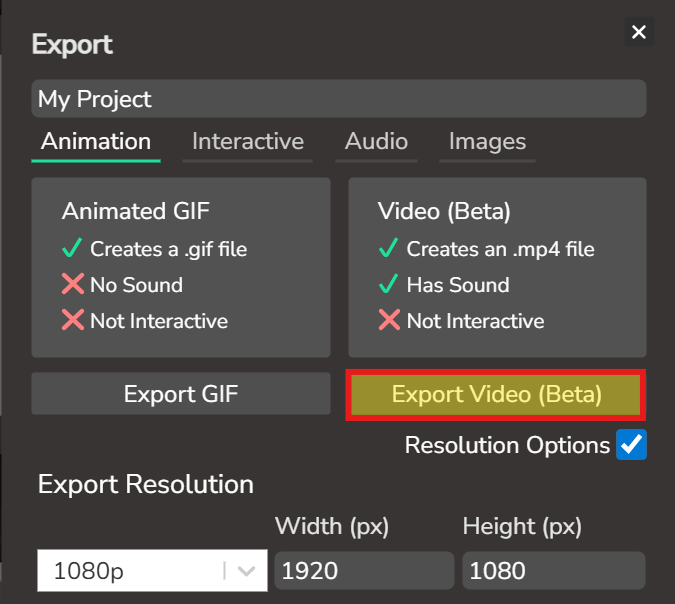
- Export/save final as
bird.mp4.

Week 2 - Rocketship (Pixilart to Wick Editor)
Lesson 1 - Rocket Animation and Tween
Goal: Build a 2-frame rocket flame GIF and tween rocket flight in Wick Editor.
- In Pixilart, set canvas to
100 x 120and draw rocket.
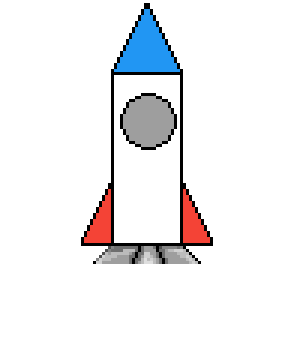
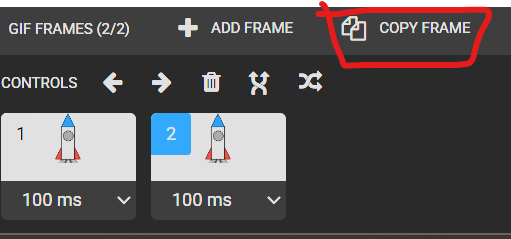
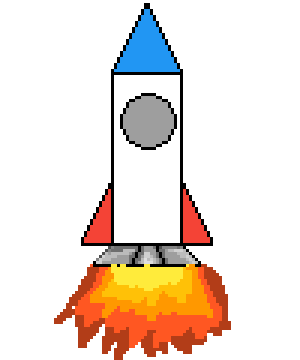
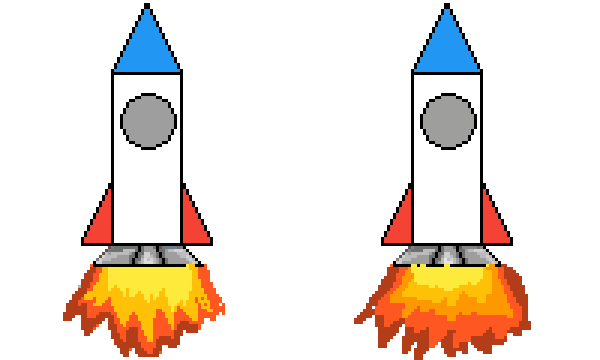
- Copy frame and draw different flame shapes on frame 1 and frame 2.

- Save as
rocket.gif.
Import and animate in Wick Editor:
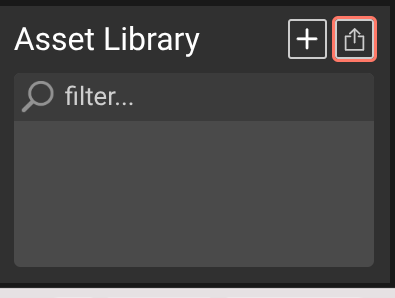
- Open Wick Editor and upload
rocket.gif.
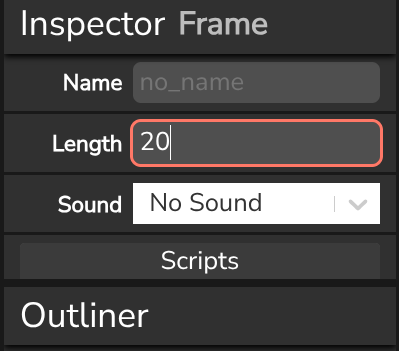
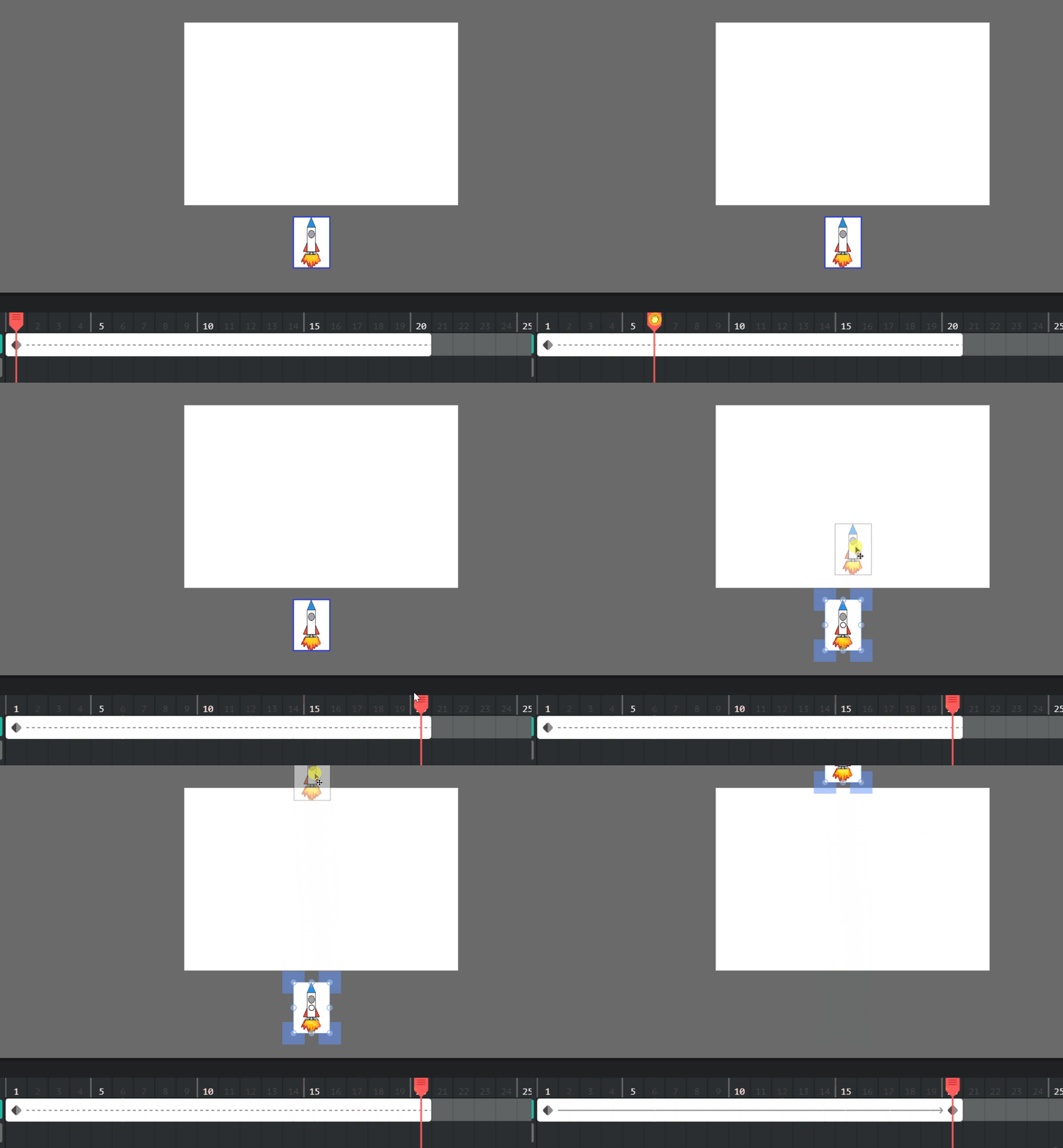
- Select clip frame (grey/clip box) and set length to
20.

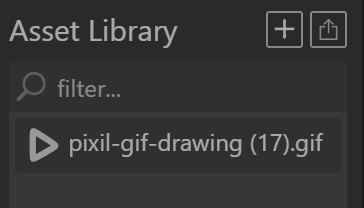
- Add to canvas and size appropriately.
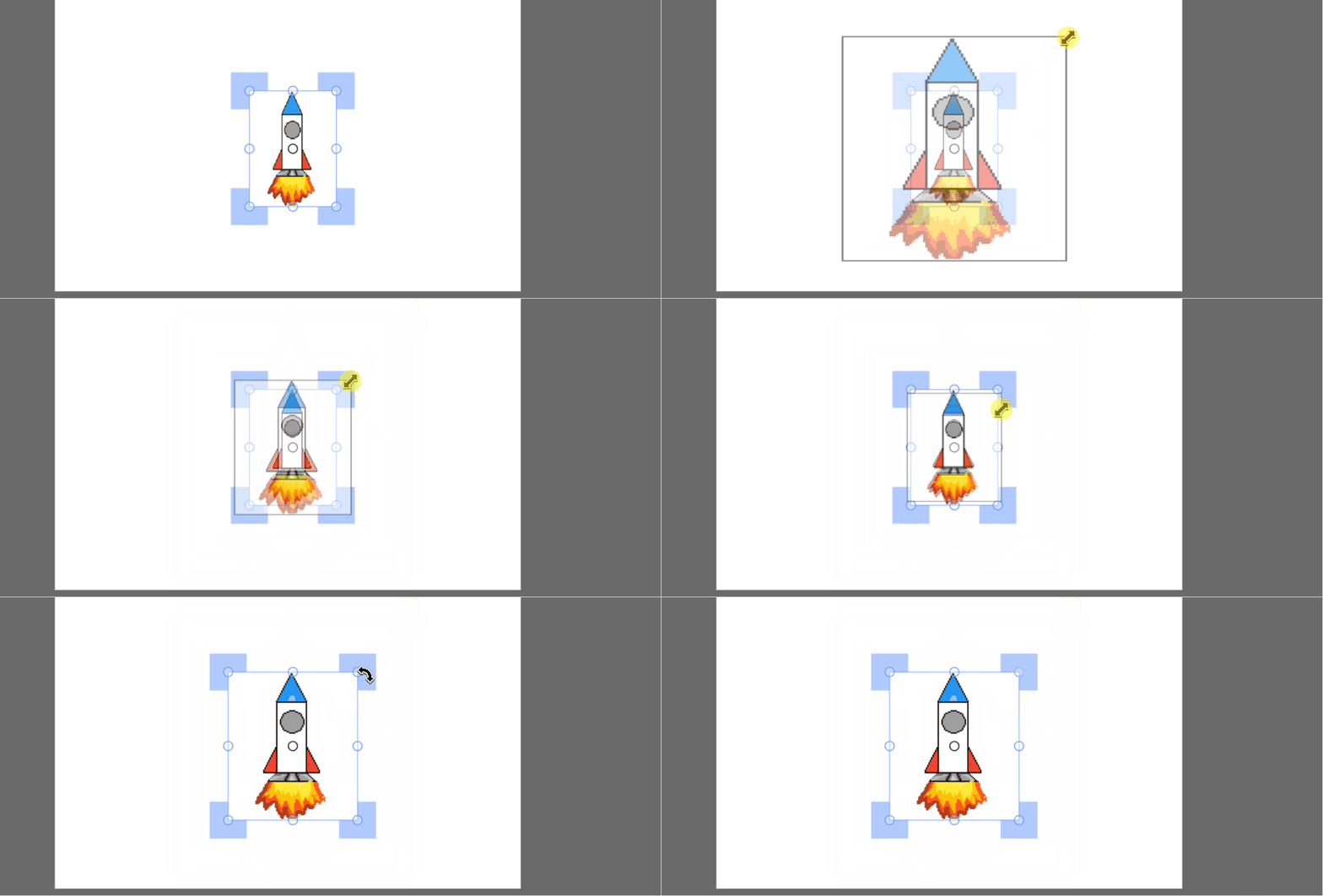
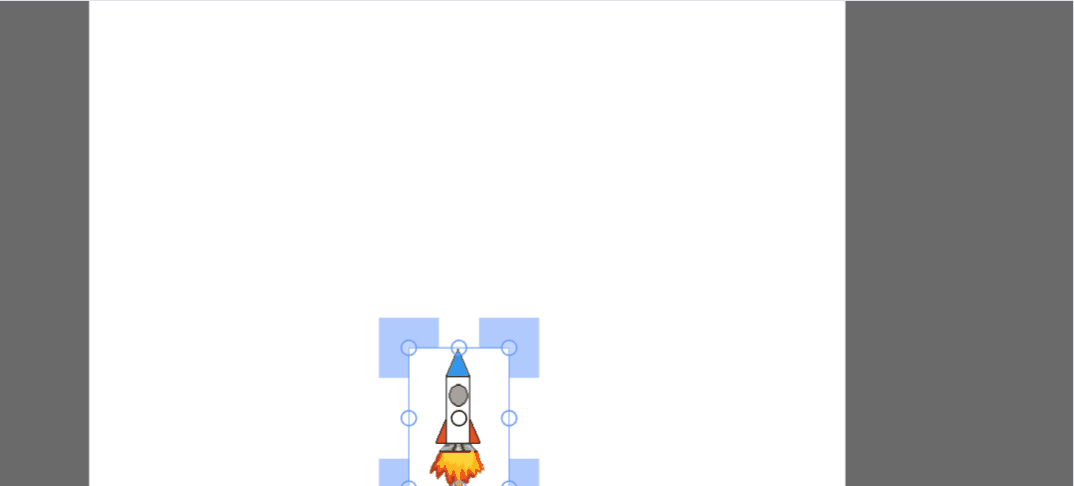
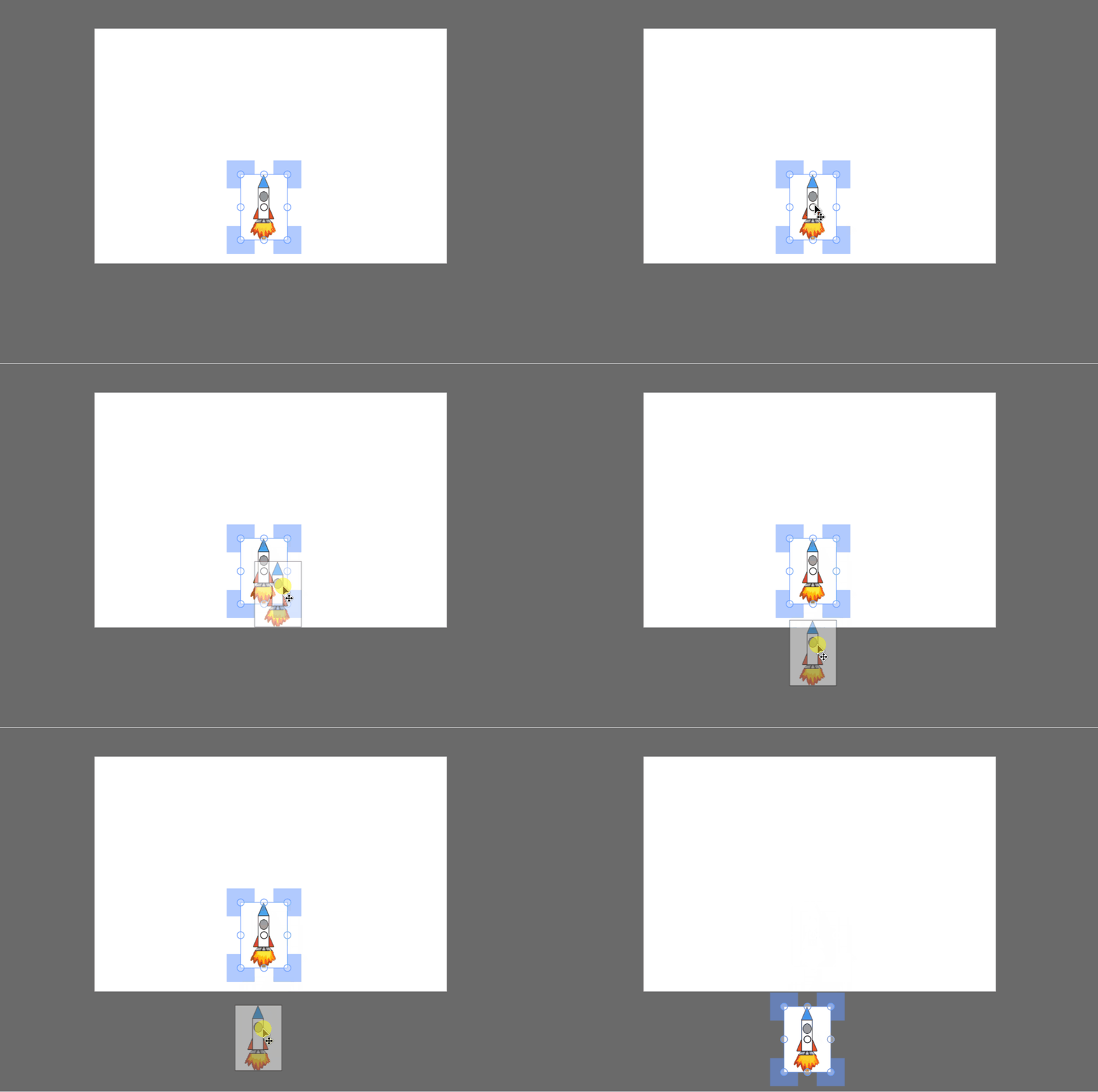
- Place rocket below canvas start position.
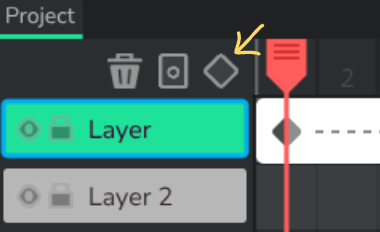
- Add tween at frame 1.
- Move playhead to frame 20.


- Move rocket to top/outside of canvas.
- Save as
rocket.wick.
Lesson 2 - Add Rocket Sound
Goal: Add suitable rocket sound effects to the rocket animation timeline.
- Follow the same sound workflow as Week 1.
- Optional sound source for teacher-led search: https://pixabay.com/sound-effects/