Unit 8 - Year 3 Lessons
Overview
Students will complete Unit 8 Year 3 activities using 3D modeling workflows.
Target skills:
- Creative Problem Solving
- Systems Thinking
- Digital Illustration
Tools:
- Tinkercad
Outputs:
- Student-created digital artifact(s) saved to class folder.
Week 1 - Stamps
Lesson 1 - Build a Stamp
Goal: create a stamp model suitable for 3D printing and imprint testing.
- Open Tinkercad and sign in.
- Join stamp activity and create a new 3D model.
- Make a new student Google Drive folder for exports.
- Draw stamp shape.
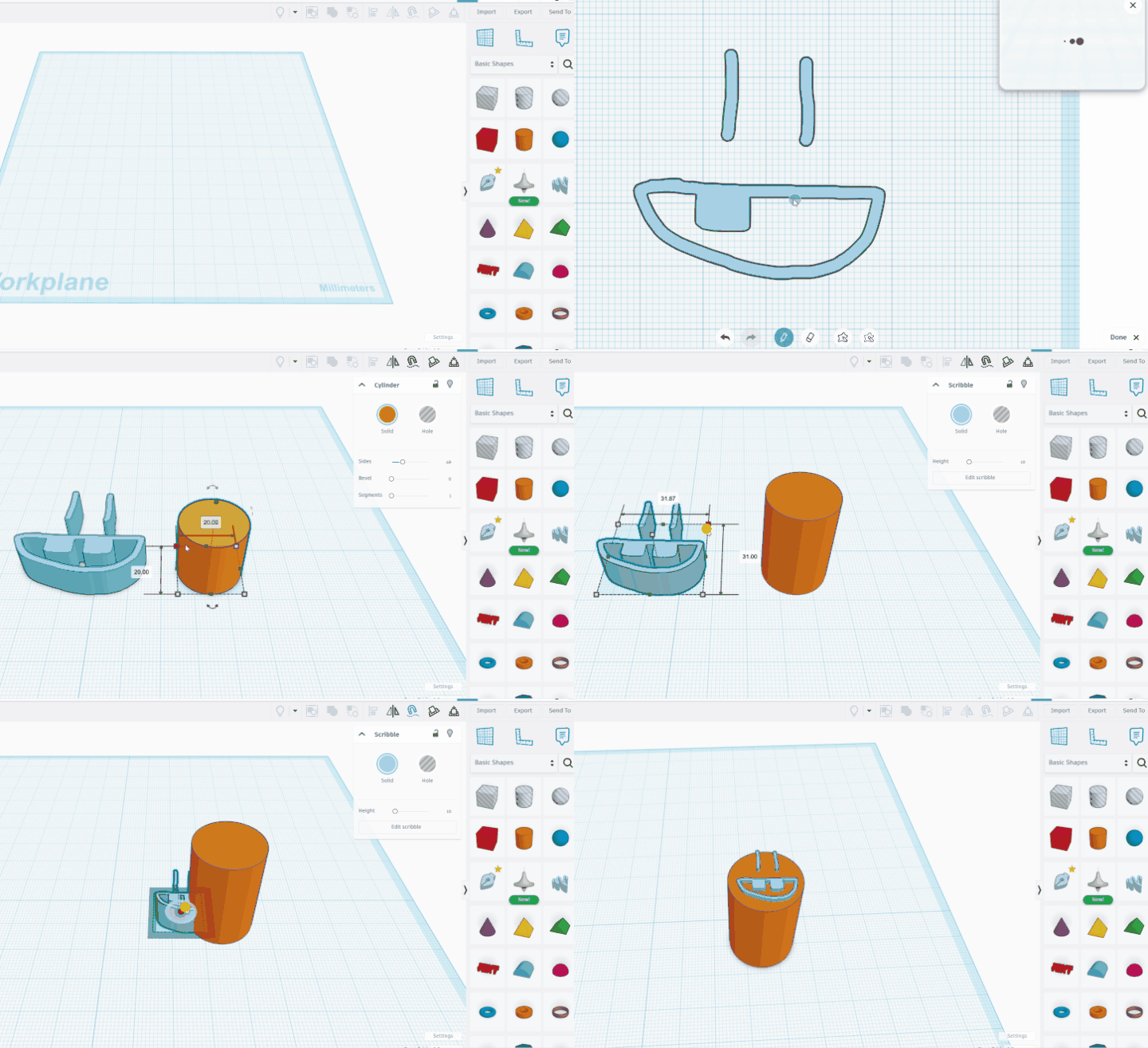
- Build base cylinder.
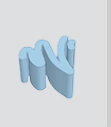
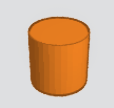
- Set base height to
30.
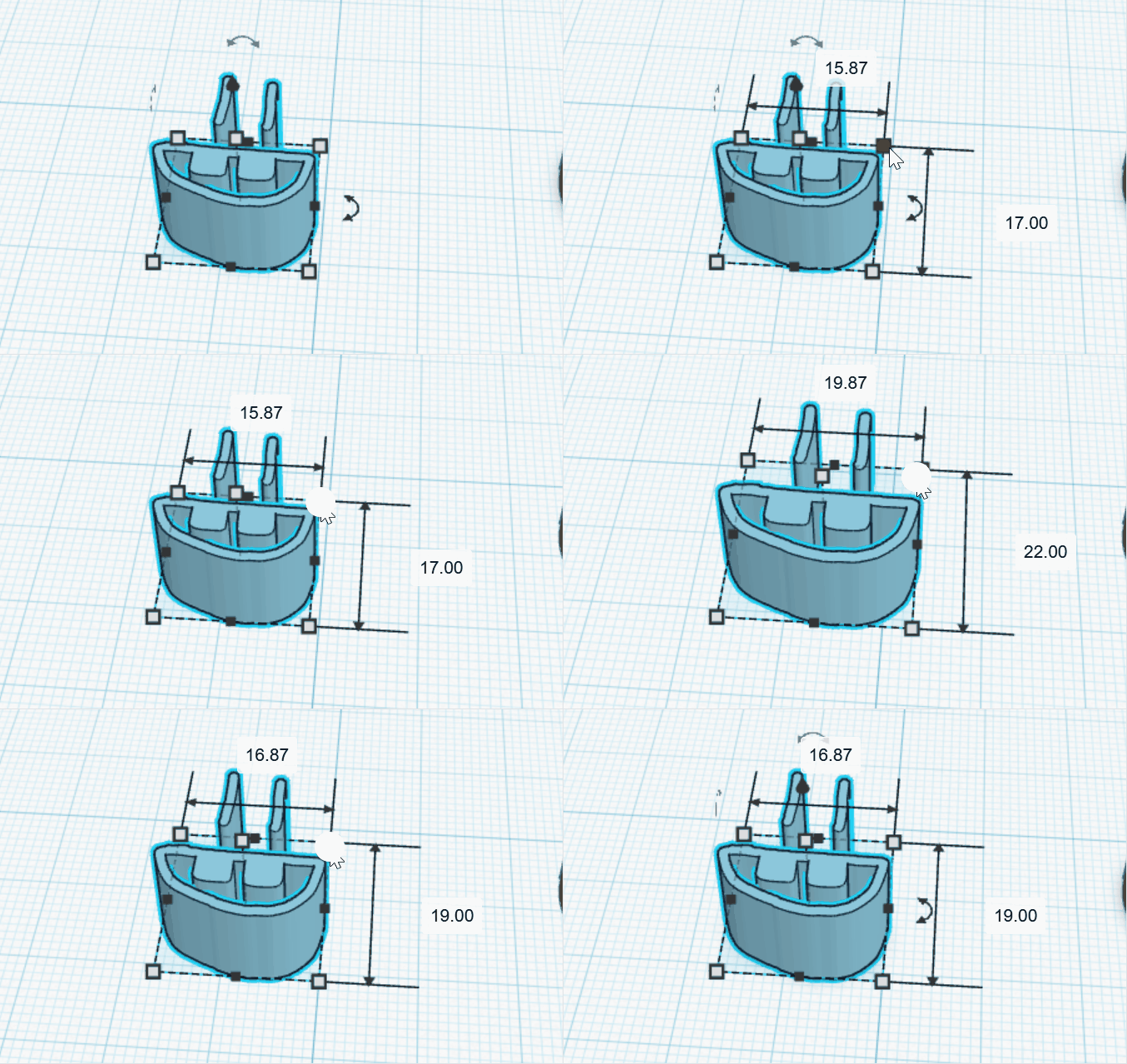
- Keep stamp-shape footprint under
20 x 20.
- Place shape on top of cylinder.

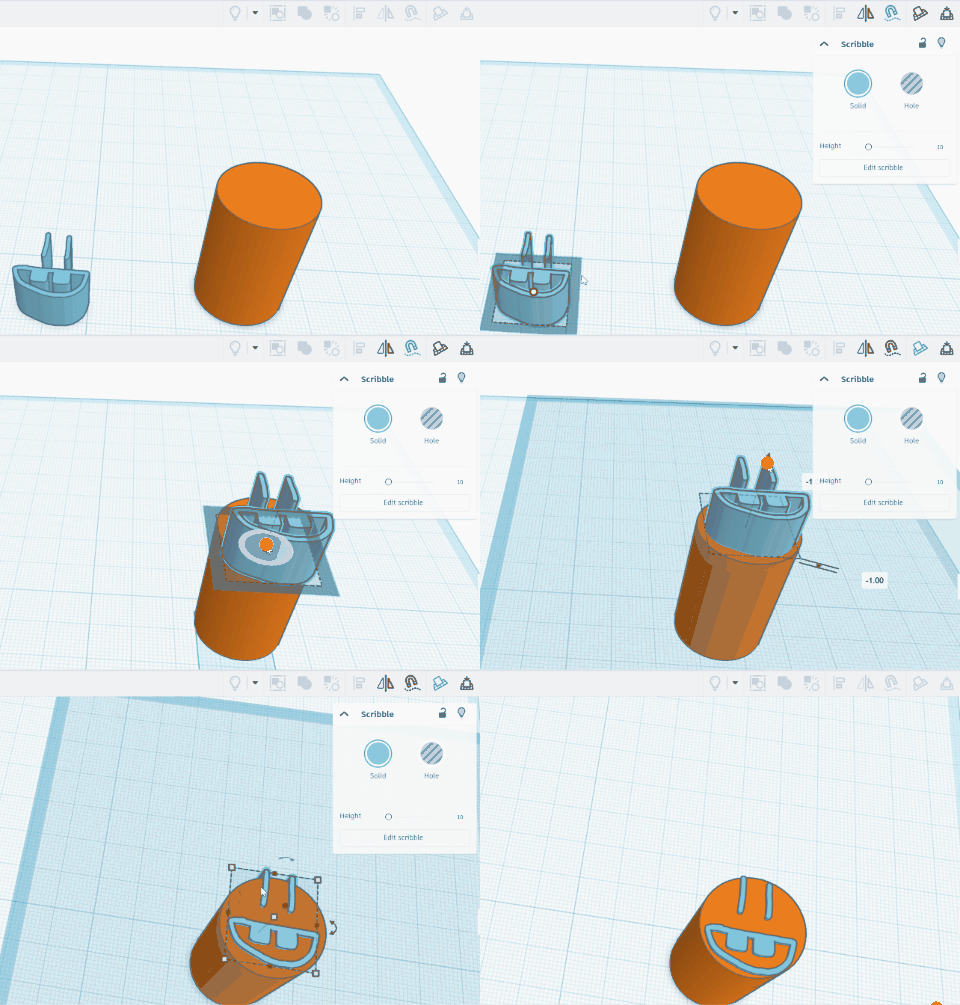
- Resize/move and lower shape into cylinder.
- Export STL and prepare for printing.
Note: sand paper may be needed for clean imprint.
Lesson 2 - Repeat or New Stamp
Catch up unfinished work; finished students test and design another stamp.
Week 2 - Chess Piece Design
Lesson 1 - Chess Modeling
Goal: create chess board and/or pieces with stylized but recognizable forms.
-
Open Chess activity and create new model.
-
Review chess piece references.
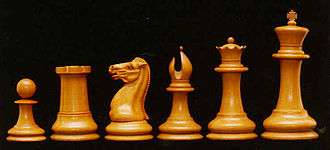
-
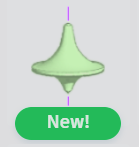
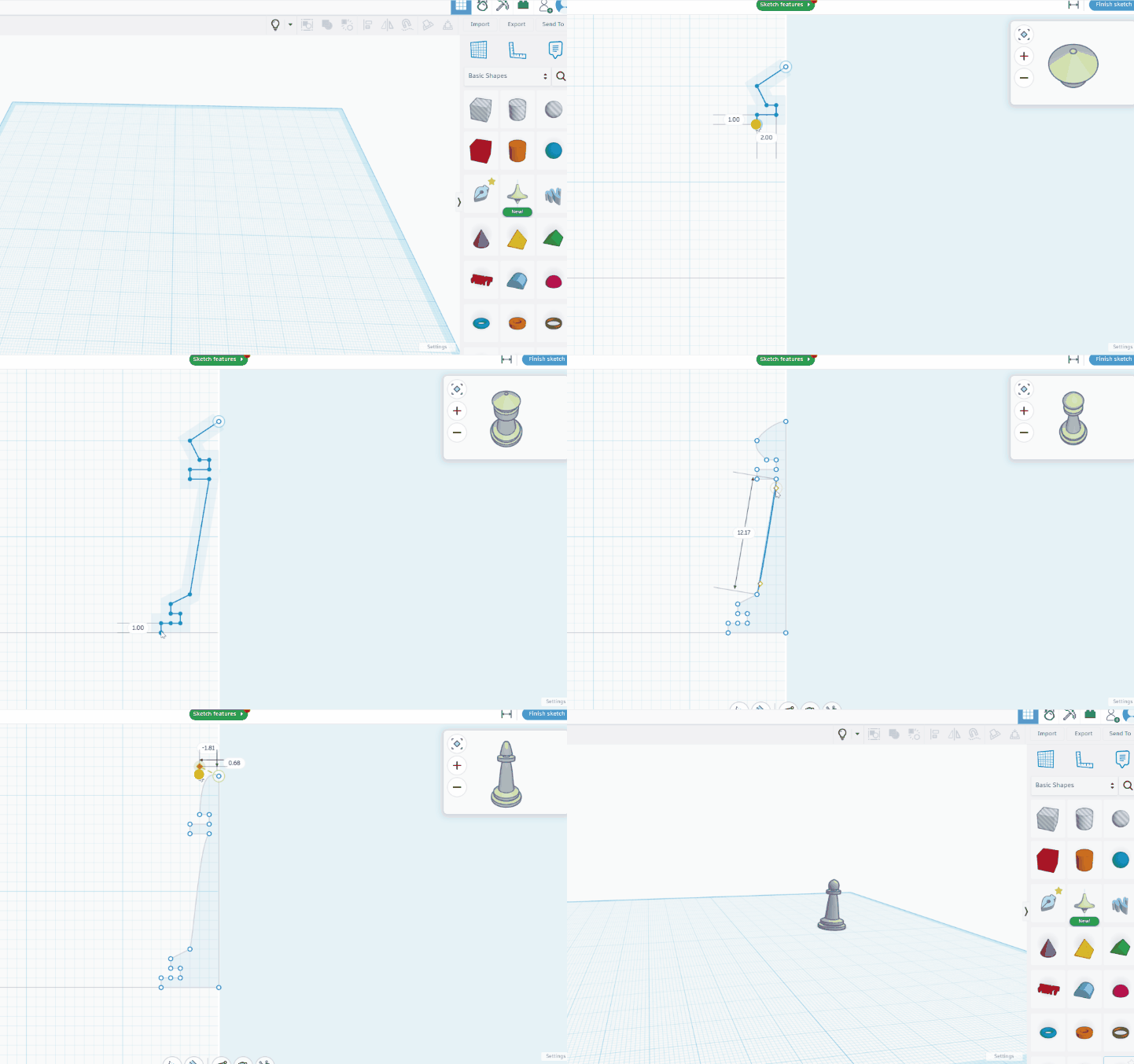
Use rounded/lathe-style tool to convert 2D profile into 3D form.
-
Build half-profile, then refine curves by editing points.
-
Use backspace to undo/delete points.
-
Combine with regular shapes for details.
Lesson 2 - Continue Practice
Continue chess modeling and refine tool control.