Unit 17 - Year 2 Lessons
Overview
Students will create a view-through-a-window scene and then build a layered jungle illustration in Pixilart.
Target skills:
- Visual Communication
- Digital Illustration
- Creative Problem Solving
Tools:
- Pixilart
Outputs:
- Window scene pixel art
- Jungle scene pixel art
Week 1 - Window Looking Out
Lesson 1 - Draw the Window Scene
Goal: create a scene that shows a view outside through a layered window composition.
Teacher prep:
- Gather examples of different window types
Steps:
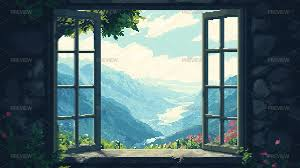
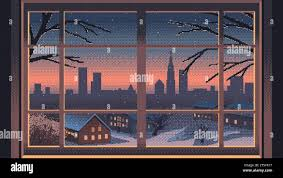
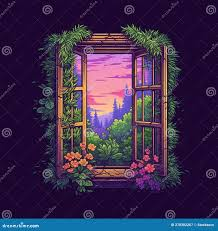
- Draw the background scene first, then add a layer for the window or wall.
- Open Pixilart and use a
128 x 128canvas.
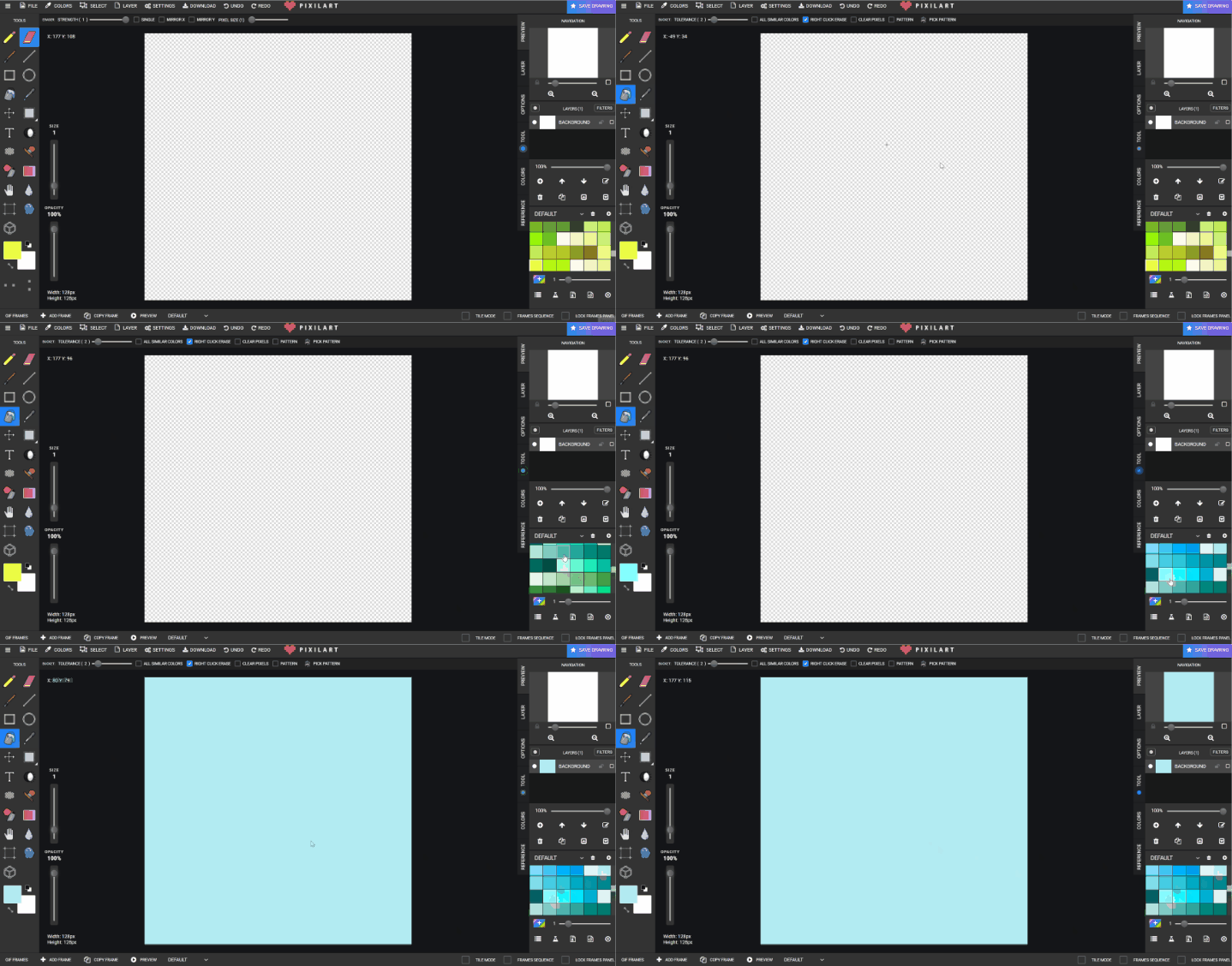
- Fill the wall area with bucket fill.
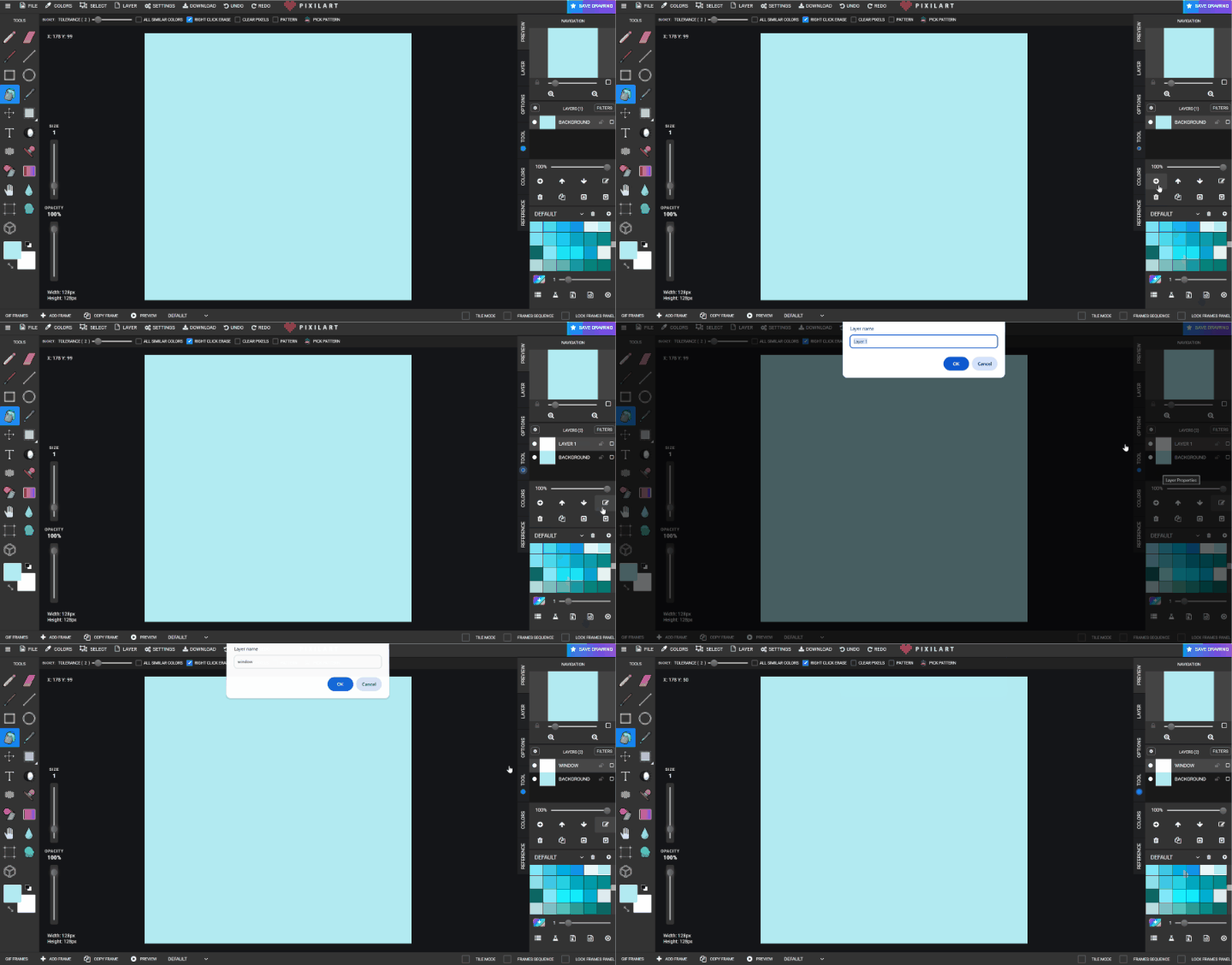
- Create a new layer.
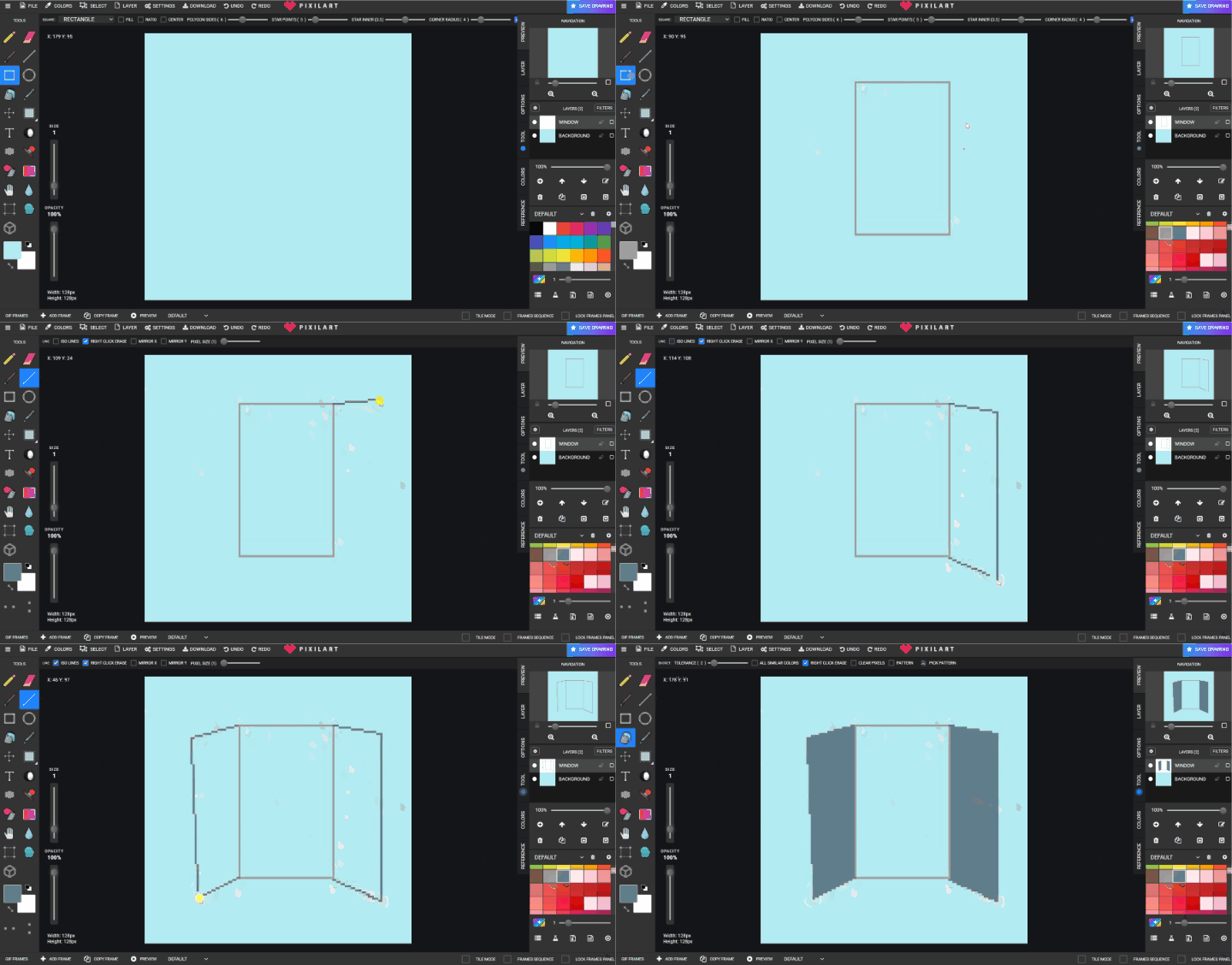
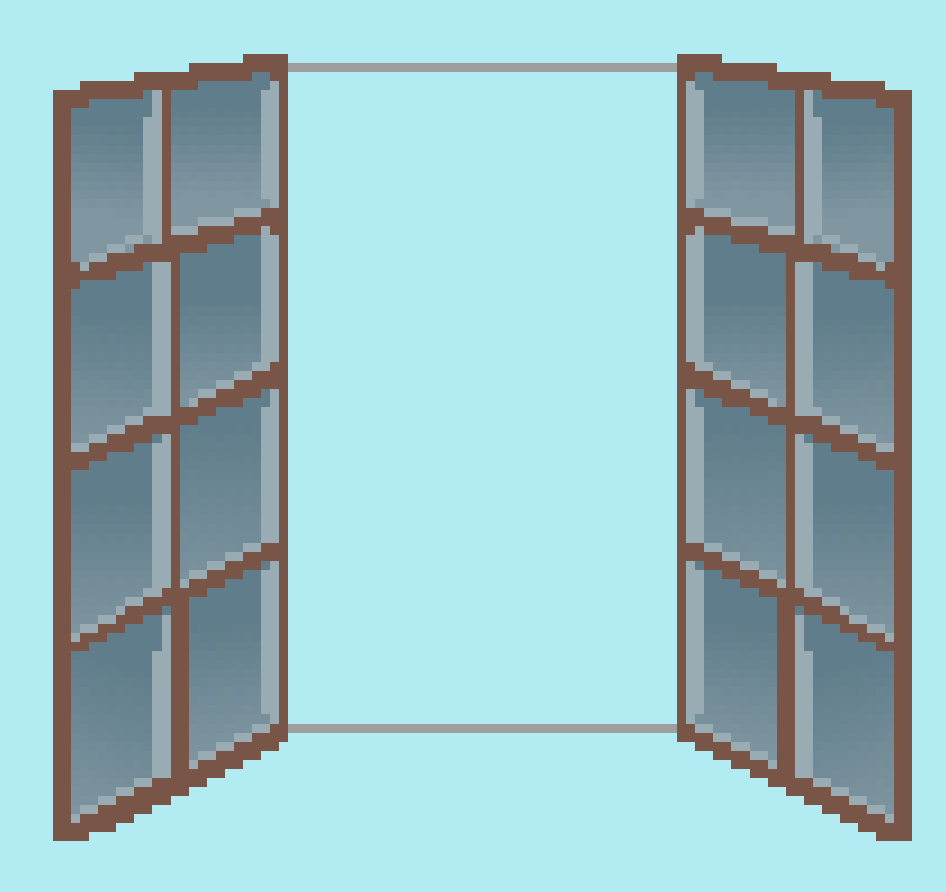
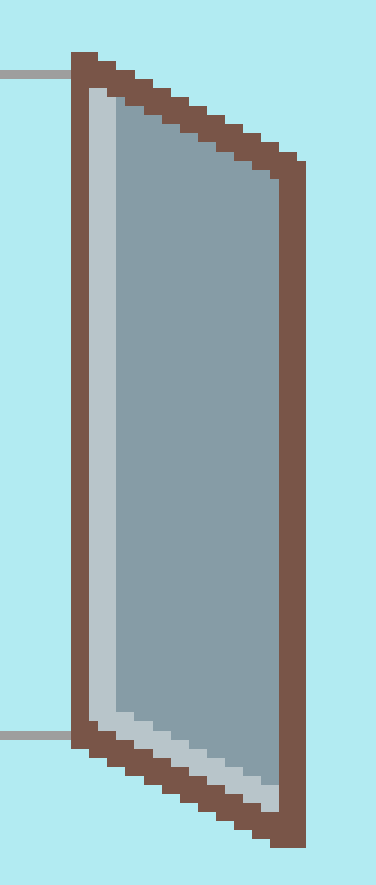
- Draw the window and shutters if desired.
- Add lighter and darker browns for depth.
- Create a new
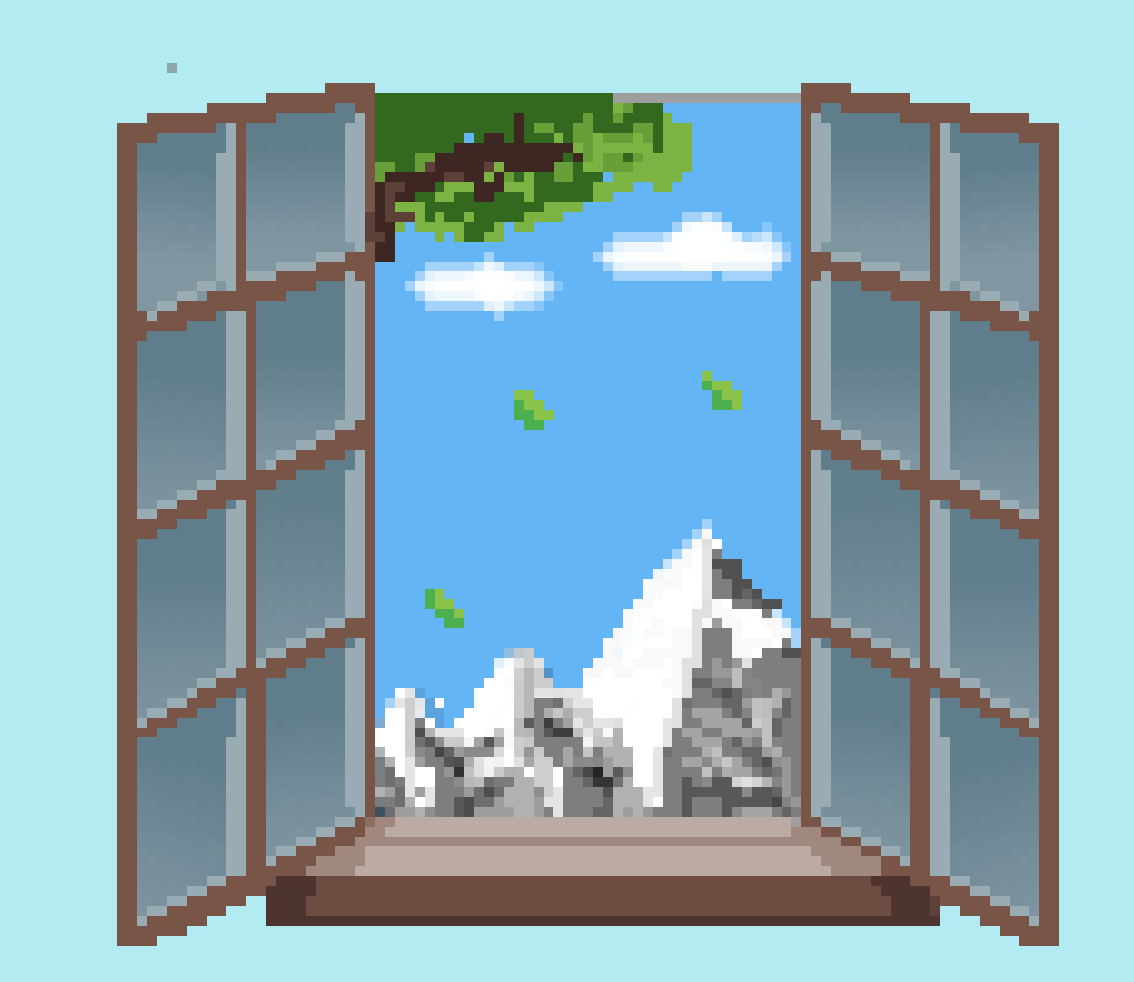
OUTSIDElayer and draw the outside scene.
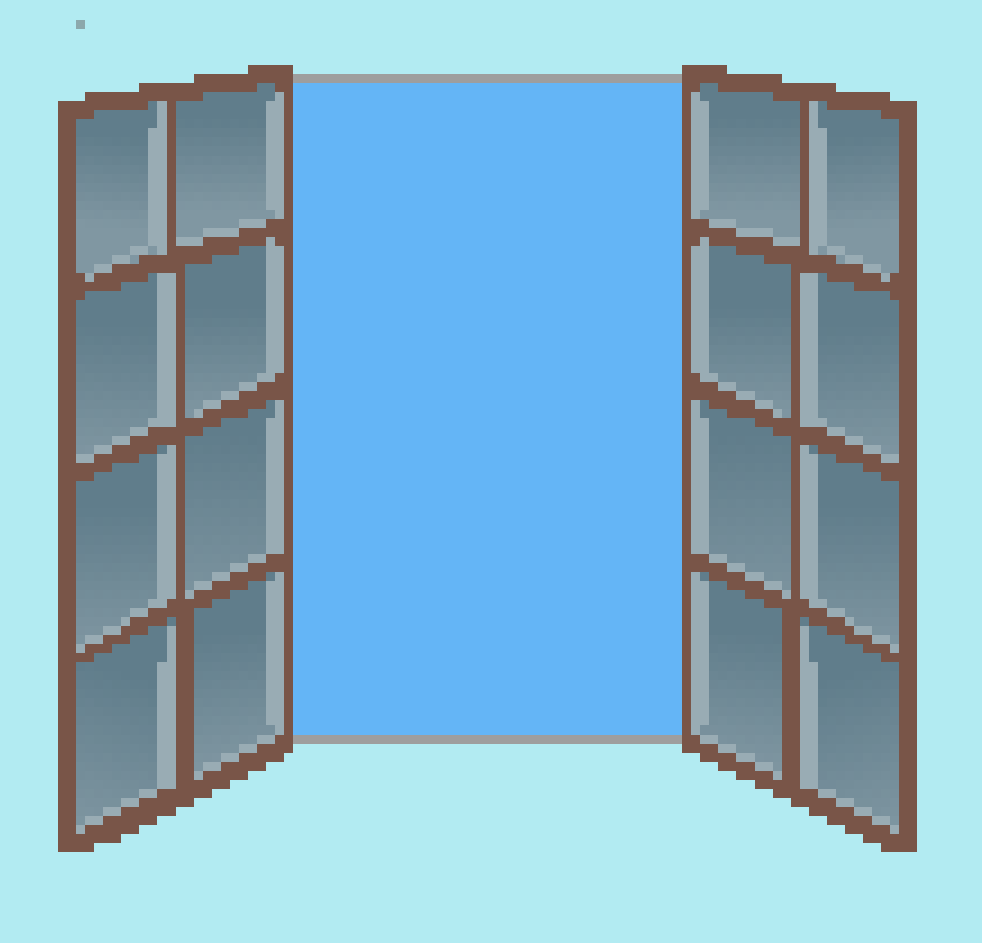
- Use the eraser to keep the outside scene inside the window opening.
Check for understanding:
- Students separate the window and outside scene on different layers.
- The image reads clearly as a view through a window.
Extension:
- Try night, city, forest, or mountain views.
Lesson 2 - Real Window Reference
Goal: recreate a real view from a school window using the same layered workflow.
Teacher prep:
- Take or provide a window-view reference image
Steps:
- Use a school window photo as the reference.
- Repeat the same process: draw the window, then draw outside on a new layer.
- Use a
125 x 125or similar square canvas if needed.
Check for understanding:
- Students work from observation rather than imagination only.
- The scene still uses clear layering.
Extension:
- Compare a realistic view with an imaginative one.
Week 2 - Jungle Scene
Lesson 1 - Layered Jungle
Goal: create depth in a jungle scene using layers of trees and foliage.
Teacher prep:
- Show how lighter-to-darker layers create depth
Steps:
- Open Pixilart and create a
256 x 144canvas.
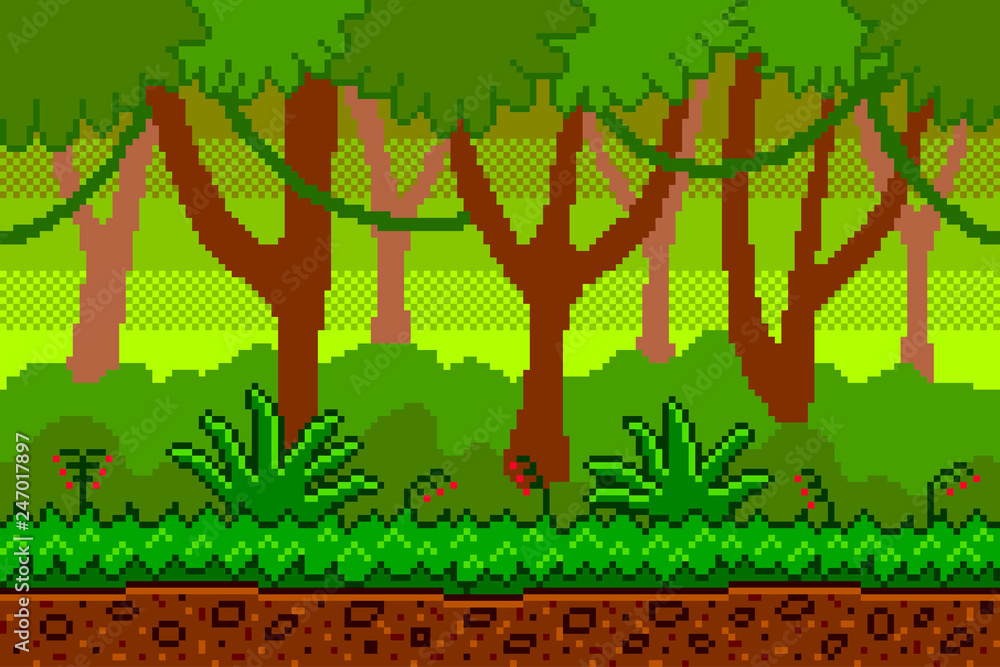
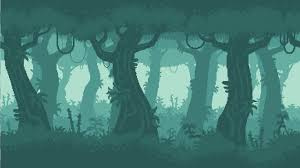
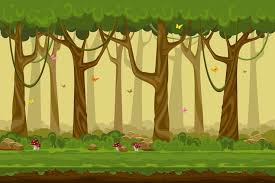
- Make background tree layers from lighter to darker tones.
- Fill the background.
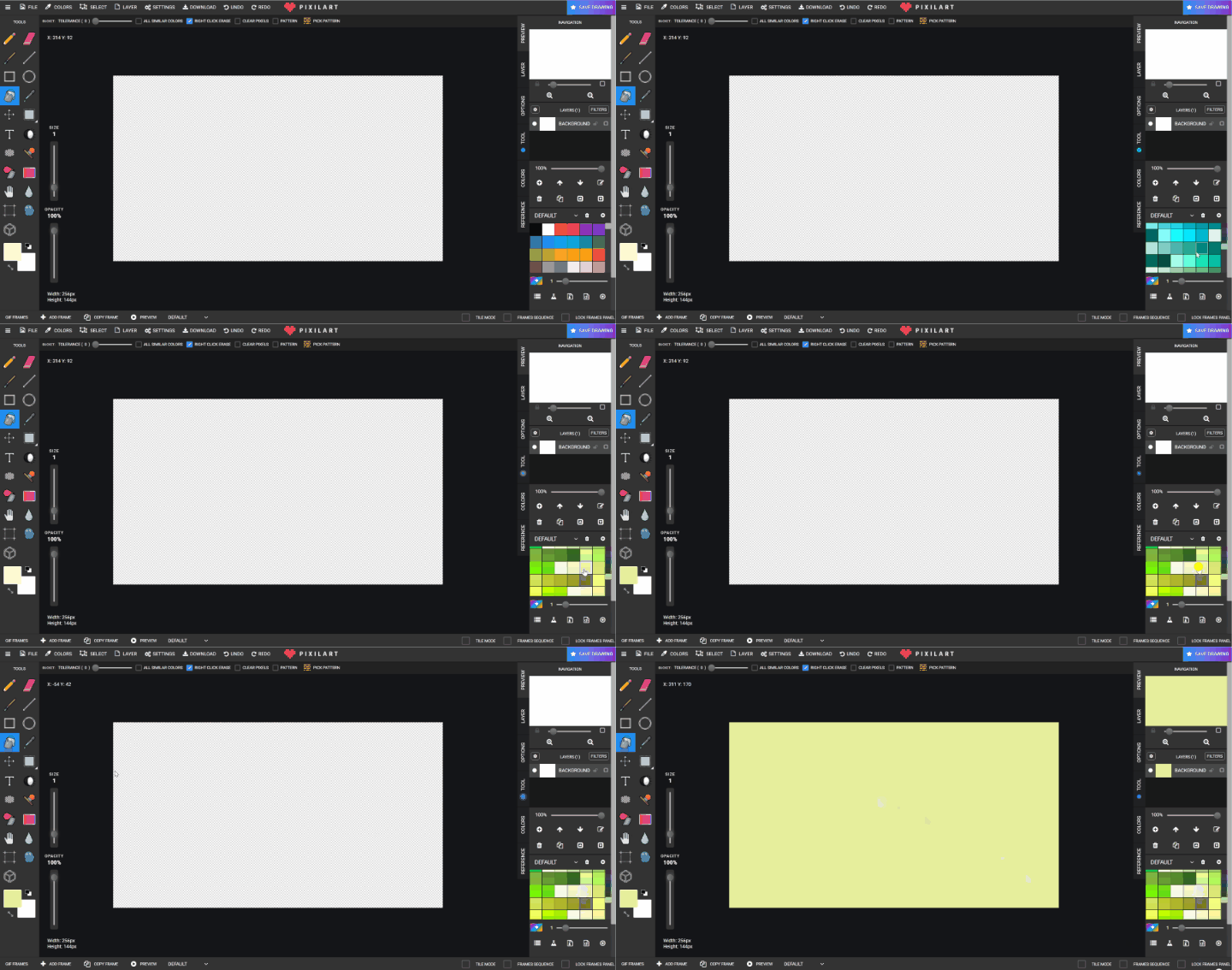
- On a new layer, draw darker tree trunks.
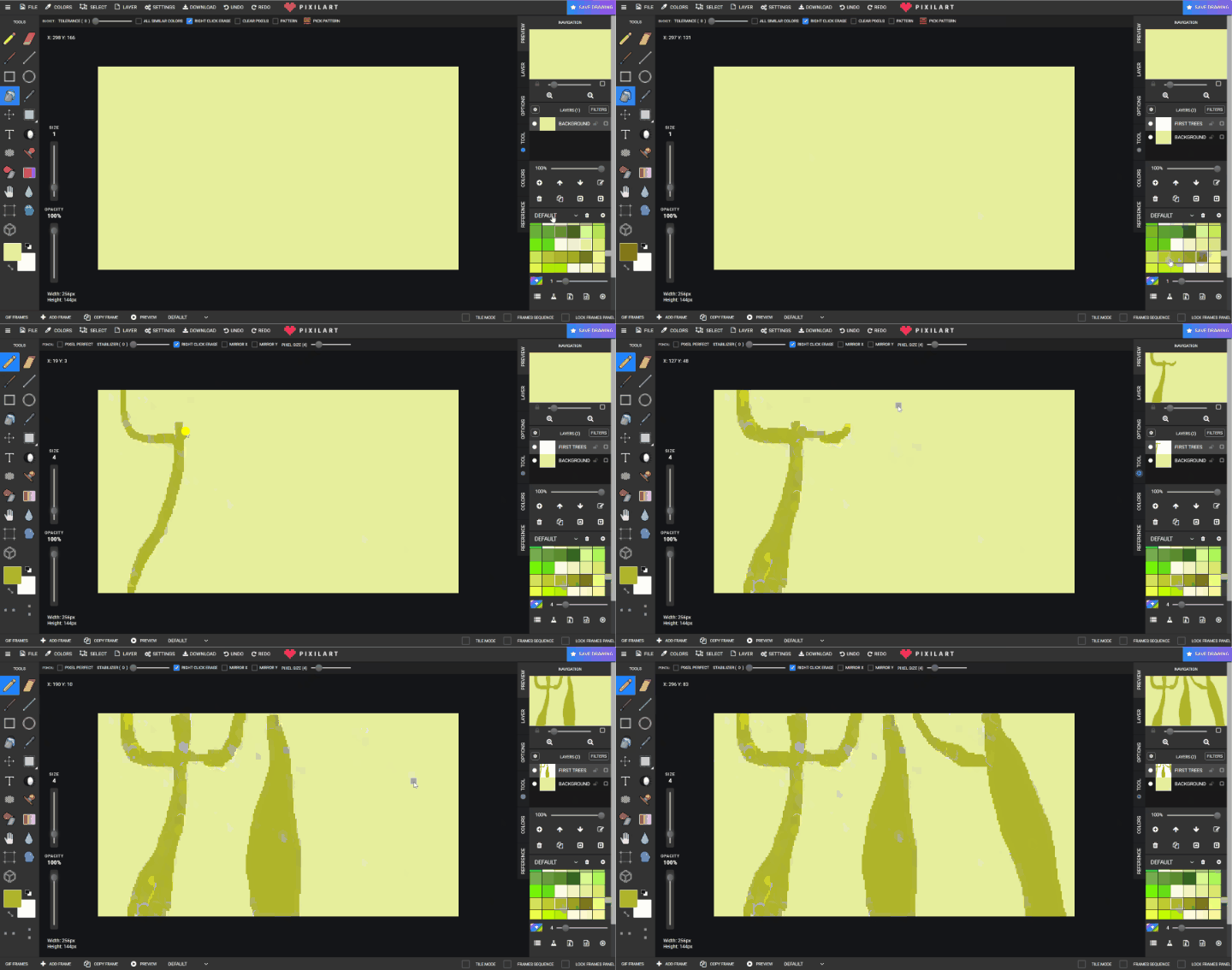
- Add more trees on another layer between the earlier ones.
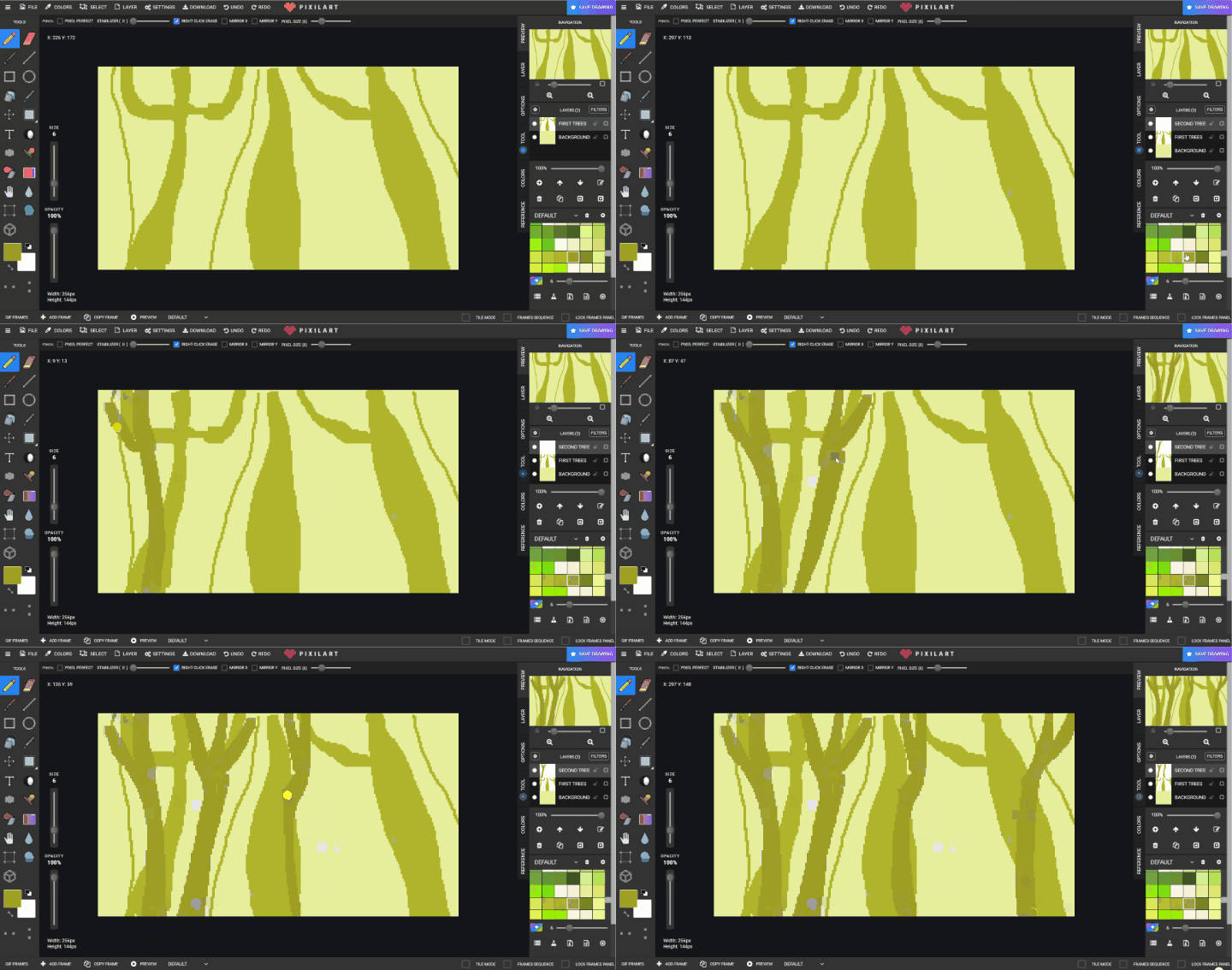
- Repeat for a third tree layer.
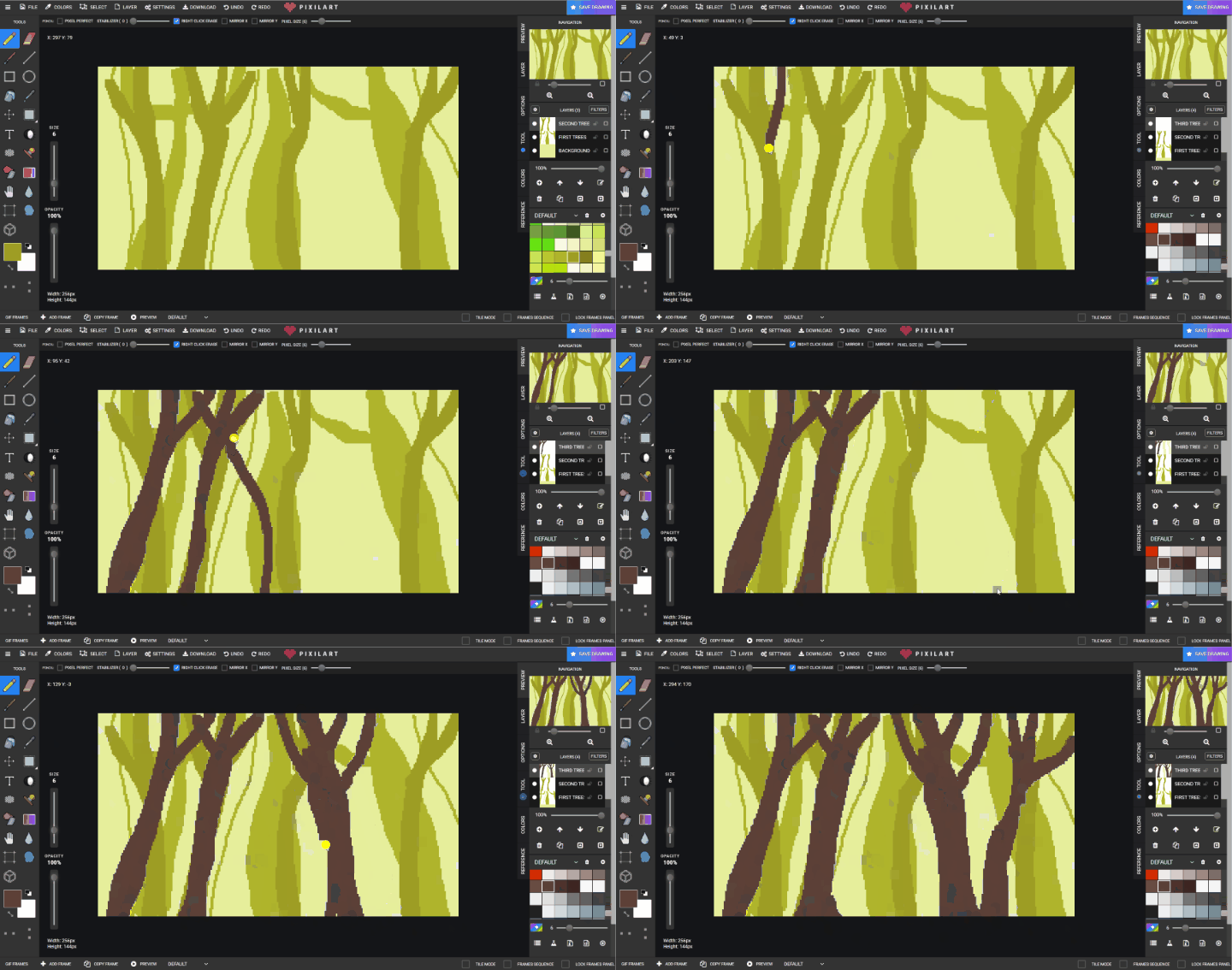
- Add a
FOLIAGElayer and paint ground foliage using varied greens.
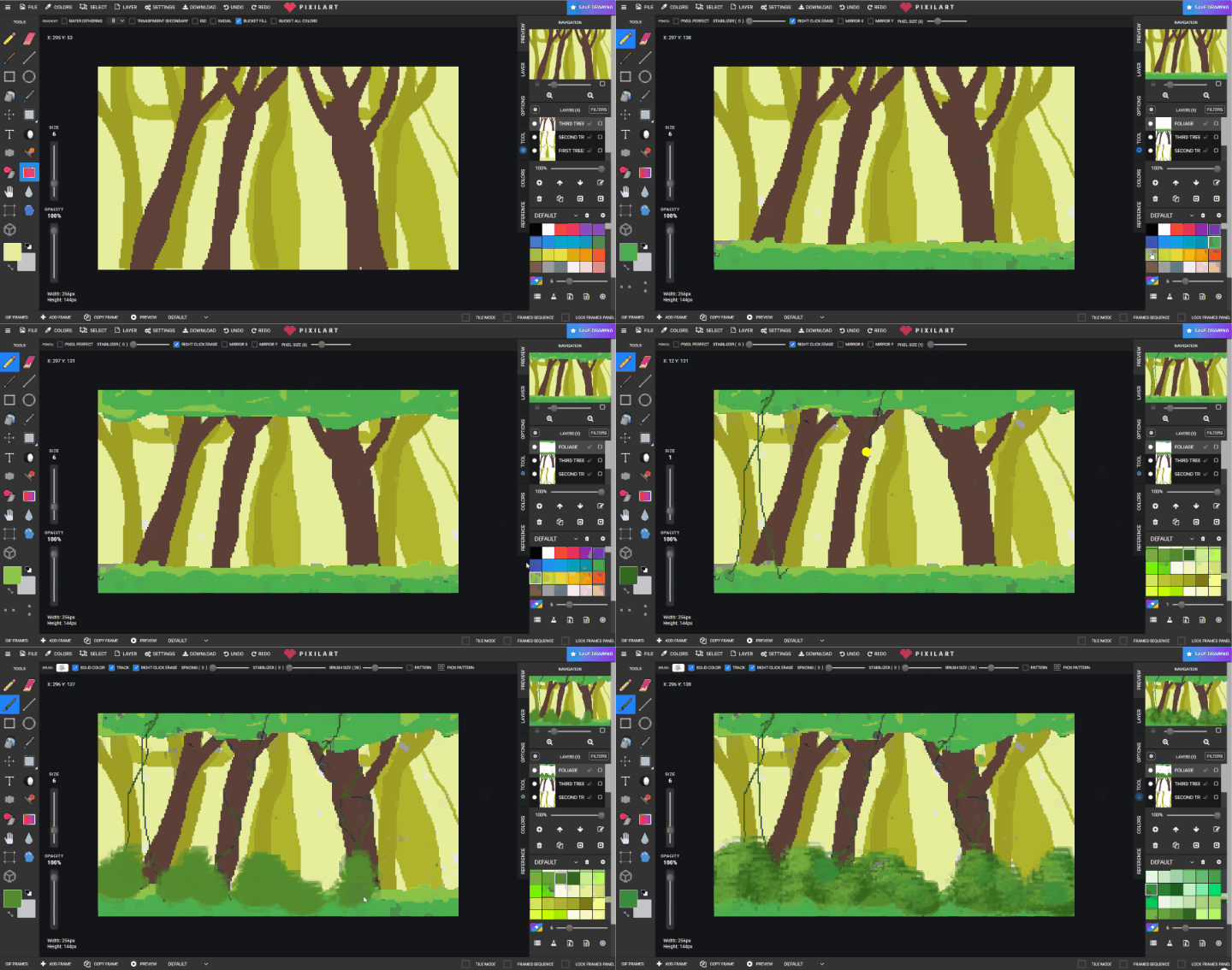
- Save to Google Drive.
Check for understanding:
- Students create visible depth using layers and color.
- The scene includes both trunks and foliage.
Extension:
- Add animals, paths, or ruins.
Lesson 2 - New Jungle Variation
Goal: continue the jungle scene or create a second variation.
Teacher prep:
- Discuss different jungle references together
Steps:
- Reopen the previous scene or start a new one.
- Change composition, colors, or plant density.
- Add new jungle details based on references.
Check for understanding:
- Students improve complexity without flattening the scene.
- Layers remain separated clearly.
Extension:
- Try a jungle at sunrise, rain, or night.