Unit 3 - Year 1 Lessons
Overview
Students will complete Unit 3 Year 1 activities using coding and physical computing workflows.
Target skills:
- Computational Thinking
- Physical Computing
- Creative Problem Solving
Tools:
- Micro:bit
- MakeCode
Outputs:
- Student-created program(s) or interactive project(s) saved to class folder.
Week 1 - Micro:bit Basics
Lesson 1 - Micro:bit: Pair, Flash, Show Icons
Goal: Connect a micro:bit, pair it in MakeCode, and display/animate icons.
Prep
- One micro:bit per student (pairs are fine), USB cable, and a computer.
- Students sign in with KEAdigi Google account.
Safety / Handling
- Show the USB-micro connector orientation (flat vs rounded) before students plug in.
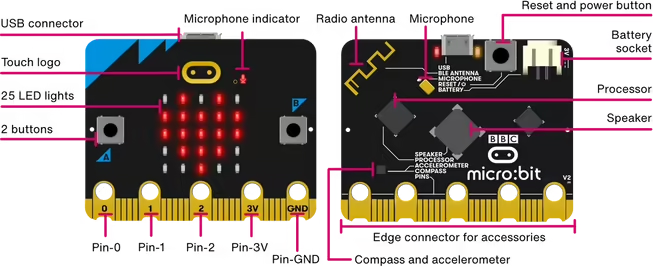
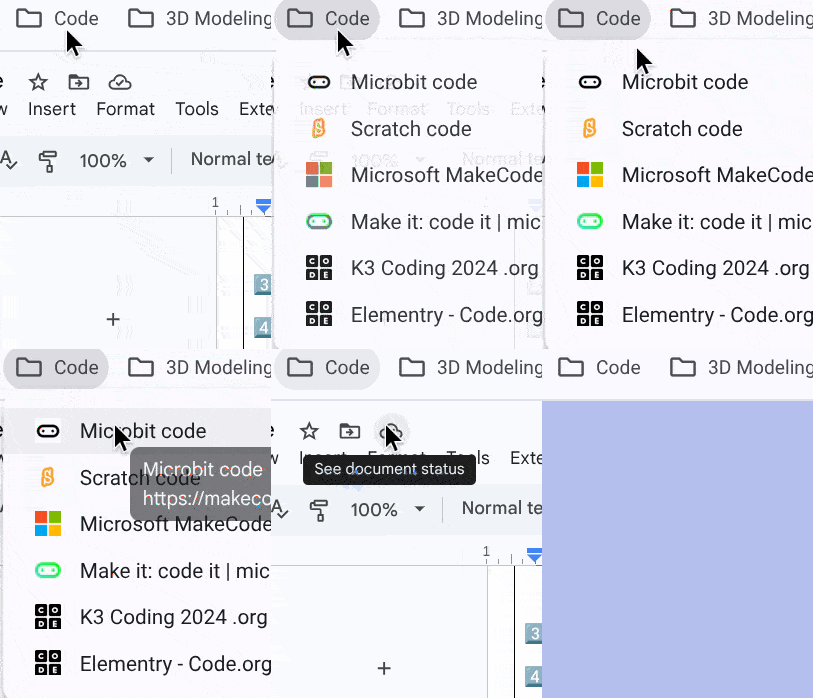
Open the Editor
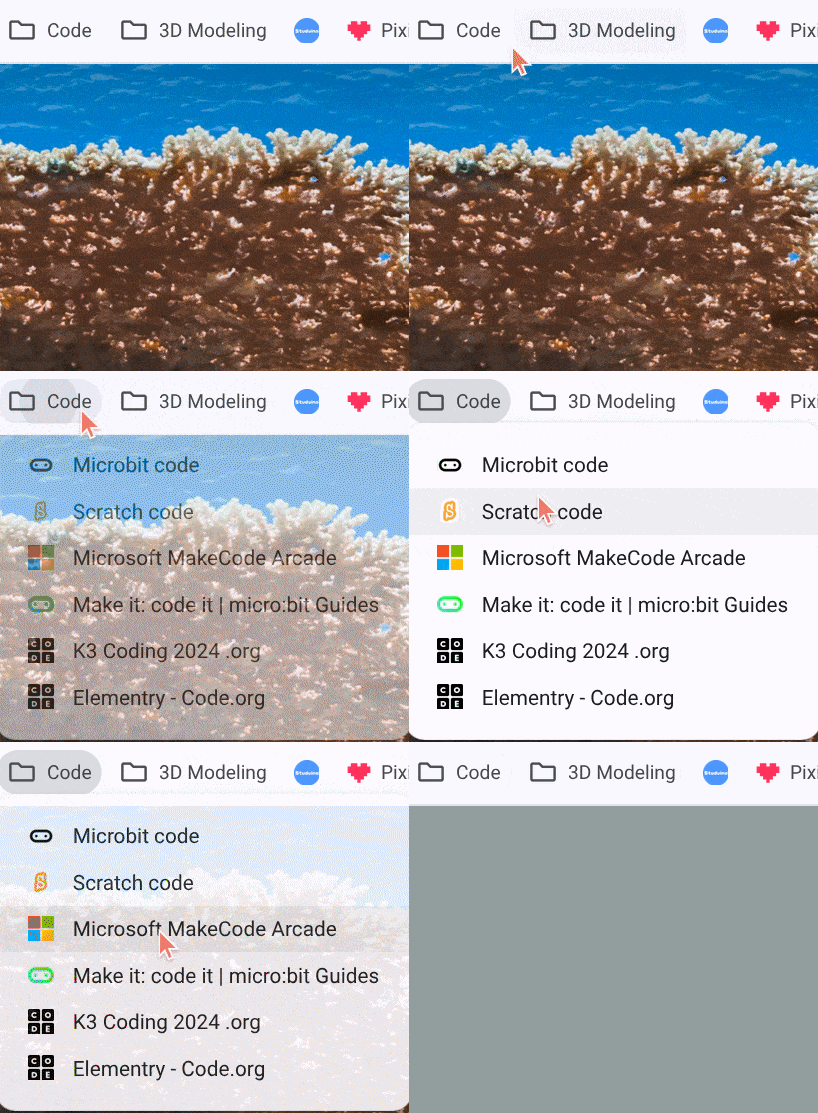
- Open Google > Bookmarks > File Code > Microbit Code.
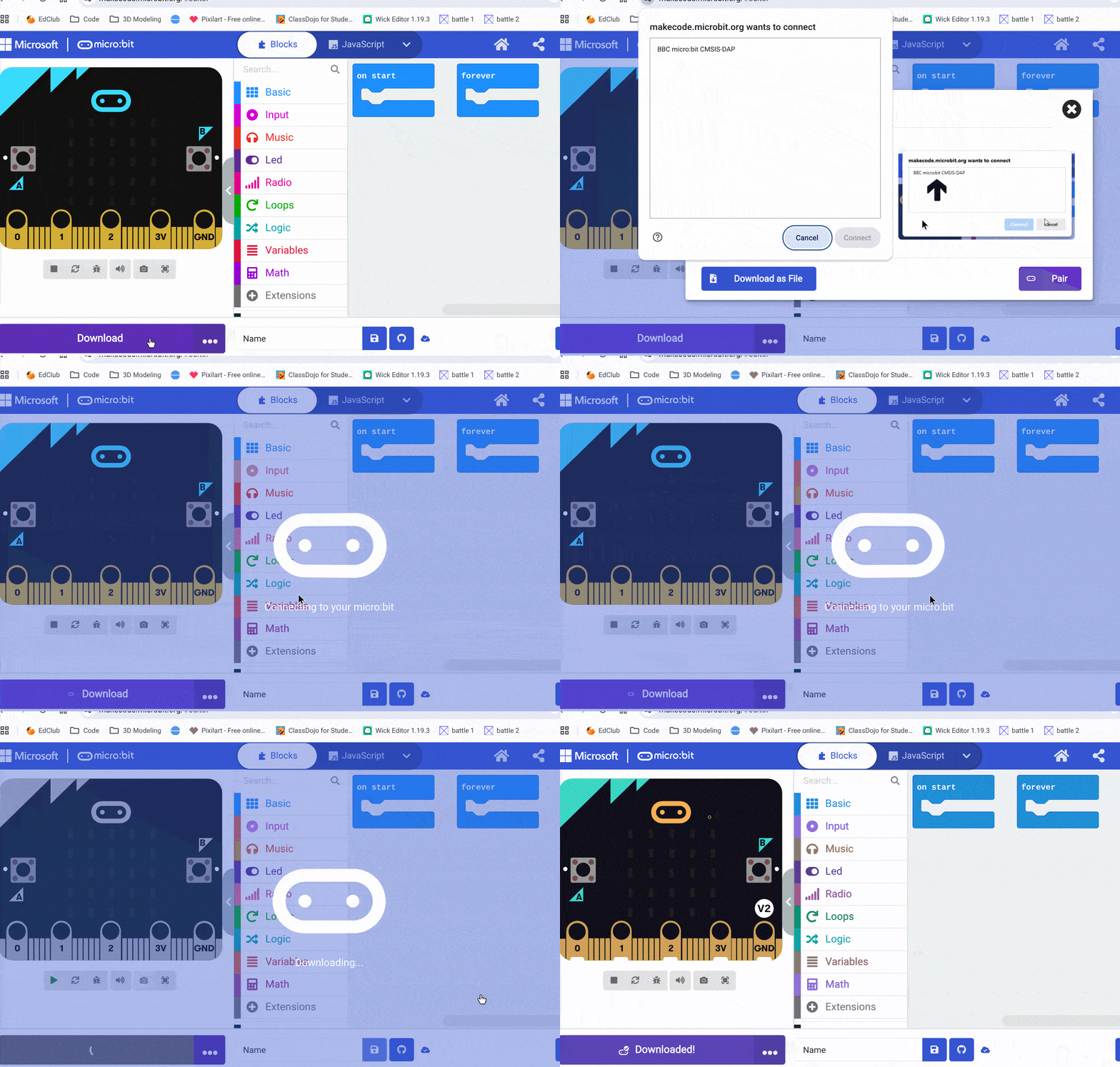
Pair & Download (first time)
-
Click Download > Next > Pair > choose BBC micro:bit > Connect > Download.

-
Subsequent downloads are faster (paired device remembered).
Blocks to Know
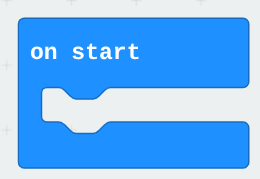
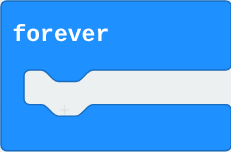
- On Start / Forever
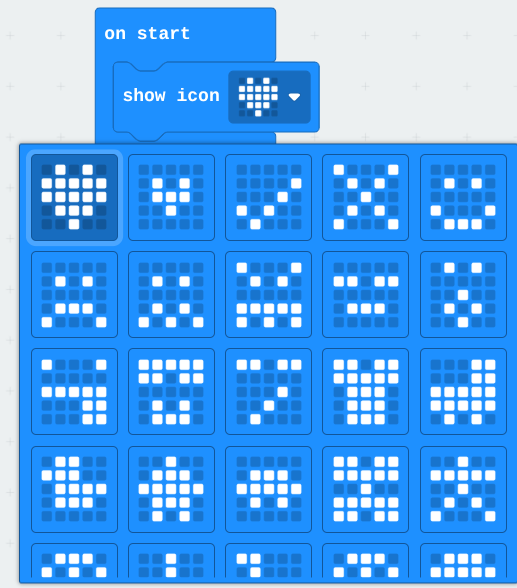
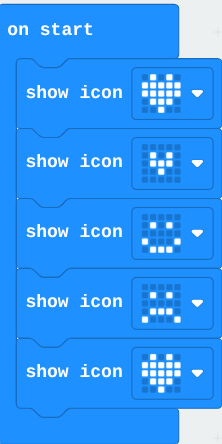
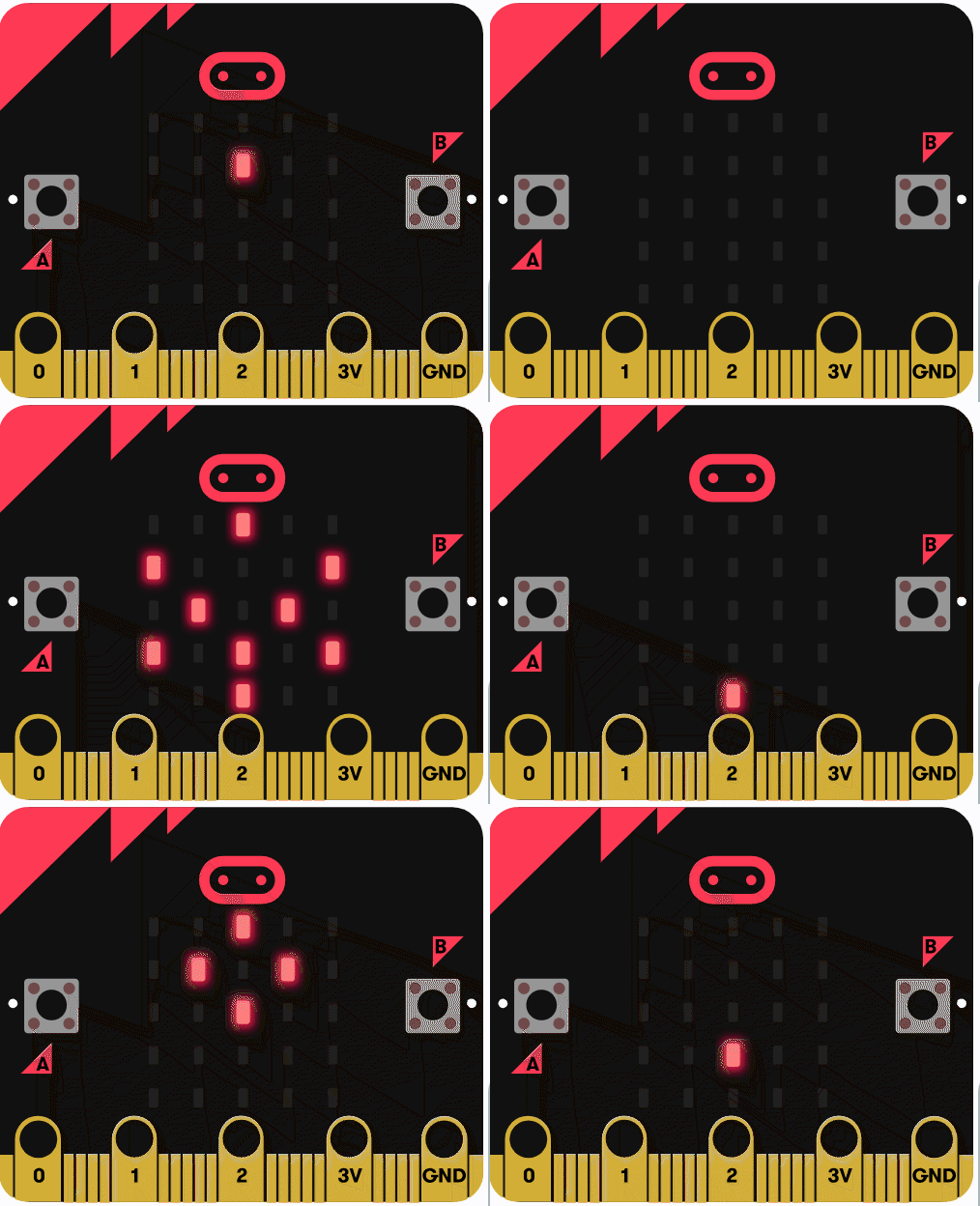
- Show Icon
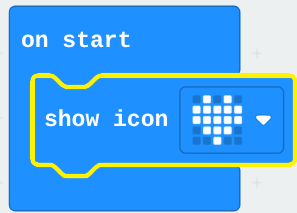
Make a Heart Appear
- Drag Show Icon (heart) to On Start and Download to flash.
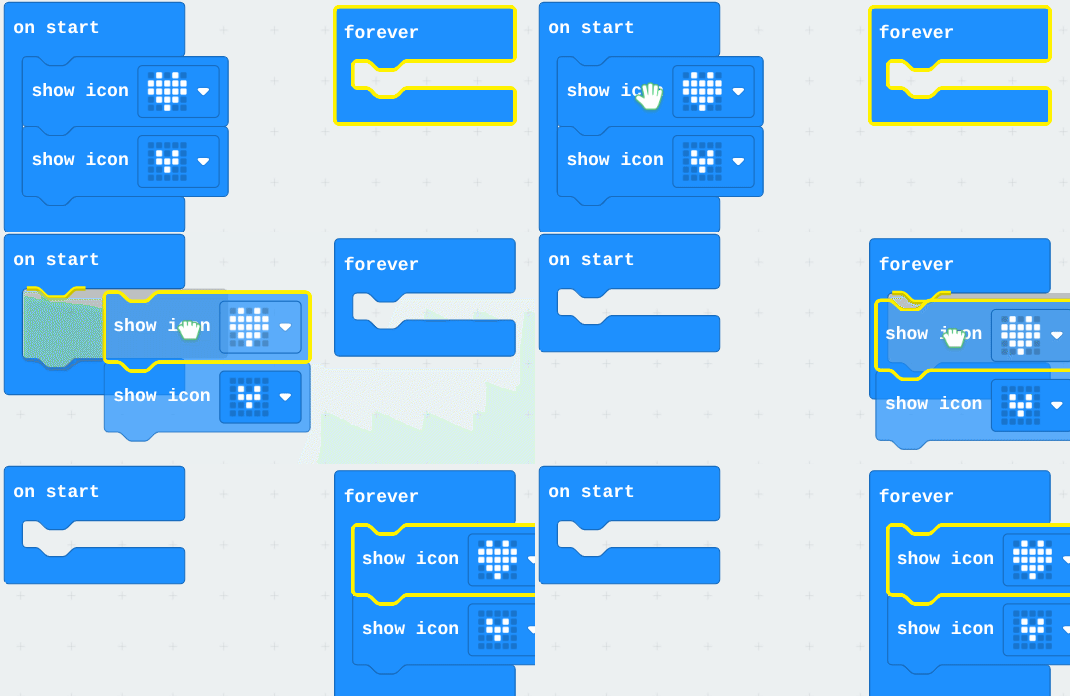
Animate Icons
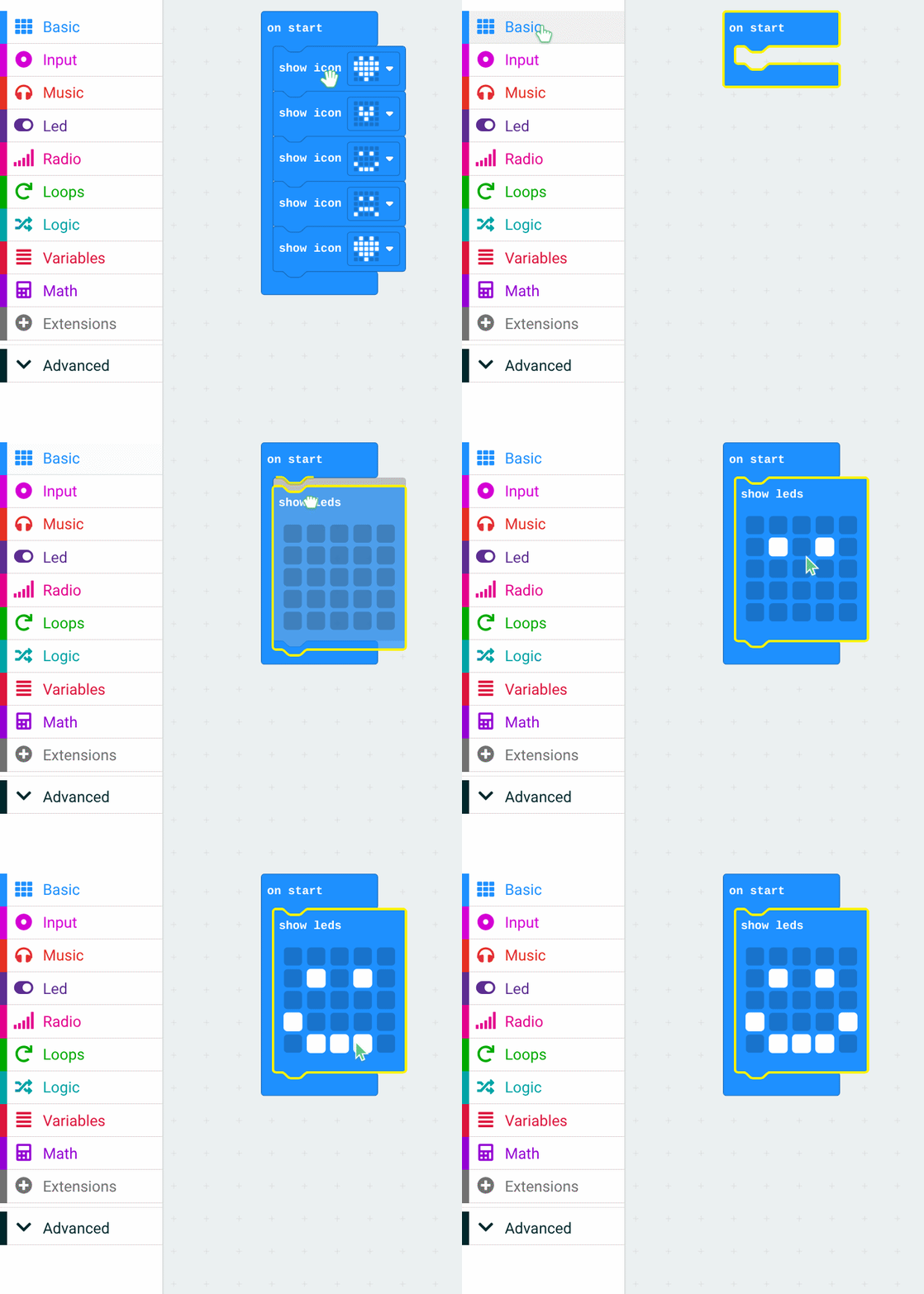
- Move the block to Forever so it loops. Add additional icons to make a short movie.
Optional Tips
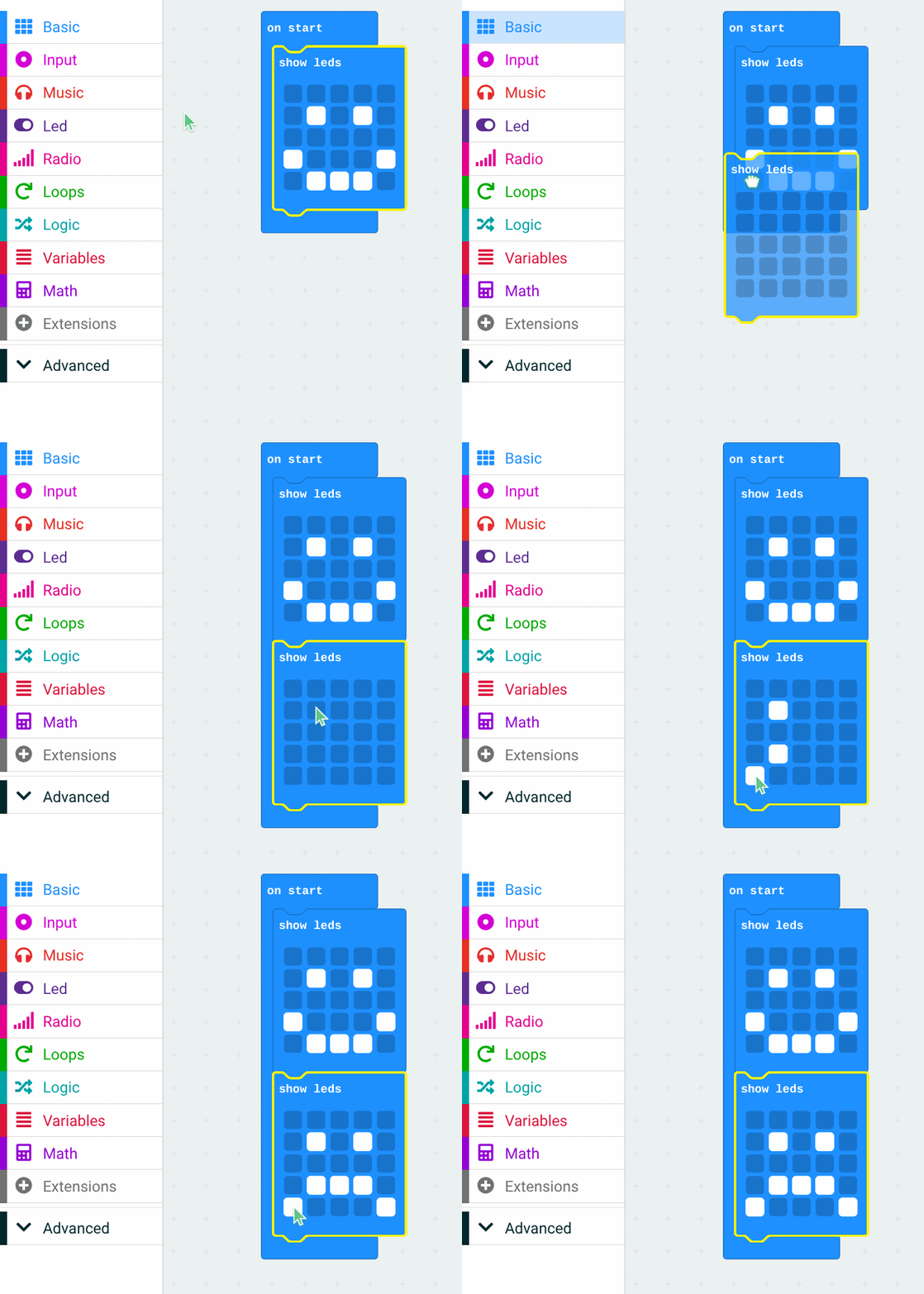
- Create a longer sequence by adding multiple icons and brief pauses.
Troubleshooting
- If an old program remains, re-Download to overwrite. Press Reset to replay.
Lesson 2 - Micro:bit Mini-Project
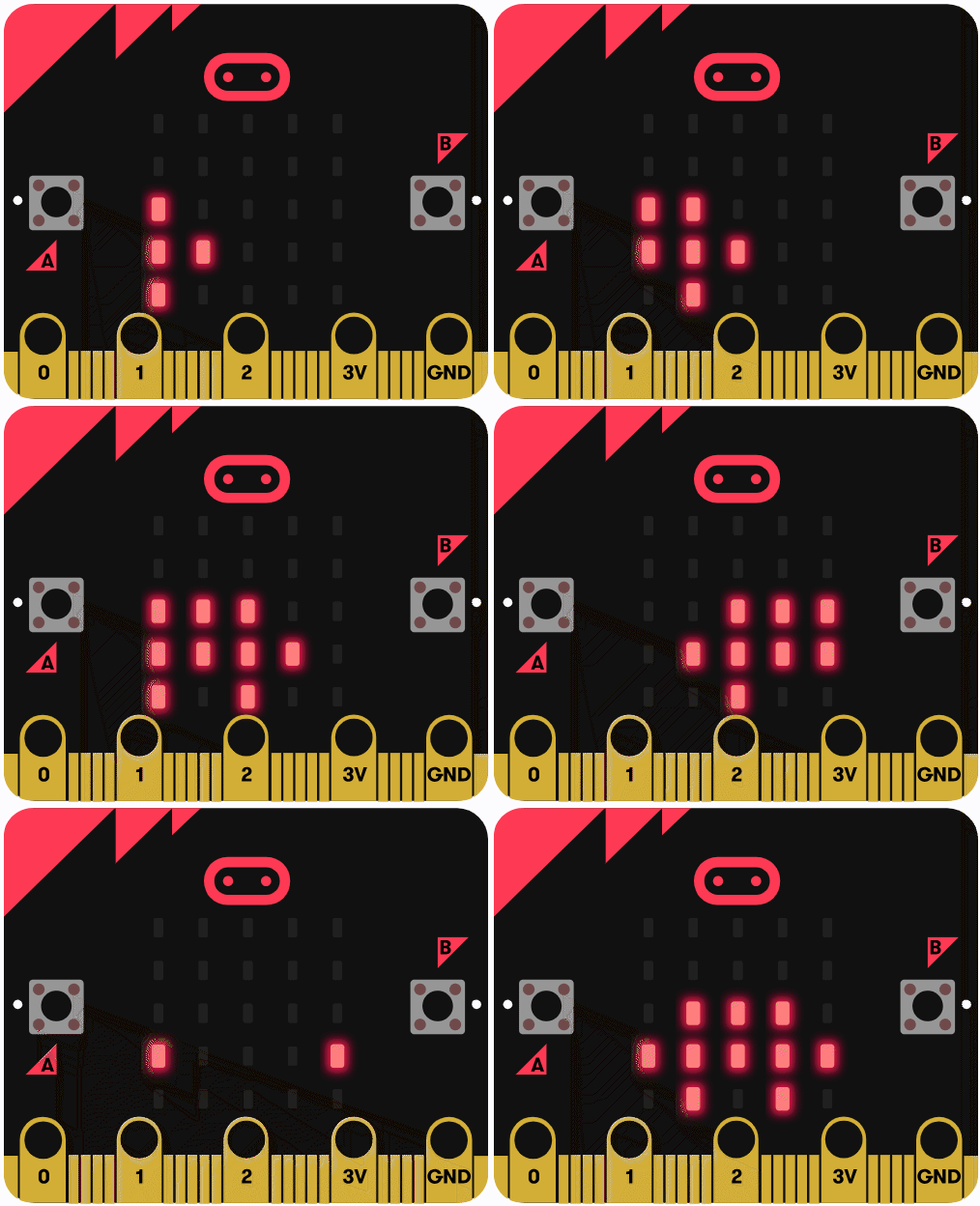
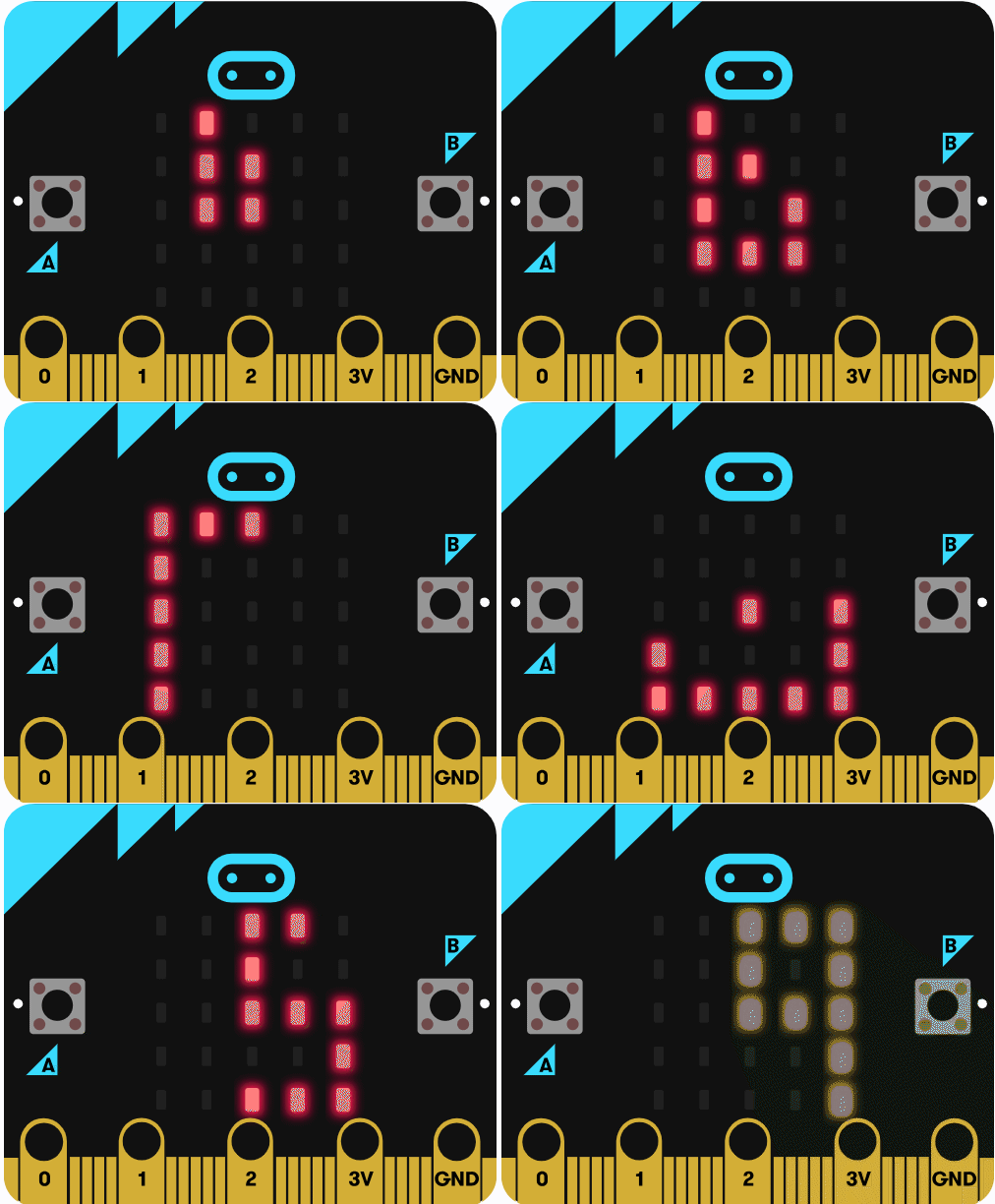
Prompt: Make a small looping LED story (e.g., a character or name moving across the LEDs).
Encourage creative icon sequences and simple timing changes.
 |  |  |
|---|
Week 2 - MakeCode Arcade: “Chase the Pizza”
Lesson 1 - Tutorial Run
Goal: Complete the Chase the Pizza tutorial and export a playable project.
Open Arcade
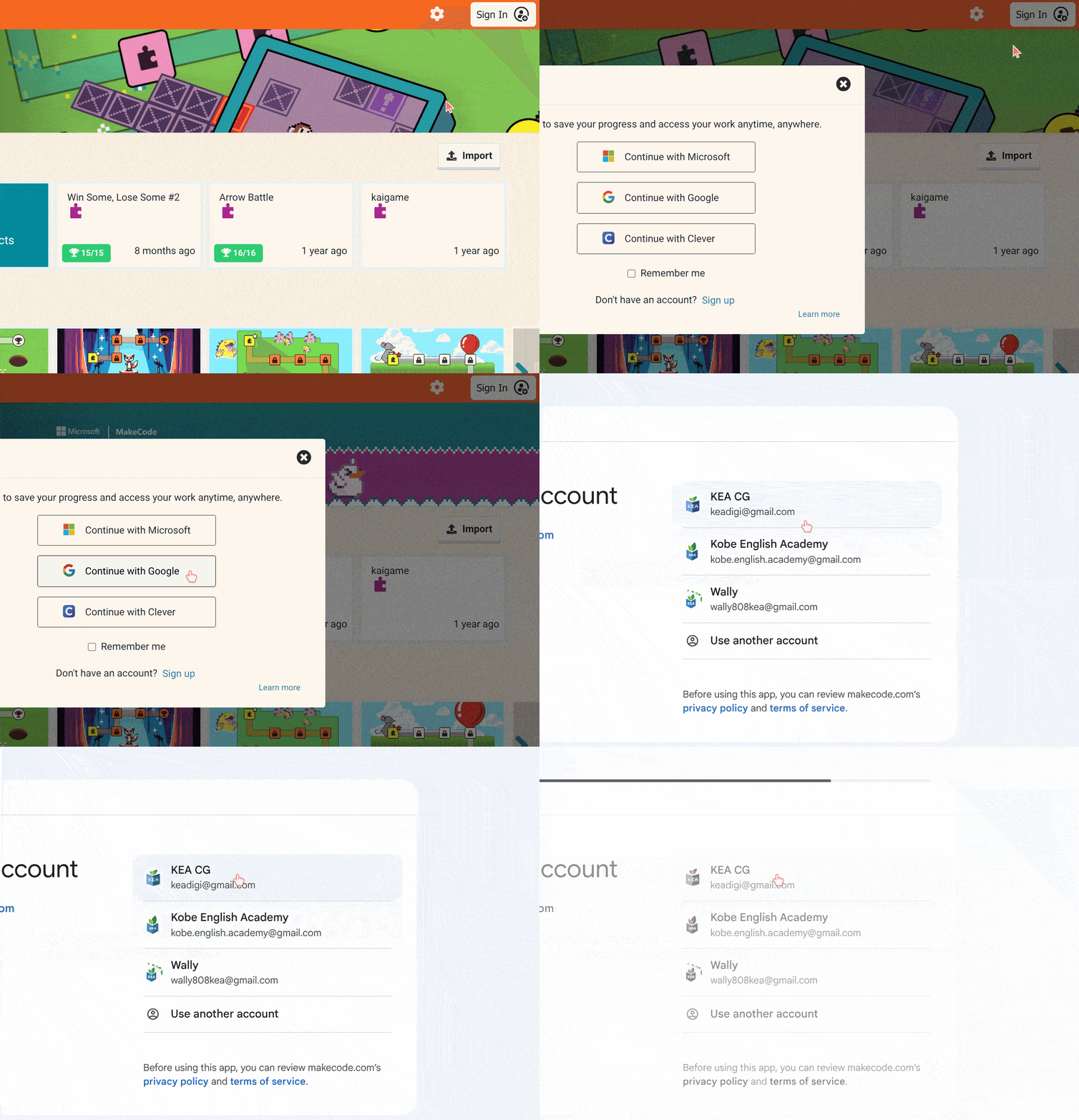
- Go to https://arcade.makecode.com/# (bookmarked). Sign in with KEAdigi account.
Find the Tutorial
- Scroll to Tutorials > select Chase the Pizza.
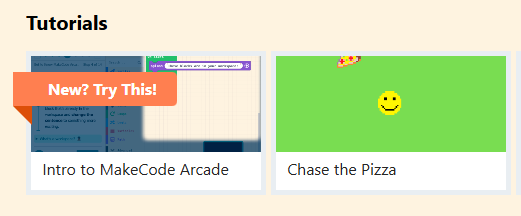
Work Through Steps Together
- Follow each NEXT step on the left panel. Keep class in sync.
Save / Share
- Save to the student account; show how to Download a
.pngproject or export a GIF if desired.
Lesson 2 - Customize Your Game
Encourage small variations to practice cause/effect:
- Change player sprite, background, or timing/velocity.
- Add pickup and background sounds.
- Try a different score condition or item speed.