Unit 3 - Year 3 Lessons
Overview
Students will complete Unit 3 Year 3 activities using coding and physical computing workflows.
Target skills:
- Computational Thinking
- Physical Computing
- Creative Problem Solving
Tools:
- Micro:bit
- MakeCode
Outputs:
- Student-created program(s) or interactive project(s) saved to class folder.
Week 1 - Pins & Speakers
Lesson 1 - Touch to Play (Pins P0/P1/P2)
Goal: Play notes by touching crocodile clips connected to P0/P1/P2 (with GND).
Refer back to Year 1 for flashing/downloading steps.
Pins
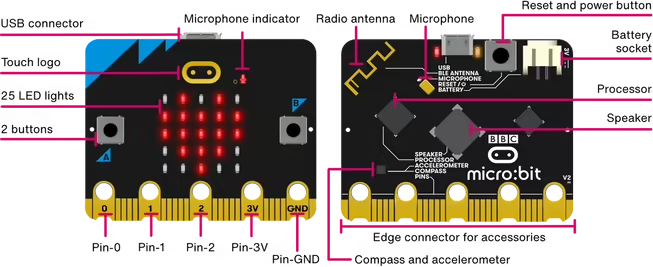
Setup & Tips
- Attach clips to the ring pads; don’t cross clips.
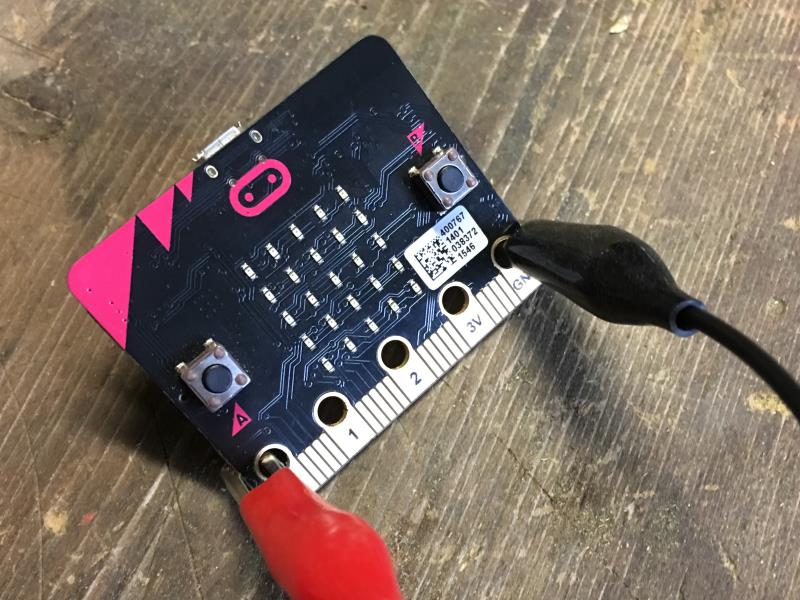
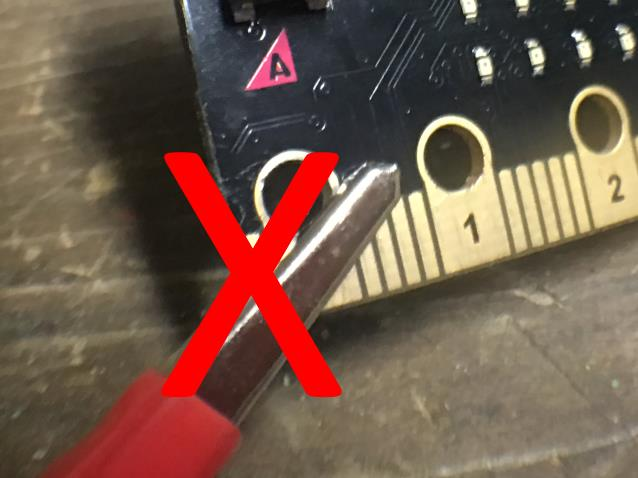
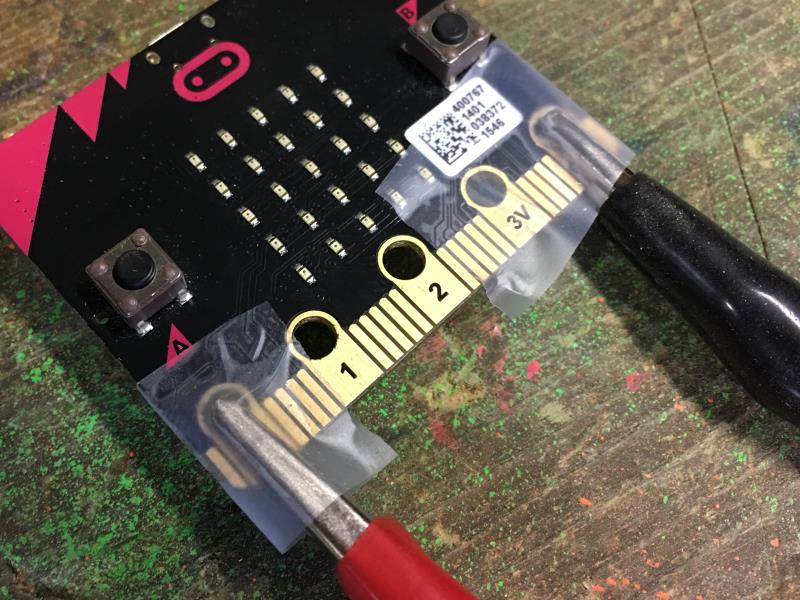
- Tape can help keep clips in place.
Program
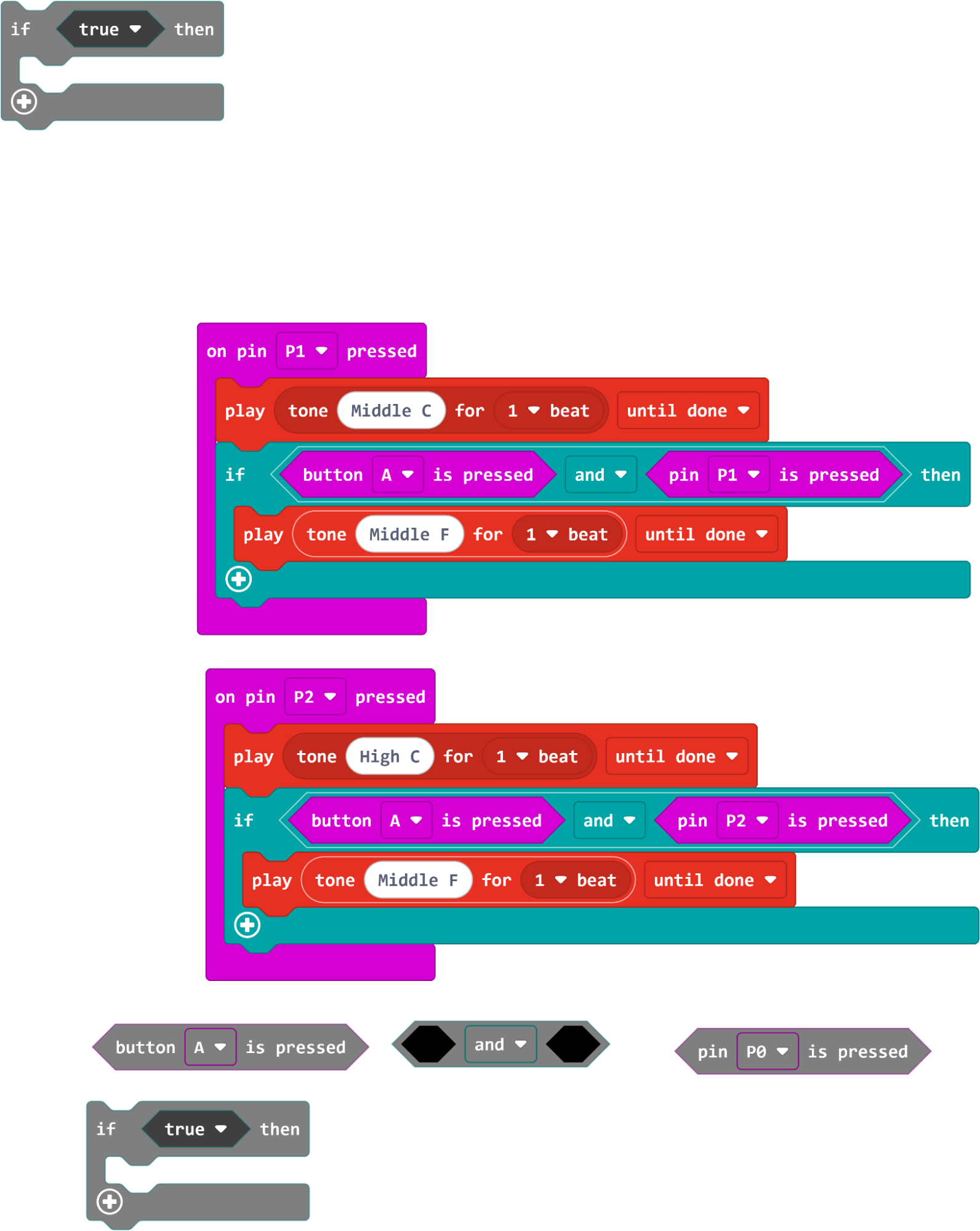
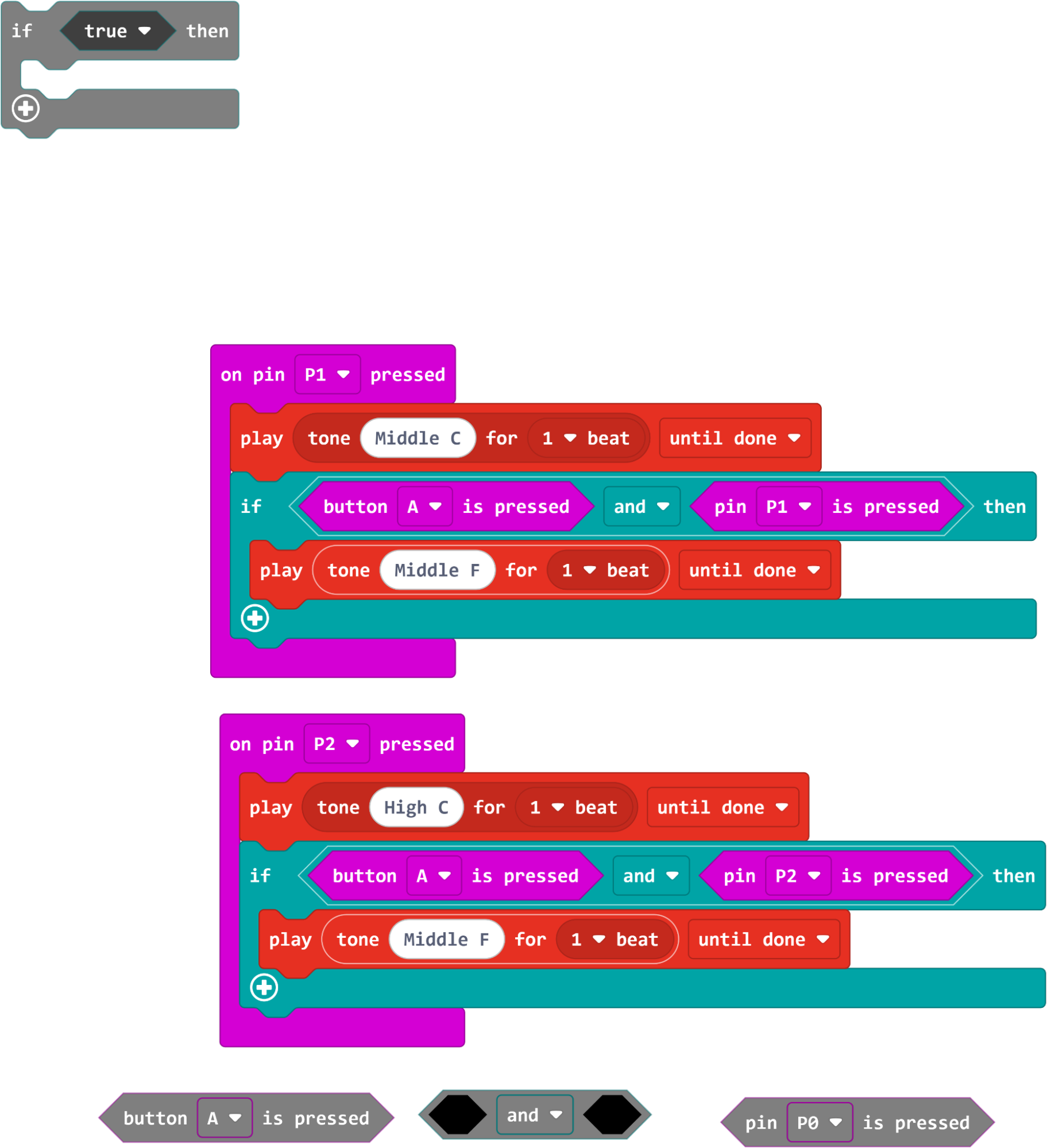
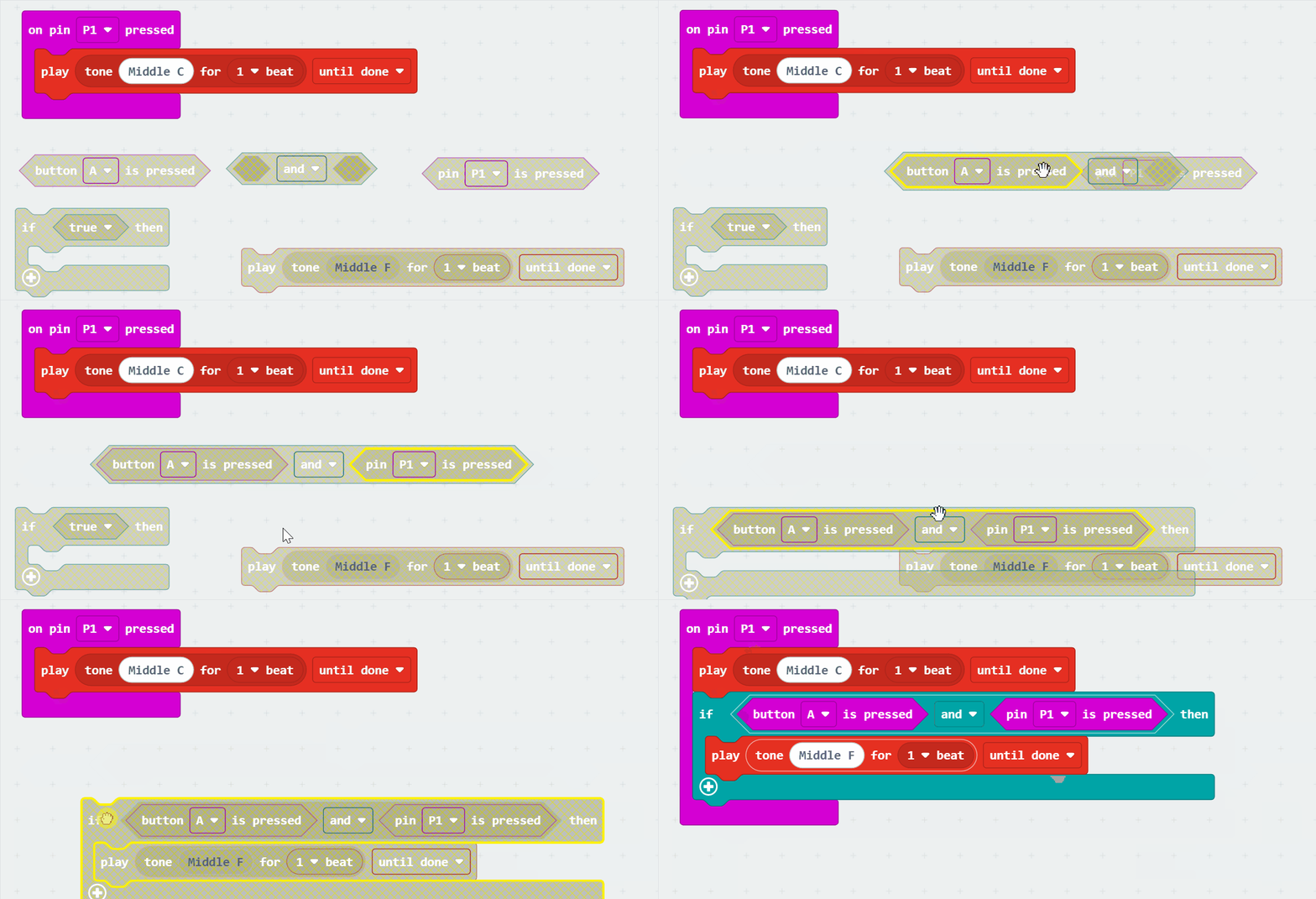
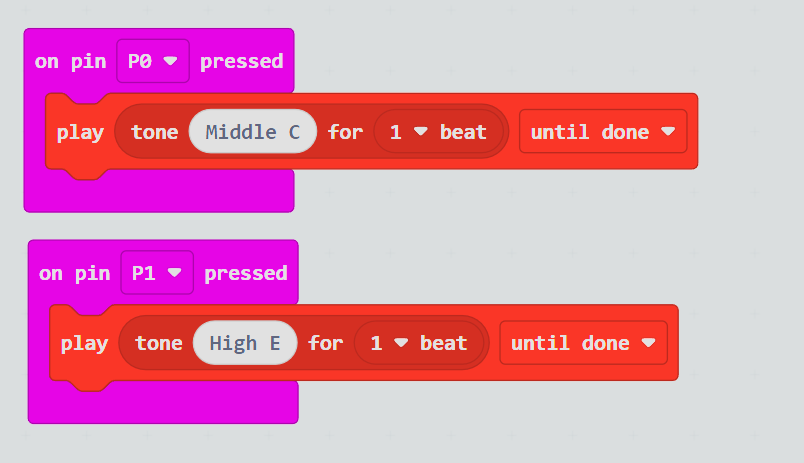
- Use touch input on P0/P1 to play tones; add P2 for an extra note.
Challenge
- Compose a short tune using different pins (notes).
Lesson 2 - External Speaker
Goal: Output micro:bit sound to an external speaker/headphones.
Link: https://microbit.org/projects/make-it-code-it/make-some-noise/
Steps
- Wire P0 > speaker +, GND > speaker - (follow guide).
- Reuse pin-touch code; confirm audio plays through the speaker.
- Try recreating familiar sounds (e.g., convenience store chimes).
Family Mart sample: https://www2.panasonic.biz/jp/densetsu/ha/signal/chime/sounds/product03/ec5347_m02.wav
Week 2 - DIY Touch Guitar
Lesson 1 - Build the Guitar
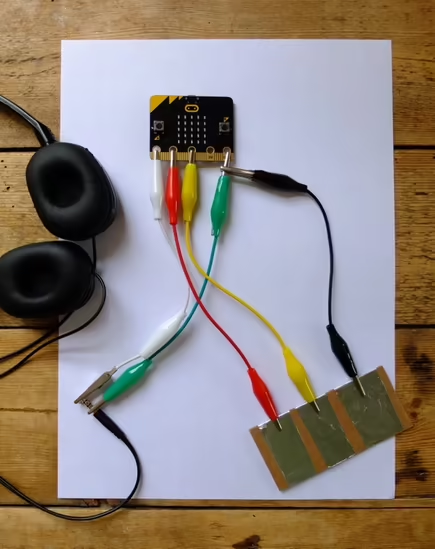
Goal: Create a cardboard guitar with aluminum-tape “strings” wired to pins.
Link: https://microbit.org/projects/make-it-code-it/guitar-1-touch-tunes/
Materials
- Cardboard, crocodile clips, speaker/headphones, aluminum tape/foil
Make & Code
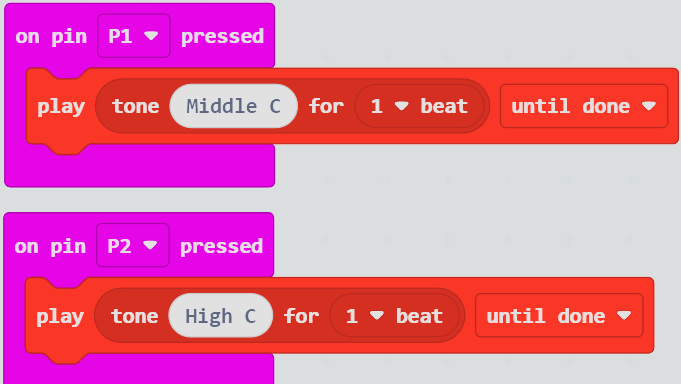
- Map each “string” (aluminum strip) to P0/P1/P2 (and more if available).
- Play different notes per pin.
Lesson 2 - Extend the Instrument
Goal: Add more sounds/notes, or octave shifts based on buttons/gestures.
Ideas
- Use A/B to change scale or octave.
- Use shake to add a strum chord.