Unit 4 - Year 2 Lessons
Overview
Students will complete Unit 4 Year 2 activities using digital literacy workflows.
Target skills:
- Digital Literacy & Confidence
- Visual Communication
- Systems Thinking
Tools:
- Google Docs
Outputs:
- Student-created digital artifact(s) saved to class folder.
Week 1 - Google Docs: Animals They Like
Lesson 1 - Create an Animal Facts Page
Goal: Create a Google Doc with a title and 3 facts about a mammal.
- Open Google Drive (browser) > Students > open your NAME folder.
- Click + New > Google Docs to make a new document.
- Open a new tab and go to Nat Geo Kids Animals (search: nat geo animals kids).
- Pick one mammal together as a class. Practice switching between the two tabs.
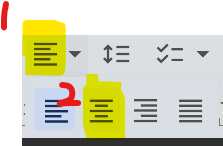
- In Google Docs, set a big title with center alignment: the animal name.

- Press Enter 3× to leave space, then add:
- Fact 1: Where they live (location)
- Fact 2: What they eat - meat/plants/both > carnivore / herbivore / omnivore
- Fact 3: Another fact - weight, length, age, etc.
- Add more facts if time allows.
Lesson 2 - New Animal
Repeat Lesson 1 with a different animal and a new Google Doc.
Include Title + Fact 1-3. Print if time allows.
Week 2 - Google Docs: About Japan
Lesson 1 - Build the Page
Goal: Make an About Japan page with a title, images, and facts.
- Use Nat Geo Kids - Japan for ideas and images:
https://kids.nationalgeographic.com/geography/countries/article/japan - Create a new Google Doc in Students > NAME, and name the file “JAPAN”.

- Type the page title “Japan”.
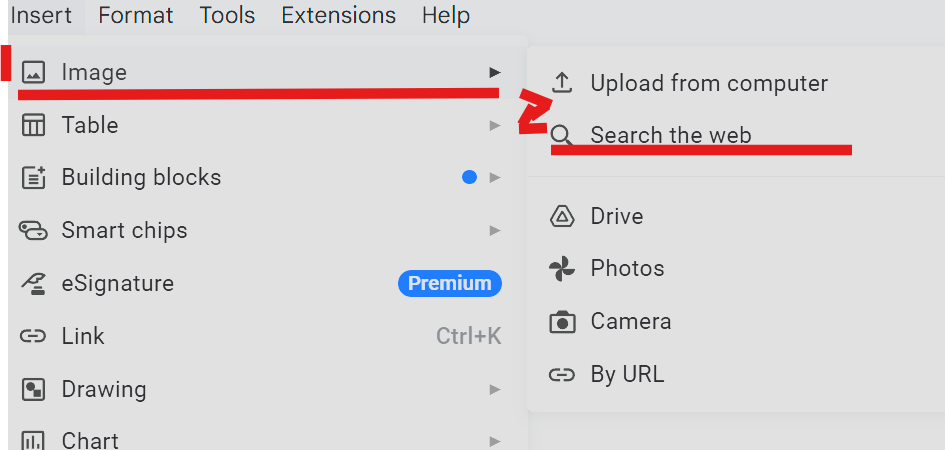
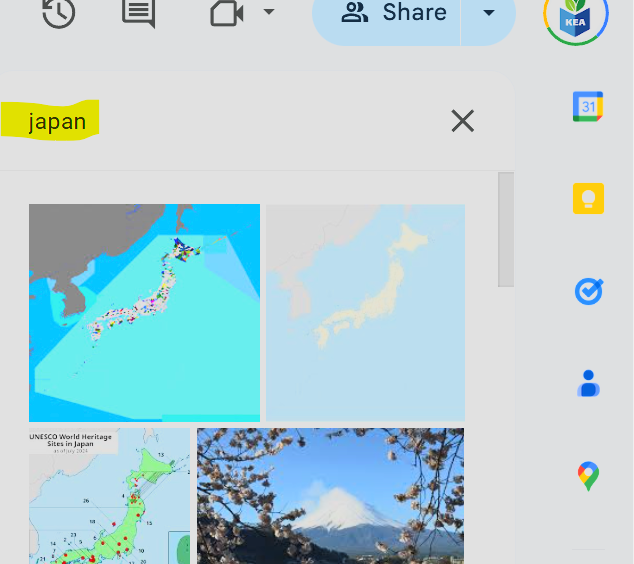
- Insert pictures (Insert > Image) to show Japan.

- Add facts (keep it tidy - not too many pictures):
- Fact 1: Capital city is Tokyo (find a Tokyo picture).
- Fact 2: Japan uses the Yen (¥).
- Fact 3: Japan has a big mountain called Mt. Fuji.
Lesson 2 - Continue & Add More Facts
Open the same JAPAN file from Drive and add more facts together using the Nat Geo page:
- How many islands-
- Volcanoes-
- Population Languages-
- Any interesting things students know.